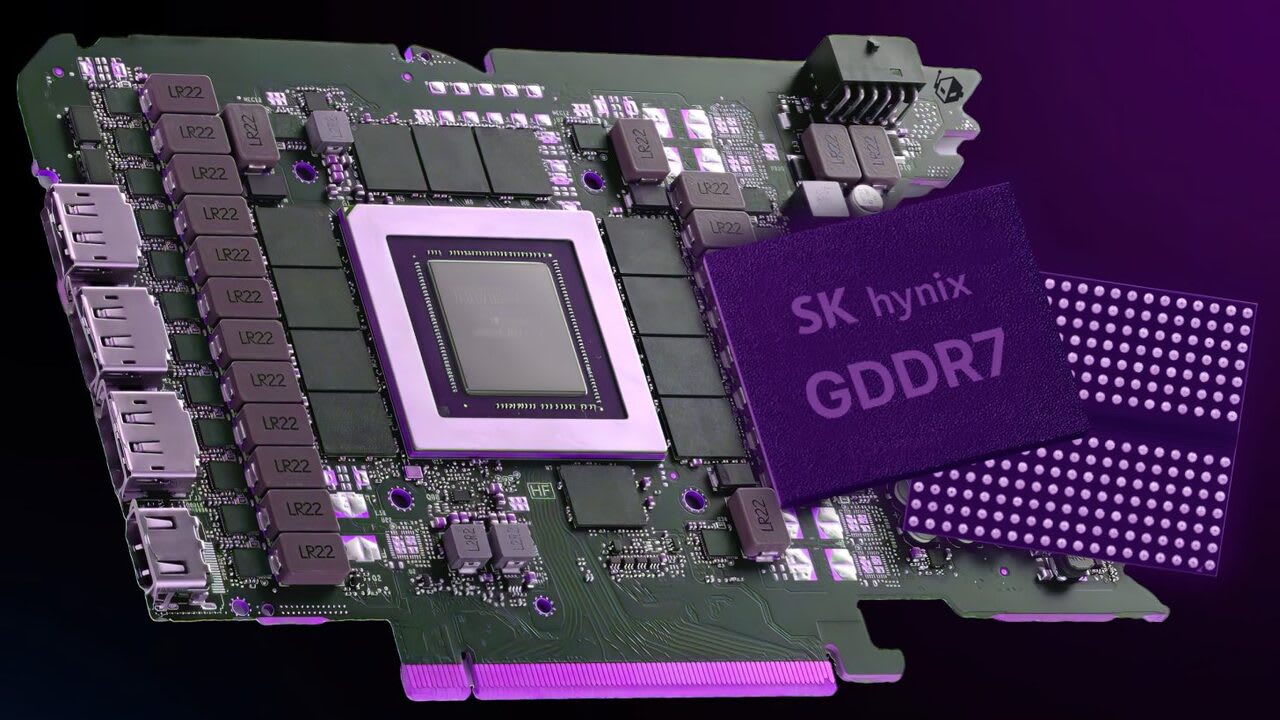
Yes, 12GB is still enough for 1440p in 2026 — but it is now a ceiling rather than a comfortable allowance.
That distinction matters more than the yes. A 12GB card plays essentially everything at 1440p today, and it does so while giving up specific settings in a specific handful of titles. What it no longer has is headroom for the next three years.
Quick answer: At 1440p with high textures and no ray tracing, 12GB is comfortable. Turn on ray tracing plus frame generation plus ultra textures in a recent flagship title and you can exceed it. If you are choosing between a 12GB card and a 16GB card at a similar price, take the 16GB one.
Before going further: the VRAM figure your monitoring overlay shows is almost certainly wrong, and that single misunderstanding drives most of the panic around this question.
Note
Key Takeaways
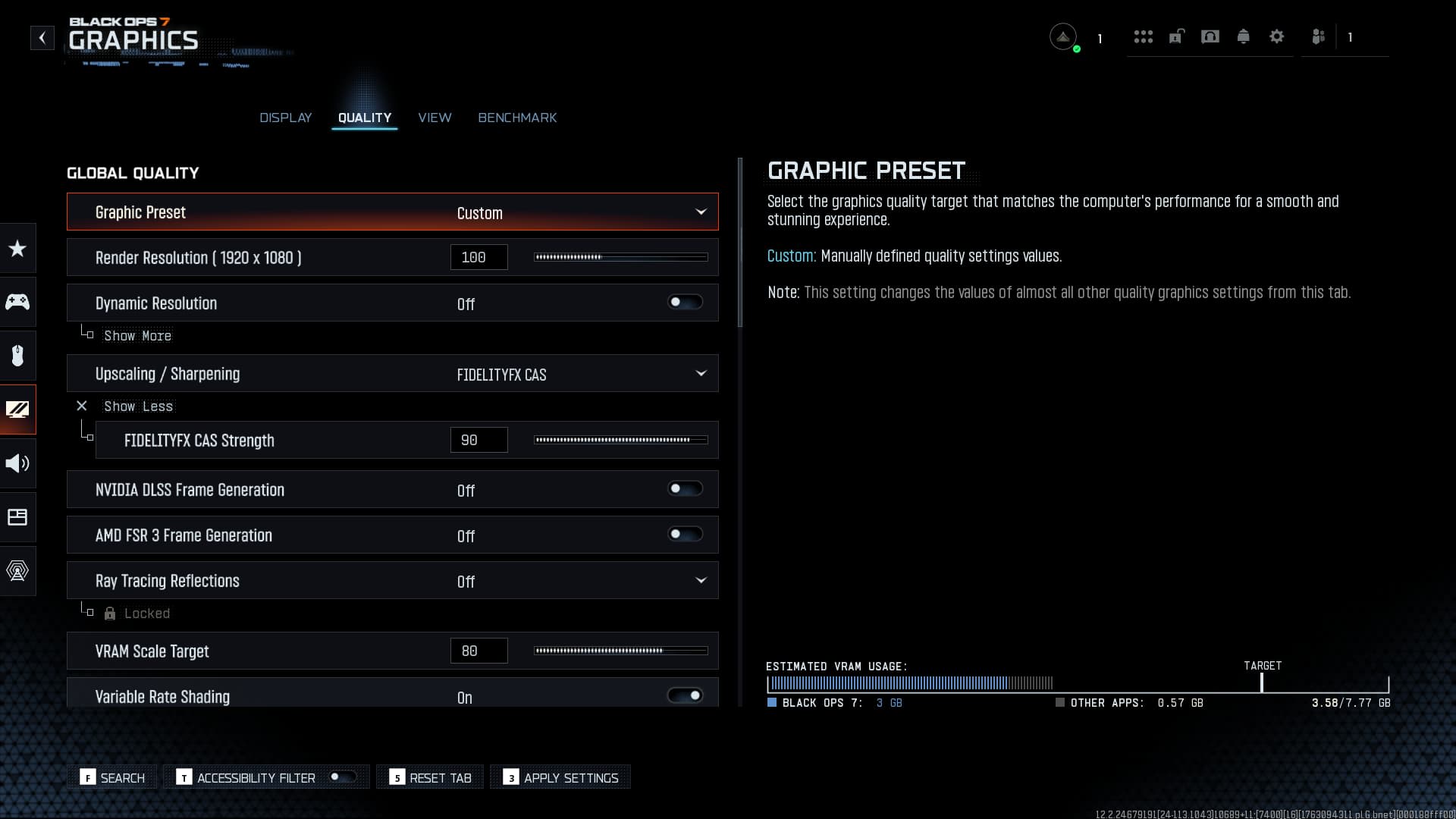
- Allocated VRAM is not used VRAM. Games reserve far more than they need, so a card reading "11.5GB used" may genuinely need 8GB.
- Textures are nearly free performance-wise but dominate VRAM. They are the first setting to adjust, not the last.
- Ray tracing and frame generation both add VRAM cost on top of the render target itself.
- Running out does not lower your average FPS first — it destroys your 1% lows, appearing as stutter rather than a lower frame counter.
- At equal price, 16GB is the better buy in 2026. At a meaningful discount, 12GB remains a reasonable 1440p card.
The Measurement Almost Everyone Gets Wrong
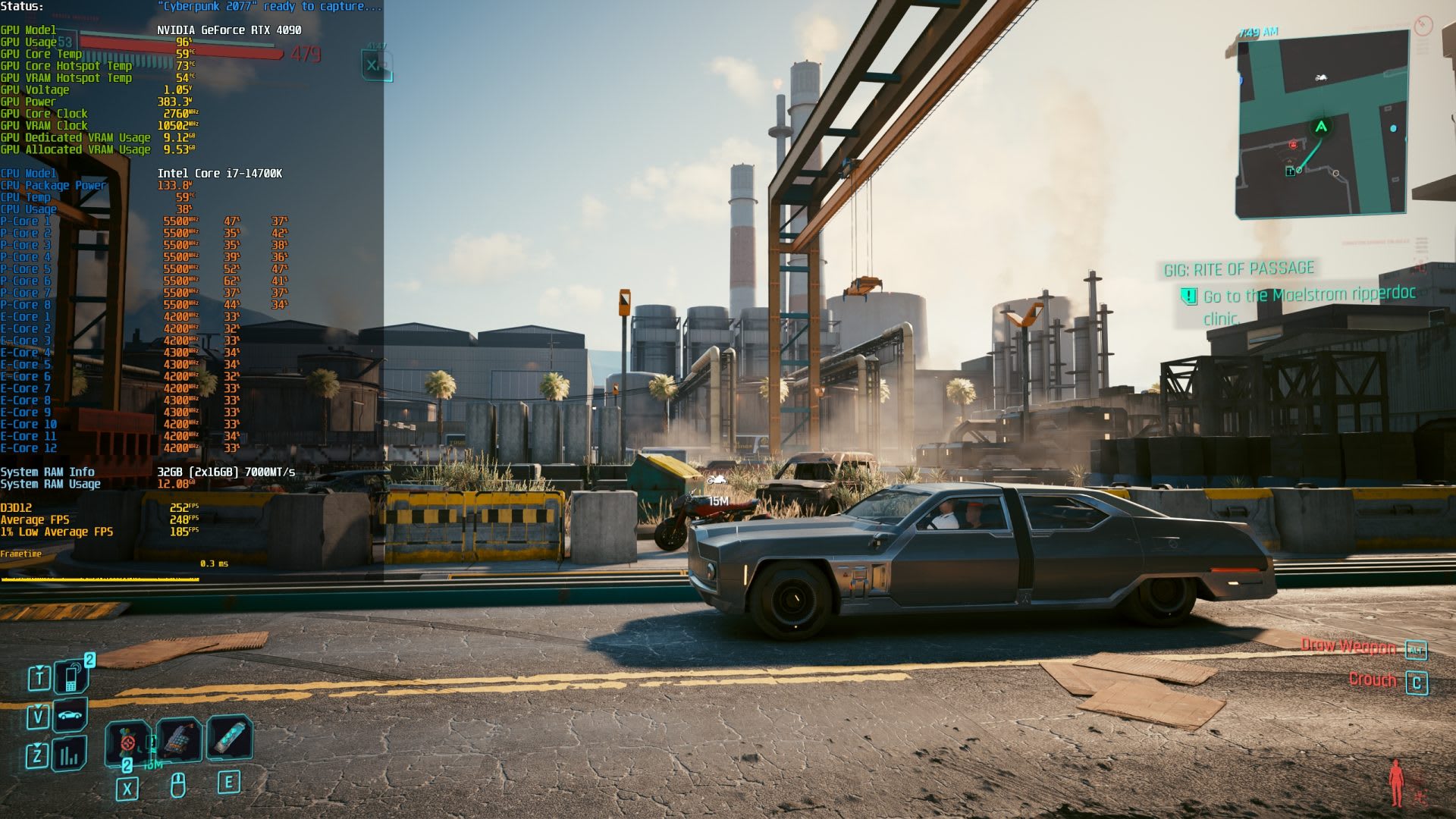
Most overlays report allocated video memory — the amount the game asked the driver to reserve — not the amount it is actively reading and writing.
Games deliberately over-allocate. If a card has spare VRAM, engines cache assets they might need rather than leaving memory idle, because unused VRAM does nothing for you. This is correct behaviour and it means the same game on a 24GB card will report far higher "usage" than on a 12GB card while performing identically.
The practical consequence: seeing 11.5GB on a 12GB card is not evidence of a problem. It is evidence that the game filled the space available.
How to measure what is actually needed
- Use per-process VRAM measurement rather than total board usage. Tools that expose a dedicated per-application figure give a much closer estimate of the working set.
- Watch the 1% lows, not the average. VRAM exhaustion appears as sudden hitching when assets have to be fetched across the PCIe bus, while the average frame rate can stay deceptively high.
- Look for texture pop-in and streaming stutter when turning the camera quickly. That is the visible signature of a card swapping assets in and out.
If your average FPS is fine and your frame times are smooth, you are not VRAM limited regardless of what the number says. Our explainer on what 1% lows actually measure covers why that metric catches this and averages do not.
Why dxdiag reports a much bigger number
If you have checked Total Available Graphics Memory and seen something like 20GB or 28GB on a 12GB card, that figure combines dedicated VRAM with shared system memory — a portion of your RAM the GPU may borrow.
Shared memory is a fallback, not an extension. It runs across the PCIe bus at a fraction of the speed of on-card memory, and when a game starts relying on it, the result is the stutter described above. The number to care about is Dedicated Video Memory.
What Actually Consumes VRAM at 1440p
Four settings dominate, and they are not the four most people adjust.
| Setting | VRAM impact | Performance cost | Adjust first? |
|---|---|---|---|
| Texture quality | Very high | Nearly zero | Yes |
| Ray tracing | High | High | Yes |
| Frame generation | Moderate | Negative (adds FPS) | Situational |
| Render resolution | Moderate | High | Last |
Textures
The single largest consumer, and the one that costs almost nothing in frame rate as long as the memory is available. That asymmetry is why "ultra textures" is the setting that pushes cards over the edge — it looks free until it is not, and then it costs you everything at once.
Dropping textures one step is usually visually indistinguishable at 1440p and reclaims a substantial amount of memory.
Ray tracing
Ray tracing needs acceleration structures describing the scene geometry, and those live in VRAM alongside everything else. Path-traced modes in particular carry a memory cost well beyond their already-heavy performance cost.
Frame generation
Generated frames require holding additional buffers, so frame generation adds VRAM overhead — modest at 1440p, larger at 4K. It is worth knowing that the feature marketed as free performance is not free in memory. Our analysis of frame generation and input lag covers the latency side of the same trade.
Stack ray tracing, frame generation and ultra textures together in a recent flagship title and a 12GB card at 1440p can run out. Any one of them alone is generally fine.
Where 12GB Genuinely Struggles
Being specific matters more than being alarmist. The titles that trouble 12GB cards at 1440p share a profile:
- Recent releases with path tracing or heavy ray tracing modes
- Games shipping high-resolution texture packs as a separate option
- Titles built around aggressive asset streaming, where the engine expects to keep large working sets resident
In those cases the fix is almost always one setting, not a new card. Drop textures from ultra to high, or disable path tracing while keeping standard ray tracing, and the problem disappears with little visible difference.
Warning
Running out of VRAM does not always announce itself as poor performance. Some engines crash instead, and Unreal Engine titles in particular can terminate with a fatal error when an allocation fails — see hang detected on GameThread for how that failure presents and how to confirm memory is the cause.
When the bus starts mattering
Once a card spills into system memory, the PCIe link becomes part of your frame time. This is the one scenario where PCIe generation has a measurable gaming impact, and it hits lower-lane-count cards hardest. Our comparison of PCIe 5.0 and PCIe 4.0 for gaming covers why the difference is negligible until exactly this situation occurs.
12GB vs 16GB: How to Actually Decide
The honest framing is not "is 12GB enough" but "how long do you intend to keep this card."
Choose 12GB if:
- It is meaningfully cheaper, not marginally
- You play mostly competitive or older titles
- You are comfortable running high rather than ultra textures
- You upgrade every two to three years anyway
Choose 16GB if:
- The price gap is small
- You want ray tracing on in new releases
- You expect to keep the card four years or more
- You may move to 4K later
The trend only points one way. Console hardware sets the baseline that multiplatform games are built against, and asset budgets have grown every generation. A card bought today with 12GB will face heavier requirements in year three than it does now — which is the same reasoning behind how long a gaming PC actually lasts.
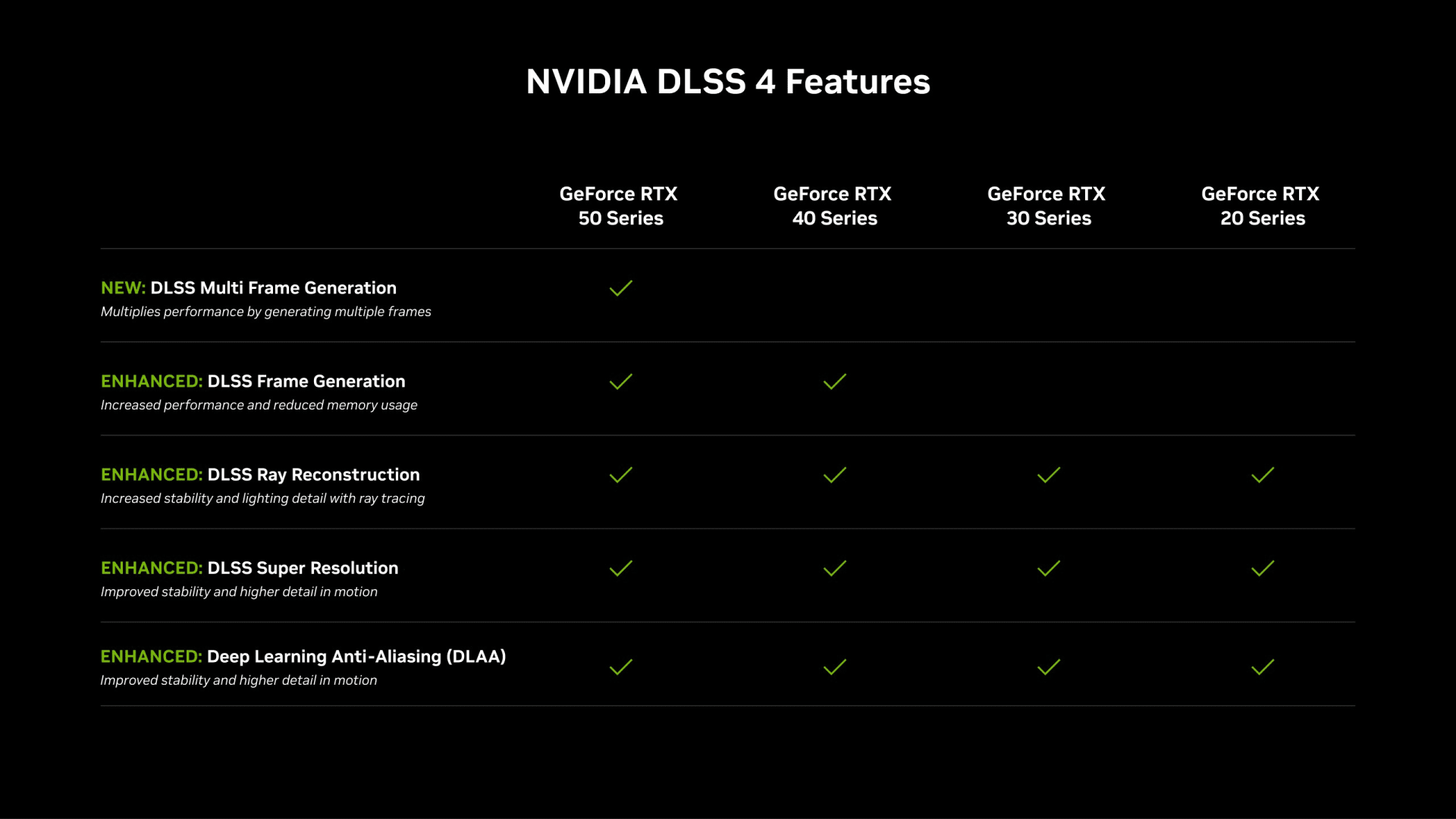
For current options at each capacity, see our best budget GPU picks for 2026, and for where a GPU sits in upgrade priority, what to upgrade first in a gaming PC. 12GB is also NVIDIA's recommended VRAM for modding older games with RTX Remix's AI texture tools.
What About Other Capacities?
This page is specifically about the 12GB tier at 1440p. For the broader question across every resolution and capacity — including the 8GB floor and where 16GB becomes necessary — our guide to how much VRAM you need for gaming covers the full picture.
If you are running an integrated GPU or a handheld rather than a discrete card, the allocation question works completely differently, because the memory is shared with system RAM and is configured in BIOS. That is covered in how much VRAM to allocate to an iGPU.
Frequently Asked Questions
Is 12GB of VRAM enough for 1440p gaming in 2026?
Yes for the large majority of titles, including at high texture settings. The exceptions are recent flagship releases running ray tracing, frame generation and ultra textures simultaneously, where 12GB can be exceeded at 1440p. Dropping textures one step resolves nearly all of those cases without a visible difference.
Why does my VRAM show as nearly full when the game runs fine?
Because monitoring tools usually report allocated memory rather than actively used memory. Games cache assets into whatever space is available, since idle VRAM provides no benefit. A card reading 11.5GB of 12GB may only genuinely need 8GB, and the same game on a larger card would report an even higher figure while performing identically.
What is a good VRAM usage percentage while gaming?
There is no target percentage worth chasing. High allocation is normal and healthy. The meaningful signal is behavioural rather than numerical — texture pop-in, streaming stutter when turning quickly, and a collapse in 1% lows while the average frame rate stays high. If none of those are present, your usage figure does not matter.
Should I buy a 12GB card or pay more for 16GB?
Take 16GB if the price gap is small or you plan to keep the card beyond three years. Take 12GB if it is meaningfully cheaper and you are happy running high rather than ultra textures. The capacity requirement has risen every console generation, so the longer your intended ownership, the more the extra memory is worth.
Does running out of VRAM lower my frame rate?
Not in the way people expect. The average frame rate often stays deceptively high while the 1% lows collapse, because the card is fetching assets across the PCIe bus mid-frame. You experience it as stutter and texture pop-in rather than a lower number on the counter, which is why average FPS is a poor way to detect it.
The Bottom Line
12GB clears 1440p in 2026. It does so with less margin than it had two years ago, and the direction of travel is not in its favour.
Measure before you worry. Allocated VRAM tells you almost nothing, and a great deal of upgrade spending is driven by an overlay number that was never a problem. Watch your 1% lows and look for texture streaming artefacts — those are the real symptoms.
If you already own a 12GB card, keep it and drop textures one step in the two or three games that need it. If you are buying now and the gap is small, buy 16GB — not because 12GB fails today, but because the setting you would have to give up will grow each year you keep the card.
For a full parts list built around this decision, our 1440p gaming PC build guide covers where the money is best spent in the current market.
Component photography courtesy of the respective manufacturers, used for editorial coverage.
Sources
- NVIDIA, GeForce RTX 50 Series graphics card specifications, retrieved 2026-08-18, https://www.nvidia.com/en-us/geforce/graphics-cards/50-series/
- AMD, Radeon RX 9000 Series product specifications, retrieved 2026-08-18, https://www.amd.com/en/products/graphics/desktops/radeon.html
- Microsoft Learn, Video memory management in DirectX 12, retrieved 2026-08-18, https://learn.microsoft.com/en-us/windows/win32/direct3d12/residency
- Microsoft Learn, Querying video memory information, retrieved 2026-08-18, https://learn.microsoft.com/en-us/windows/win32/api/dxgi1_4/nf-dxgi1_4-idxgiadapter3-queryvideomemoryinfo
- Tom's Hardware, How much VRAM do you need for gaming?, retrieved 2026-08-18, https://www.tomshardware.com/pc-components/gpus/how-much-vram-do-you-need