Building a 1440p gaming PC in 2026 costs meaningfully more than it did in 2025, and the reason is not the GPU. The cheapest 32GB DDR5 kit now starts at $375, up from $80-120 a year earlier (Tom's Hardware, 2026). Consumer DRAM prices have risen roughly 300-600% from their 2024-2025 lows.
This guide is written around that fact rather than pretending it away. The parts list below is the same one a sensible builder would have chosen in 2025 — the difference is where the money now goes, and which corners are safe to cut.
Note
Key Takeaways
- RAM is now the crisis component, not the GPU. 32GB of DDR5 starts at $375; 16GB kits fetch $240.
- Target parts: Ryzen 7 9800X3D ($449) and RX 9070 XT ($599 MSRP, $700-850 street) for high-refresh 1440p.
- A budget-conscious 1440p build swaps to an RX 9060 XT 16GB and saves roughly $250 with minimal 1440p loss.
- Buy 32GB in one kit, not 16GB now plus 16GB later — prices are forecast to rise, not fall.
- Real relief is not expected until late 2027 when new fab capacity comes online.
What Does a 1440p Gaming PC Cost in 2026?
A high-refresh 1440p build using a Ryzen 7 9800X3D and an RX 9070 XT lands around $2,000 at 2026 prices, where the same parts list would have been closer to $1,500 in 2025. The CPU is $449 and the GPU carries a $599 MSRP but sells for $700-850 in practice (Tom's Hardware, 2026).
The uncomfortable truth is that builders comparing a 2025 parts list to a 2026 rebuild routinely find the RAM line item alone now exceeds what they spent on a whole mid-range GPU last year.
The Parts List
| # | Component | Recommendation | Approx. 2026 Price |
|---|---|---|---|
| 1 | CPU | AMD Ryzen 7 9800X3D | $449 |
| 2 | GPU | AMD Radeon RX 9070 XT | $700-850 street |
| 3 | Memory | 32GB DDR5-6000 CL30 | $375+ |
| 4 | Motherboard | B650 or B850, AM5 | $150-200 |
| 5 | Storage | 1TB PCIe 4.0 NVMe | $80-120 |
| 6 | PSU | 750W 80+ Gold, ATX 3.1 | $100-130 |
| 7 | Cooler | 240mm AIO or premium air | $80-110 |
| 8 | Case | Mid-tower, mesh front | $80-120 |
That is the aspirational build. Below, the version most people should actually buy.
Why Is RAM So Expensive Right Now?
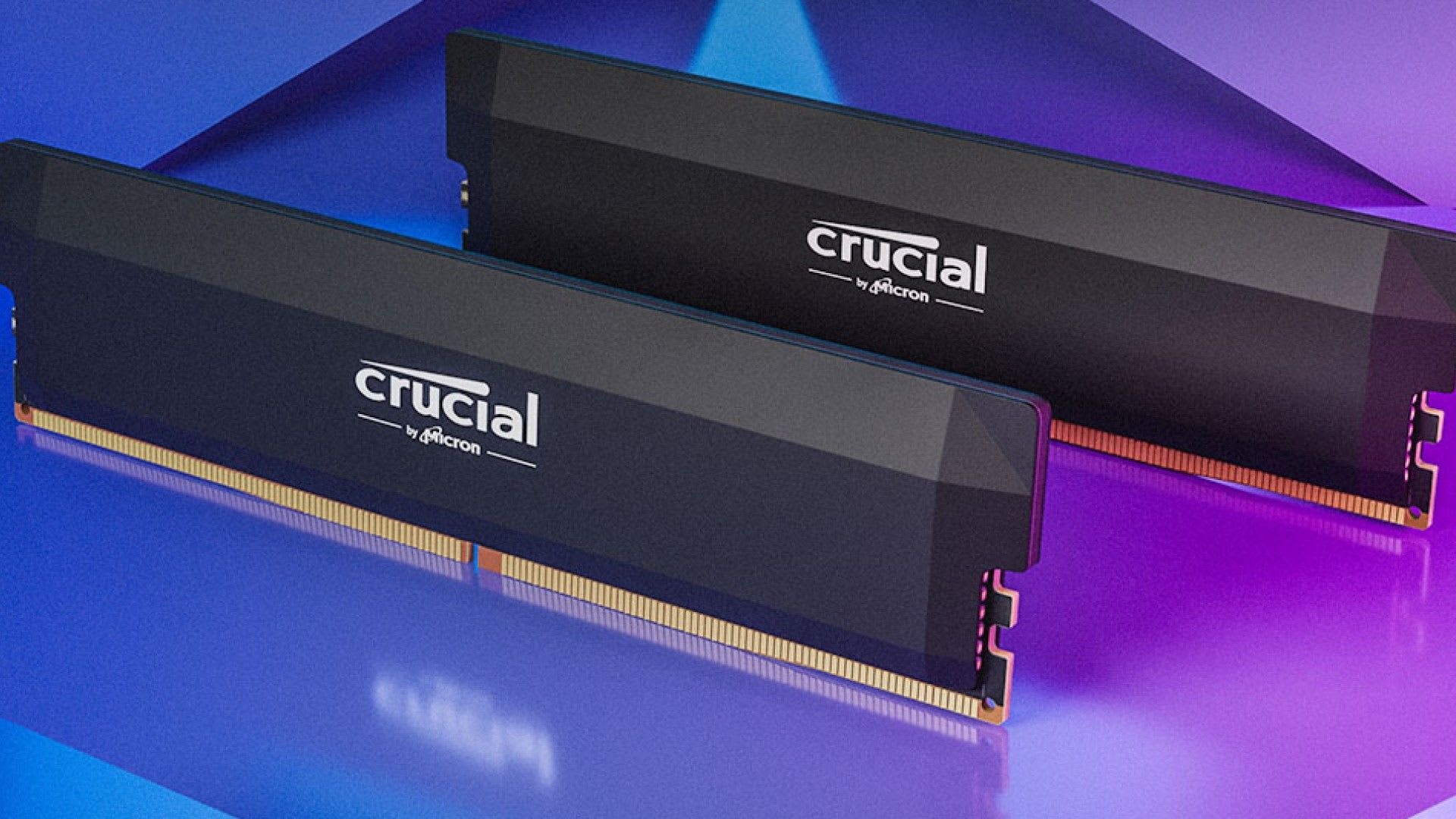
Samsung, SK Hynix and Micron shifted fab capacity toward HBM memory for AI datacentres, which is far more profitable than consumer DDR5. The same wafers that produced gaming RAM now produce AI-adjacent parts (Wccftech, 2026).
The numbers are brutal in both directions. 16GB DDR5 kits that sold under $100 a year ago now fetch upwards of $240. Even DDR4 has been dragged along — 32GB kits that were $60-90 in October 2025 cost $150-180 by January 2026.
Buy 32GB Once
Splitting the purchase to save money now costs more later. Prices are forecast to climb through the rest of 2026.
Speed Matters Less Than Capacity
DDR5-6000 CL30 remains the AM5 sweet spot. Do not pay a premium for 7200+ kits at these prices — the frame-rate return is small.
Relief Is Two Years Out
New fab capacity is expected around late 2027. There is no near-term dip to wait for.
Warning
Gartner has forecast memory cost increases running as high as 130%. If you are building, do not sequence your purchases across months hoping for a better RAM price — every forecast points the other way. Buy the memory first if anything.
The Build Most People Should Actually Buy
Swapping two components takes roughly $250 off the total with very little 1440p performance loss.
| # | Component | Value Pick | Approx. Price | Why |
|---|---|---|---|---|
| 1 | CPU | AMD Ryzen 5 / 7 non-X3D | $200-280 | X3D cache mostly pays off at 1080p |
| 2 | GPU | AMD RX 9060 XT 16GB | ~$459 | 16GB frame buffer is what 1440p needs |
| 3 | Memory | 32GB DDR5-6000 CL30 | $375+ | Non-negotiable, and the biggest line item |
| 4 | Motherboard | B650 AM5 | $130-160 | AM5 keeps an upgrade path open |
| 5 | Storage | 1TB PCIe 4.0 NVMe | $80-120 | PCIe 5.0 is not worth the premium for games |
| 6 | PSU | 650W 80+ Gold | $90-110 | Adequate headroom for this GPU class |
| 7 | Cooler | Premium air (Peerless Assassin class) | $40-50 | Quieter and more reliable than a cheap AIO |
| 8 | Case | Mesh-front mid-tower | $70-100 | Airflow beats glass |
The GPU downgrade is the one people resist and shouldn't. At 1440p the RX 9060 XT 16GB has the memory capacity that actually matters — our best budget GPU comparison covers exactly where it gives ground to the RX 9070 XT and where it does not.
Do You Need a 9800X3D for 1440p?
Probably not. The Ryzen 7 9800X3D pairs a 96MB L3 cache with a 5.2GHz boost clock, and it is genuinely the fastest gaming CPU available. But its advantage is largest at 1080p, where the CPU is the bottleneck.
At 1440p with a mid-range GPU, you are GPU-limited most of the time, and a cheaper 8-core chip delivers most of the same experience. Spend the difference on memory you cannot avoid buying anyway.

The exception is if you play CPU-bound genres — simulation, strategy, MMOs, or competitive shooters at very high refresh rates. There the X3D cache earns its price at any resolution. Our breakdown of whether a Ryzen 5 is faster than a Ryzen 7 goes deeper on when core count actually matters.
Assembly Order That Saves Time
Build outside the case first. It sounds fussy; it saves an hour.
- Seat the CPU in the AM5 socket. AM5 is LGA — the pins are in the socket, so align the triangle and let it drop under its own weight.
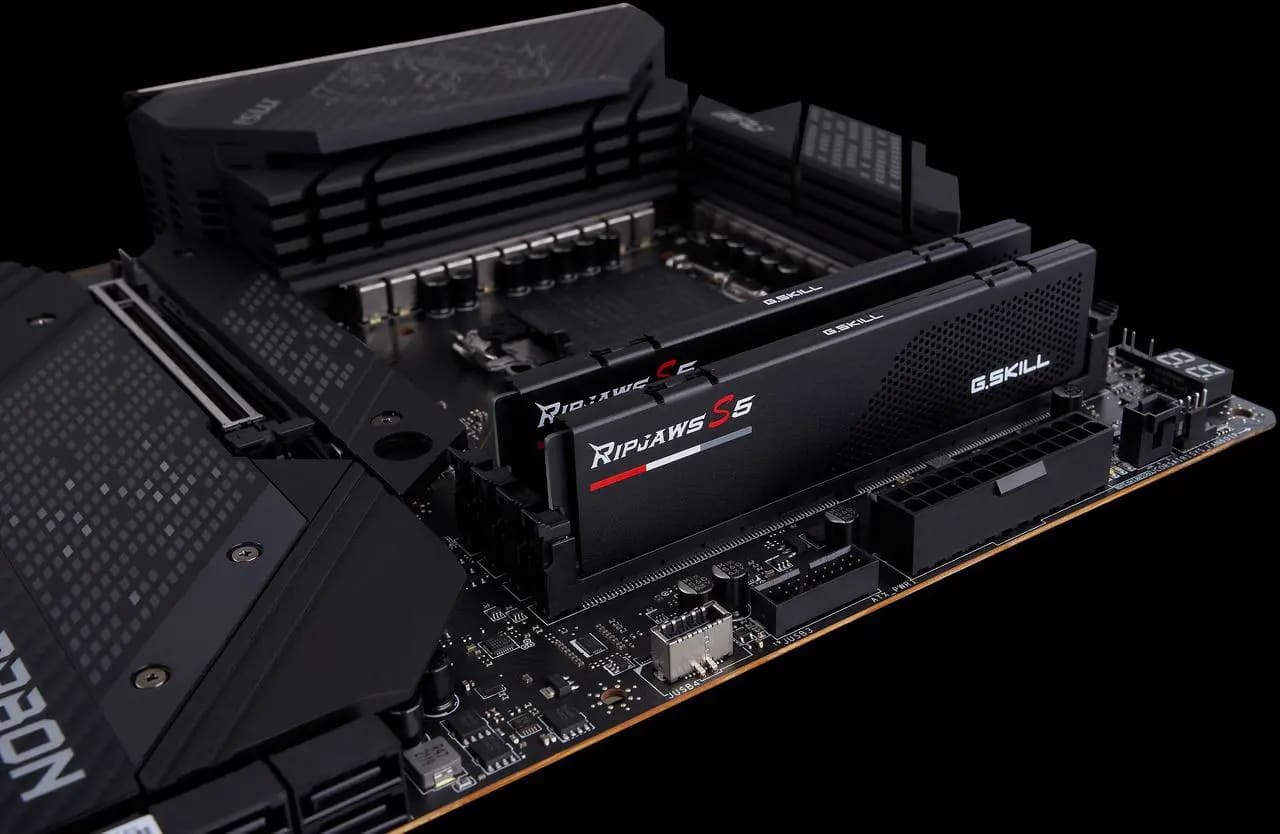
- Install RAM in slots 2 and 4 (counting from the CPU). Populating the wrong pair is the single most common cause of a build that will not POST.
- Mount the NVMe drive and its heatsink before the GPU blocks access.
- Attach the cooler, then move the assembled board into the case.
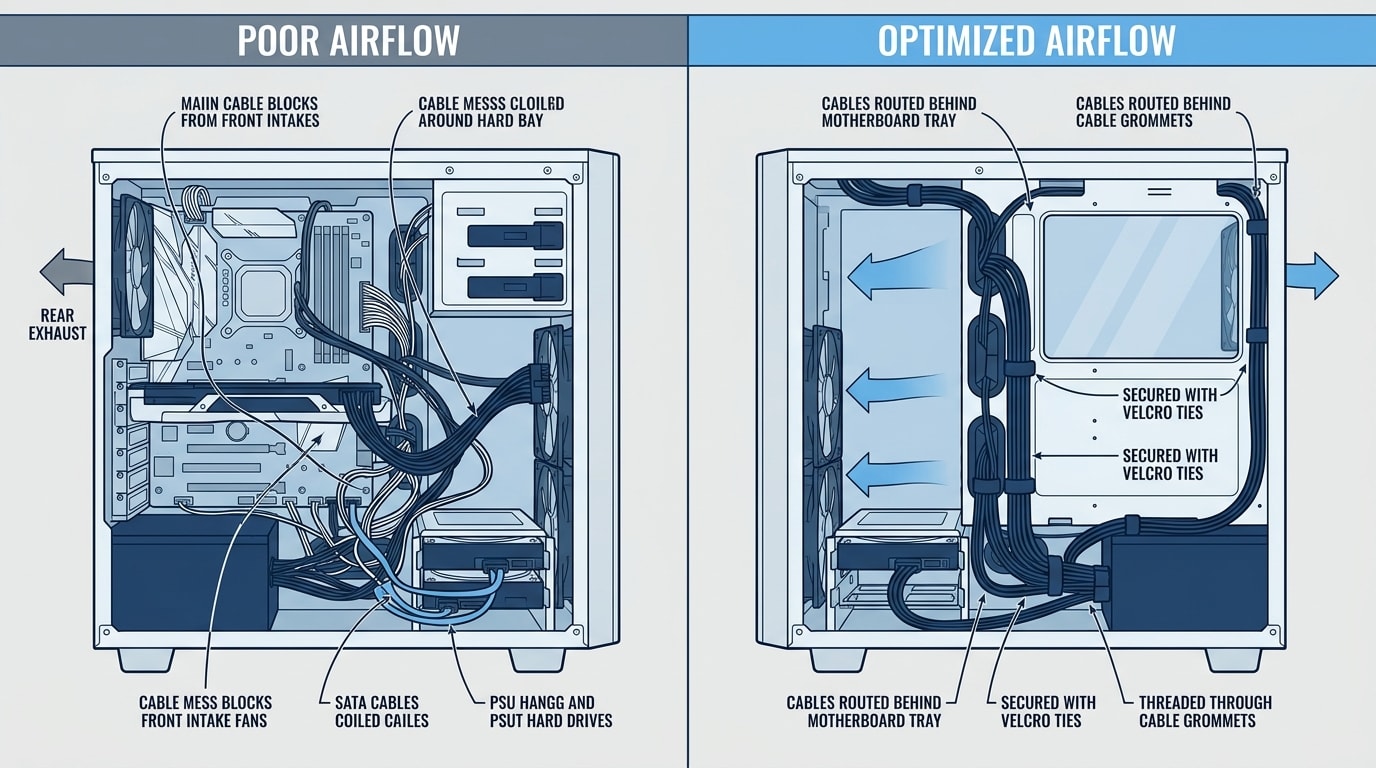
- Route PSU cables behind the tray before installing the GPU.
- Install the GPU last, then connect power.
- Enable EXPO in BIOS — without it your $375 DDR5-6000 kit runs at 4800.
Tip
That last step is the one people forget. DDR5 defaults to JEDEC speeds, so a kit you paid a premium for will run well below its rating until you enable EXPO (AMD) or XMP (Intel) in the BIOS. It is a single toggle and it is worth several percent of your frame rate — free performance on the most expensive component in the build. While you are in the driver settings anyway, raising your shader cache size is the other free win, for the reasons our guide to fixing stuttering in PC games sets out.
Airflow and Cable Management
Airflow is where cheap builds quietly lose performance. Modern CPUs and GPUs throttle on temperature, so a case that traps heat costs you frames in long sessions even though it benchmarks fine for 30 seconds.
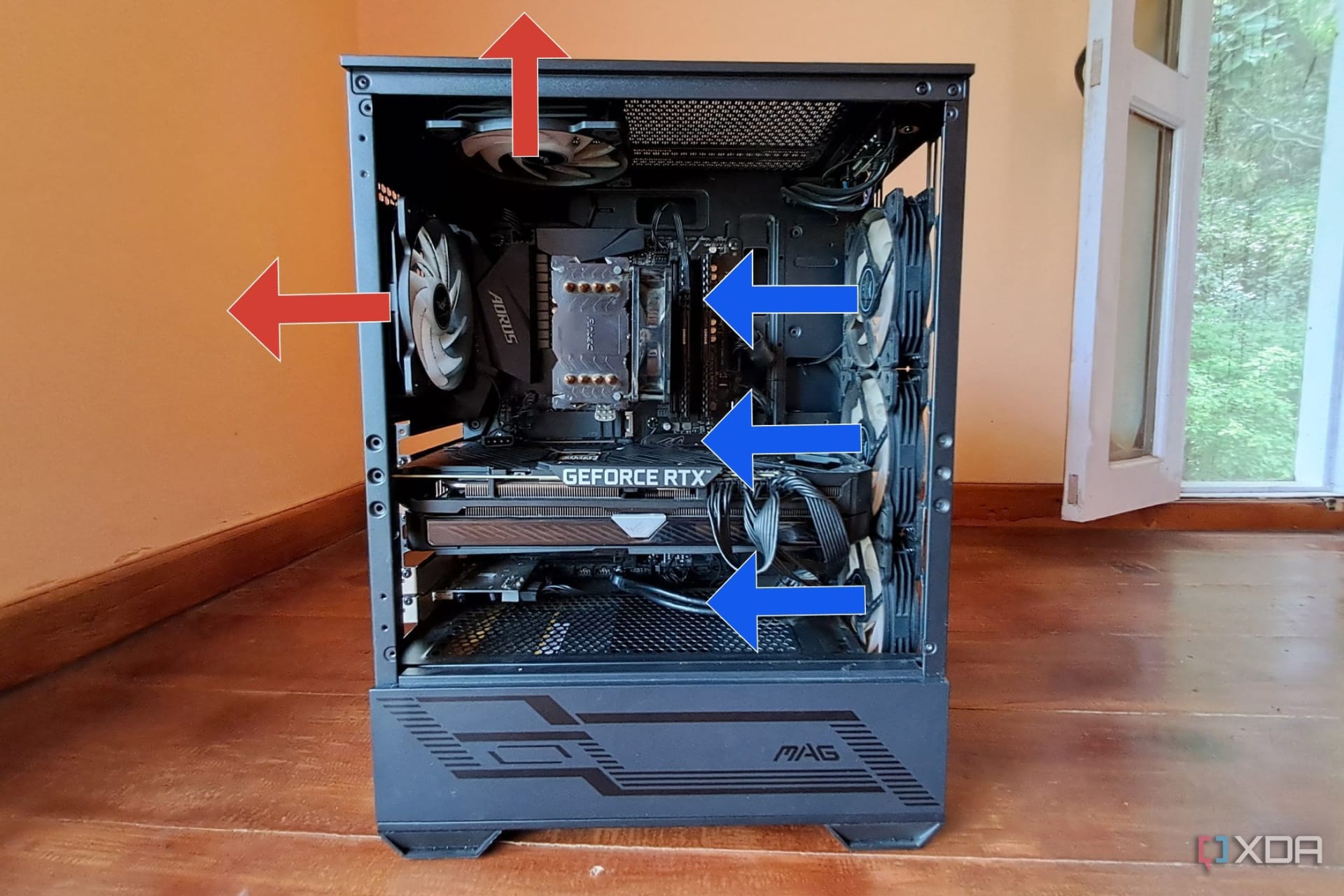
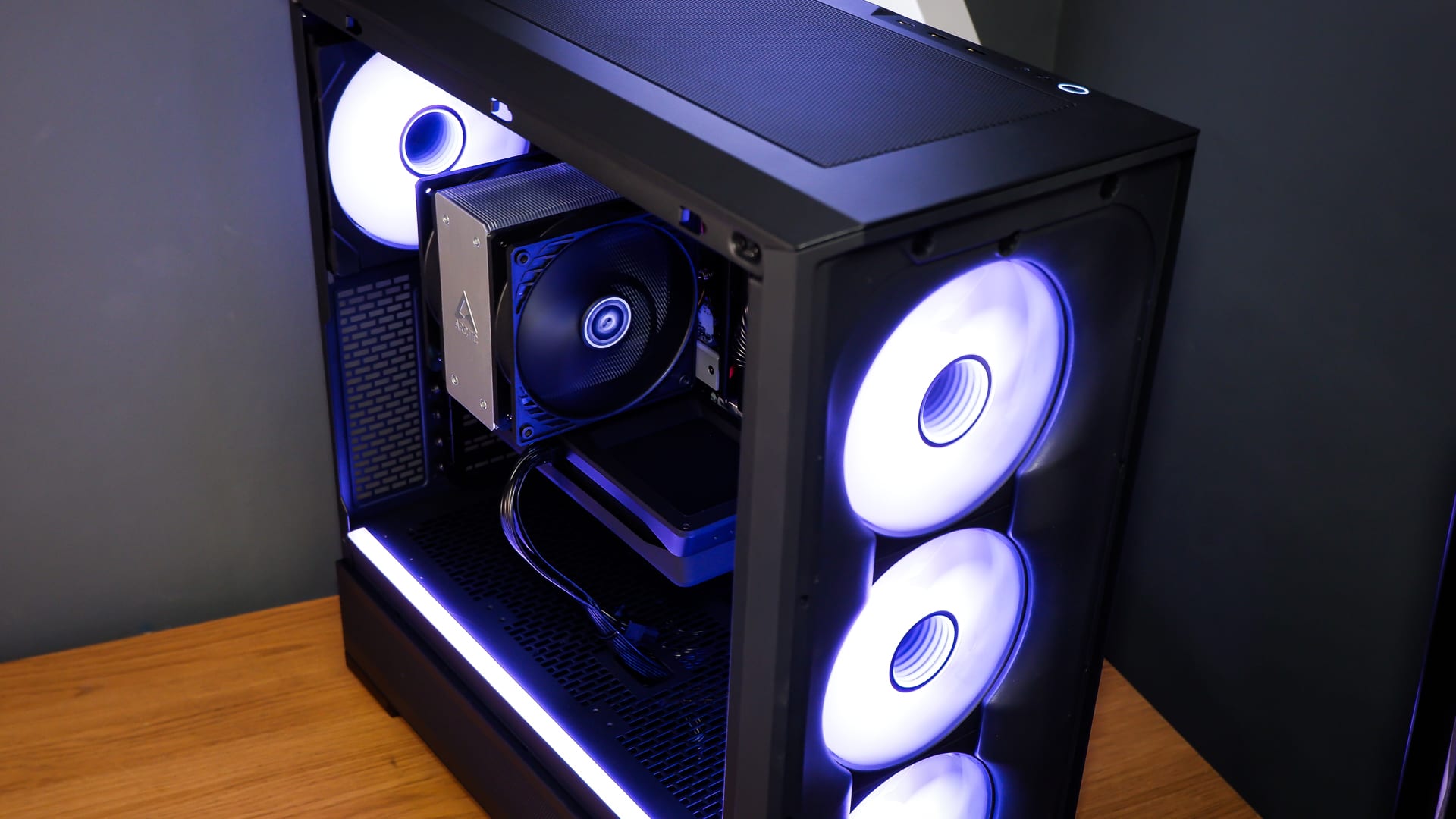
The rule is simple: more intake than exhaust, front and bottom pulling in, rear and top pushing out. Positive pressure keeps dust out of unfiltered gaps. A mesh front panel is worth more than three extra fans behind a glass one.
Unblocked Intake
Cables bunched behind the front fans restrict the airflow you paid for.
Serviceability
A build you can open and work on is a build you will actually clean and upgrade.
Fewer Failure Points
Tidy routing means fewer cables snagged in fan blades and fewer half-seated connectors.
Should You Buy Now or Wait?
Buy now if you need the machine. Memory prices are forecast to climb rather than fall through the remainder of 2026, GPU prices are up 5-15% on mid-range models because of the same GDDR7 shortage, and real relief is not expected until late 2027 when new fab capacity comes online.
Wait only if your current machine is adequate and you can hold out roughly two years. There is no scenario in the published forecasts where waiting six months saves money.
| # | Component | 2025 Typical | Mid-2026 Typical | Change |
|---|---|---|---|---|
| 1 | 32GB DDR5 | $80-120 | $375+ | Roughly 3-4x |
| 2 | 16GB DDR5 | Under $100 | ~$240 | Roughly 2.5x |
| 3 | 32GB DDR4 | $60-90 | $150-180 | Roughly 2x |
| 4 | Mid-range GPU | MSRP | MSRP +5-15% | Up |
| 5 | CPU | Stable | Stable | Largely unchanged |
CPUs are the one bright spot. If you have a recent AM5 or LGA1700 platform, upgrading the GPU alone is by far the most cost-effective move available in 2026.
Frequently Asked Questions
How much does a 1440p gaming PC cost in 2026?
Roughly $2,000 for a high-refresh build with a Ryzen 7 9800X3D and RX 9070 XT, or around $1,400-1,500 for a sensible 1440p build using an RX 9060 XT 16GB and a non-X3D CPU. Both figures are higher than the 2025 equivalent almost entirely because of memory prices.
Is 16GB of RAM enough for gaming in 2026?
It works for most games but 32GB is the better buy, and the reasoning is unusual right now. A 16GB kit costs around $240 against $375 for 32GB — the per-gigabyte gap has narrowed, and prices are forecast to rise. Buying 16GB now and adding more later will almost certainly cost more overall.
Why is PC RAM so expensive in 2026?
Samsung, SK Hynix and Micron redirected manufacturing capacity toward high-bandwidth memory for AI datacentres, which is substantially more profitable than consumer DDR5. Consumer DRAM prices rose roughly 300-600% from their 2024-2025 lows as a result, and the shortage is expected to persist into 2027.
Do I need a Ryzen 7 9800X3D for 1440p gaming?
No. The 9800X3D's 96MB L3 cache delivers its biggest advantage at 1080p where the CPU is the limiting factor. At 1440p with a mid-range GPU you are usually GPU-bound, so a cheaper 8-core chip performs similarly. The exception is CPU-heavy genres like simulation, strategy and MMOs.
Should I wait for RAM prices to drop before building?
Only if you can wait roughly two years. Industry forecasts point to prices climbing through the rest of 2026, with meaningful relief arriving in late 2027 as new fabrication capacity comes online. If you need a machine now, waiting six months is likely to cost you more, not less.
The Bottom Line
The 2026 build is the 2025 build with a different budget shape. The GPU is still the component that determines your frame rate, but memory is the component that determines whether the build fits your budget at all.
Two rules carry most of the value here. Buy 32GB in a single kit and enable EXPO, because that is the expensive part and you want all of what you paid for. And do not compromise on GPU VRAM to afford a faster GPU core — 16GB at 1440p matters more than 10% more shader throughput, for the reasons our VRAM guide lays out in detail.
If you are pricing a full system rather than a self-build, our breakdown of the average cost of a gaming PC covers the prebuilt side of the same question. If you want a similar machine in a smaller case, our mini-ITX gaming PC build prices out what the small-form-factor parts add.
Component photography courtesy of the respective manufacturers and system builders, used for editorial coverage.
Sources
- Tom's Hardware, 32GB of DDR5 now costs $375 minimum — AI shortage continues to squeeze PC building, retrieved 2026-07-26, https://www.tomshardware.com/pc-components/ddr5/32gb-of-ddr5-now-costs-usd375-minimum-ai-shortage-continues-to-squeeze-pc-building
- Wccftech, DDR5 & DDR4 Memory Prices: Why Your PC Build Will Cost More Until 2027, retrieved 2026-07-26, https://wccftech.com/memory-ddr5-ddr4-shortages-last-till-q4-2027-higher-prices-throughout-2026/
- Tom's Hardware, RAM price tracking 2026, retrieved 2026-07-26, https://www.tomshardware.com/pc-components/ram/ram-price-index-2026-lowest-price-on-ddr5-and-ddr4-memory-of-all-capacities
- TechTimes, RAM Prices 2026: Buy Now or Wait as Gartner Forecasts 130% Memory Cost Surge, retrieved 2026-07-26, https://www.techtimes.com/articles/317872/20260605/ram-prices-2026-buy-now-wait-gartner-forecasts-130-memory-cost-surge.htm
- PC Build Helper, Best $2000 Gaming PC Build for High-Refresh 1440p (2026), retrieved 2026-07-26, https://www.pcbuildhelper.com/builds/best-2000-usd-gaming-pc