For gaming in 2026, 8GB of VRAM is the floor, 12GB is the practical minimum for 1440p, and 16GB is the safe choice for anyone keeping a card three years or more. At 1080p medium settings an 8GB card runs just 2.3% slower on average than its 16GB twin — but at 1440p with ray tracing, the same game can jump from fitting in 8GB to demanding 10-11GB.
That gap between "2.3% slower" and "unplayable stutter" is the whole subject. VRAM does not degrade performance gradually. It works fine until it doesn't.
Note
Key Takeaways
- 8GB: fine for 1080p esports and older titles. Already a compromise for new AAA releases.
- 12GB: the practical floor for 1440p at high settings without ray tracing.
- 16GB: what you want for maxed new releases, ray tracing, or a three-year-plus horizon.
- Ray tracing can push an 8GB workload to 10-11GB; path tracing to 13-14GB.
- Running out of VRAM causes stutter and silent texture downgrades, not a clean frame-rate drop.
What Does VRAM Actually Do?
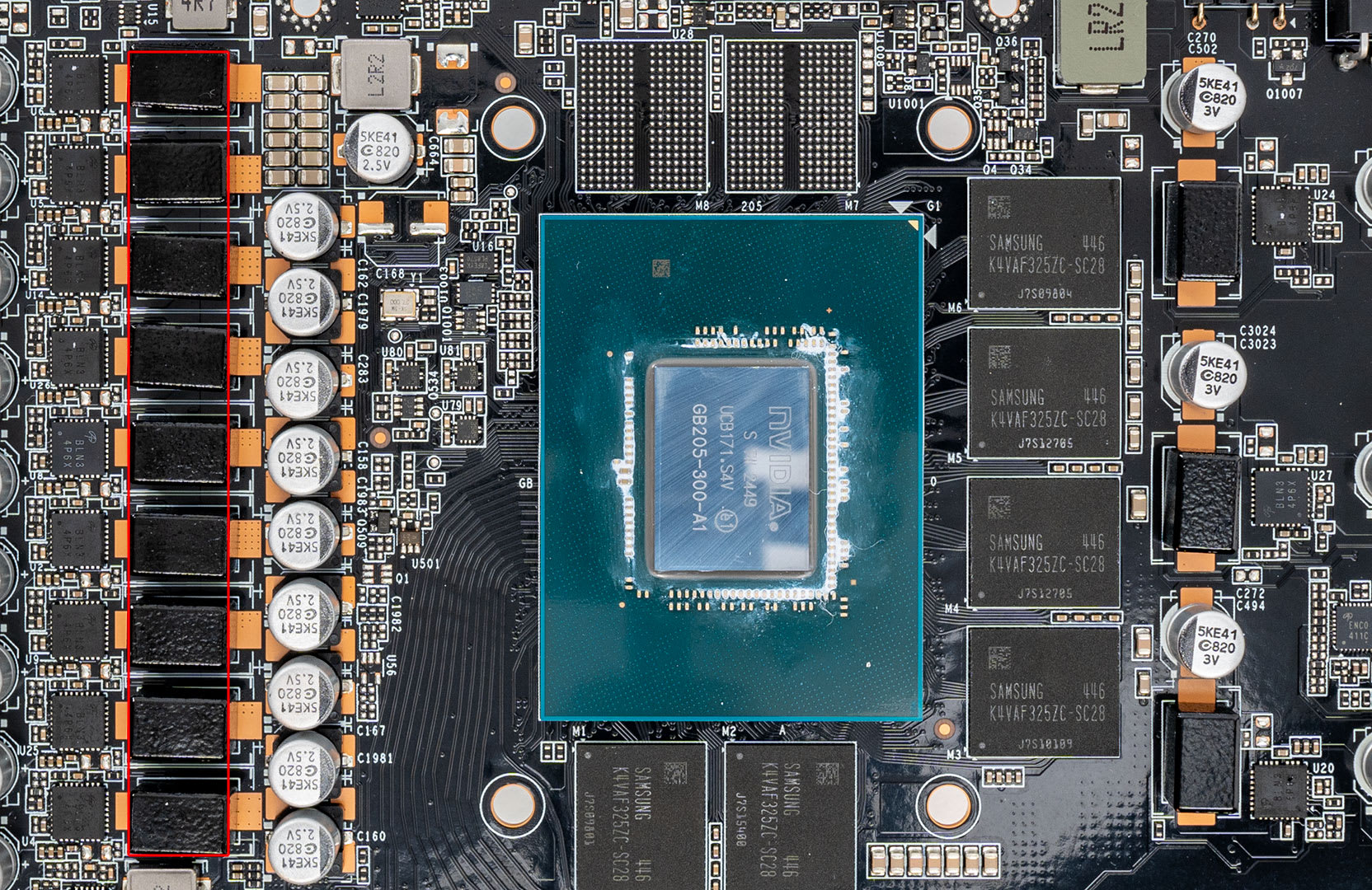
VRAM is dedicated memory on the graphics card that holds everything the GPU needs to draw a frame: textures, geometry, shadow maps, render targets and the frame buffer itself. It is separate from your system RAM and vastly faster.
The critical thing to understand is that VRAM is a capacity problem, not a speed problem. If the data the GPU needs is resident, frames render at full speed. If it is not, the driver has to fetch it across the PCIe bus from system RAM — orders of magnitude slower — and you get a hitch.
This is why VRAM shortfalls feel different from being GPU-limited. A GPU-limited game runs at a lower but steady frame rate. A VRAM-limited game runs fine and then lurches.
What Happens When You Run Out of VRAM?
Three things, and only one of them is obvious.
Stutter
The obvious one. Frame times spike as assets are streamed in over PCIe instead of read from local memory.
Silent Texture Downgrade
The insidious one. Many engines quietly load lower-resolution textures rather than stutter. Your frame rate looks fine; the game just looks worse than the settings claim.
Instability
The rare one. In some titles, sustained VRAM exhaustion produces crashes or driver resets rather than graceful degradation.
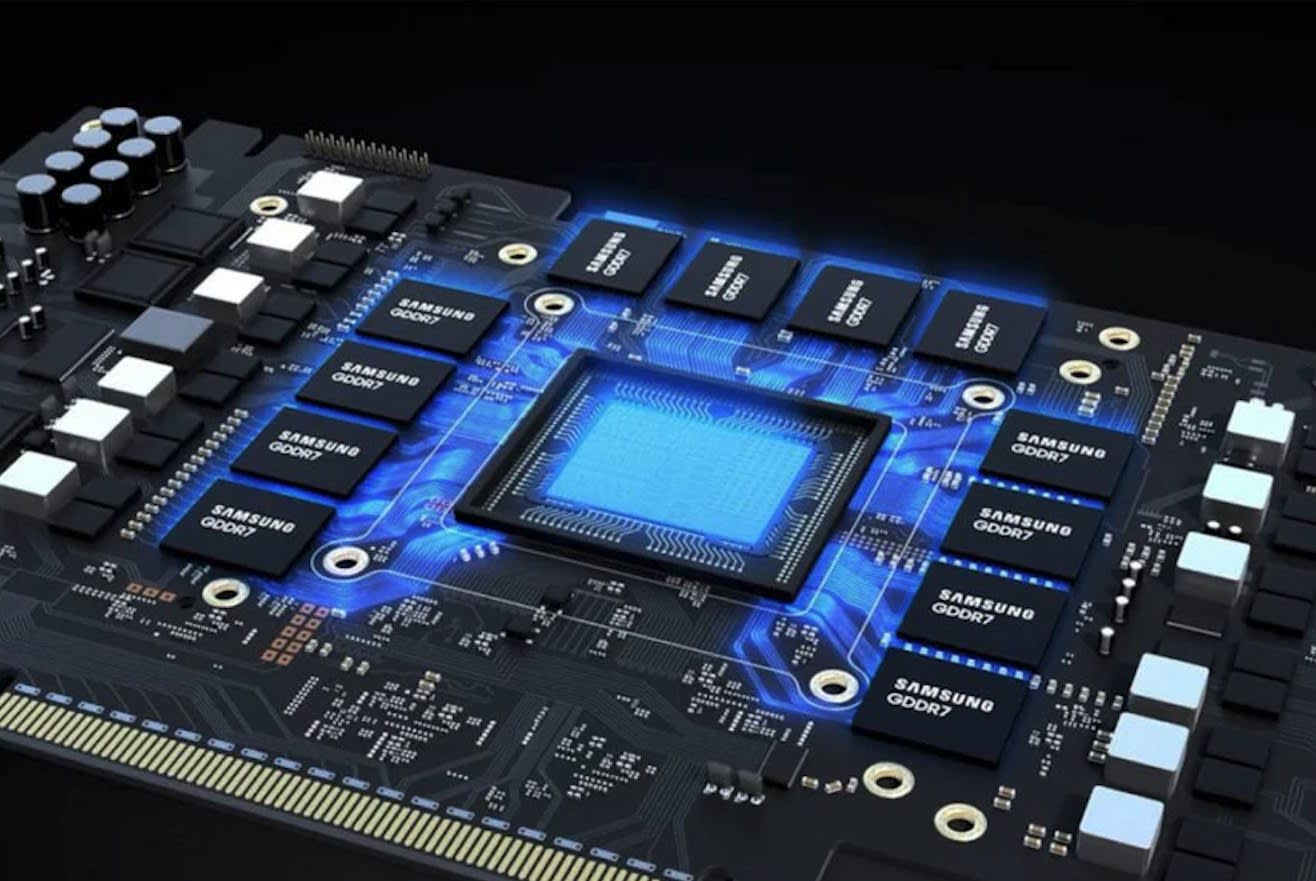
The silent downgrade is why benchmark charts understate the problem. A reviewer measuring average FPS on an 8GB card at High textures may record a perfectly respectable number while the game is actually displaying Medium-quality assets. You paid for High. You are not getting High.
Warning
Do not judge VRAM adequacy by average frame rate. Judge it by 1% low frame times and by visually comparing texture detail against a higher-VRAM card. A card that averages 2.3% slower can still be delivering a visibly worse image and a rougher frame-time graph.
How Much VRAM for 1080p Gaming?
8GB is workable at 1080p, 12GB is the comfortable answer. At 1080p medium settings, the measured difference between 8GB and 16GB variants of the same GPU is about 2.3% — statistically irrelevant.
Where 1080p gets tight is when you turn things up. Ray tracing, ultra textures, and heavy post-processing all consume frame buffer regardless of output resolution, and 8GB starts throttling on new AAA titles even at 1080p ultra.
| # | Use Case | Minimum | Comfortable |
|---|---|---|---|
| 1 | 1080p competitive / esports | 8GB | 8GB |
| 2 | 1080p AAA, high settings | 8GB | 12GB |
| 3 | 1080p AAA with ray tracing | 12GB | 16GB |
| 4 | 1440p high settings, no RT | 12GB | 16GB |
| 5 | 1440p with ray tracing | 16GB | 16GB |
| 6 | 4K high settings | 16GB | 24GB |
| 7 | 4K with path tracing | 16GB | 24GB |
How Much VRAM for 1440p Gaming?
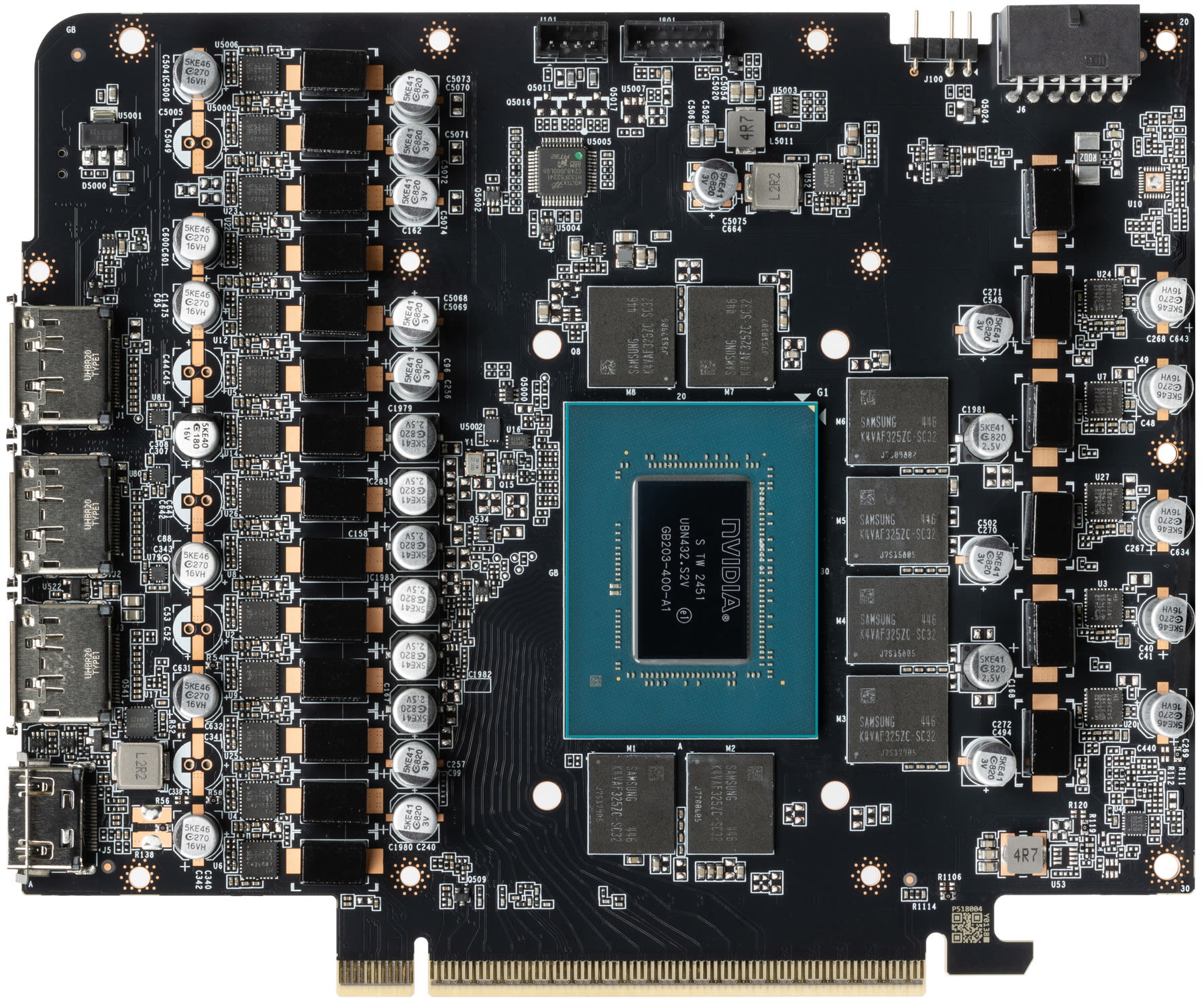
12GB is the practical floor and 16GB is what you should buy. At 1440p, 8GB becomes genuinely problematic — stutters appear in demanding open-world games even at High textures, not just Ultra.
This is the resolution where the 8GB-versus-16GB decision stops being academic. A 1440p monitor is now the mainstream gaming panel, and the mid-range cards being sold alongside them frequently ship with 8GB. That mismatch is the most common expensive mistake in the current market, which is why our best budget GPU guide recommends the 16GB variants specifically.
Upscaling Does Not Save You
This is the misconception worth killing. DLSS, FSR and XeSS render the scene at a lower internal resolution and reconstruct it upward. That reduces the cost of the render targets — but textures are loaded at full quality regardless.
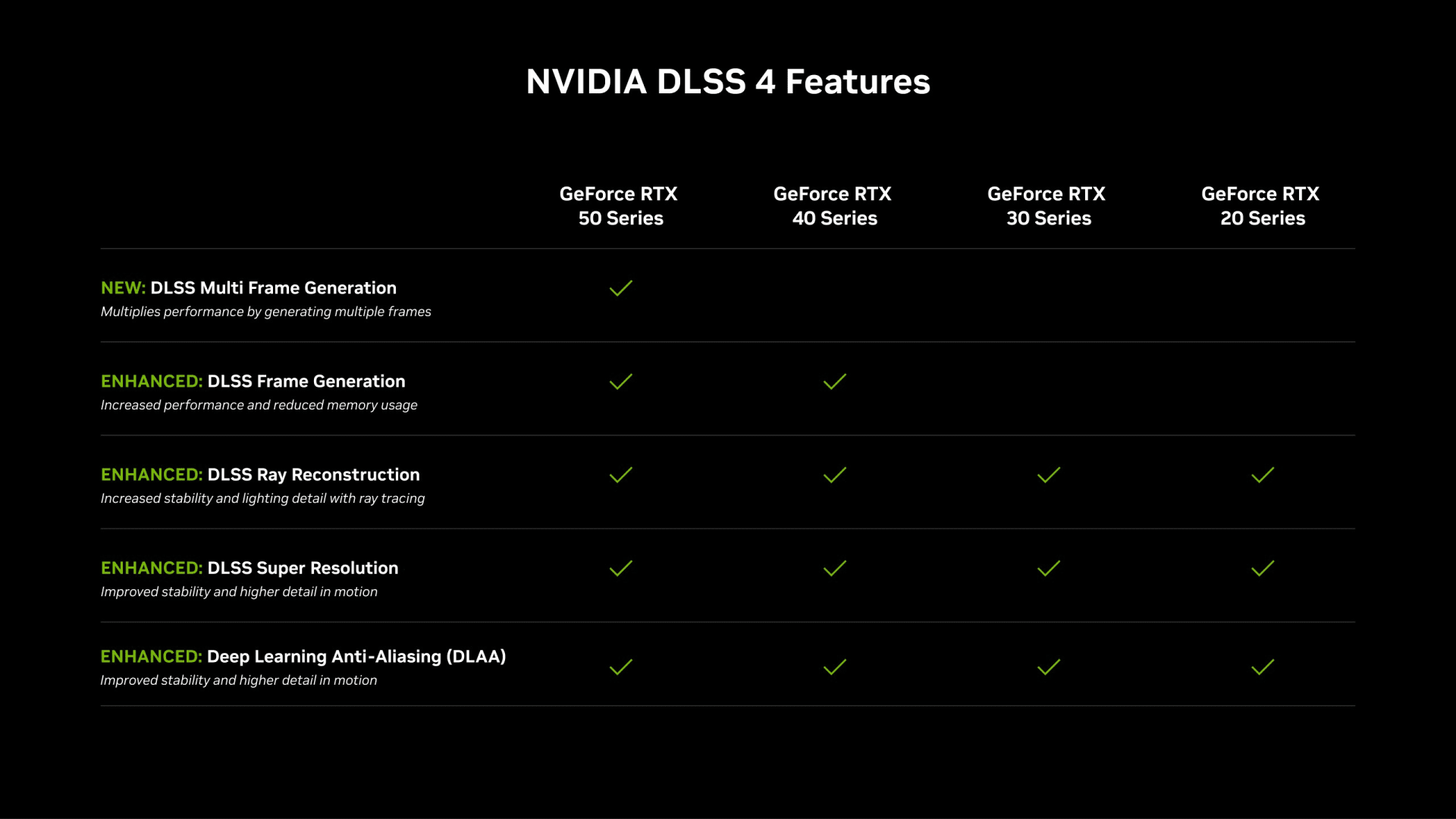
So upscaling from 1080p to 1440p reduces your VRAM footprint by less than the resolution change implies, and if your bottleneck is texture memory, it barely helps at all. Frame generation makes it slightly worse, since it holds additional frames in memory. For which upscaler versions each GPU and console gets in 2026, see our AI upscaling news roundup.
Why Does Ray Tracing Use So Much VRAM?
Ray tracing requires the GPU to hold a BVH — a bounding volume hierarchy, essentially a spatial index of the entire scene's geometry — in memory alongside everything else. It also adds denoising buffers and ray payload data.
The practical numbers are stark. A game running comfortably within 8GB using rasterisation can push to 10-11GB with ray tracing enabled, or 13-14GB with path tracing.
Memory Costs Have Exploded
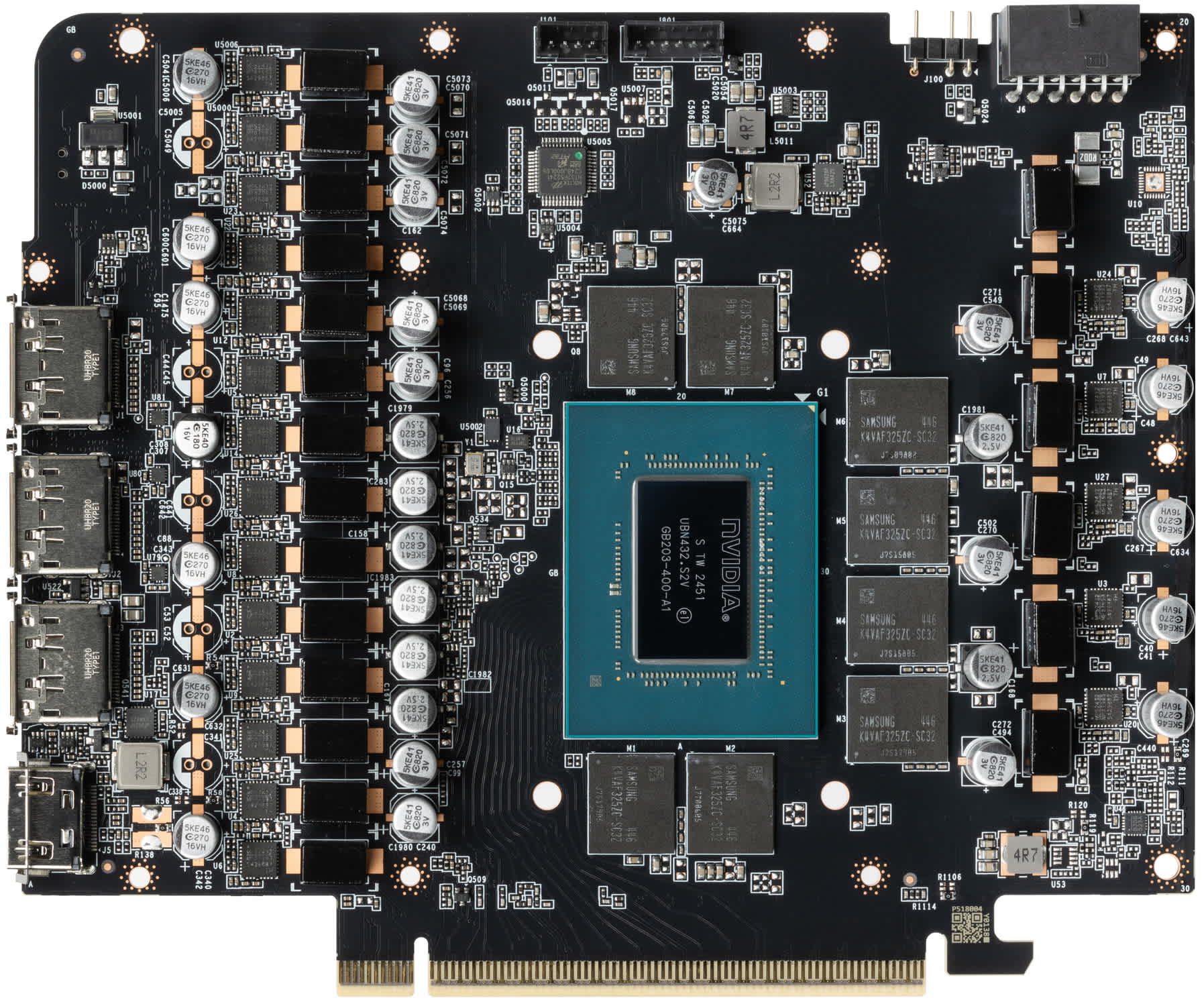
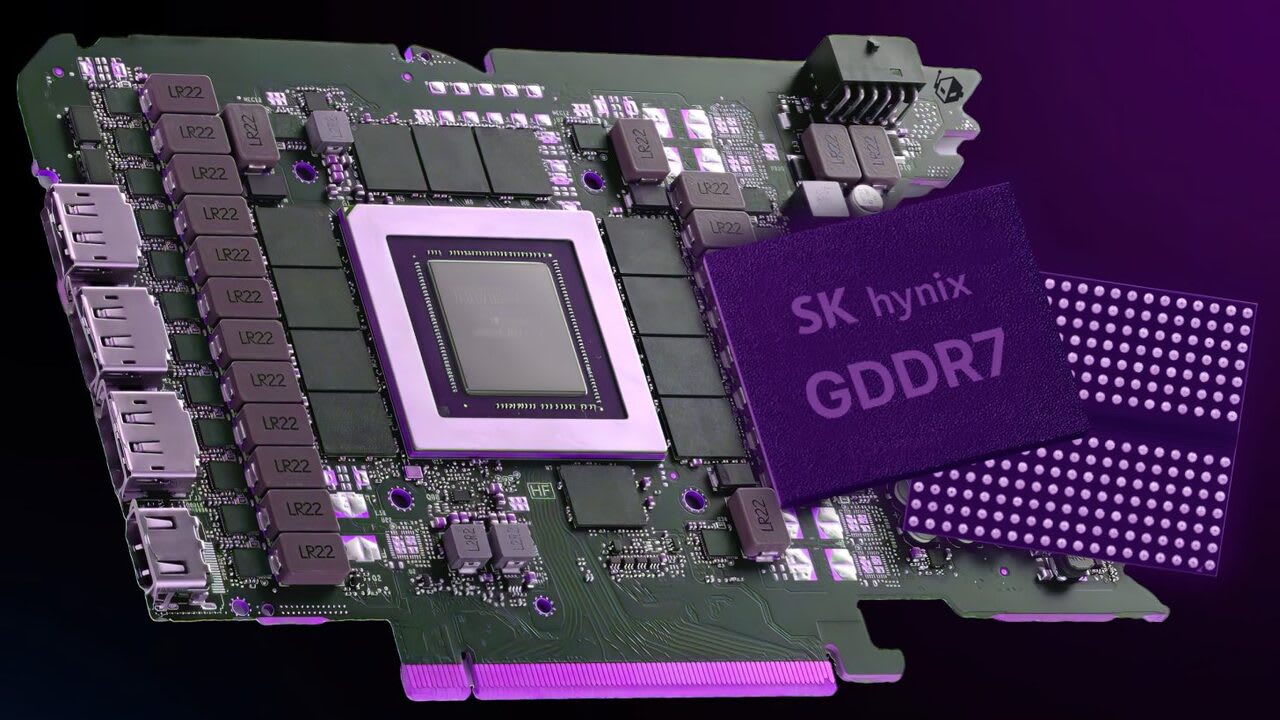
3GB GDDR7 modules run $60-70 each in 2026. Adding 8GB to a card adds real cost, which is why vendors keep shipping 8GB SKUs.
Bus Width Constrains Capacity
A 128-bit bus limits how many modules can be attached. Higher-capacity modules are the fix, and they are the expensive part.
The Shortage Runs Into 2027
GDDR7 supply is not expected to normalise before the end of 2026, so do not expect a sudden generation of cheap 16GB cards.
How Do I Check My Own VRAM Usage?
Three approaches, from easiest to most accurate.
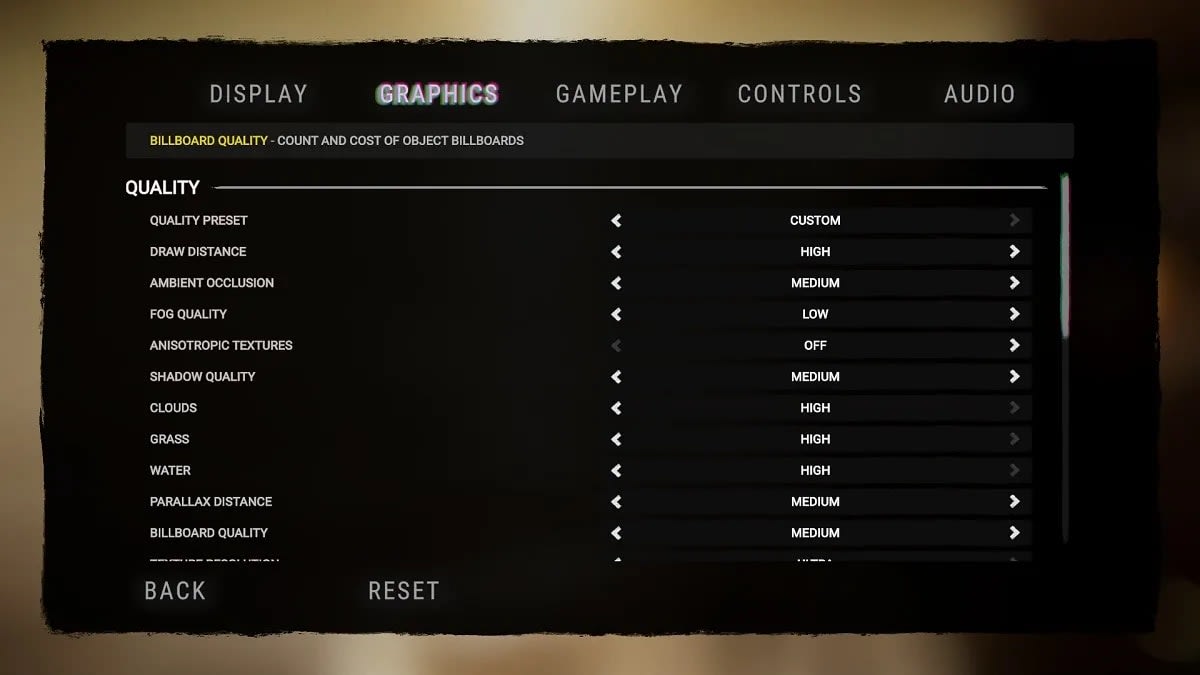
- In-game overlays. Many games report VRAM allocation in their graphics menu. This is the least reliable figure — engines often report allocated rather than actually needed.
- RTSS / MSI Afterburner overlay. Shows per-process VRAM alongside frame time. Watch the frame-time line, not the memory number.
- CapFrameX or PresentMon capture. Records frame times so you can see whether hitches correlate with VRAM saturation. This is the only method that tells you whether a shortfall is actually costing you anything.
Tip
The single most useful diagnostic: drop texture quality one notch and see if the stutter disappears while average FPS stays flat. If it does, you are VRAM-limited, not GPU-limited. If average FPS rises and the stutter stays, the problem is elsewhere — often shader compilation, which our guide on how to fix stuttering in PC games covers in detail.
Settings That Cost the Most VRAM
| # | Setting | VRAM Impact | Visual Payoff |
|---|---|---|---|
| 1 | Texture quality | Very high | Very high — keep this up |
| 2 | Ray tracing / path tracing | Very high | High, but costly |
| 3 | Resolution | High | High |
| 4 | Shadow resolution | Moderate | Moderate |
| 5 | Anti-aliasing (MSAA) | Moderate | Low on modern engines |
| 6 | Frame generation | Low-moderate | High for perceived smoothness |
| 7 | View distance | Low | Moderate |
The order matters. If you need to reclaim VRAM, cut shadow resolution and MSAA before you touch textures — textures are the setting with the best visual return per megabyte.
Is 8GB Still Acceptable in 2026?
Conditionally. 8GB has become the floor rather than the standard, and it remains fine for esports titles, older games, and 1080p at moderate settings.
It is not fine for a new build you expect to last. Consoles ship with a unified 16GB memory pool, and developers target that as their baseline — which means PC ports increasingly assume something in the 10-12GB neighbourhood is available for graphics alone.
The honest framing is this: buying 8GB in 2026 is buying a card that already cannot do everything its GPU is fast enough to do. That is a bad trade at almost any price, and it is the reason our 1440p build guide treats 16GB as non-negotiable even when the budget is tight elsewhere.
Frequently Asked Questions
Is 8GB of VRAM enough for gaming in 2026?
For 1080p esports and older titles, yes. For new AAA games at 1440p, no. At 1080p medium the measured gap between 8GB and 16GB versions of the same card is only 2.3%, but at 1440p 8GB produces stutter in demanding open-world games even at High textures.
Does more VRAM increase FPS?
Not directly. VRAM capacity does not make a GPU faster — it prevents it from being slowed down. If a game fits comfortably in your frame buffer, adding more VRAM changes nothing. If it does not fit, additional capacity eliminates the stutter and texture downgrades caused by streaming assets over PCIe.
Does DLSS or FSR reduce VRAM usage?
Only partially. Upscaling lowers the internal render resolution, which shrinks render targets, but textures are still loaded at full quality. If your bottleneck is texture memory rather than render targets, upscaling provides very little relief — and frame generation slightly increases usage.
How much VRAM do I need for 4K gaming?
16GB is the minimum and 24GB is comfortable. 4K quadruples the pixel count of 1080p, which drives up render target and frame buffer costs substantially, and 4K with path tracing can reach 13-14GB before you have accounted for high-resolution texture packs.
How can I tell if a game is VRAM-limited?
Lower texture quality by one notch. If the stutter disappears while your average frame rate stays roughly the same, you were VRAM-limited. If your average frame rate rises but the stutter persists, the bottleneck is elsewhere — most commonly shader compilation or CPU-side asset streaming.
The Practical Recommendation
If you are buying a card in 2026: 12GB minimum, 16GB if you game at 1440p or above. Do not buy 8GB unless you are specifically building a 1080p esports machine and know that is all you want from it. Running AI models locally changes the numbers again, and our guide to how much VRAM local AI models need works through them.
And be sceptical of average FPS charts. VRAM shortfalls hide in 1% lows and in texture quality that silently drops below what your settings menu claims. Those are the two things a headline benchmark number will never show you.
For the components that sit either side of this decision, our comparison of HDMI and DisplayPort covers output bandwidth, and is a Ryzen 5 faster than a Ryzen 7 addresses the CPU pairing question.
If your decision comes down specifically to the 12GB tier at 1440p — the most contested capacity question of this generation — we covered it separately in is 12GB of VRAM enough for 1440p, including how to tell allocated memory from memory a game actually needs.
Component photography courtesy of the respective manufacturers and reviewers, used for editorial coverage.
Sources
- Valhalla Performance PC, How Much VRAM Do You Actually Need in 2026?, retrieved 2026-07-26, https://www.valhallapc.com/blogs/news/how-much-vram-do-you-actually-need-in-2026
- LoadedRig, 8GB vs 16GB VRAM for Gaming 2026: When It Actually Matters, retrieved 2026-07-26, https://loadedrig.com/8gb-vs-16gb-vram-for-gaming-2026/
- LoadedRig, How Much VRAM Do You Need for Gaming (2026): 8GB vs 12GB vs 16GB, retrieved 2026-07-26, https://loadedrig.com/how-much-vram-do-you-need-for-gaming-2026/
- BuildRanked, Is 8GB VRAM Enough for Gaming in 2026?, retrieved 2026-07-26, https://www.buildranked.com/guides/is-8gb-vram-enough-for-gaming
- Tom's Hardware, GPU price tracking 2026, retrieved 2026-07-26, https://www.tomshardware.com/pc-components/gpus/lowest-gpu-prices-tracking