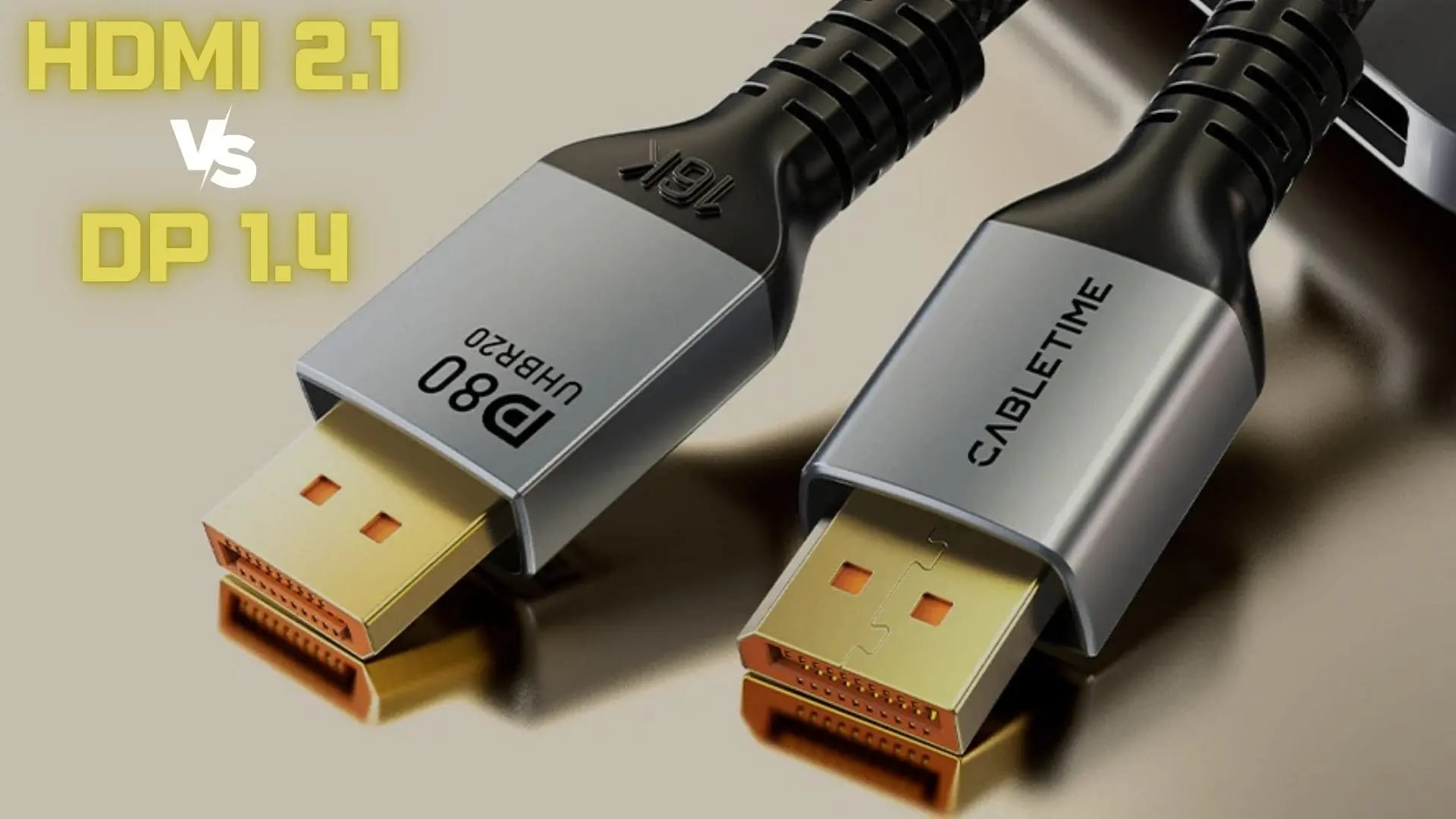
The choice depends on your specific use case: HDMI 2.1 is ideal for modern TVs and consoles, while DisplayPort 1.4 excels in PC gaming environments
When comparing DisplayPort 1.4 vs HDMI 2.1, HDMI 2.1 generally offers superior features for console gaming and home theater setups due to its higher bandwidth (48 Gbps), support for 10K resolution, and capabilities like dynamic HDR and eARC for enhanced audio. In contrast, DisplayPort 1.4 is favored for PC gaming because of its robust multi-monitor support and efficient handling of high refresh rates up to 240Hz at lower resolutions.
If you’ve found yourself caught in the debate of DisplayPort 1.4 vs HDMI 2.1, you’re not alone. Understanding these two connection standards is essential for maximizing your gaming, streaming, and overall viewing experience.
What is DisplayPort 1.4?
A DisplayPort 1.4 is a digital display interface developed by VESA (Video Electronics Standards Association). It is the successor to DisplayPort 1.3 and introduced several enhancements to improve performance, particularly for PC gaming and high-resolution displays. DisplayPort is widely used in the PC gaming community due to its capability to support multiple monitors and high refresh rates.
DisplayPort was introduced by VESA in 2006 as a more versatile replacement for VGA and DVI connectors. Unlike HDMI, which was primarily designed for consumer electronics, DisplayPort was aimed at PC monitors and high-resolution displays. DisplayPort 1.4, released in 2016, marked a significant advancement by supporting higher resolutions and refresh rates, making it ideal for gaming and professional use.
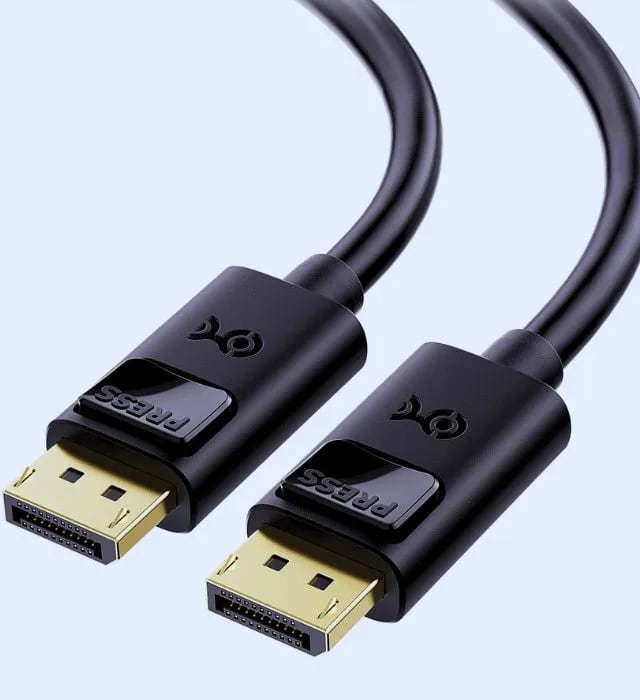
Key Features of DisplayPort 1.4
| # | Feature | Support |
|---|---|---|
| 1 | Maximum Bandwidth | 32.4 Gbps |
| 2 | Resolution Support | 4K at 120Hz 5K at 60Hz 8K at 30Hz |
| 3 | Dynamic HDR Support | Yes |
| 4 | Multi-Monitor Setup | Yes (supports up to four displays) |
| 5 | Compression | Supports Display Stream Compression (DSC) 1.2a |
What is HDMI 2.1?
An HDMI 2.1 is the latest version of the High-Definition Multimedia Interface, designed to enhance the audio and video experience for home entertainment systems. It offers significant improvements over its predecessor, HDMI 2.0, making it a popular choice for modern TVs, gaming consoles, and streaming devices.
HDMI was first introduced in 2003, quickly becoming the standard for connecting consumer electronics like TVs, Blu-ray players, and gaming consoles. Over the years, it has undergone multiple iterations, each improving on bandwidth, resolution, and features. The latest version, HDMI 2.1, was released in 2017 and focuses on delivering high-performance video and audio, making it suitable for modern content consumption.
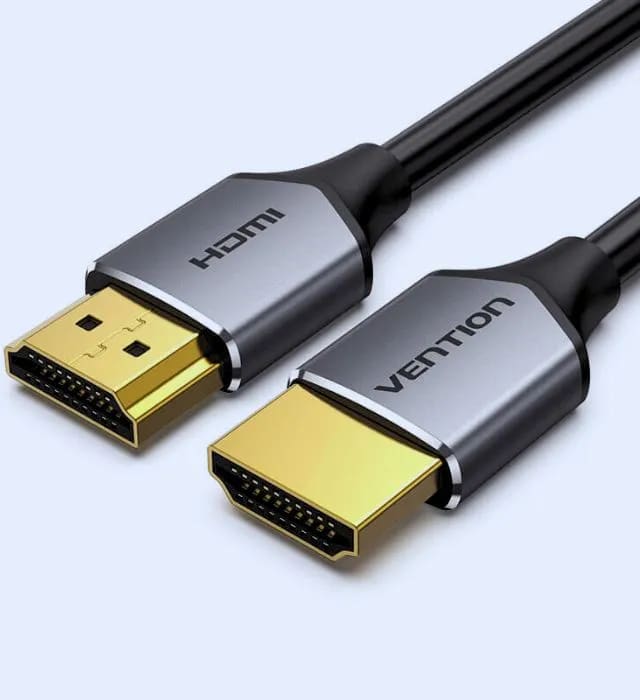
Key Features of HDMI 2.1
| # | Feature | Support |
|---|---|---|
| 1 | Maximum Bandwidth | 48 Gbps |
| 2 | Resolution Support | 4K at 120Hz 8K at 60Hz 10K at 30Hz |
| 3 | Dynamic HDR Support | Yes |
| 4 | Audio Return Channel (eARC) | Yes |
| 5 | Variable Refresh Rate (VRR) | Supports Display Stream Compression (DSC) 1.2a |
Note
Key Takeaways
- HDMI 2.1 carries 48 Gbps; DisplayPort 1.4 carries 32.4 Gbps. Bandwidth is the headline difference.
- HDMI 2.1 is the console and TV standard, and the only one of the two with eARC for audio return.
- DisplayPort is the PC standard, with better multi-monitor handling via Multi-Stream Transport.
- DisplayPort 1.4 leans on DSC to reach the highest resolution and refresh combinations; the compression is visually lossless but it is compression.
- Match the cable to the source, not to the spec sheet. A PS5 wants HDMI 2.1; a PC driving a high-refresh monitor usually wants DisplayPort.
Comparison Between DisplayPort 1.4 and HDMI 2.1
| # | Features | DisplayPort 1.4 | HDMI 2.1 |
|---|---|---|---|
| 1 | Maximum Bandwidth | 32.4 Gbps | 48 Gbps |
| 2 | Maximum Resolution | 8K at 30Hz | 10K at 30Hz |
| 3 | Refresh Rate | 4K at 120Hz | 4K at 120Hz |
| 4 | Dynamic HDR | Yes | Requires Yes |
| 5 | Multi-Monitor Setup | Yes | No |
| 6 | Audio Return Channel | No | Yes |
| 7 | Compression | DSC 1.2a | DSC 1.2 |
| 8 | Cable Types | Standard, Mini DisplayPort | Standard, Mini, Micro HDMI |
Use Cases: Choosing the Right Connection
For Gaming
The choice between DisplayPort 1.4 and HDMI 2.1 can significantly impact your gaming experience.
Console Gaming
If you’re gaming on the latest consoles like the PlayStation 5 or Xbox Series X/S, HDMI 2.1 is the better option. These consoles are designed to take full advantage of HDMI 2.1 features, such as 4K at 120Hz and low latency modes.
Advantages of HDMI 2.1 for Console Gaming
- Enhanced Frame Rates: HDMI 2.1 supports higher frame rates, improving the smoothness of gameplay.
- Dynamic HDR: The dynamic HDR capability allows for scene-by-scene adjustments, enhancing visual quality.

PC Gaming
For PC gamers, DisplayPort 1.4 remains a popular choice due to its flexibility and support for multiple displays.
Advantages of DisplayPort 1.4 for PC Gaming
- Multi-Monitor Setups: DisplayPort allows you to connect multiple monitors using a single connection, ideal for immersive gaming experiences.
- Higher Refresh Rates: Many gaming monitors support higher refresh rates with DisplayPort, making it suitable for competitive gaming.

For Home Theater Systems
When it comes to home theater systems, HDMI 2.1 stands out for its versatility.
Benefits of HDMI 2.1 in Home Theate
- Audio Return Channel (eARC): This feature simplifies audio connections, allowing for high-quality audio from your TV to an external sound system without needing additional cables.
- Wide Compatibility: Most modern TVs support HDMI 2.1, making it easy to connect various devices.

For Creative Professionals
For professionals in graphic design, video editing, and similar fields, DisplayPort 1.4 is often the preferred choice due to its superior support for color accuracy and high resolutions.
Advantages of DisplayPort for Professionals
- Multi-Monitor Capabilities: The ability to connect multiple displays enhances productivity, making it easier to work on complex projects.
- High Bit Depth: DisplayPort supports 10-bit color, providing better color fidelity, which is crucial for professionals working with visual content.

Future Trends: What Lies Ahead?
Upcoming Technologies
As technology continues to advance, both HDMI and DisplayPort are likely to see further enhancements.
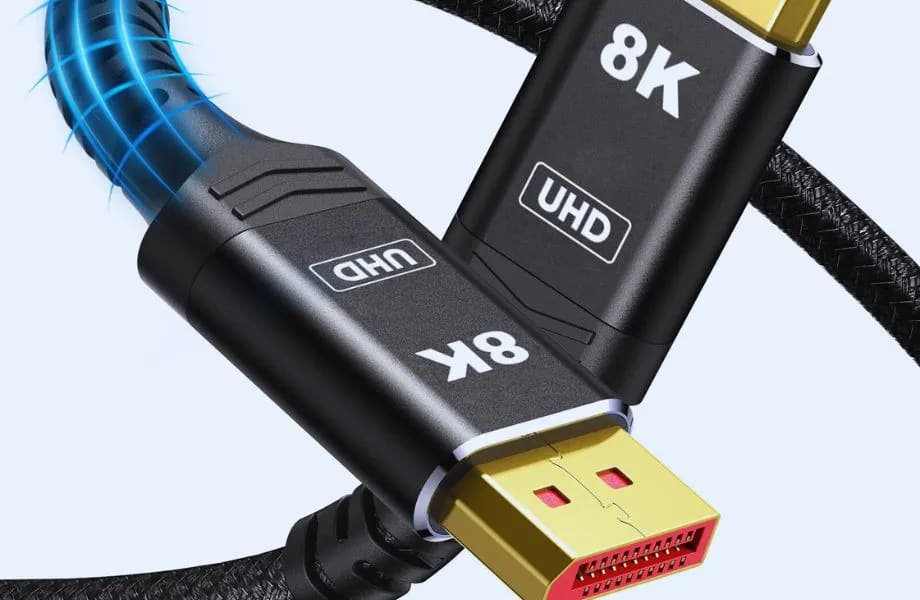
- DisplayPort 2.0: Expected to support bandwidths up to 80 Gbps, allowing for higher resolutions and refresh rates.
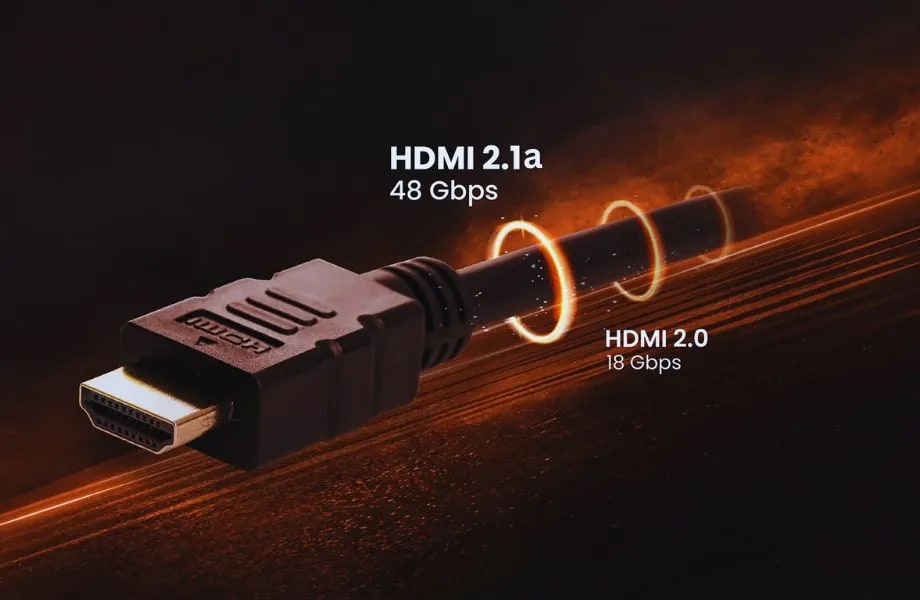
- HDMI 2.1a: May introduce new features and enhancements based on consumer feedback and evolving technology.
The Rise of USB-C
USB-C is becoming a versatile connector that can carry DisplayPort and HDMI signals. This could simplify connections in the future, especially for laptops and portable devices.
What Should I Choose in 2026?
This comparison covers DisplayPort 1.4 against HDMI 2.1, which is the pairing on almost every GPU and monitor in use today. If you are buying current-generation hardware with the newest ports, the separate question of DisplayPort 2.1 vs HDMI 2.1 covers UHBR bandwidth tiers and where the real payload figures land.
Deciding between DisplayPort 1.4 and HDMI 2.1 mostly depends on your usage case or setup that you are looking to run it with units currently available in the wild. If you're planning to use it for console gaming or a home theater setup, HDMI 2.1 is the superior choice as it offer more advanced features and wider availability At the same time, PC gamers (and professionals mixed up in multi-monitor setups) would be wise to stick with DisplayPort 1.4 knows of great solution for them.
References
- VESA. (2021). DisplayPort 1.4 Specification.
- HDMI Licensing Administrator, Inc. (2020). HDMI 2.1 Specification.
- Various tech reviews and articles from reputable sources in the electronics industry.
Frequently Asked Questions
Which is better for gaming, DisplayPort 1.4 or HDMI 2.1?
HDMI 2.1 has the higher raw bandwidth at 48Gbps against DisplayPort 1.4's 32.4Gbps, so it wins for uncompressed 4K at high refresh rates. DisplayPort 1.4 closes most of that gap using Display Stream Compression and remains the better choice on PC because of its multi-monitor and adaptive sync support.
Can DisplayPort 1.4 do 4K at 144Hz?
Yes, with Display Stream Compression enabled, which is visually lossless in practice. Without DSC, DisplayPort 1.4 tops out around 4K 120Hz at 8-bit colour. Nearly every current 4K high-refresh monitor supports DSC, so this is rarely the limitation buyers expect it to be.
Does the cable choice affect VRR flicker?
Not directly, but the connection determines which adaptive sync implementation is available, and that does matter. OLED panels in particular can flicker when the refresh rate swings inside the VRR window — we cover why in VRR flicker on OLED monitors.
Why did my FPS drop after plugging in a second monitor?
Because a second display at a different refresh rate forces the GPU out of its low-power states and adds compositing work. It is a common and fixable problem, and the connection type plays a part. See why your second monitor kills your FPS.
Does HDR work better over HDMI or DisplayPort?
Both carry HDR metadata correctly at these revisions. Washed-out HDR is almost always a Windows or display configuration problem rather than a cable one, and our guide to HDR looking washed out on Windows 11 covers the settings that actually cause it.
Do I need a certified cable?
For HDMI 2.1 at full bandwidth, yes — buy an Ultra High Speed certified cable, because uncertified ones frequently fail above 4K 60Hz. For DisplayPort, look for VESA certification at DP80 or DP40. Poor cables produce intermittent blackouts and signal dropouts rather than a clean failure, which makes them hard to diagnose, and the same symptom can come from a system cutting out under load — see why your PC shuts down while gaming. If your frame pacing looks wrong rather than your image, check monitor overdrive and ghosting instead. On consoles the same bandwidth question usually turns out to be a disabled TV setting rather than a cable at all — see why a PS5 or Xbox is not running at 4K 120Hz.