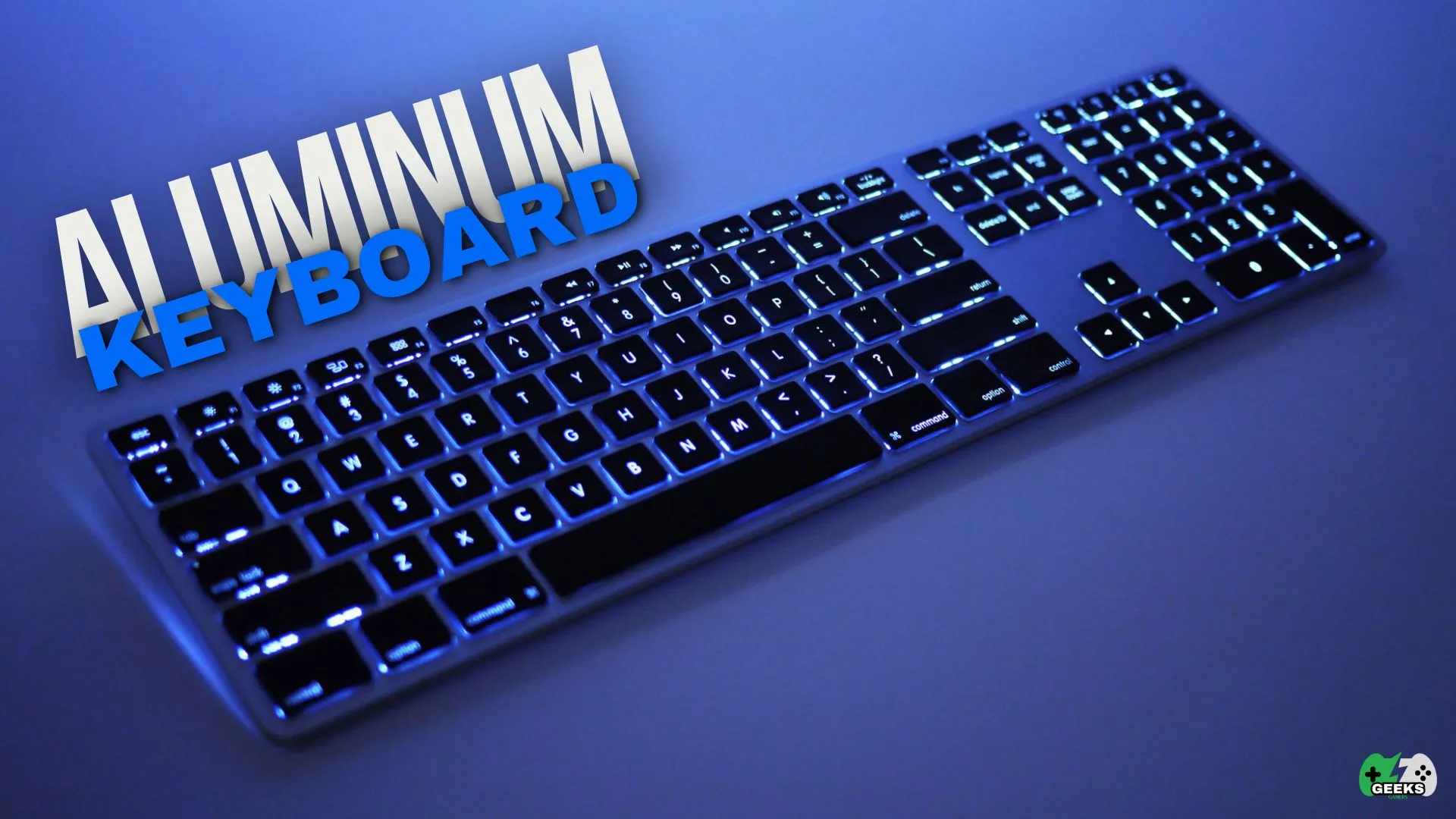
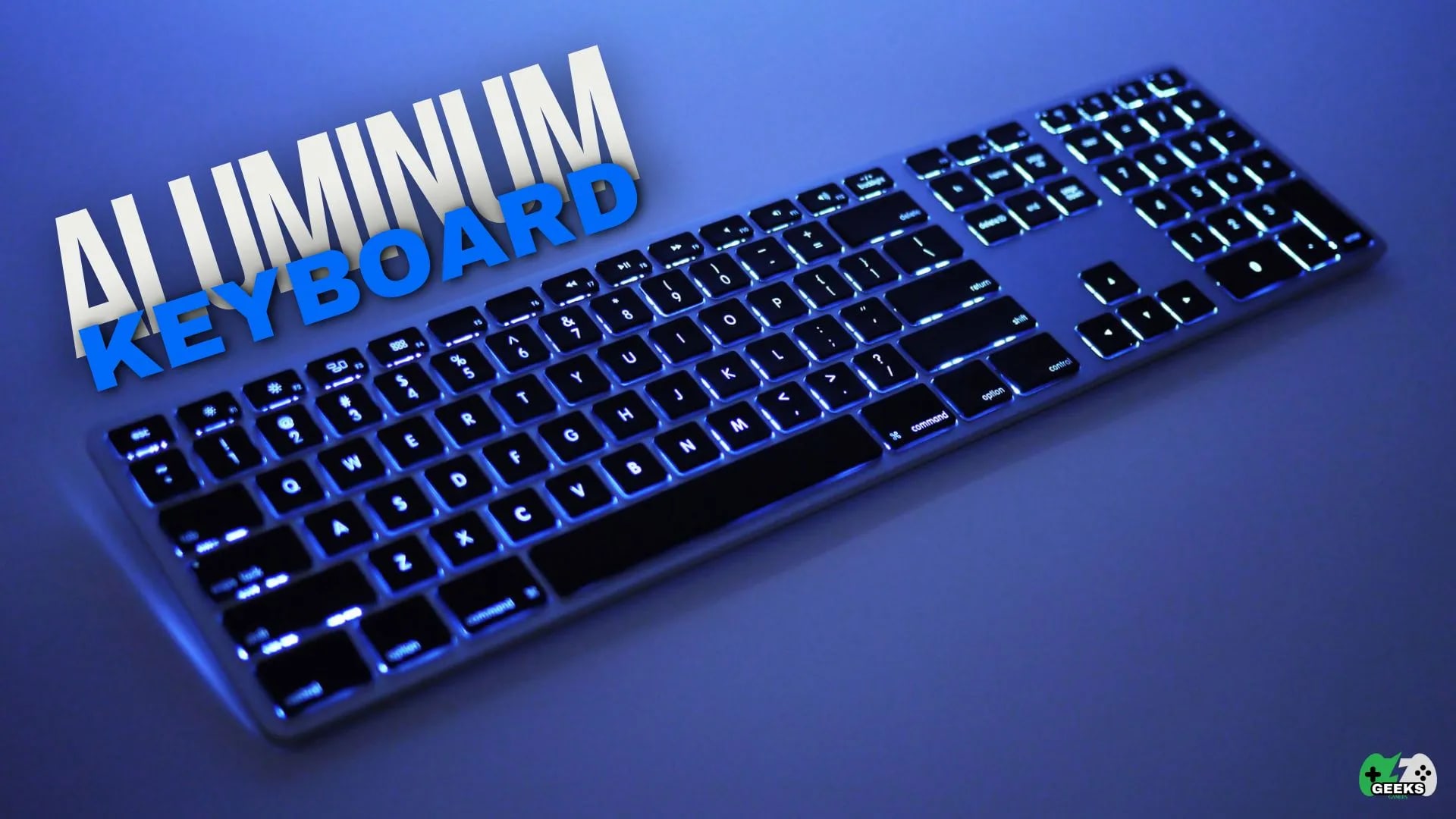
The weight of an aluminum keyboard gives a sense of sturdiness, better durability as well as a premium look. It gives reliable typing and better heat dissipation. It can, however, produce a louder sound profile and is more expensive and heavier. This is ideal for high-end installations and for professional and gaming purpose. Picture yourself typing on a keyboard that feels top-notch and is built to last. Let's explore its strengths, drawbacks, and everything in between.
Note
Key Takeaways
- Aluminium adds rigidity and mass, which removes case flex and stops the board sliding on the desk.
- It changes the sound rather than reducing it. Metal cases tend toward a higher-pitched, more resonant profile than plastic.
- Gasket mounting plus internal foam is what produces the deep sound people associate with premium metal boards — the case alone does not.
- CNC-milled and cast aluminium are not equivalent. Cheaper boards use casting, which is why finish and rigidity vary so widely at similar prices.
- The trade-offs are weight and price. An aluminium board is harder to travel with and costs substantially more than a plastic equivalent.
What Is an Aluminum Keyboard?
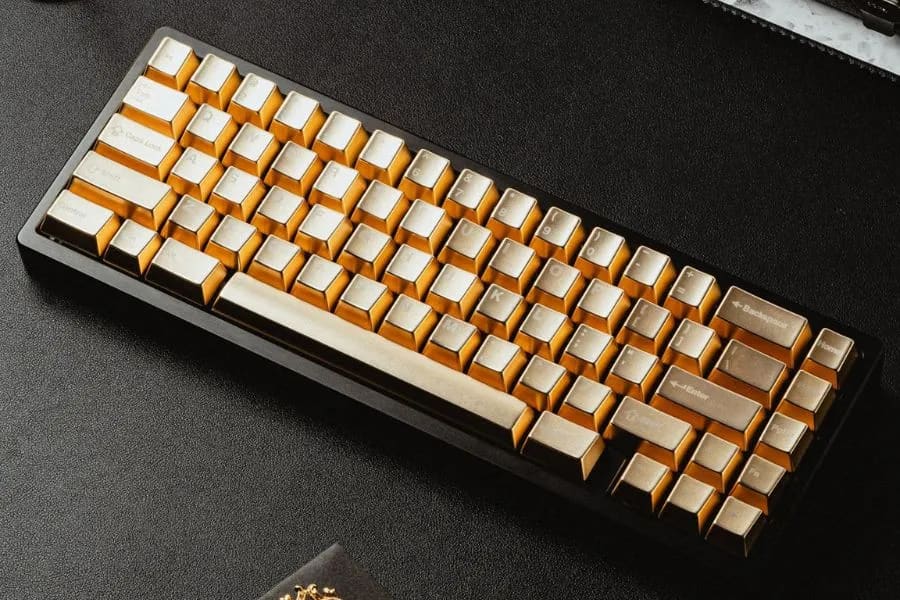
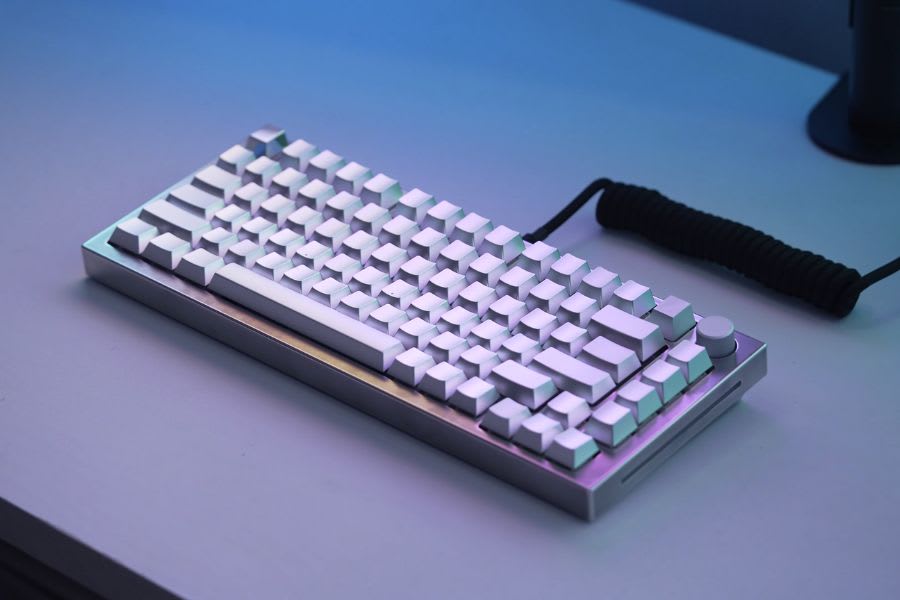
An “aluminum keyboard” refers to a keyboard with an aluminum casing or frame instead of plastic.
This structural choice significantly impacts durability, aesthetics, and weight. Premium and high-performance keyboards frequently use aluminum for greater stability and a more elegant appearance, even though the majority of keyboards have plastic shells.
Significant Features of an Aluminum Keyboard
- Durability: Highly resistant to wear and tear
- Aesthetics: Sleek, metallic finish that exudes premium quality
- Weight: Heavier than plastic keyboards, providing stability
- Heat Dissipation: Efficiently cools down after extended use
- Sound Profile: Can produce a different typing acoustics than plastic
Advantages of Aluminum Keyboards
Superior Durability
Aluminum keyboards are significantly more resistant to physical damage than plastic keyboards. They can withstand years of use without developing cracks or visible wear.
Premium Aesthetic Appeal
High-end workstations and business sets love aluminum keyboards because of their elegant, professional appearance due to their metallic sheen.
Stable Typing Experience
Due to their added weight, aluminum keyboards do not slide around during typing sessions, unlike lighter plastic models.
Effective Heat Dissipation
Aluminum really has good heat conductivity so it can keep cool and will also remain a comfortable surface to type on even after hours of use.
Eco-Friendly & Recyclable
Unlike plastic, which contributes to landfill waste, aluminum is highly recyclable, making these keyboards an environmentally friendly choice.
Drawbacks of An Aluminum Keyboards
Higher Cost
- An aluminum keyboard costs more to make than a plastic one, both in materials and fabrication, so you pay more for aluminum gear than plastic gear.
Increased Weight
- While the extra weight improves stability, it can make the keyboard less portable for users who frequently move their setup.
Different Sound Profile
- Aluminum cases can create a more metallic or hollow sound when typing, which might not appeal to all users.
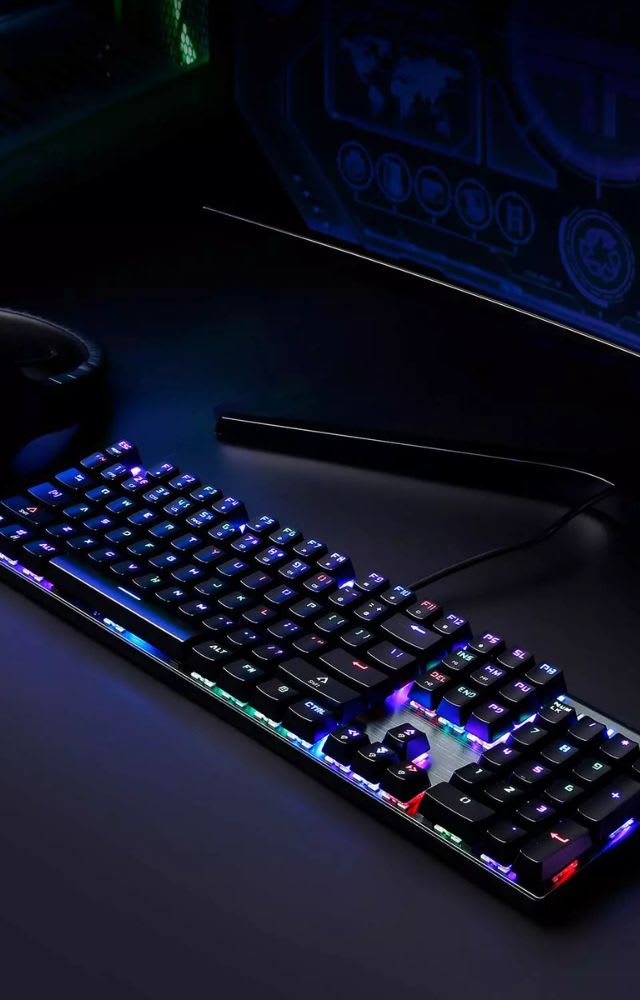
Aluminum vs. Plastic Keyboards
| # | Feature | Aluminum Keyboards | Plastic Keyboards |
|---|---|---|---|
| 1 | Durability | Highly resistant to wear and tear | More prone to cracks and scratches |
| 2 | Aesthetics | Sleek, premium metallic finish | Available in various colors but may appear less premium |
| 3 | Weight | Highly resistant to wear and tear | More prone to cracks and scratches |
| 4 | Heat Dissipation | Stays cooler during extended use | Can retain heat, leading to discomfort |
| 5 | Cos | Generally more expensive | More affordable and widely available |
| 1 | Typing Sound | Can be louder or have a metallic resonance | Generally quieter |
Best Use Cases for Aluminum Keyboards
- Professional Workstations: Ideal for programmers, writers, and designers who prioritize durability and aesthetics.
- Gaming Setups: Gamers who prefer a stable and long-lasting keyboard.
- Office Environments: Adds a touch of professionalism to office desks.
- Mechanical Keyboard Enthusiasts: Those who enjoy a premium typing experience with a robust build quality.
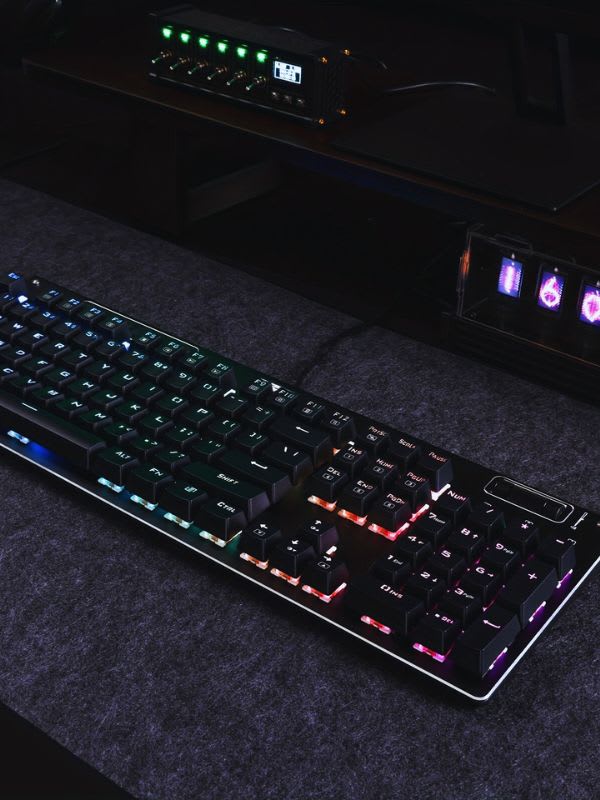
Purchasing an Aluminum Keyboard
Game Rating: 9.5/10
- Typing Preference – Do you prefer a heavier keyboard for stability or a lighter one for portability?
- Budget – Are you willing to invest in a more expensive yet durable keyboard?
- Noise Sensitivity – Do you mind a louder typing sound?
- Portability – Will you frequently carry the keyboard between locations?
- Customization Needs – Some aluminum keyboards allow for keycap and switch customization, while others do not.
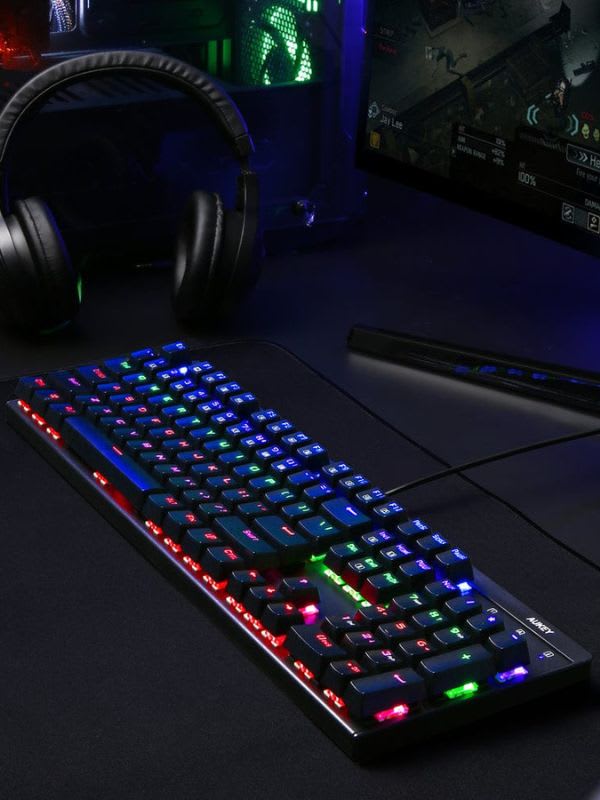
Are Aluminum Keyboards the Best Choice for Gamers?
It offers numerous benefits for gaming, including durability, a premium feel, better heat dissipation, and stability. However, they also come with a higher price tag and added weight. If you value long-term endurance and build quality more than price and mobility, an aluminum keyboard can be a fantastic addition to your gaming setup.
Conclusion: Is an Aluminum Keyboard Worth It?
If you want a keyboard that’s durable, sleek, and provides a satisfying typing experience, an aluminum keyboard is a solid choice. It may be a bit pricier and heavier than plastic options, but its longevity and premium feel make it well worth it.
But if budget and portability are your top priorities, a plastic keyboard is probably the way to go. But if you do want something that feels luxurious, looks professional and will last, aluminum is easily one of the best choices you can make.
Frequently Asked Questions
Are aluminum keyboards worth the extra cost?
For most buyers, the honest answer is that it is a preference purchase rather than a performance one. Aluminum adds rigidity, weight and a denser sound, none of which make you type or game faster. If you value the feel and the board will sit on your desk for years, the premium is easy to justify. If you want measurable gains, spend the money on switches instead.
Do aluminum keyboards feel different to type on?
Yes, mainly because the case does not flex. A rigid plate gives a more consistent bottom-out across the board, and the added mass stops the keyboard sliding under aggressive typing. The sound is lower and fuller than the higher-pitched noise a hollow plastic case produces.
Are aluminum keyboards louder?
They are usually louder but lower in pitch, since a solid case reflects rather than absorbs sound. Foam or silicone dampening inside the case addresses most of it. If quiet is the actual requirement, the switch matters far more than the case — see our roundup of the quietest keyboard switches.
Which switches suit an aluminum case best?
Linear switches pair well because the case already supplies the solid bottom-out that tactile switches provide through the stem. Our comparison of magnetic and mechanical switches and of mechanical versus optical keyboards cover which switch families are worth pairing with a premium case.
Does an aluminum keyboard improve gaming performance?
No. Response time is a function of the switch, the firmware and the polling rate, not the case material. If latency is the goal, our measurements in is 8000Hz polling rate worth it show where the real limits sit.
Why do some keys stop working on my new keyboard?
Almost always Gaming Mode, which locks out the Windows key and occasionally other combinations. Our guide to disabling Gaming Mode walks through the shortcut for each major brand.
Sources
- Keychron, Plastic vs. Metal Mechanical Keyboards: Pros & Cons, retrieved 2026-08-20, https://www.keychron.com/blogs/news/plastic-vs-metal-mechanical-keyboards
- Tom's Hardware, Mechanical Keyboard Tuning Guide, retrieved 2026-08-20, https://www.tomshardware.com/features/mechanical-keyboard-tuning-guide
- Tom's Hardware, CannonKeys Bakeneko65 Review, retrieved 2026-08-20, https://www.tomshardware.com/reviews/cannonkeys-bakeneko65
- Keychron, How to Choose A Custom Mechanical Keyboard, retrieved 2026-08-20, https://www.keychron.com/blogs/news/how-to-choose-a-custom-mechanical-keyboard