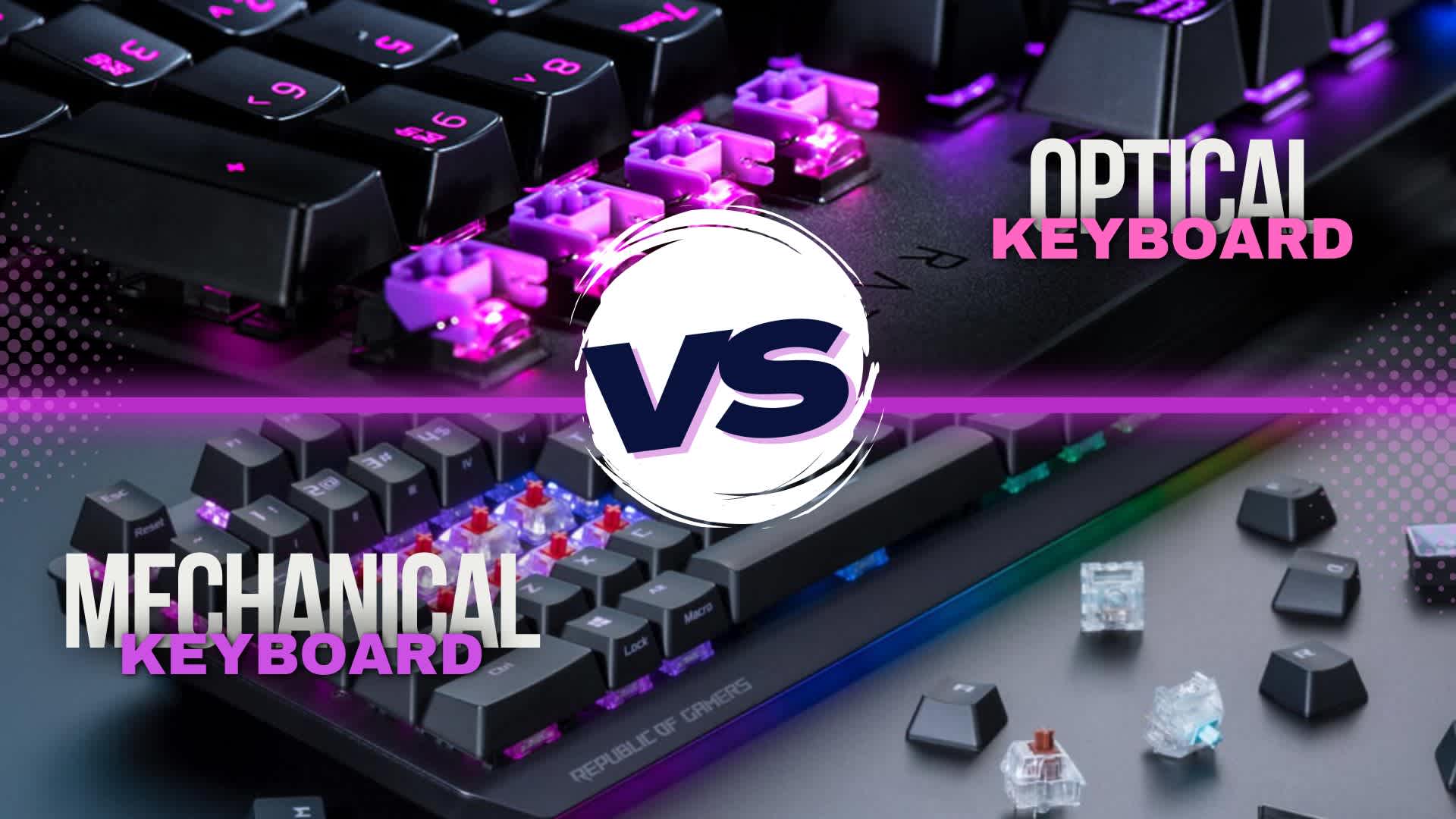
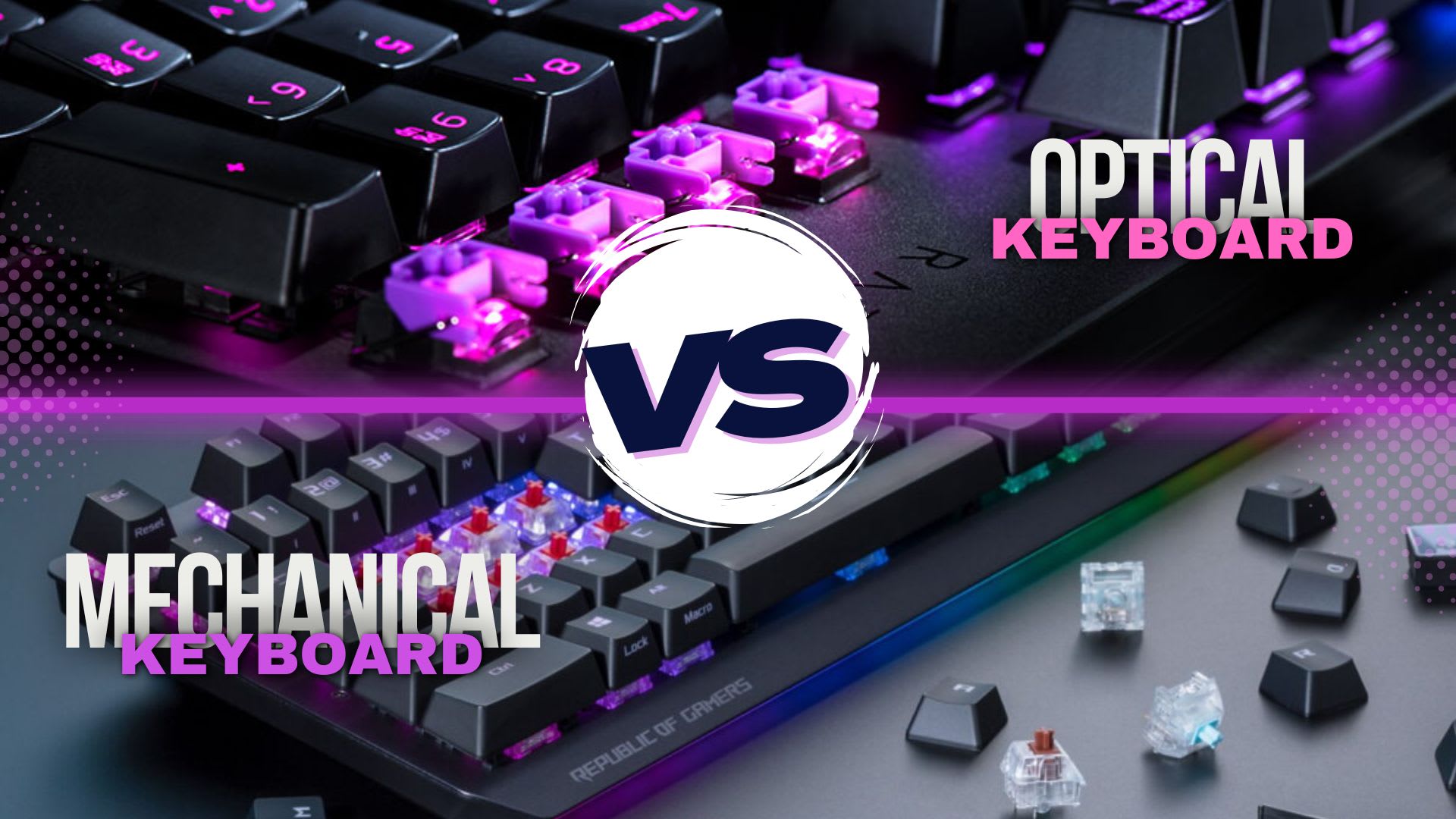
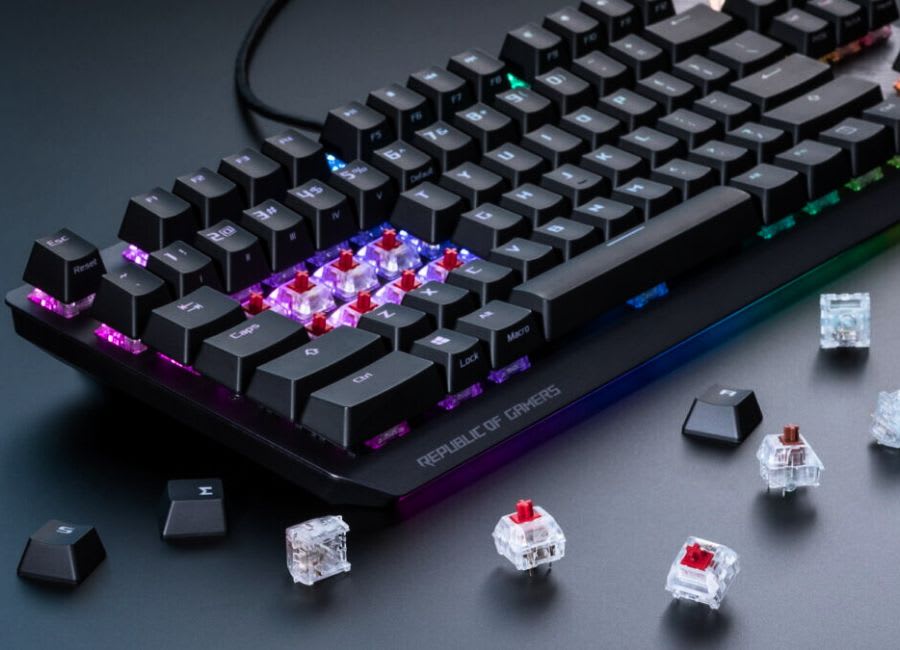
The clear difference between mechanical and optical keyboards lies in how they register keypresses: mechanical keyboards use physical switches, while optical keyboards use light-based actuation. Mechanical keyboards offer a traditional, tactile feel with various switch types, whereas optical keyboards provide faster response times, greater durability, and less wear due to fewer moving parts. By the end of this blog, you'll have all the insights needed to select the ideal keyboard for your needs.
Note
Key Takeaways
- Optical switches actuate with a light beam; mechanical switches close a metal contact. That is the whole difference.
- Optical switches have no debounce delay, because there is no physical contact to bounce.
- Razer's optical switches actuate at 1.2mm, roughly 17% shorter travel than their standard linear mechanical equivalent.
- Optical switches are rated to around 100 million keystrokes, about double the common mechanical rating.
- Mechanical still wins on switch choice. Optical boards are typically limited to the switches their manufacturer produces.
Comparison of Mechanical and Optical Keyboards
| # | Key Features | Mechanical Keyboard | Optical Keyboard |
|---|---|---|---|
| 1 | Switch Type | Physical switches (e.g., Cherry MX, Kailh) | Light-based switches (infrared or laser) |
| 2 | Actuation mechanism | Tactile bump, audible click (varies by switch) | Quick, precise actuation (often customizable) |
| 3 | Keyboard sensation | Tactile or clicky | Smooth, can mimic tactile |
| 4 | Performance | Excellent performance | Fast, precise performance |
| 5 | Durability | 50–100 million keystrokes depending on switch type | 100+ million keystrokes with minimal wear |
| 6 | Response Time | Slightly slower due to debounce time | Faster, near-instant key registration |
| 7 | Audible Feedback | Varies by switch (loud to silent) | Generally quieter than mechanical |
| 8 | Budget Range | Generally affordable to high-end ($50-$300+) | Often pricier than mechanical ($100-$300+) |
| 9 | Actuator Lifespan | Typically 50 million keystrokes or more | Often rated for 100 million keystrokes or more |
| 10 | Gaming Performance | Excellent for gaming (precise control) | Optimized for fast, precise gaming |
Note
We performed different experiments to test both mechanical and optical keyboards in different environments to see how they perform.
Mechanical Keyboards
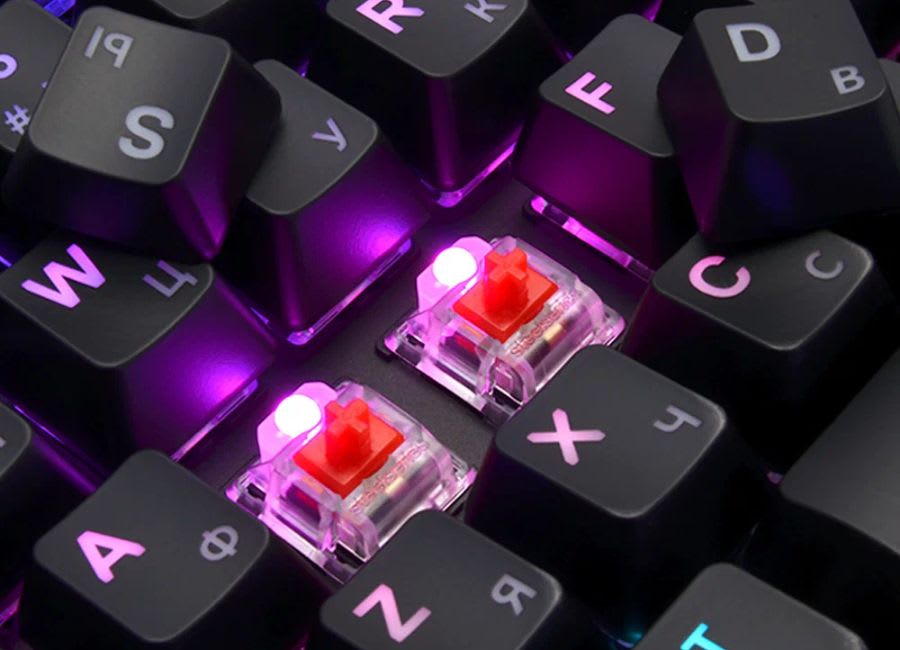
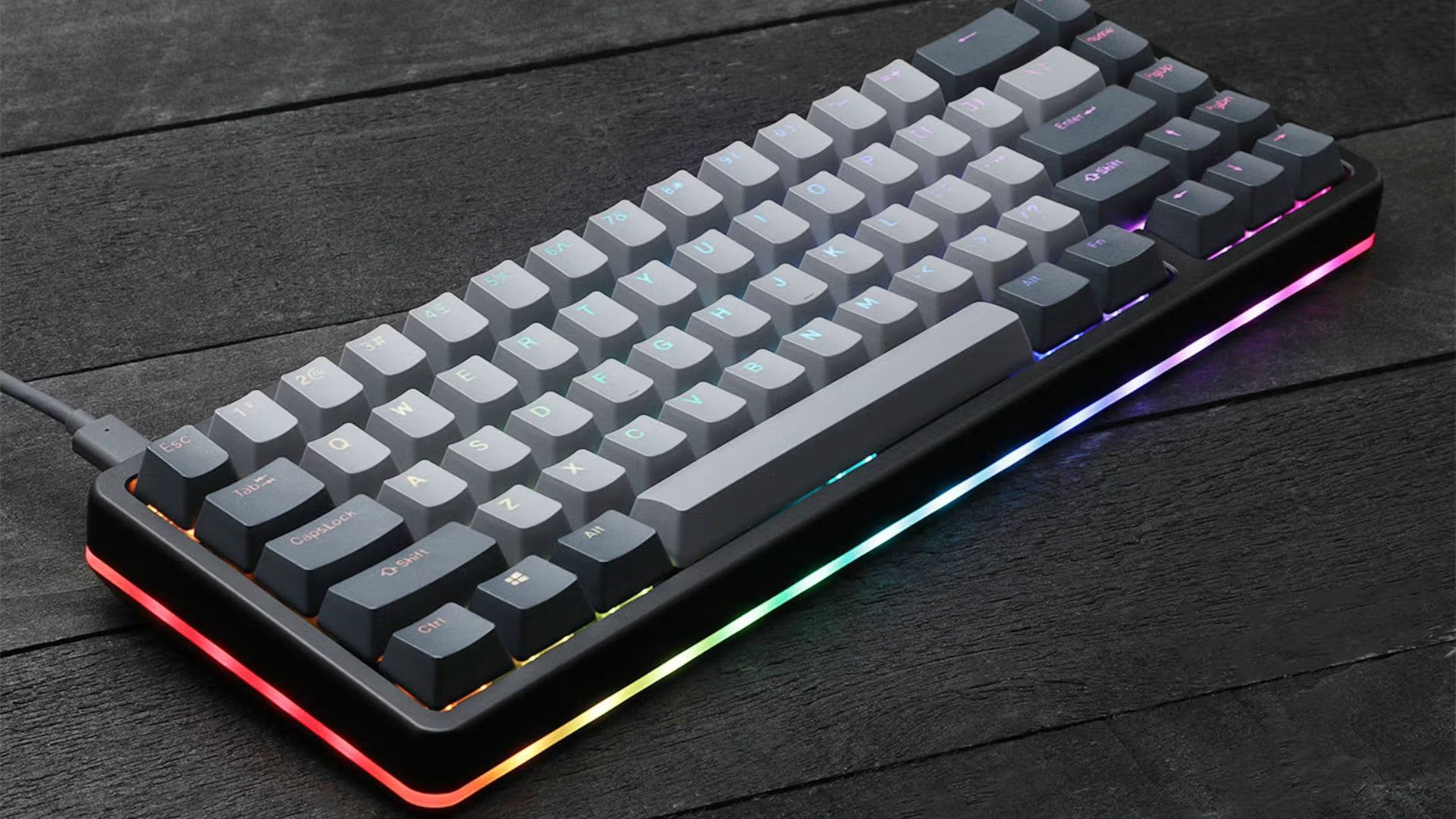
A mechanical keyboard gives you a premium, durable, and customizable typing experience compared to standard keyboards. It is a type of keyboard that uses individual mechanical switches for each key to register keystrokes.Unlike membrane keyboards that rely on rubber domes to make contact, mechanical keyboards utilize individual switches with mechanical components. Mechanical keyboards have revolutionized the typing experience, offering unparalleled precision, tactile feedback, and customization options. With a wide range of switch types, users can choose the perfect switch to suit their typing style.
Benefits and Drawbacks of Mechanical Keyboard
| Benefits | Drawbacks |
|---|---|
| Provides a satisfying typing experience by enhancing tactile feedback. | Mechanical keyboards can be more expensive, but prices differ based on model and features. |
| Improves typing accuracy and reduces errors | Heavier weight reduces mechanical keyboard portability. |
| Offers fast actuation for better gaming performance | Louder typing experience can be distracting. |
| Durable and long lasting switches | Switches can fail, but instances are rare. |
Note
Regularly clean your mechanical keyboard to maintain optimal performance and longevity.
Who benefits from mechanical keyboards?
Mechanical keyboards are an excellent choice for a wide range of users who value performance, comfort, and customization. Its mechanical keyboards deliver a premium experience that far surpasses traditional membrane alternatives. Many users benefit from mechanical keyboards for work, gaming, or creative pursuits.
For Writers
Mechanical keyboards benefit writers by providing improved typing accuracy through tactile feedback and distinct key actuation, reducing typos. The enhanced typing experience, courtesy of key travel and switch variety, makes writing more engaging and comfortable. With faster and more accurate typing, writers can work more efficiently. Ergonomic designs and customizable keycaps also promote comfortable typing, reducing fatigue and discomfort. Additionally, writers can tailor keyboard settings to suit their writing style and preferences. This makes mechanical keyboards an excellent tool for writers.
For Gamers
Mechanical keyboards give gamers a competitive edge with faster actuation, improved accuracy, and extensive customization options. Rapid key registration and tactile feedback enable swift and precise responses. Programmable keys, macros, and customizable backlighting allow gamers to tailor their setup to specific games or styles. Durable mechanical switches withstand intense gaming sessions, ensuring consistent performance. This combination of speed, accuracy, and personalization enhances the gaming experience, making mechanical keyboards a popular choice among gamers.
For Programmers
Mechanical keyboards enhance the coding experience for programmers by providing improved typing accuracy, speed, and customization.Tactile feedback and distinct keystrokes reduce errors, while programmable keys and macros streamline coding tasks. Mechanical keyboards help programmers work more efficiently, focusing on complex coding tasks with precision and speed.
Optical Keyboards
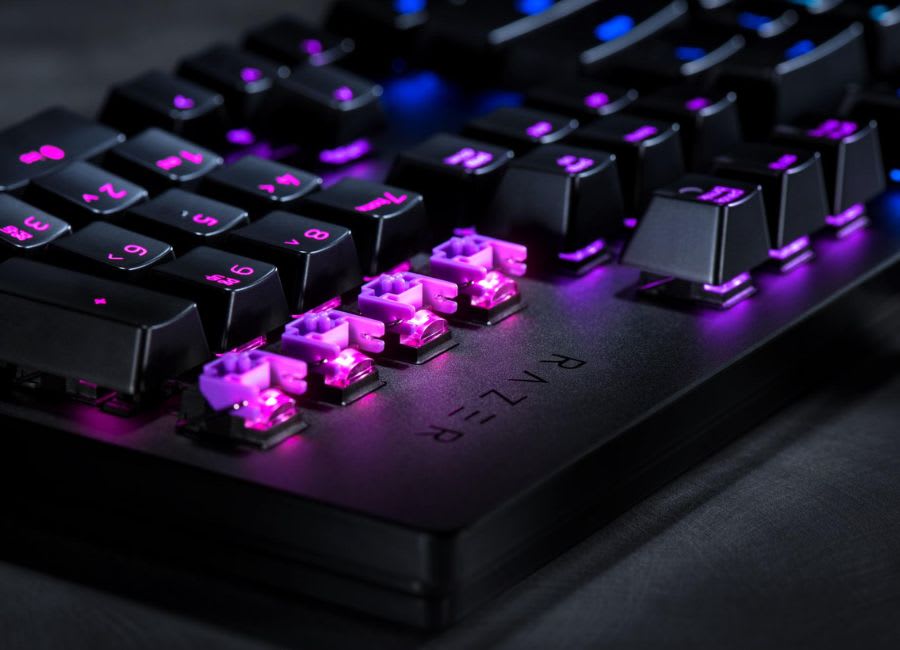
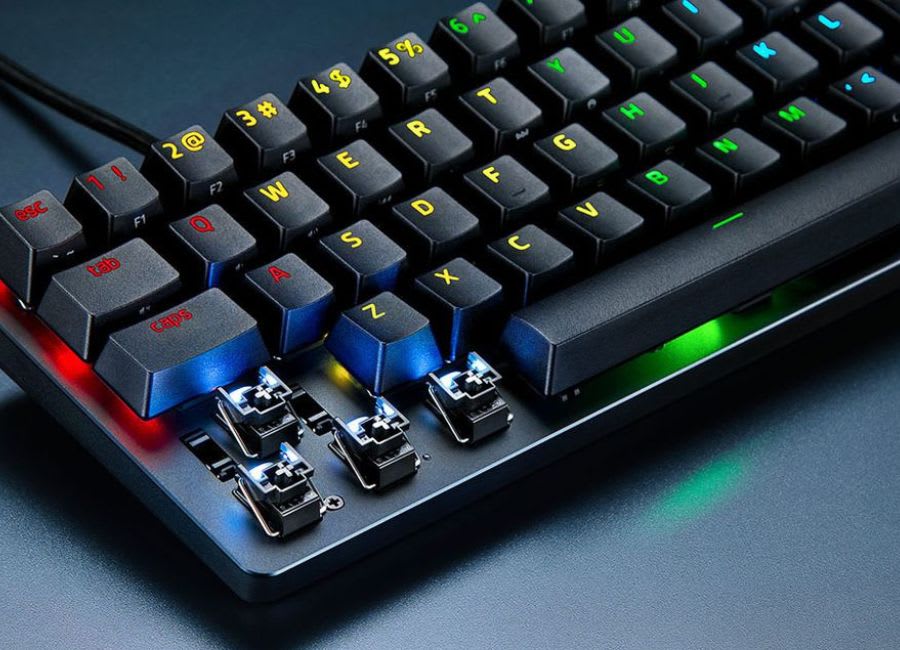
An optical keyboard is a modern type of keyboard that utilises cutting-edge technology, employing light to detect key presses. It uses light-based actuation to register keypresses instead of traditional mechanical switches or membrane-based keyboards. When a key is pressed on an optical keyboard, it interrupts a light beam, triggering a sensor to register the key press and send the signal to your computer. The optical design delivers rapid response times, exceptional durability, and a seamless typing experience, boosting overall performance and longevity.
Note
Experiment with different key switch types or keyboard settings to find your ideal balance of speed and tactility.
Advantages and Disadvantages of Optical Keyboard
| Advantages | Disadvantages |
|---|---|
| Fast response times significantly boost gaming and typing performance. | The higher price point of optical keyboards can be a deterrent point for some buyers. |
| Enhanced durability prolongs keyboard lifespan. | Restricted customization options could fail to satisfy individual user preferences. |
| Minimal wear and tear substantially extends switch lifespan. | Optical signal interference may potentially disrupt keyboard functionality. |
| Superior performance caters to both gamers and typists effectively. | Specific care and maintenance routines may be required. |

Ideal Users for Optical Keyboards
Optical keyboards are perfect for tech-savvy individuals and high-performance enthusiasts seeking cutting-edge typing experiences. Gamers, programmers, and heavy typists who crave speed, precision, and innovative technology will appreciate optical keyboards' light-based switches, offering rapid actuation and unparalleled durability. These users value advanced features and customization, making optical keyboards an attractive choice for those who demand peak performance and precision in their typing experience.
For Pro Gamers
Optical keyboards give pro gamers a competitive edge with lightning-fast actuation and unparalleled precision. Light-based switches register keystrokes instantly, enabling rapid responses and flawless execution. These keyboards enhance performance and reaction time, allowing gamers to focus on their game. Durable and reliable, optical keyboards withstand intense gaming sessions, ensuring consistent performance. This precision and speed elevate their gameplay.
For Heavy Typists
Optical keyboards are ideal for heavy typists, offering instant keystroke registration, reduced finger fatigue, and durability. Customizable features streamline workflow, boosting productivity and accuracy. With reliable performance, heavy typists can work efficiently without compromise. The keyboards' durability and resistance to wear and tear ensure consistent performance, even with extensive use.
For Tech Enthusiasts
For tech enthusiasts, optical keyboards embody the latest innovation, featuring cutting-edge light-based switches and advanced customization. These keyboards offer a futuristic typing experience, showcasing the perfect blend of style and high-performance capabilities. With endless possibilities for tweaking and optimization, optical keyboards are a dream come true for enthusiasts who crave the latest tech trends.
Frequently Asked Questions
What is the main difference between an optical and mechanical keyboard?
The difference is how a press is registered. Mechanical switches close a physical metal contact; optical switches interrupt an infrared beam, so nothing touches. That removes contact bounce and the debounce delay that comes with it, and it removes the one component that wears out. Feel, sound and customisation are largely unaffected by the change.
Can an optical keyboard be customised like a mechanical keyboard?
Partly. Programmable keys, per-key lighting and macros are standard on both. Switch-level customisation is where optical loses out: optical switches only fit boards with the matching sensor and stem design, so the aftermarket is far smaller than the mechanical one. The same incompatibility applies to magnetic Hall effect switches.
Which keyboard is better, mechanical or optical?
Optical wins on actuation speed, durability and resistance to dust and moisture. Mechanical wins on switch variety, tactile and clicky options, and the depth of the modding ecosystem. Neither is broadly better; the honest answer is that the switch feel you prefer should decide it.
Which keyboard is best for gaming, optical or mechanical?
Optical, marginally, and mostly because of the debounce delay it removes rather than the light-based sensing itself. The gain is around a millisecond, which is real but small next to network latency and display response. If you are chasing input lag seriously, our measurements in is 8000Hz polling rate worth it show where the remaining milliseconds actually go.
Are optical keyboards quieter than mechanical ones?
No. The noise comes from the stem bottoming out against the housing and from the case resonating, neither of which changes with optical sensing. For genuinely quiet typing, see the quietest keyboard switches, and note that an aluminum case lowers the pitch rather than the volume.
Why do some keys stop working after I plug in a new keyboard?
Gaming Mode is the usual culprit. It disables the Windows key and sometimes Alt+Tab to stop accidental presses mid-match, and it is enabled by default on many gaming boards. Our guide to disabling Gaming Mode covers the shortcut for each brand.
Conclusion from the Testing
When comparing mechanical vs optical keyboards, optical keyboards come out ahead in terms of speed, durability, and maintenance, thanks to their light-based actuation and fewer moving parts. However, mechanical keyboards still win in tactile feedback, switch variety, and customization, making them a favorite among typists and enthusiasts. The best choice ultimately depends on your priorities:
Choose optical keyboard for gaming and speed, and mechanical keyboard for feel and precision.
Sources
- Razer, Razer Optical Switches, retrieved 2026-08-20, https://www.razer.com/razer-optical-switch
- Razer, Understanding Razer Switches, retrieved 2026-08-20, https://www.razer.com/blog/understanding-razer-switches
- Razer, Razer Analog Optical Switches Gen 2, retrieved 2026-08-20, https://press.razer.com/product-news/razer-analog-optical-switches-gen-2/
- Cherry, CHERRY MX Switches at a Glance, retrieved 2026-08-20, https://www.cherry.de/en-gb/company/news/cherry-blog/article/cherry-mx-switches-at-a-glance