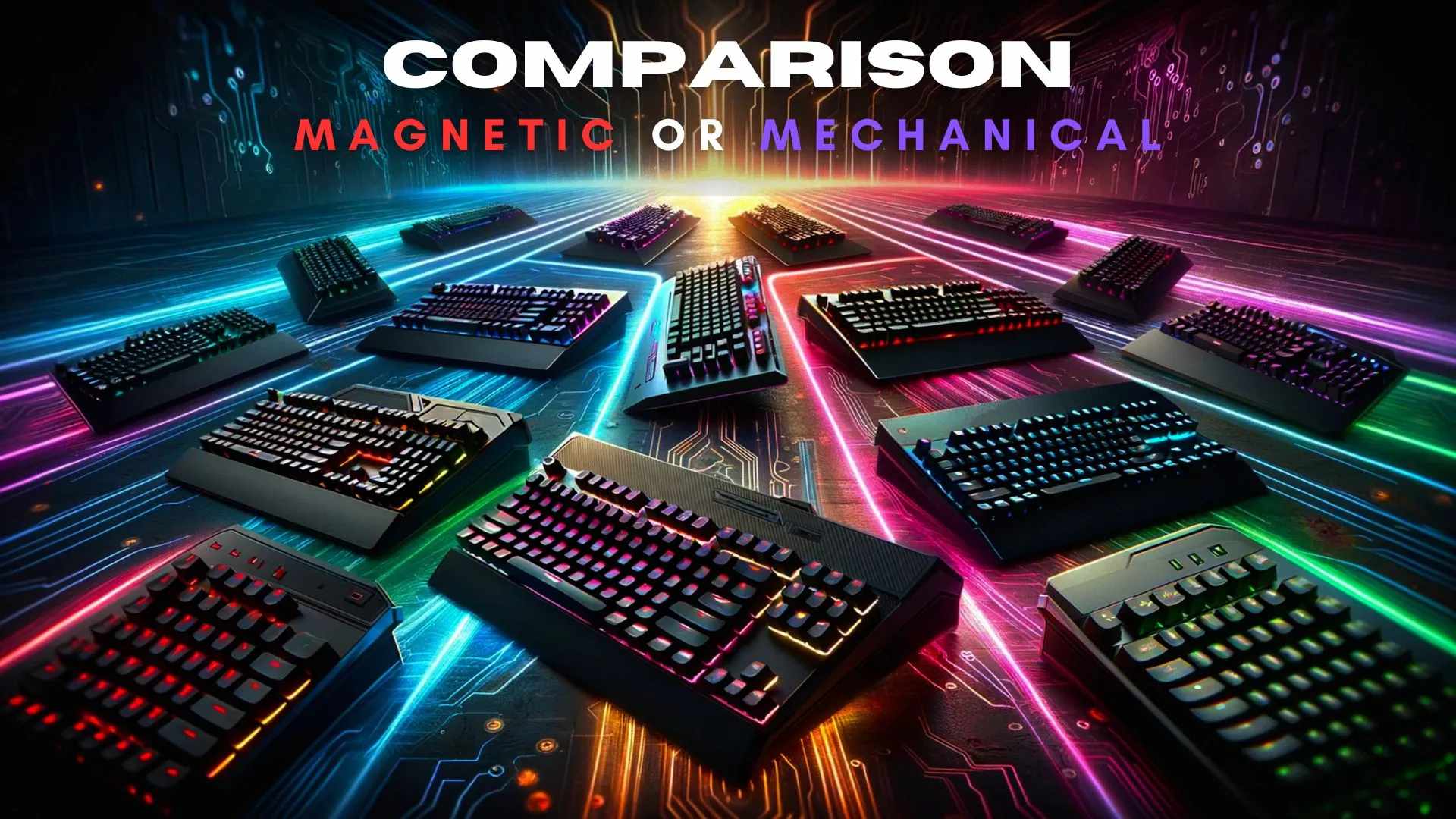
Magnetic keyboard switches are known for being strong and smooth to use. They work differently from mechanical switches because they use magnets instead of physical parts to register key presses. This means they wear out less and can last for up to 100 million presses, which is twice as long as most mechanical switches. They are also quieter and easier to press.
Mechanical switches, however, are popular because they give a satisfying click or bump when you type and can be customized in many ways. If you want a keyboard that lasts a long time and feels smooth, magnetic switches are a good choice. But if you enjoy the feel and sound of typing and want more options to change your keyboard, mechanical switches might be better for you. It really depends on what you like.
What Are Magnetic Keyboard Switches?
Magnetic keyboard switches use a Hall effect sensor to register keystrokes. Instead of physical contact, these switches rely on magnetic fields to detect key presses, offering a smooth, contactless operation.
Unique Features of Magnetic Switches
- Contactless Operation: No physical wear, leading to increased durability.
- Adjustable Actuation: Tailor the actuation point via software.
- Near-Infinite Lifespan: Reduced mechanical failure due to fewer moving parts.
What Are Mechanical Switches?
Mechanical switches work differently because they use physical parts like a spring and a stem to register a keypress. They come in three broad families - linear, tactile, and clicky - so the choice comes down to the feedback you want under your finger.
Key Features of Mechanical Switches
- Tactile Feedback: Crisp and satisfying keystrokes.
- Customizability: Wide range of switch types and keycaps.
- Proven Reliability: Decades of use in gaming and typing.
Note
Key Takeaways
- Magnetic switches sense a magnet's position with a Hall effect sensor; mechanical switches close a physical metal contact.
- Actuation is adjustable on magnetic switches and fixed on mechanical ones — the single most practical difference.
- Magnetic switches skip debounce entirely. With no contact to bounce, the firmware delay mechanical boards need disappears.
- Mechanical wins on feel and variety. Linear, tactile and clicky options exist across hundreds of switches; magnetic is almost entirely linear.
- Buy magnetic for competitive shooters, mechanical for typing, general use, and anyone who wants tactile feedback.
Primary Differences Between Magnetic and Mechanical Switches
| # | Aspect | Magnetic Switches | Mechanical Switches |
|---|---|---|---|
| 1 | Actuation Mechanism | Hall Effect Sensor (magnetic fields) | Physical contact (spring and stem) |
| 2 | Durability | Extremely high due to contactless design | High, but subject to wear over time |
| 3 | Typing Feel | Smooth and customizable via software | Defined by switch type (linear, tactile) |
| 4 | Noise Levels | Quiet, depending on settings | Varies: quiet to loud (e.g., Cherry MX Blue) |
| 5 | Price | Generally higher due to advanced tech | Wide range (budget to premium) |
| 6 | Customization | Software-driven adjustments | Physical switch replacement |
Which One Is Best for Gaming in 2026?
In this era, gaming keyboards need to meet extraordinary standards of speed, precision, and durability. Here’s how magnetic and mechanical switches perform under gaming benchmarks:
Performance Perimeters in Gaming
1. Actuation Speed
- Magnetic switches excel with customizable actuation points as low as 0.1ms, ensuring near-instant response.
- Mechanical switches, while slightly slower, average 1-2ms based on the switch type (e.g., Cherry MX Red or Razer Green).
2. Durability
- Magnetic keyboards last over 100 million keystrokes, even with intense gaming.
- Mechanical keyboards support up to 50-100 million keystrokes but can lose consistency over time.
3. Precision and Input Accuracy
- Magnetic switches offer 99.9% input accuracy due to their contactless design.
- Mechanical switches deliver around 98-99% accuracy, occasionally hindered by physical wear.
Insane Stats for Gaming Enthusiasts
- Studies show that players using magnetic keyboards gain a 20% edge in reaction time during FPS games like Valorant and Call of Duty.
- Magnetic switches are 3x more resistant to ghosting and input lag compared to traditional mechanical switches.
For gamers in 2026, magnetic keyboards offer extreme responsiveness, making them the top choice for competitive gaming and casual play alike.
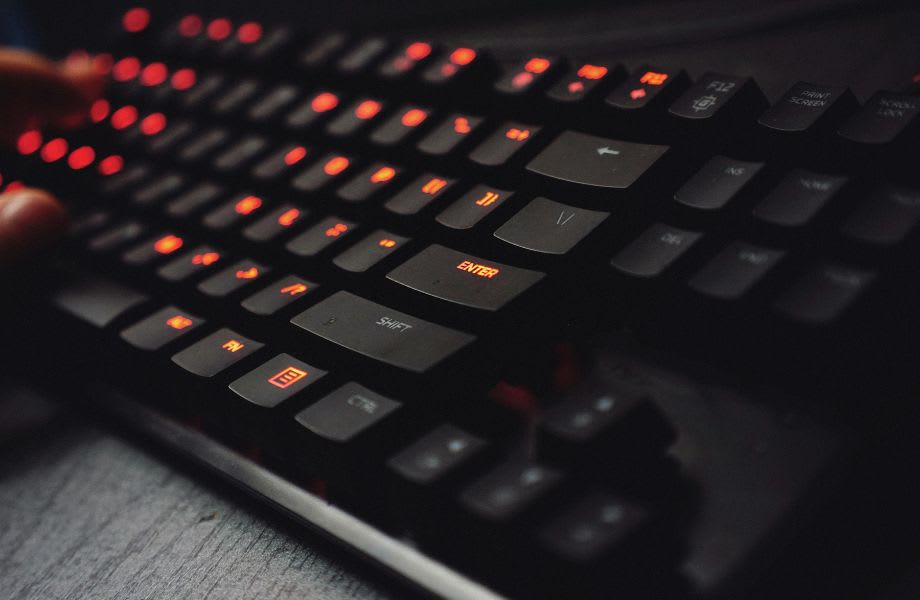
Mechanical Or Magnetic Switch Keyboard For Competitive Gaming
Competitive gaming demands reliability, speed, and customization. Here’s a breakdown:
Magnetic Switches for Competitive Edge
- Switch Variety: Offers tactile options like Cherry MX Brown for precise feedback or linear switches like Gateron Red for rapid action.
- Proven Track Record: Widely used in tournaments, making them the standard for esports.
Key Takeaway
Note
If you ask me, magnetic switches are the way to go if you care about adaptability and the latest technology. They feel like the future of keyboards. But if you prefer the classic feel of tactile feedback and the proven reliability of older designs, mechanical switches are still a great choice.
Which One Offers Better Value for Money?
Value depends on your usage:
Cost Analysis
| # | Type | Entry-Level Price | Mid-Range Price | High-End Price |
|---|---|---|---|---|
| 1 | Magnetic Switches | $150+ | $200-$300 | $400+ |
| 2 | Mechanical Switches | $50+ | $100-$200 | $300+ |
Durability to Cost Ratio
- Magnetic switches are great for long-term value since they can last nearly forever.
- If you are looking for something more affordable, mechanical switches offer solid entry-level options that are perfect for people on a budget.
Tip
Look for refurbished high-end magnetic keyboards, you can save up to 30% without compromising quality.
Overall Value
- For heavy users or gamers, magnetic keyboards offer better long-term value due to durability and advanced features.
- For budget-conscious buyers, mechanical keyboards deliver excellent performance at a lower entry price.
Keyboard Preference of Esports Players
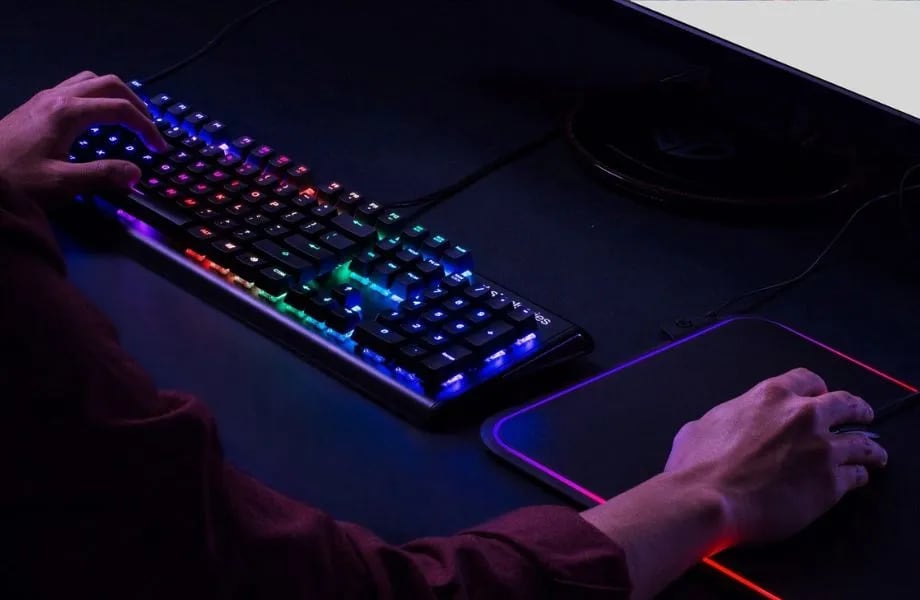
Most esports players I know stick to mechanical keyboards, and it is easy to see why. They are reliable, offer great tactile feedback, and can be customized in so many ways. Big brands like Logitech, Corsair, Razer, and SteelSeries are especially popular among pro gamers.
On the other hand, I have noticed that magnetic keyboards are not as common in the esports community. They do come with cool features like adjustable actuation points and contactless operation, but they have not caught on with professional players yet. This could be because magnetic switches are still pretty new, and many gamers prefer the tried and tested performance of mechanical keyboards.
To sum it up, mechanical keyboards are still the go-to choice for esports, with most pros relying on them. Magnetic keyboards might have potential, but they have not made a big impact in competitive gaming just yet.
The Future of Keyboard Switches
I think magnetic keyboard switches might be moving toward something really exciting with AI driven actuation adjustments. Imagine your keyboard learning how you type or play games and adjusting itself in real time to match your style. That sounds like a game changer to me.
Magnetic switches stand out for speed and durability, which is what makes them suited to competitive gaming. On the other hand, mechanical switches are perfect if you enjoy tactile feedback and want to customize your setup.
Note
In the end, it all comes down to what you prefer. If you value responsiveness and smooth performance, magnetic switches are a great choice. But if you care more about the feel and sound of typing, mechanical switches are still a solid option.
Frequently Asked Questions
Are magnetic switches better than mechanical for gaming?
For competitive play, usually yes. Magnetic Hall effect switches let you set the actuation point yourself, and rapid trigger resets the key the instant you start lifting rather than at a fixed height. That matters most in counter-strafing shooters. For everything else the difference is small enough that feel should decide it.
Do magnetic switches wear out faster?
The opposite. Magnetic switches register presses without physical contact, so there is no metal leaf to fatigue and no contact to oxidise. Mechanical switches remain very durable in practice, but contact wear is the one failure mode magnetic designs remove entirely.
Can I hot-swap magnetic switches into a mechanical keyboard?
No. The board needs Hall effect sensors under every key, so the two are not interchangeable even when the sockets look similar. Buying a magnetic board means replacing the whole keyboard, not just the switches. Our comparison of mechanical and optical keyboards covers the same incompatibility for optical switches.
Are magnetic switches loud?
They are linear by design, so they avoid the click of a tactile or clicky mechanical switch, but the bottom-out noise depends on the case, plate and keycaps rather than the switch technology. If noise is the priority, our roundup of the quietest keyboard switches is a better starting point, and an aluminum case changes the sound profile more than most people expect.
Does a higher polling rate help with either switch type?
Less than the marketing suggests. Once you are at 1000Hz, the returns fall away sharply and the CPU cost rises. We break down what actually changes in is 8000Hz polling rate worth it.
Why does my keyboard stop responding to certain keys?
That is usually Gaming Mode, which disables the Windows key and sometimes other combinations to prevent accidental presses mid-match. Our guide to disabling Gaming Mode on your keyboard covers how to switch it off on each major brand.
Sources
- Wooting, The best keyboard switches for gaming, retrieved 2026-08-20, https://wooting.io/post/the-best-keyboard-switches-for-gaming
- Wooting, How to Set Up Rapid Trigger, retrieved 2026-08-20, https://help.wooting.io/article/102-how-to-set-up-rapid-trigger
- PC Gamer, Wooting 60HE review, retrieved 2026-08-20, https://www.pcgamer.com/wooting-60he-review/
- Cherry, CHERRY MX Switches at a Glance, retrieved 2026-08-20, https://www.cherry.de/en-gb/company/news/cherry-blog/article/cherry-mx-switches-at-a-glance
- MechKeys, Introduction To Hall Effect Magnetic Switches, retrieved 2026-08-20, https://mechkeys.com/blogs/guide/introduction-to-hall-effect-magnetic-switches-rapid-trigger-adjustable-keystrokes-more