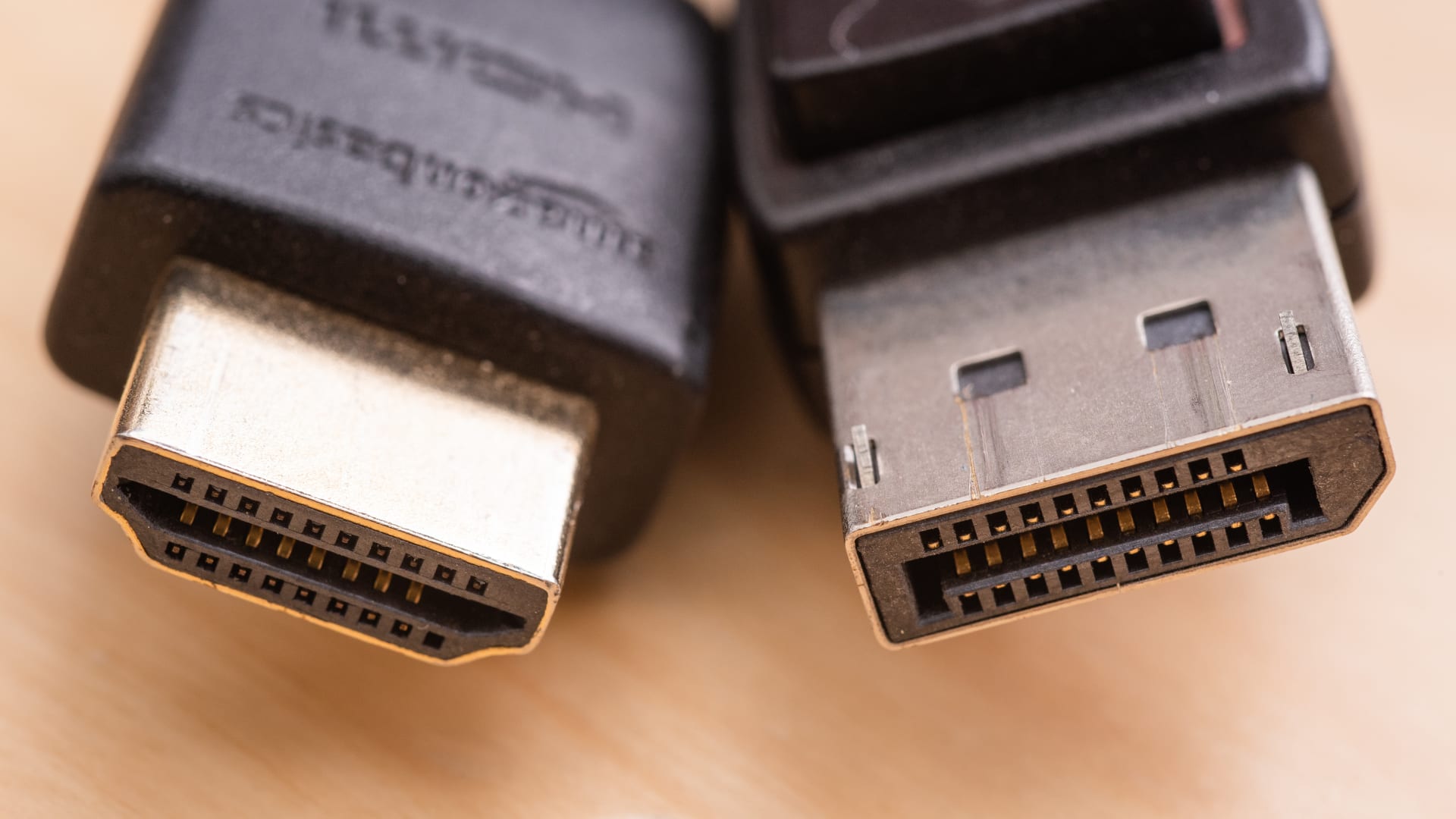
DisplayPort 2.1 at its top speed carries 77.4Gbps of usable data against HDMI 2.1's 42.6Gbps — nearly double. That is the headline, and it is real. The catch is that "DisplayPort 2.1" is not one speed, and the version most graphics cards actually ship is slower than the marketing number suggests.
The port on the back of your GPU could be running at 40Gbps, 54Gbps, or 80Gbps and still be labelled DisplayPort 2.1. Knowing which one you have decides whether this comparison matters to you at all.
Note
Key Takeaways
- DP 2.1 defines three speed tiers: UHBR10 (40Gbps), UHBR13.5 (54Gbps) and UHBR20 (80Gbps). All three are "DisplayPort 2.1".
- Raw numbers overstate both ports. After encoding overhead, HDMI 2.1 delivers 42.6Gbps and UHBR20 delivers 77.4Gbps.
- Most 2026 GPUs ship UHBR13.5, not UHBR20. Only NVIDIA's current generation carries the full 80Gbps.
- HDMI 2.1 is still the only option for consoles and TVs. DisplayPort does not exist on either.
- DSC compression makes the gap academic for nearly every resolution people actually run today.
- Cable quality matters far more on DP 2.1 than it ever did on 1.4 — look for DP40 or DP80 certification.
The Numbers Everyone Quotes Are the Wrong Ones
Both standards are advertised by their raw signalling rate, and both lose a chunk of it to line encoding before a single pixel arrives.
HDMI 2.1 uses a Fixed Rate Link running at 48Gbps raw, with 16b/18b encoding. Divide out the overhead and you are left with roughly 42.6Gbps of actual video payload. DisplayPort 2.1 uses 128b/132b encoding, which is far more efficient, so UHBR20's 80Gbps raw becomes about 77.4Gbps of payload. The lower tiers land at roughly 38.7Gbps for UHBR10 and 52.2Gbps for UHBR13.5.
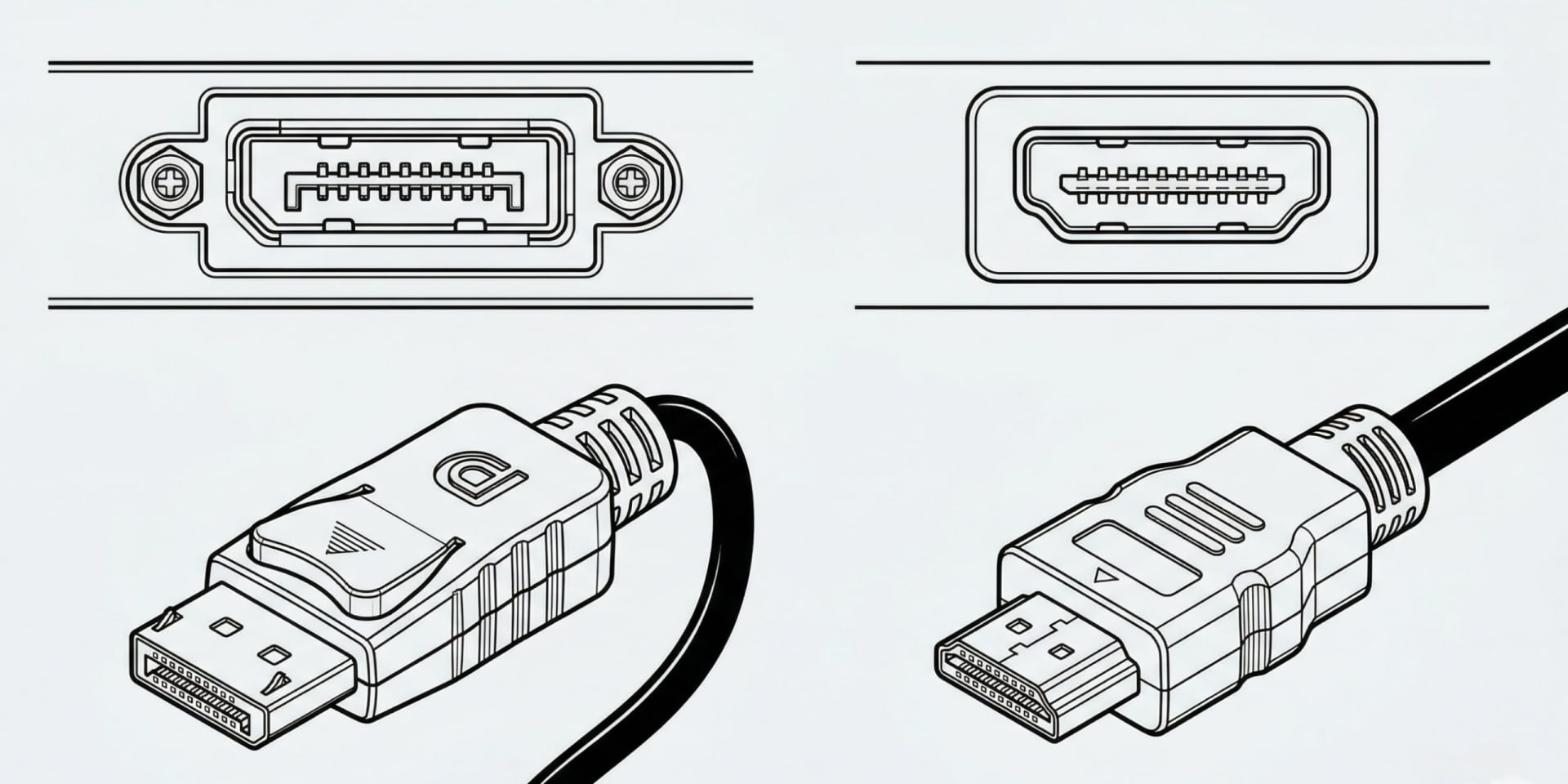
That efficiency difference is the quietly important part. UHBR10 is advertised at 40Gbps against HDMI 2.1's 48Gbps and looks like a downgrade, but the usable gap between 38.7 and 42.6 is much narrower than the badge numbers imply. DisplayPort simply wastes less of what it has.
| Standard | Raw rate | Usable payload | Typical availability |
|---|---|---|---|
| HDMI 2.0 | 18Gbps | ~14.4Gbps | Everything |
| DisplayPort 1.4 | 32.4Gbps | ~25.9Gbps | Everything since 2016 |
| HDMI 2.1 | 48Gbps | ~42.6Gbps | Most GPUs, all consoles |
| DP 2.1 UHBR10 | 40Gbps | ~38.7Gbps | Entry 2.1 implementations |
| DP 2.1 UHBR13.5 | 54Gbps | ~52.2Gbps | Most 2026 GPUs |
| DP 2.1 UHBR20 | 80Gbps | ~77.4Gbps | NVIDIA current generation |
If you are choosing between the older pair rather than the new one, the trade-offs are different enough that we covered them separately in DisplayPort 1.4 vs HDMI 2.1.
Which Speed Does Your GPU Actually Have?
This is the question that decides everything else, and the answer is not printed on the box in any useful way.
NVIDIA's current generation is the only consumer hardware shipping full UHBR20 at 80Gbps. Its predecessor topped out at DisplayPort 1.4a, which is why 4K high-refresh setups on that generation leaned so heavily on compression.
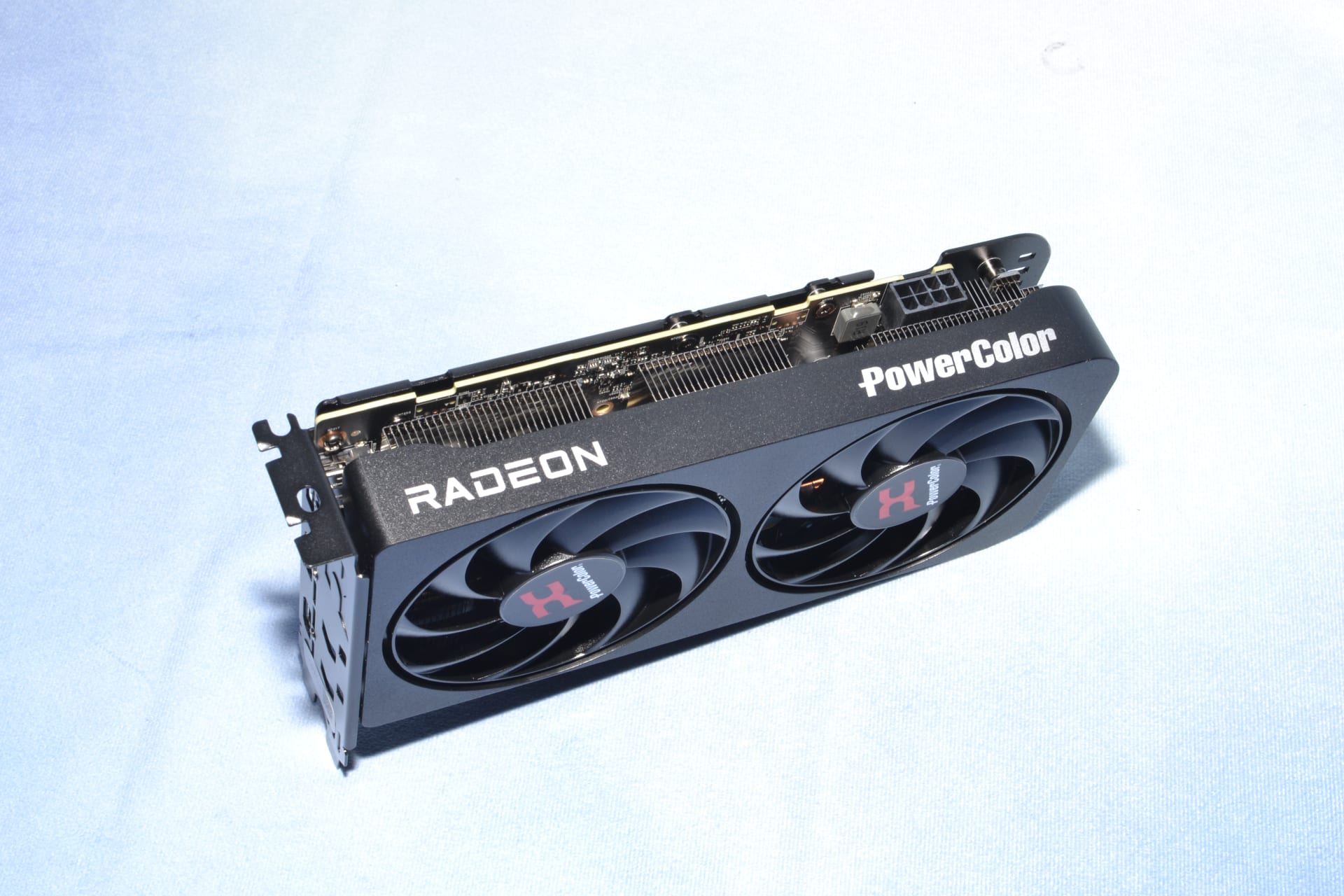
AMD's recent Radeon cards ship DisplayPort 2.1 at UHBR13.5 (54Gbps). That is a genuine improvement over 1.4 and enough for the resolutions those cards realistically drive — which for the mainstream tier covered in best budget GPU 2026 means 1440p rather than high-refresh 4K. It is not the 80Gbps figure the standard's name evokes.
Intel's Arc cards also sit at UHBR13.5.
Warning
A monitor advertising "DisplayPort 2.1" tells you just as little. Panels ship with UHBR10, UHBR13.5 and UHBR20 inputs and all three carry the same 2.1 label. Check the specification sheet for the UHBR tier before assuming a display can accept what your card sends.
The practical consequence: for most people buying most cards in 2026, the honest comparison is UHBR13.5's 52.2Gbps against HDMI 2.1's 42.6Gbps. A real advantage, but a modest one — not the doubling the headline number promises.
What Each Port Can Drive Uncompressed
Bandwidth only matters relative to what you are asking it to carry. Here is roughly what a signal costs, at 10-bit colour with standard timing overhead.
1440p at 240Hz — around 30Gbps
Comfortable uncompressed on HDMI 2.1 and every DP 2.1 tier. No compression needed anywhere.
4K at 144Hz — around 55Gbps
Beyond HDMI 2.1 uncompressed. UHBR13.5 is borderline; UHBR20 handles it with room to spare.
4K at 240Hz — around 90Gbps
Beyond everything uncompressed, including UHBR20. This resolution and refresh combination requires DSC on any port available today.
5K2K ultrawide at 165Hz — around 65Gbps
The case that genuinely separates the tiers, and the reason the newest ultrawides list UHBR13.5 as a minimum.
8K at 60Hz — around 50Gbps
Within UHBR13.5 uncompressed, needs DSC on HDMI 2.1.
Notice where the line falls. Nothing available today drives 4K 240Hz without compression, which means the flagship configuration everyone points to as the reason for UHBR20 uses DSC on UHBR20 as well.
Why DSC Makes Most of This Academic
Display Stream Compression is the reason a 42.6Gbps port can drive signals that arithmetic says should not fit.
DSC is a VESA standard applying roughly 3:1 compression, and it is certified as visually lossless — meaning that in controlled testing, viewers could not reliably distinguish compressed from uncompressed output. It adds well under a frame of latency, which is far too little to feel. Both HDMI 2.1 and every DisplayPort 2.1 tier support it.
With DSC active, HDMI 2.1 drives 4K at 240Hz. So does UHBR13.5. So does UHBR20. The bandwidth tier stops being the constraint and the panel becomes the constraint instead.
There are three real costs, and they are worth knowing because they are the only concrete reasons to prefer more raw bandwidth:
DSC blocks some multi-monitor topologies. DSC and Display Stream Compression tunnelling interact awkwardly with daisy-chaining and certain multi-stream setups. If you run several displays from one output, more raw bandwidth avoids a category of configuration problems entirely.
DSC can extend mode changes. Switching resolution or refresh rate sometimes takes a beat longer, and a small number of displays show a brief black frame on transitions that they would not show otherwise.
DSC occasionally interacts badly with VRR at low frame rates. This is display-specific rather than universal, but it belongs in the same family as the behaviour covered in VRR flicker on OLED monitors.
None of those are frame rate or image quality problems. If someone tells you DSC looks worse, ask them to describe what they saw.
Cables Became a Real Variable
DisplayPort 1.4 was forgiving. Almost any cable that physically fit ran 32.4Gbps over a couple of metres. DisplayPort 2.1 is not forgiving, and this catches people out.
VESA certifies DP 2.1 cables into tiers: DP40 for UHBR10, and DP80 for UHBR20, with a later DP80LL low-loss category for longer passive runs at full speed. An uncertified cable will frequently negotiate down to a lower tier silently, or produce intermittent black flashes under load, and nothing in Windows will tell you why.
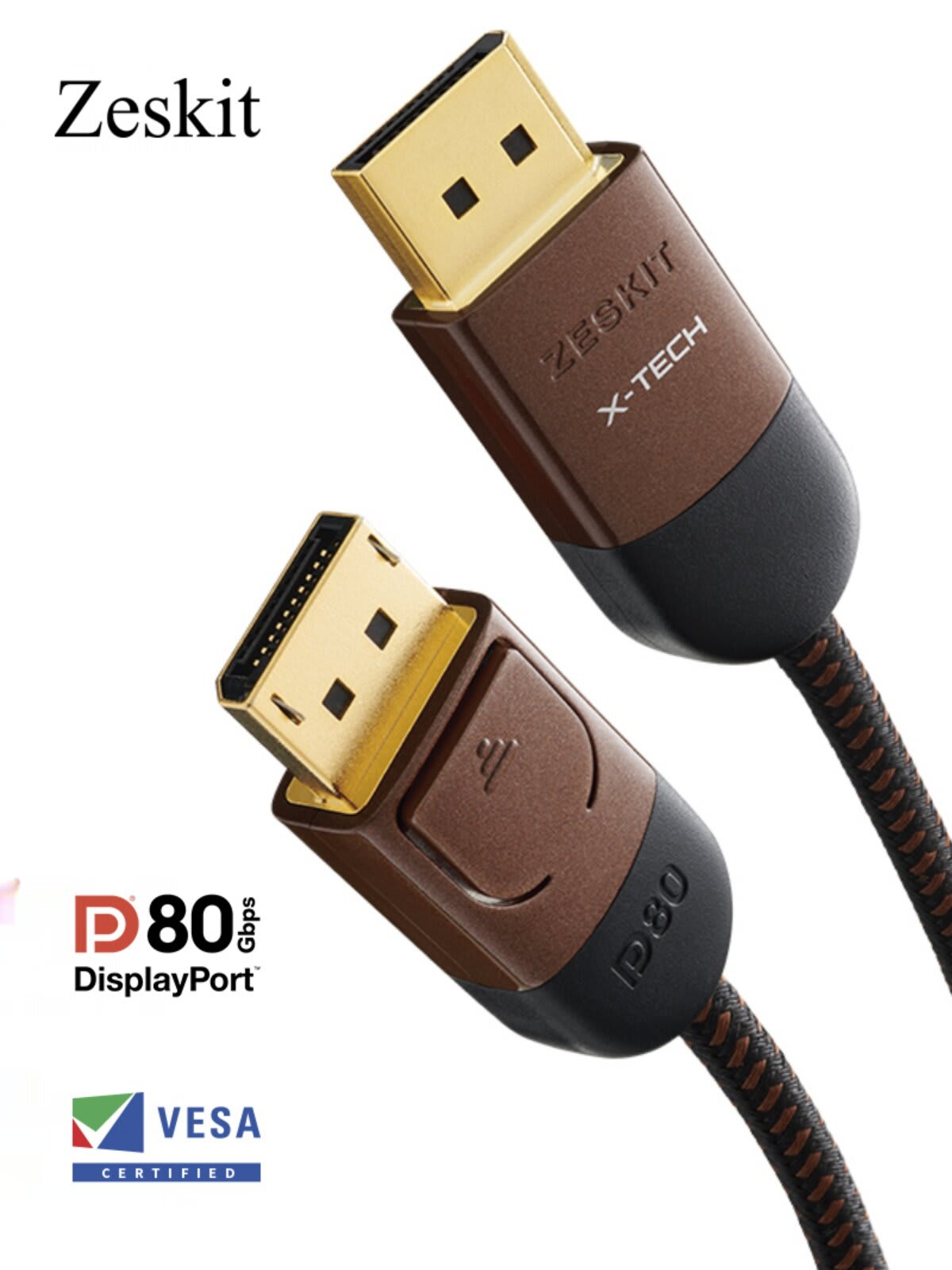
The failure mode is the annoying kind: it works, mostly, until a specific combination of resolution and refresh rate pushes it over the edge. If a new high-refresh setup blanks intermittently, swap the cable before you troubleshoot anything else. The same logic applies to the HDMI side, where counterfeit certification is common enough that we wrote a separate guide on spotting a fake HDMI 2.1 cable.
Keep runs short. Passive DP80 cables are generally specified around one metre at full UHBR20; beyond that you are looking at DP80LL or an active optical cable.
Which One Should You Actually Plug In?
Tip
PC to gaming monitor: DisplayPort, at whatever UHBR tier both ends support. It negotiates cleanly, supports higher refresh rates, and handles multi-monitor better.
PC to TV: HDMI. TVs do not have DisplayPort inputs, and that is not changing.
Console to anything: HDMI 2.1. Consoles have no other video output.
Laptop or handheld to display: Usually USB-C carrying DisplayPort Alt Mode, which follows the same UHBR tiers.
Multi-monitor from one GPU: DisplayPort, and prefer the highest tier you have.
For the large majority of setups — a single 1440p or 4K gaming monitor at high refresh — both ports work, both will use DSC where needed, and the visible difference is zero. Use DisplayPort because it negotiates more predictably and leaves more headroom for whatever you buy next, not because you will see anything.
The setups where the tier genuinely decides something are narrow: very high refresh 4K, wide ultrawides above 5K2K, multi-display chains, and anyone determined to avoid compression on principle.
It is also worth being clear about what more bandwidth buys. It buys higher refresh rate, and refresh rate is what reduces motion blur — not the port, and not the panel's advertised response time. That distinction is the subject of GtG vs MPRT response time, and it matters more to how a display looks in motion than any cable specification on this page. Running several displays from one card carries a separate frame rate cost too, covered in why a second monitor kills your FPS.
HDMI 2.2 Changes the Ceiling Again
Worth knowing before you buy on bandwidth alone: HDMI 2.2 has been announced with a 96Gbps ceiling and an "Ultra96" cable category, which puts it back ahead of UHBR20 on paper.
Announced is not the same as available. Adoption on GPUs, monitors and TVs takes generations, and the pattern from HDMI 2.1 was that the label arrived on products long before full-rate implementations did. Treat it as a reason not to overpay for future-proofing today rather than a reason to wait.
Frequently Asked Questions
Is DisplayPort 2.1 better than HDMI 2.1?
At its top tier, yes — UHBR20 carries about 77.4Gbps of usable payload against HDMI 2.1's 42.6Gbps. But most 2026 graphics cards ship UHBR13.5 at roughly 52.2Gbps, so the realistic gap is narrower. For a single high-refresh monitor, both ports produce identical results because compression covers the difference.
Why do the bandwidth numbers differ from the advertised figures?
Both standards advertise raw signalling rate before line encoding. HDMI 2.1's 48Gbps becomes about 42.6Gbps of video payload after 16b/18b encoding, while DisplayPort 2.1's 128b/132b encoding is more efficient, turning 80Gbps into about 77.4Gbps. DisplayPort loses less of its headline number.
Does my graphics card have UHBR20?
Only NVIDIA's current generation ships full UHBR20 at 80Gbps in consumer hardware. Recent AMD Radeon and Intel Arc cards implement DisplayPort 2.1 at UHBR13.5, or 54Gbps. All of them are correctly labelled "DisplayPort 2.1", so check the UHBR tier in the specifications rather than the version number.
Does DSC compression reduce image quality?
It is certified visually lossless by VESA, meaning viewers in controlled testing could not reliably tell compressed output from uncompressed. Its real costs are practical rather than visual: some multi-monitor and daisy-chain topologies are unavailable, and mode switches can take slightly longer.
Do I need a special cable for DisplayPort 2.1?
Yes, if you are running above UHBR10. Look for VESA DP40 certification for UHBR10 and DP80 for UHBR20, with DP80LL for longer runs at full speed. Uncertified cables often negotiate down silently or produce intermittent blanking under load, with no error message explaining why.
Should I use HDMI or DisplayPort for gaming on PC?
DisplayPort for a monitor, HDMI for a TV. DisplayPort negotiates high refresh rates more predictably and handles multi-monitor configurations better, while TVs have no DisplayPort inputs at all. For a single mainstream gaming monitor, either will deliver the same picture.
The Bottom Line
DisplayPort 2.1 wins the specification comparison and will keep winning it for as long as UHBR20 exists and HDMI 2.2 does not ship in volume. If you are buying a monitor to keep for five years, the higher tier is the more comfortable choice.
But check what your card actually has before you spend anything on the difference. The realistic 2026 matchup is UHBR13.5 against HDMI 2.1, not UHBR20 against HDMI 2.1, and at that margin compression closes the gap for every resolution most people run. Use DisplayPort on a monitor, use HDMI on a TV, buy a certified cable, and spend the saved money on the panel instead of the port.
Connector and interface photography courtesy of the respective manufacturers and publications, used for editorial coverage.
Sources
- VESA, DisplayPort 2.1a and DP80LL cable certification, retrieved 2026-08-01, https://www.vesa.org/featured-articles/vesa-releases-displayport-2-1a-specification/
- HDMI Licensing Administrator, HDMI 2.1 Specification — Fixed Rate Link, retrieved 2026-08-01, https://www.hdmi.org/spec21sub/overview
- HDMI Licensing Administrator, HDMI Specification 2.2 announcement, retrieved 2026-08-01, https://www.hdmi.org/spec22/index
- VESA, Display Stream Compression (DSC) Standard, retrieved 2026-08-01, https://www.vesa.org/vesa-display-compression-codecs/
- TFTCentral, DisplayPort 2.1 UHBR modes and what they mean for monitors, retrieved 2026-08-01, https://tftcentral.co.uk/articles/displayport-2-1-explained