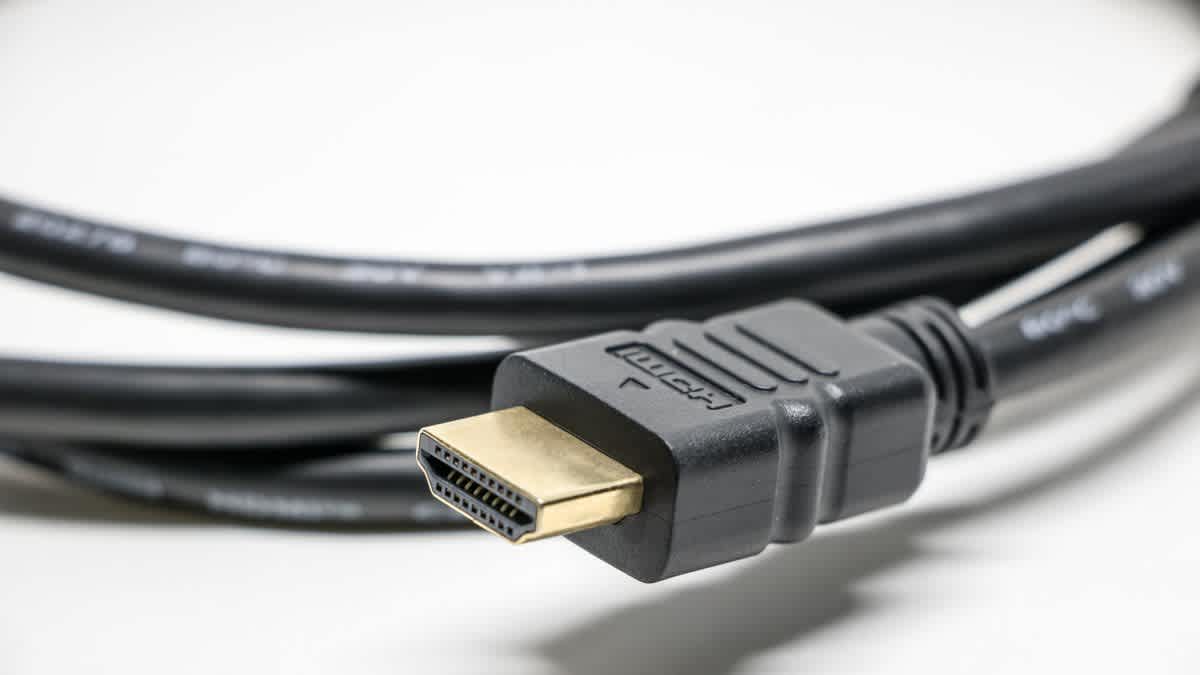
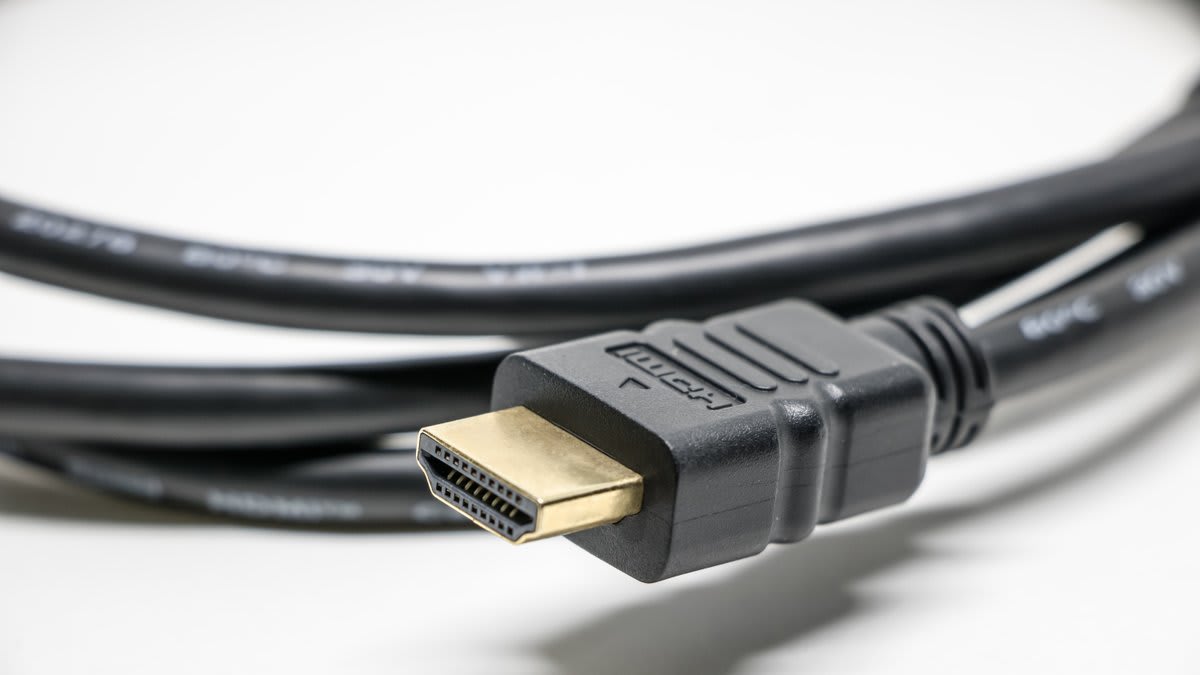
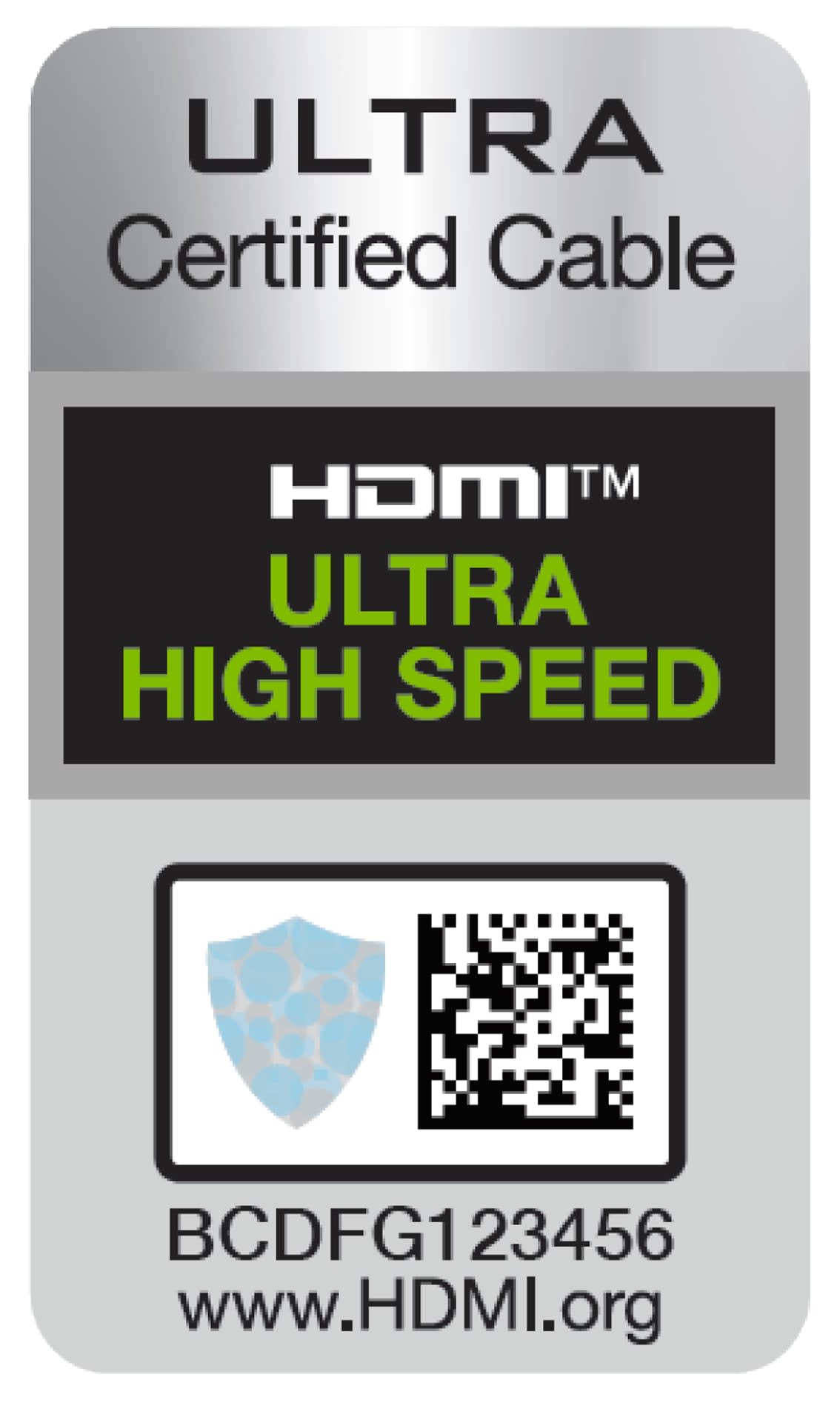
There is no such thing as an "HDMI 2.1 cable," and any listing that uses the phrase is already telling you something. The only category that carries 48Gbps is the Ultra High Speed HDMI Cable, and it is the only HDMI cable category that requires per-cable certification with a scannable label.
That distinction is the entire counterfeit problem in one sentence. Sellers print "2.1" and "48Gbps" on packaging because those words are unregulated. The certification mark is not, which makes it the only claim worth checking.
Note
Key Takeaways
- The real category is Ultra High Speed HDMI Cable. "HDMI 2.1 cable" is marketing language with no defined meaning.
- Certified cables carry a holographic label with a QR code that verifies against HDMI's database through their official app.
- "48Gbps", "8K Ready" and "2.1 Compatible" printed on a box are claims, not certifications.
- The classic failure signature is intermittent black flashes under load, not a dead picture.
- A cable silently falling back to 4K60 instead of 4K120 is the most common real-world symptom.
- Passive certified cables are practical to about 3 metres. Longer runs need active or optical.
Why the Naming Is a Mess
Some of this confusion is deliberate, and some of it is the standard's own fault.
HDMI's licensing body retired HDMI 2.0 as a separate label. Every device that previously would have been called 2.0 is now permitted to be called HDMI 2.1, with the actual capabilities listed as optional features. A television advertising "HDMI 2.1" may support none of the features people associate with the name — no 4K120, no VRR, no 48Gbps link.
Cables were never versioned in the first place. HDMI has always certified cables by speed category, not by specification number:
| Cable category | Bandwidth | What it carries |
|---|---|---|
| Standard | 4.95Gbps | 1080i |
| High Speed | 10.2Gbps | 1080p, early 4K30 |
| Premium High Speed | 18Gbps | 4K60 with HDR |
| Ultra High Speed | 48Gbps | 4K120, 8K60, VRR, eARC |
| Ultra96 | 96Gbps | HDMI 2.2 era, newly arriving |
So "is this an HDMI 2.1 cable" has no answer. The question that does have one is "is this cable Ultra High Speed certified," and that is verifiable in about a minute.
DisplayPort has been going through its own version of this, incidentally, with three different speed tiers all shipping under the same "2.1" label — the comparison in DisplayPort 1.4 vs HDMI 2.1 covers the older pairing that most current hardware still sits on.
Info
This is also why a cable can be genuinely fine and still fail you. If your source outputs 4K120 but your display's HDMI port implements a reduced feature set, no cable in the world fixes it. Confirm both ends support what you are asking for before you blame the wire — the bandwidth arithmetic is laid out in DisplayPort 2.1 vs HDMI 2.1.
The One Check That Actually Proves Anything
Ultra High Speed is the only HDMI cable category with a mandatory per-cable certification programme, and that programme has teeth precisely because it is verifiable by the buyer.
Every certified cable ships with a holographic certification label carrying a unique QR code. HDMI's licensing administrator publishes an official cable certification app; scan the code and it checks the label against their database and returns whether that specific cable is certified.
Three outcomes, and all three are informative:
Verified. The cable is genuinely certified. This is the only positive result worth trusting.
Not found or invalid. The label is fabricated or copied from another product. Return it.
No label at all. The cable was never submitted for certification. It may still work perfectly — plenty of uncertified cables do — but you have no assurance and no recourse, which is a poor position at 48Gbps.
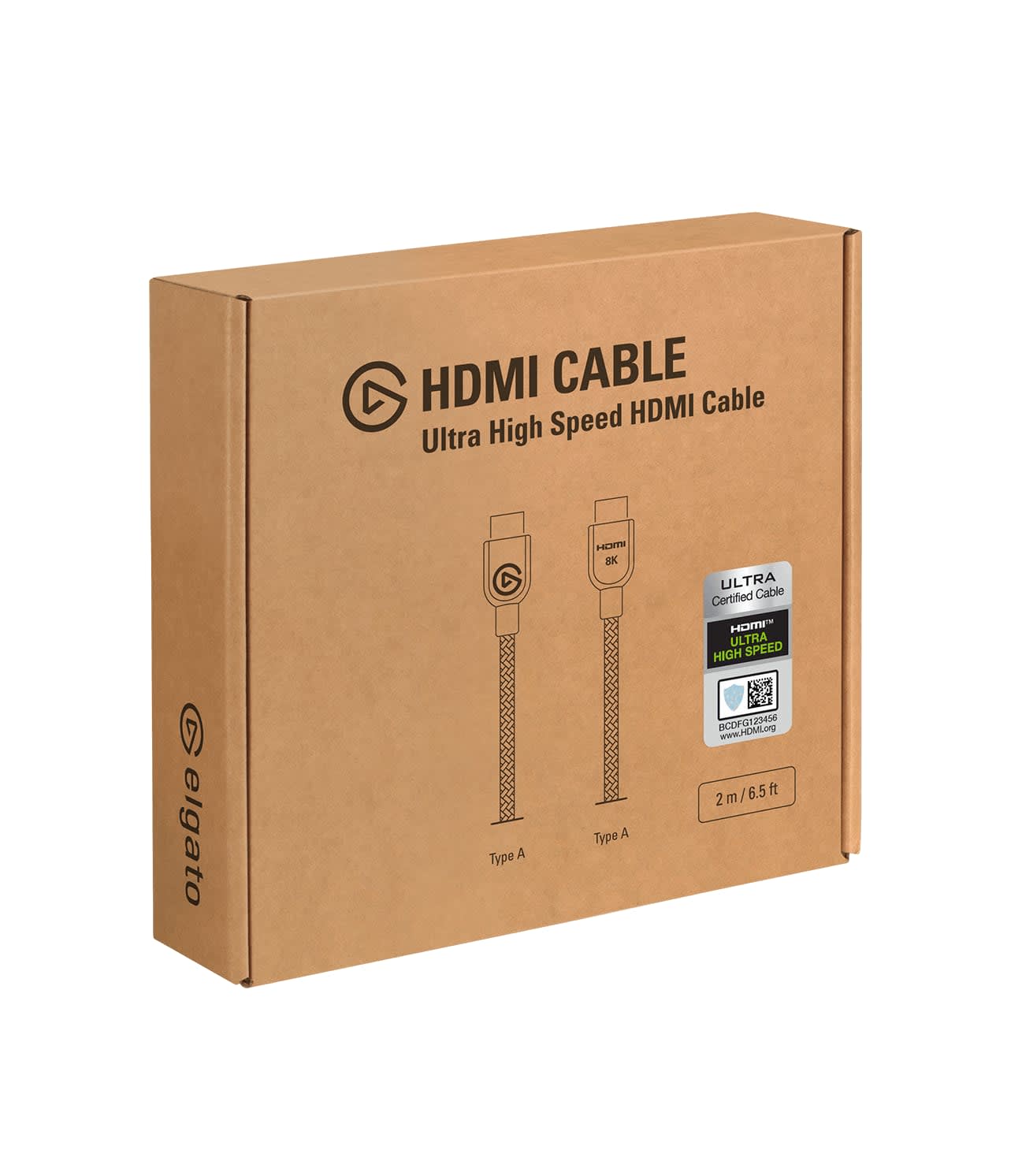
Counterfeiters do copy holograms. What they cannot easily do is generate QR codes that resolve in the official database, which is why scanning beats eyeballing the sticker.
Six Symptoms of a Cable That Cannot Keep Up
A marginal cable rarely fails outright. It fails intermittently, under specific conditions, which is what makes it so hard to diagnose.
Intermittent Black Flashes
The signature symptom. The picture drops for a fraction of a second and returns, usually during high-motion scenes or right after a mode change. This is the link losing sync and re-establishing it.
Silent Fallback to 4K60
You select 120Hz, it appears to accept, and the display's information panel reports 60Hz. The link negotiated down rather than failing, and nothing told you.
"Sparkles" or Snow
Scattered bright pixels across the image, most visible on dark scenes. Corrupted data arriving at the panel.
HDR Refusing to Engage
HDR content plays in SDR because the extra colour depth pushed the link past what the cable can sustain. Related but distinct from the calibration issue in our washed-out HDR guide.
VRR Not Available
The setting is greyed out or fails to hold, because variable refresh is one of the first features dropped when the link negotiates down.
Audio Dropouts on eARC
Brief silences or a receiver that repeatedly re-syncs, since eARC's higher bandwidth audio runs over the same link.
The pattern connecting all six: they appear under load and disappear under lighter settings. A cable that shows nothing at 4K60 and flashes black at 4K120 is not a broken cable, it is an inadequate one.
Red Flags Before You Buy
You can filter most of the counterfeit market on the listing alone.
"HDMI 2.1" as the headline claim. Legitimate manufacturers lead with "Ultra High Speed Certified" because that is the claim that means something. Sellers who lead with a version number are usually selling the version number.
No certification label pictured. If the product photos never show the holographic label, assume there is not one.
Very long passive cables at 48Gbps. Certified passive Ultra High Speed cables are practical to around three metres. A 10-metre passive cable claiming full 48Gbps is claiming something the physics does not readily support. Long runs need active copper or optical, and those are priced accordingly.
Bargain pricing at length. Certification costs money and testing costs money. A certified 3-metre cable is not expensive, but it is not the cheapest thing on the page either.
"Gold plated for better signal." Gold plating resists corrosion. It does not improve a digital signal, and its prominence in a listing generally indicates marketing rather than engineering.
Warning
Cables bundled in the box with a console or GPU are usually the safe option — manufacturers ship a cable rated for what their device outputs. If you have one, use it before buying anything, and keep it as your known-good reference for future troubleshooting.
The Two-Minute Test
If you already own the cable, this tells you where you stand without buying anything.
Step one: set the demanding mode. In Windows display settings or your console's video output menu, select the highest combination your gear supports — typically 4K at 120Hz with 10-bit colour and 4:4:4 or RGB. If the option is missing entirely, that is already a result.
Step two: check what the display actually received. Nearly every modern TV and monitor reports the incoming signal in its information or on-screen display menu. Look for resolution, refresh rate, colour format and, on better displays, the FRL link rate. Trust this over what the source claims to be sending.
Step three: load it up. Play something with fast motion and bright transitions for a few minutes. Marginal cables fail on scene changes and high-bitrate content, not on menus.
Step four: swap and repeat. Use a known-good cable — the bundled one — with everything else unchanged. If the symptoms disappear, you have your answer. If they do not, the cable was never the problem.
Step five: shorten the run. If a long cable fails and a short one works at the same settings, you have confirmed a bandwidth-over-distance problem rather than a defect.
This sequence matters because HDMI problems get misattributed constantly. Intermittent black frames also come from source-side issues, and a display dropping out under load can look a great deal like the power-related shutdowns covered in why a PC shuts down while gaming. Isolating the cable first is cheap.
What You Actually Need
Match the cable to the job rather than buying the highest number available.
Console at 4K120 or a PC at 4K high refresh: Ultra High Speed certified, as short as your setup allows. This is the case that genuinely needs it.
4K60 with HDR: Premium High Speed is sufficient. Ultra High Speed does no harm and costs little more.
1080p at any refresh rate, or 1440p at 144Hz: almost any modern cable handles it. If you are running a PC to a monitor, use DisplayPort anyway.
Chasing motion clarity: the cable is not where that is won. Refresh rate sets how long each frame sits in front of your eye, which is the mechanism explained in GtG vs MPRT response time. Buy the cable that carries the refresh rate; do not expect the cable to improve the image at a refresh rate you already have.
Runs over 3 metres at 4K120: active or optical HDMI. Accept the cost; passive copper at that length and bandwidth is where the counterfeit listings concentrate.
8K, or HDMI 2.2 hardware: the newer Ultra96 category, which is where the certification programme is now extending.
Frequently Asked Questions
Is there such a thing as an HDMI 2.1 cable?
No. HDMI certifies cables by speed category, not by specification version. The category that carries 48Gbps is called Ultra High Speed HDMI Cable, and it is the only one that requires per-cable certification with a scannable QR label. "HDMI 2.1 cable" is marketing language with no technical definition.
How do I verify an HDMI cable is genuinely certified?
Scan the holographic certification label's QR code with HDMI's official cable certification app. It checks the code against the licensing administrator's database and reports whether that specific cable is certified. A copied hologram will usually fail this check even when it looks convincing.
What happens if I use a cable that can't handle 4K 120Hz?
Usually it negotiates down silently to a mode it can sustain — commonly 4K60 — without telling you. Where it tries and fails, you get intermittent black flashes, scattered bright pixels, HDR refusing to engage, or VRR becoming unavailable. Outright no-picture failures are less common than partial ones.
Can a bad HDMI cable damage my TV or console?
No. HDMI is a digital interface, and an inadequate cable results in lost or corrupted data rather than electrical damage. The risk is unreliable picture and audio, not hardware failure.
Do expensive HDMI cables give a better picture?
Beyond meeting the required certification, no. HDMI is digital: the data either arrives intact or it does not. A certified Ultra High Speed cable at a normal price delivers exactly the same image as an expensive one, provided both are genuinely certified and the run length is within specification.
How long can an HDMI 2.1 cable be?
Passive certified cables are practical to roughly three metres at full 48Gbps. Beyond that, signal loss makes reliable operation difficult and you need an active copper or optical cable. Long passive cables advertising full bandwidth are the most common category of misleading listing.
The Bottom Line
Stop shopping for a version number. Look for the words "Ultra High Speed Certified," find the holographic label, and scan the QR code — that single check separates cables that were tested from cables that were merely described.
If you already have symptoms, run the swap test with a bundled cable before buying anything. Intermittent black flashes and a silent fallback to 60Hz are the two signatures worth recognising, and both are far more often the cable than the display.
And keep the run short. Most counterfeit and marginal cables concentrate at lengths where genuine passive certification stops being physically practical, which is exactly where the tempting listings live.
Cable and interface photography courtesy of the respective manufacturers and publications, used for editorial coverage.
Sources
- HDMI Licensing Administrator, Ultra High Speed HDMI Cable Certification Program, retrieved 2026-08-02, https://www.hdmi.org/spec/premiumcable
- HDMI Licensing Administrator, HDMI 2.1 Specification feature overview, retrieved 2026-08-02, https://www.hdmi.org/spec21sub/overview
- HDMI Licensing Administrator, Cable categories and bandwidth reference, retrieved 2026-08-02, https://www.hdmi.org/spec/hdmi2_1
- The Verge, HDMI 2.1 is a mess and the industry has no plans to fix it, retrieved 2026-08-02, https://www.theverge.com/2021/12/12/22830671/hdmi-2-1-confusing-tv-monitor-spec
- TFTCentral, HDMI cable certification and what Ultra High Speed actually guarantees, retrieved 2026-08-02, https://tftcentral.co.uk/articles/hdmi-cables-explained