If your PC shuts off only while gaming and works fine otherwise, the cause is almost always power delivery or heat — the two things gaming load spikes and desktop use does not. A failing or undersized PSU that cannot hold voltage under transient load is the single most common culprit, followed by thermal shutdown protection tripping on a CPU or GPU.
The good news is that these two causes produce different symptoms, and you can tell them apart in about ten minutes without buying anything. Most guides list twenty fixes in random order. This one puts diagnosis first, because applying the wrong fix is how people end up replacing parts that were never broken.
Note
Key Takeaways
- Instant power-off with no warning = power delivery. Shutdown after minutes of load = heat.
- A PSU can fail under gaming load while passing every desktop test — transient spikes are the killer.
- Check Event Viewer for Kernel-Power ID 41 first. It takes 60 seconds and narrows everything down.
- Log temperatures with HWiNFO during a session; a thermal trip leaves an obvious spike in the data.
- Dust and dried thermal paste cause more shutdowns than dying hardware does.
Instant Shutdown vs Gradual Shutdown: The Key Difference
Before touching anything, note how your PC dies. This one observation eliminates most of the possibilities.
| # | Symptom | Most Likely Cause | Where to Look |
|---|---|---|---|
| 1 | Instant power-off, like the plug was pulled | PSU, loose power cable | Fixes 1-3 |
| 2 | Shuts down after 10-30 minutes of load | Thermal protection | Fixes 4-5 |
| 3 | Blue screen, then restart | Driver, RAM, or storage | Fix 6 |
| 4 | Reboots instantly and posts normally | PSU or motherboard VRM | Fixes 1-3 |
| 5 | Shuts down only in one specific game | Game-specific load or driver | Fix 7 |
An instant power-off is a hardware protection circuit doing its job. There is no shutdown sequence, no error, no blue screen — the system simply stops. That is electrical.
A shutdown that happens reliably after a period of load is thermal. Heat takes time to build.
Fix 1: Check Event Viewer First
Before opening the case, spend a minute in Windows Event Viewer. It will tell you whether Windows saw the shutdown coming.
- Press Win + X and choose Event Viewer.
- Expand Windows Logs → System.
- Look for a Critical entry at the time of the shutdown.
- Kernel-Power, Event ID 41 means the system lost power without a clean shutdown.
Event ID 41 is not a diagnosis — it is Windows saying "I was not told this was happening." That confirms an abrupt hardware-level cut rather than a software crash, which points you at power or thermal protection and away from driver problems.
Tip
If you find a blue screen error code rather than Kernel-Power 41, stop reading this section and treat it as a driver or memory fault instead. A BSOD means Windows crashed and recovered in an orderly way. That is a completely different problem from the power simply going away.
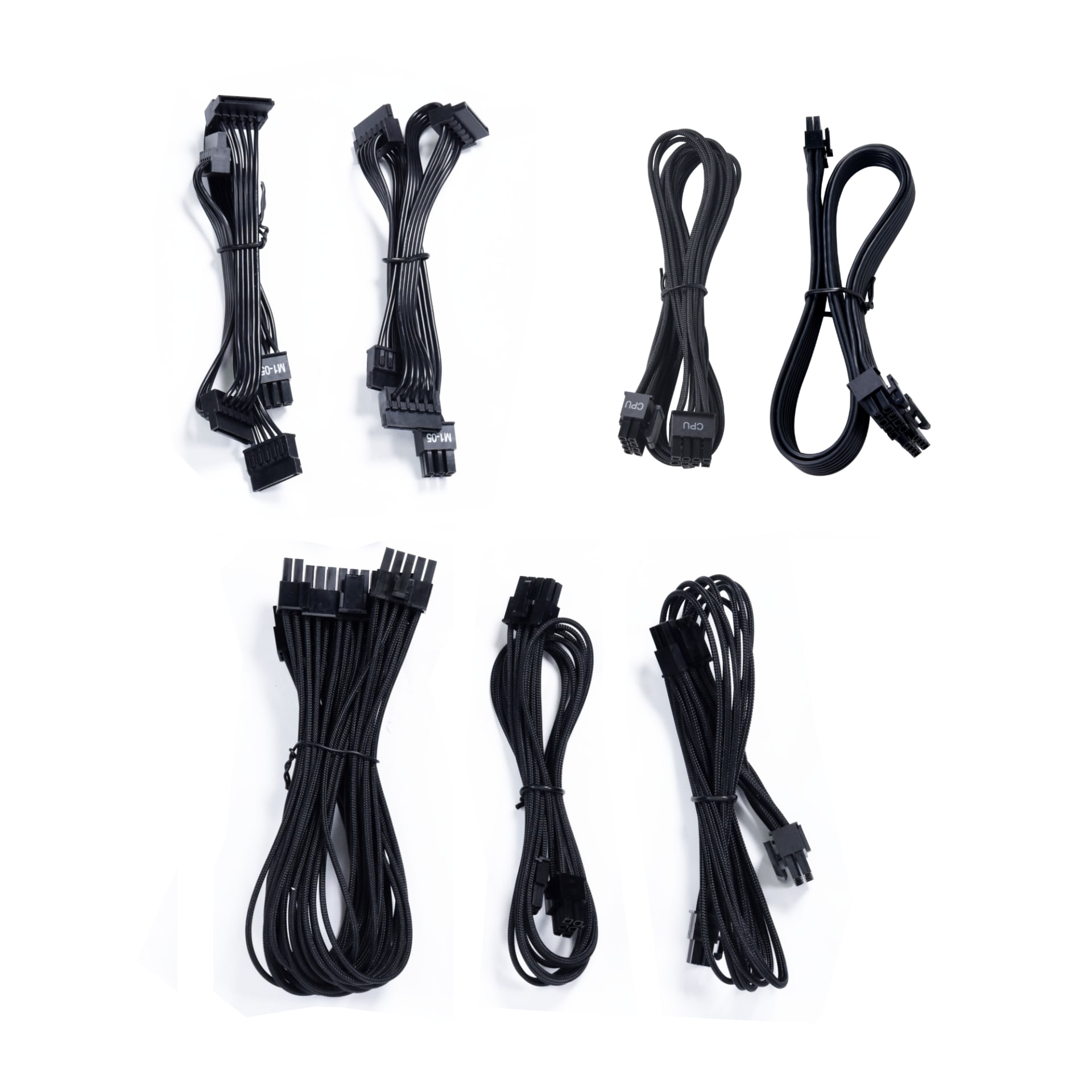
Fix 2: Suspect the Power Supply
The PSU is the most common cause of load-dependent shutdowns, and the reason is transient spikes. A modern GPU can momentarily draw two to three times its rated power for a few milliseconds. If the PSU cannot hold voltage through those spikes, its over-current protection trips and cuts power instantly.
This is why a PSU can pass every idle and desktop test, run for months, and still kill your machine the moment you open a demanding game.
Age Over Wattage
Capacitors degrade. A 750W unit from 2016 does not deliver 750W cleanly in 2026, even if the label still says so.
It Got Worse Gradually
Shutdowns that started occasionally and became frequent point at a component degrading, not a configuration problem.
It Only Happens in Demanding Games
Menu screens are fine, heavy scenes are not. That is a load-dependent power fault, almost by definition.
The cheapest test: if you have access to another power supply of adequate wattage, swap it in temporarily. That is the only conclusive PSU test available without a load tester, and it costs nothing if you can borrow one.
If you are choosing a replacement, our mini PC PSU guide explains how to read a power supply spec sheet properly — including why the wattage number on the box is the least useful figure on it.
Fix 3: Reseat Every Power Connection
Loose connectors cause exactly the symptom people blame on dying hardware. Do this with the system unplugged.
- Switch the PSU off and unplug the wall cable.
- Hold the case power button for 10 seconds to discharge.
- Unplug and firmly reseat the 24-pin motherboard connector.
- Reseat the 8-pin (or 4+4) CPU power connector at the top of the board.
- Reseat every PCIe power cable at the GPU end and at the PSU end.
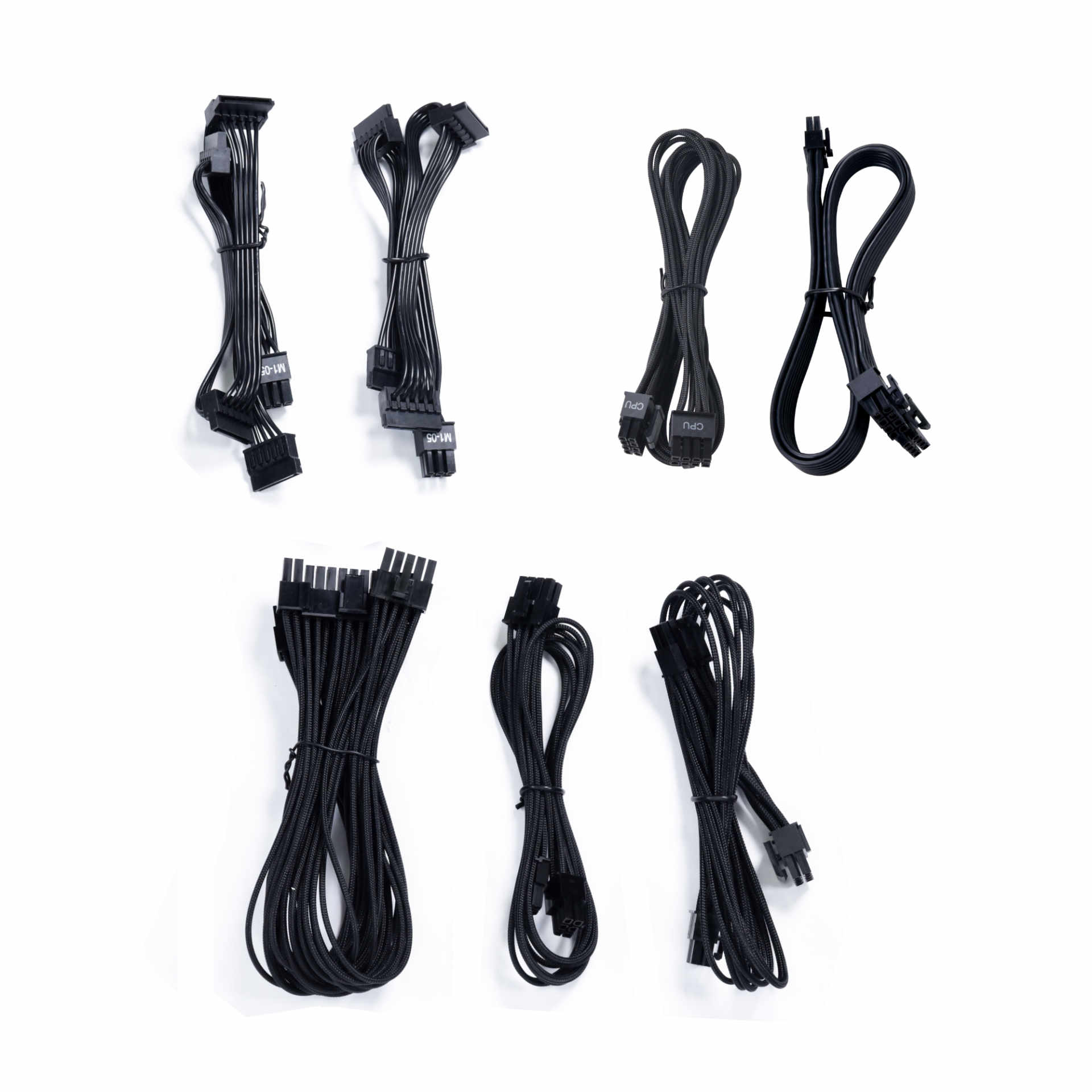
- On modular supplies, confirm each cable is fully clicked into the PSU itself.
Warning
Never mix modular PSU cables between different power supplies, even from the same manufacturer. Pinouts are not standardised, and a cable from another unit can deliver 12V to a ground pin. This destroys hardware instantly and is one of the few genuinely irreversible mistakes in PC building. If you swapped a PSU recently and used the old cables, that is your first suspect.
Fix 4: Confirm or Rule Out Overheating
Modern CPUs and GPUs shut the system down rather than damage themselves. If your chip hits its thermal limit, the machine cuts out — and it will do so reliably after a similar amount of load each time.
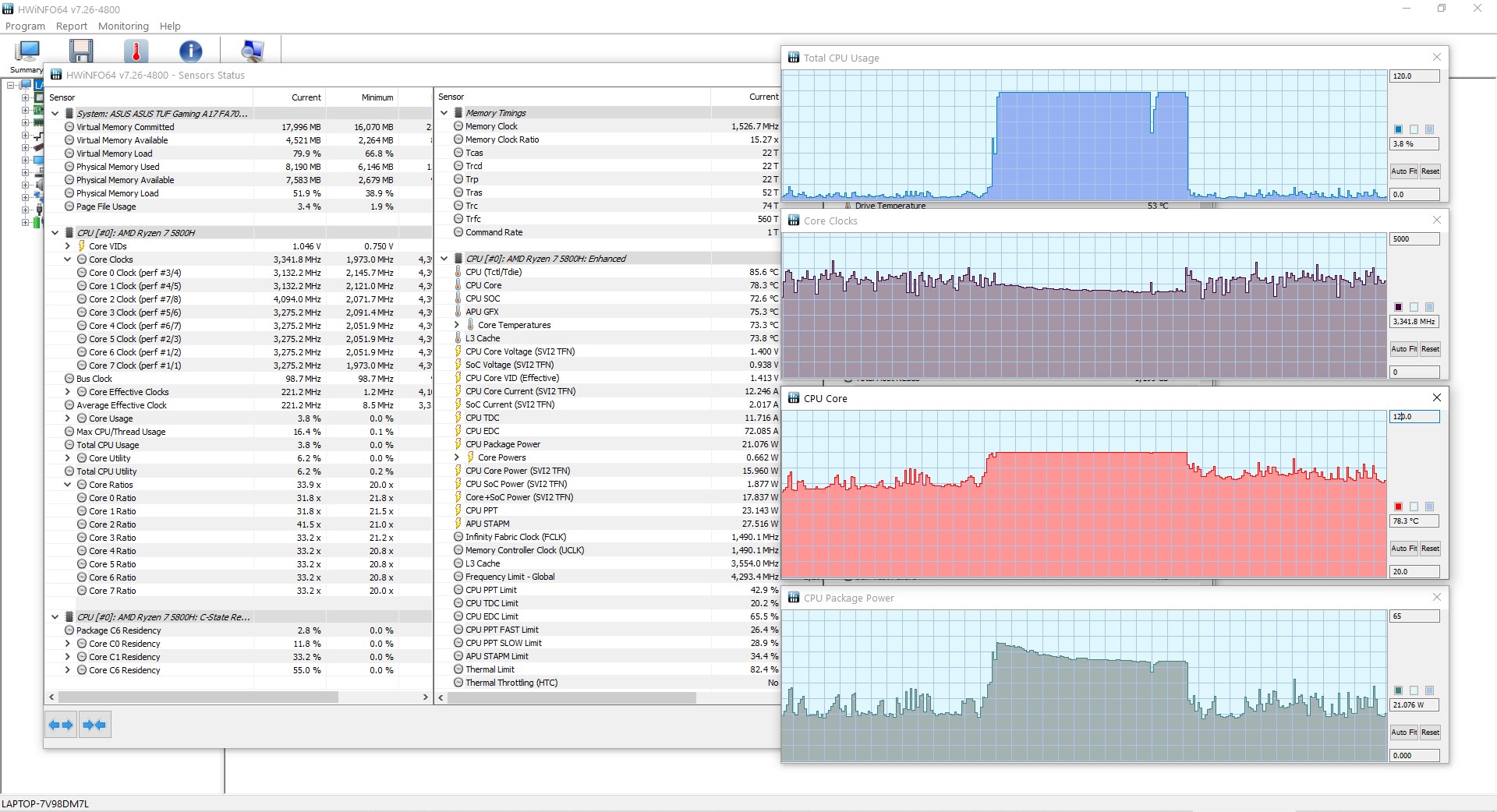
Log it rather than guessing:
- Install HWiNFO and start it in sensors-only mode.
- Enable logging to a CSV file.
- Play until the shutdown happens.
- Reopen the log and look at the last recorded CPU and GPU temperatures.
CPU package temperatures in the high 90s °C or a GPU above roughly 90 °C immediately before the cut is your answer. If the last logged temperatures were comfortable, heat is not your problem and you should go back to Fix 2.
Fix 5: Clean the Dust and Reseat the Cooler
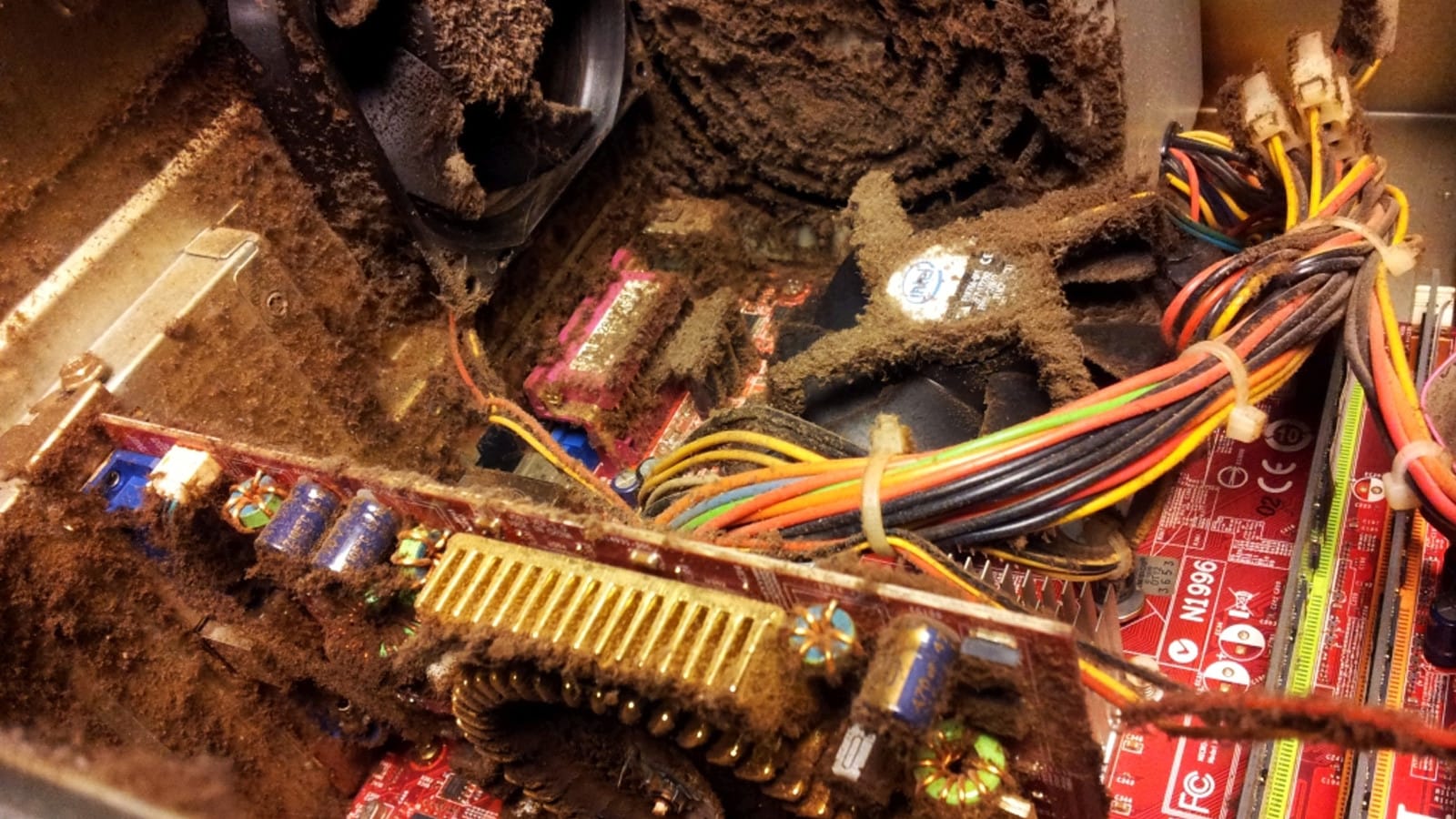
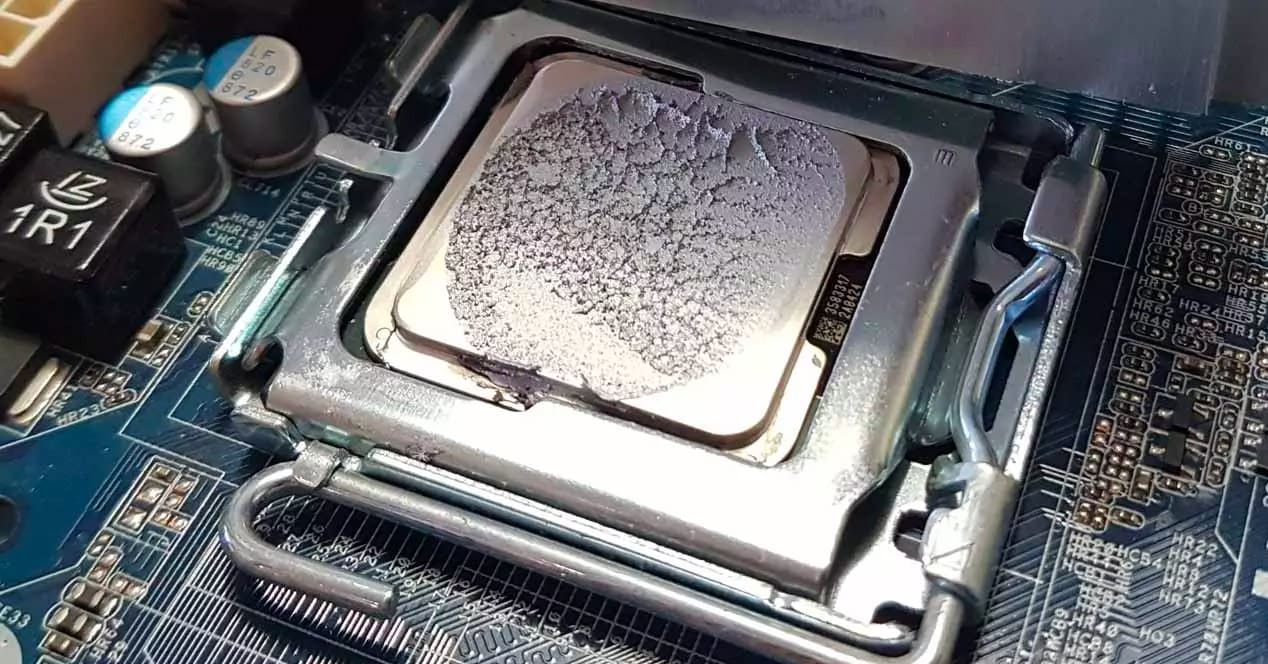
If temperatures confirmed a thermal shutdown, the cause is usually mundane. Dust blocks heatsink fins and filters, and thermal paste dries out over several years.
Dust First
Compressed air through the CPU cooler fins, GPU heatsink and every intake filter. Hold fans still so they cannot spin up and generate voltage.
Then Check Cooler Mounting
A cooler that has loosened over time makes poor contact. Retighten in a diagonal pattern, evenly.
Repaste Last
If the build is more than three or four years old and temperatures are still high after cleaning, replace the thermal paste.
Airflow direction matters as much as fan count. Front and bottom fans should pull air in, rear and top should push it out — our 1440p build guide covers setting up positive-pressure airflow properly.
Fix 6: Rule Out RAM and Drivers
If you are getting a blue screen rather than a clean power cut, the shutdown is a software-visible crash and belongs in a different category.
Run Windows Memory Diagnostic or MemTest86 overnight to rule out failing RAM. Then do a clean GPU driver install using DDU in Safe Mode. Unstable memory overclocks are a common cause here — if you enabled EXPO or XMP, try disabling it temporarily to see whether stability returns.
Note that unstable RAM more often produces crashes and stutter than clean shutdowns. If your symptom is an instant power-off with Kernel-Power 41, memory is an unlikely culprit and you should not spend a weekend on it.
Fix 7: When It Only Happens in One Game
A shutdown confined to a single title is still usually a power or heat problem — that game simply loads your hardware harder than anything else you run.
Test it by capping your frame rate to 60 in that game. If the shutdowns stop, you have confirmed a load-dependent fault rather than a game bug, because you reduced power draw without changing anything else. That is a diagnostic result, not a fix; the underlying PSU or cooling issue is still there.
Persistent stutter and hitching in one game without a shutdown is a separate issue entirely — our guide on how to fix stuttering in PC games covers shader compilation and asset streaming, which look alarming but never cause a power cut.
A clean crash to desktop on a predictable timer is different again, and it is the case most often mistaken for this one. If your rig survives long stress tests but crashes about twenty minutes into a game, the uneven load pattern is the clue, not the total heat.
The Full Diagnostic Order
| # | Step | Time | Rules Out |
|---|---|---|---|
| 1 | Event Viewer for Kernel-Power 41 | 1 min | Software crashes |
| 2 | Reseat all power connectors | 15 min | Loose connections |
| 3 | Log temperatures with HWiNFO | 1 session | Thermal shutdown |
| 4 | Clean dust, check cooler mount | 30 min | Airflow and contact issues |
| 5 | Test with a known-good PSU | 30 min | Power supply failure |
| 6 | Memory test and clean driver install | Overnight | RAM and driver faults |
| 7 | Cap frame rate in the affected game | 5 min | Confirms load dependence |
Work down this list in order. The most common outcome by a wide margin is that steps 3 and 4 reveal a dust-choked cooler, or step 5 reveals an ageing PSU.
If the machine stays on but feels rough, you are looking at a performance problem rather than a fault — our explainer on what 1% lows measure covers how to quantify that properly.
Frequently Asked Questions
Can a weak power supply cause my PC to shut down while gaming?
Yes, and it is the most common cause. Modern graphics cards draw brief transient spikes well above their rated power, and a PSU that cannot hold voltage through those spikes trips its own over-current protection and cuts power instantly. This is why the fault appears only under gaming load and never during desktop use.
What is Kernel-Power Event ID 41?
It is a Windows Event Viewer entry meaning the system lost power without going through a proper shutdown. It confirms the cut happened at hardware level rather than as a software crash, which points you toward power delivery or thermal protection. It is a symptom, not a specific diagnosis.
Why does my PC shut down but not restart?
An instant power-off with no restart usually indicates a protection circuit triggering — either the PSU's over-current protection or motherboard thermal protection. If the machine restarts on its own instead, that more often points to a driver fault or an unstable memory overclock.
How hot is too hot for gaming?
CPU package temperatures sustained in the high 90s °C and GPU temperatures above roughly 90 °C are where throttling and shutdown protection begin. Brief spikes are normal and harmless. What matters is the temperature immediately before the shutdown, which is why logging with HWiNFO is more useful than watching a live readout.
Should I replace my PSU or my GPU first?
The PSU, if the shutdown is instant and load-dependent. Graphics cards very rarely cause clean power cuts — they produce driver crashes, visual artefacts or black screens with the system still running. An abrupt total power loss is the signature of a power delivery problem.
The Bottom Line
Diagnose before you buy. The symptom itself — instant cut versus gradual shutdown — splits the problem in half before you open the case, and Event Viewer plus one logged gaming session narrows it the rest of the way.
The two fixes that resolve most cases are unglamorous: clean out the dust and reseat the cooler, or replace a power supply that is older than you remember. Neither requires replacing a GPU, and both cost far less than the parts people usually buy first.
If your build is old enough that this is becoming a pattern, our guide to how long a gaming PC lasts covers which components actually degrade with age and when replacement stops being worth it.
If Windows logged a critical Kernel-Power entry after the shutdown, that log contains a field which separates a true power loss from a blue screen that never finished writing — see Kernel-Power Event 41 while gaming for how to read it.
Component photography courtesy of the respective manufacturers and reviewers, used for editorial coverage.
Sources
- Driver Easy, Solved: Computer Shuts Down While Gaming, retrieved 2026-07-27, https://www.drivereasy.com/knowledge/solved-computer-shuts-down-when-playing-games/
- MiniTool, Fixes: Computer Shuts down While Gaming on Windows 11/10/8/7, retrieved 2026-07-27, https://www.minitool.com/data-recovery/fix-computer-shuts-down-while-gaming.html
- Windows Report, Fix: Computer Shuts Down While Gaming But Not From Overheating, retrieved 2026-07-27, https://windowsreport.com/not-overheating-shut-down/
- EaseUS, Fixed: Computer Shuts Down When Playing Games, retrieved 2026-07-27, https://www.easeus.com/computer-instruction/computer-shuts-down-when-playing-games.html
- Microsoft Q&A, Computer randomly shuts off and it does not appear to be overheating or the PSU, retrieved 2026-07-27, https://learn.microsoft.com/en-us/answers/questions/4217746/computer-randomly-shuts-off-and-it-does-not-appear