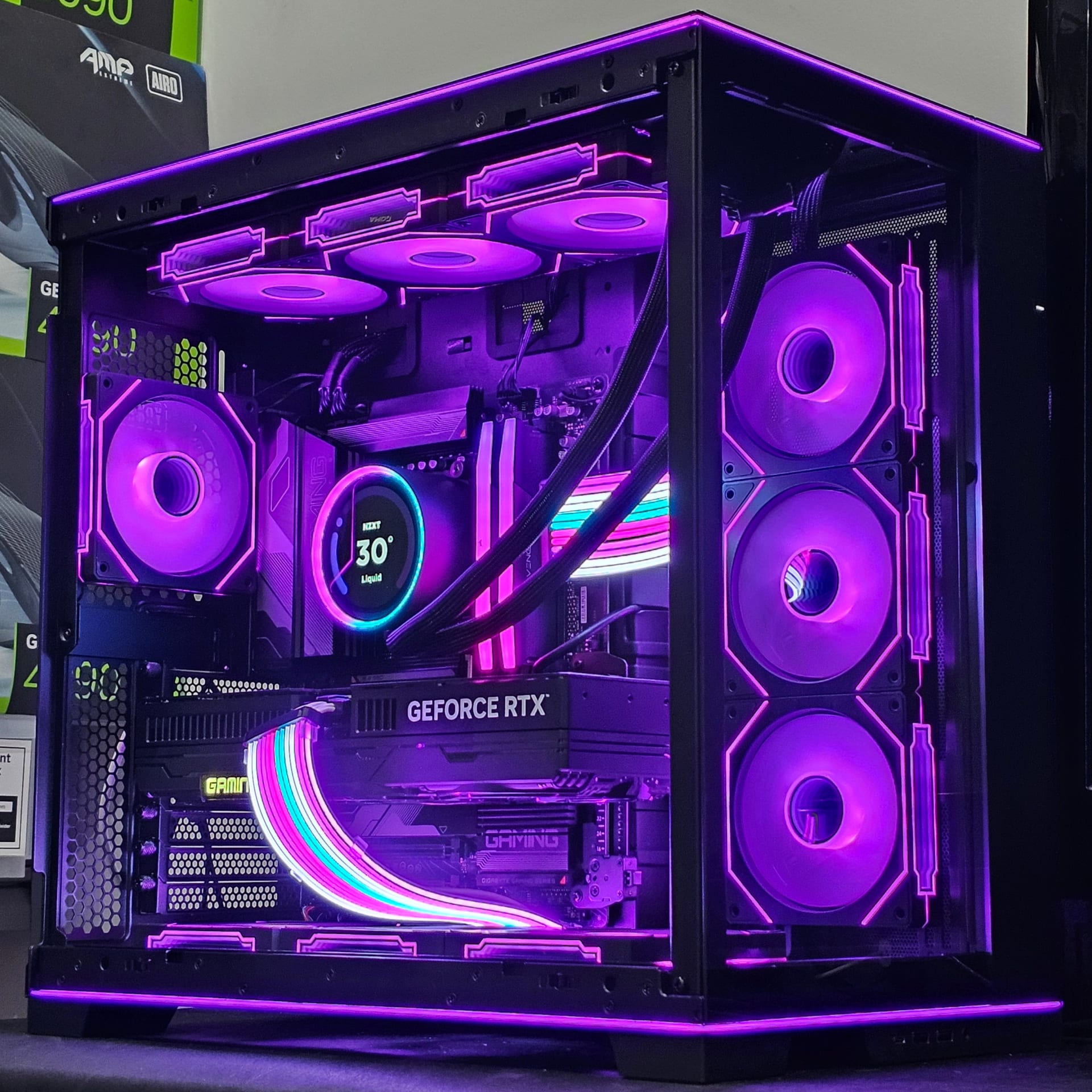
A well-maintained gaming PC lasts 7 to 10 years before components genuinely fail, but it stays competitive for about 5 before new releases start forcing compromises. Those are two different numbers, and confusing them is why people replace machines that are still perfectly good.
The useful framing is not "when does it die" — silicon rarely dies. It is "when does upgrading stop being cheaper than replacing," and that answer depends far more on which socket you bought than on how old the box is.
Note
Key Takeaways
- 7-10 years physical lifespan with maintenance; ~5 years before performance feels dated.
- CPUs stay gaming-relevant 5-7 years. GPUs typically 4-5 years before people replace them.
- Tiered reality: budget builds last 2-3 years, mid-range ~5, high-end 7+.
- A GPU swap is the single upgrade that most extends a build's life.
- Full platform replacement lands at 5-7 years — and in 2026, memory prices make delaying it attractive.
Physical Lifespan vs Useful Lifespan
These are the two numbers people mix up, and separating them changes every decision that follows.
| # | Measure | Timeframe | What Ends It |
|---|---|---|---|
| 1 | Physical lifespan | 7-10 years | Capacitor ageing, fan failure, thermal fatigue |
| 2 | Useful gaming life | ~5 years | New games demanding more than the build delivers |
| 3 | Competitive life | 2-3 years | Only if you must max settings at high refresh |
Most components do not fail in any dramatic way. What actually happens around year five is that new releases ship with higher baseline requirements, and your machine starts needing lowered settings to hold a playable frame rate.
How Long Does Each Component Last?
Lifespans vary enormously by part, and knowing which is which tells you what to replace.
| # | Component | Physical Life | Gaming Relevance | Notes |
|---|---|---|---|---|
| 1 | CPU | 6-10 years | 5-7 years | Rarely fails; becomes a bottleneck instead |
| 2 | GPU | 6-10 years | 4-5 years | Replaced by choice, not failure |
| 3 | RAM | 10+ years | 5-8 years | Capacity requirements rise, modules do not die |
| 4 | SSD | 5-10 years | Indefinite | Limited by write endurance, rarely reached |
| 5 | PSU | 5-10 years | N/A | Degrades with age — capacitors dry out |
| 6 | Motherboard | 7-10 years | 5-7 years | Socket compatibility ends its useful life |
| 7 | Case fans | 3-6 years | N/A | Cheapest and most common actual failure |
Two entries deserve attention. The PSU is the component that genuinely degrades, and an ageing power supply is the most common cause of a machine that starts shutting down under load — our troubleshooting guide on why a PC shuts down while gaming covers diagnosing exactly that.
And the GPU's 4-5 year "lifespan" is a behavioural statistic, not an engineering one. That is when people replace them, not when the silicon stops working. A 2018 card still runs 2026 games — just not at 2026 settings.
Build Tier Changes Everything
What you spent at the start determines how long the machine stays viable, and the gap is larger than most people expect.
Budget: 2-3 Years
Entry parts are already near the minimum spec when bought. They fall below it quickly, and there is no headroom to absorb rising requirements.
Mid-Range: ~5 Years
The value sweet spot. Enough headroom to take a settings step down each year and stay comfortable.
High-End: 7+ Years
Starts so far above baseline that it takes most of a decade to fall to mid settings. Costs more up front, less per year.
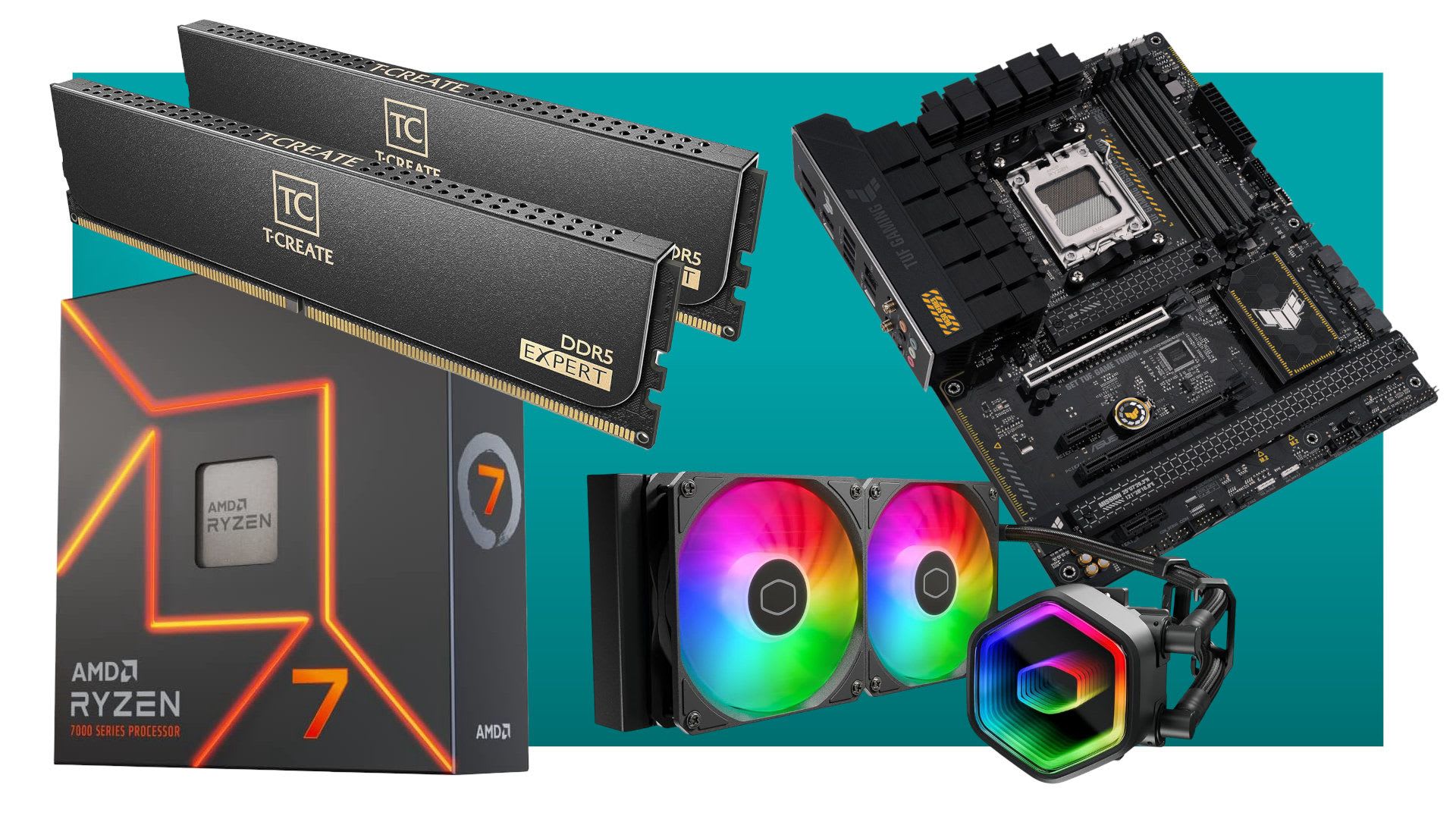
This is the strongest argument for buying mid-range or better. A budget build replaced every three years costs more over a decade than a mid-range build upgraded once, and delivers a worse experience throughout.
The Upgrade That Buys the Most Time
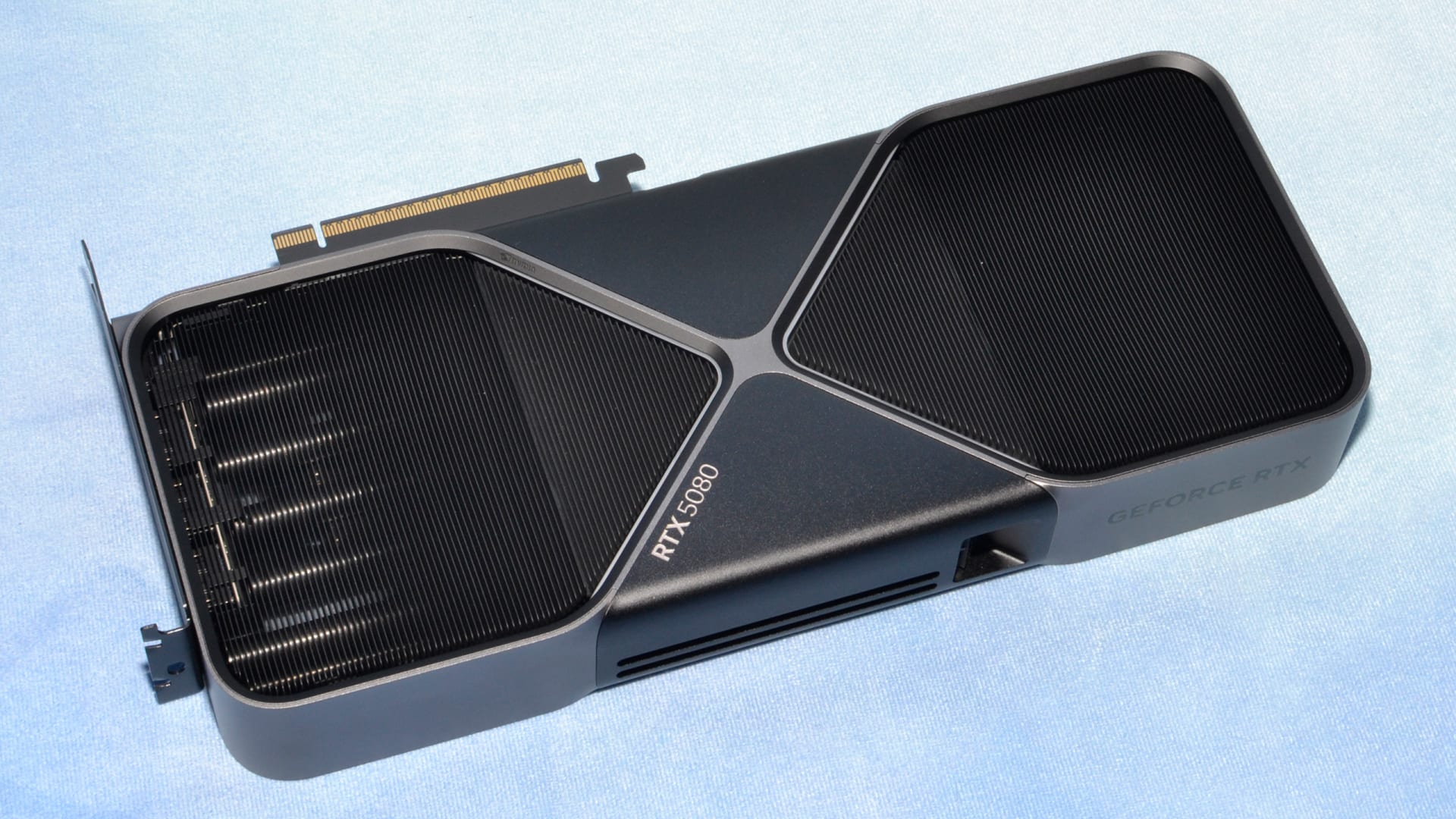
If your machine feels slow, replace the graphics card before anything else. It is the component that most directly determines gaming performance, and it is the easiest to swap.
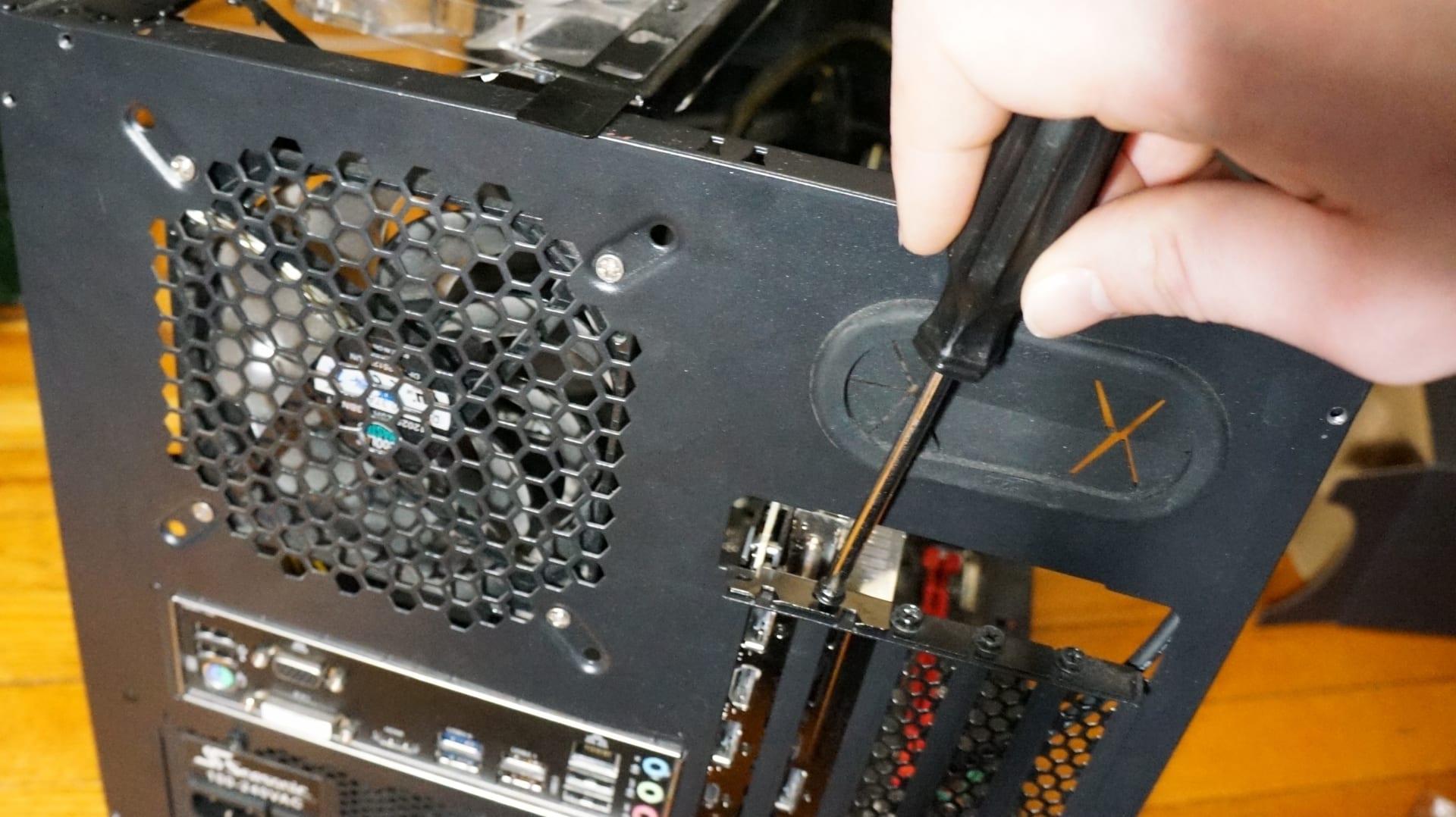
Before buying, check three things:
- PSU capacity and age. A new GPU on an eight-year-old power supply is asking for shutdowns.
- Physical clearance. Modern three-fan cards frequently exceed 300mm.
- CPU pairing. A current GPU behind a very old CPU will be bottlenecked, particularly at 1080p.
That last point has a useful diagnostic: if your average FPS is fine but the game stutters, the problem is more likely CPU, RAM or VRAM than raw GPU power. Our explainer on what 1% lows measure covers how to tell those apart before spending money on the wrong part.
Tip
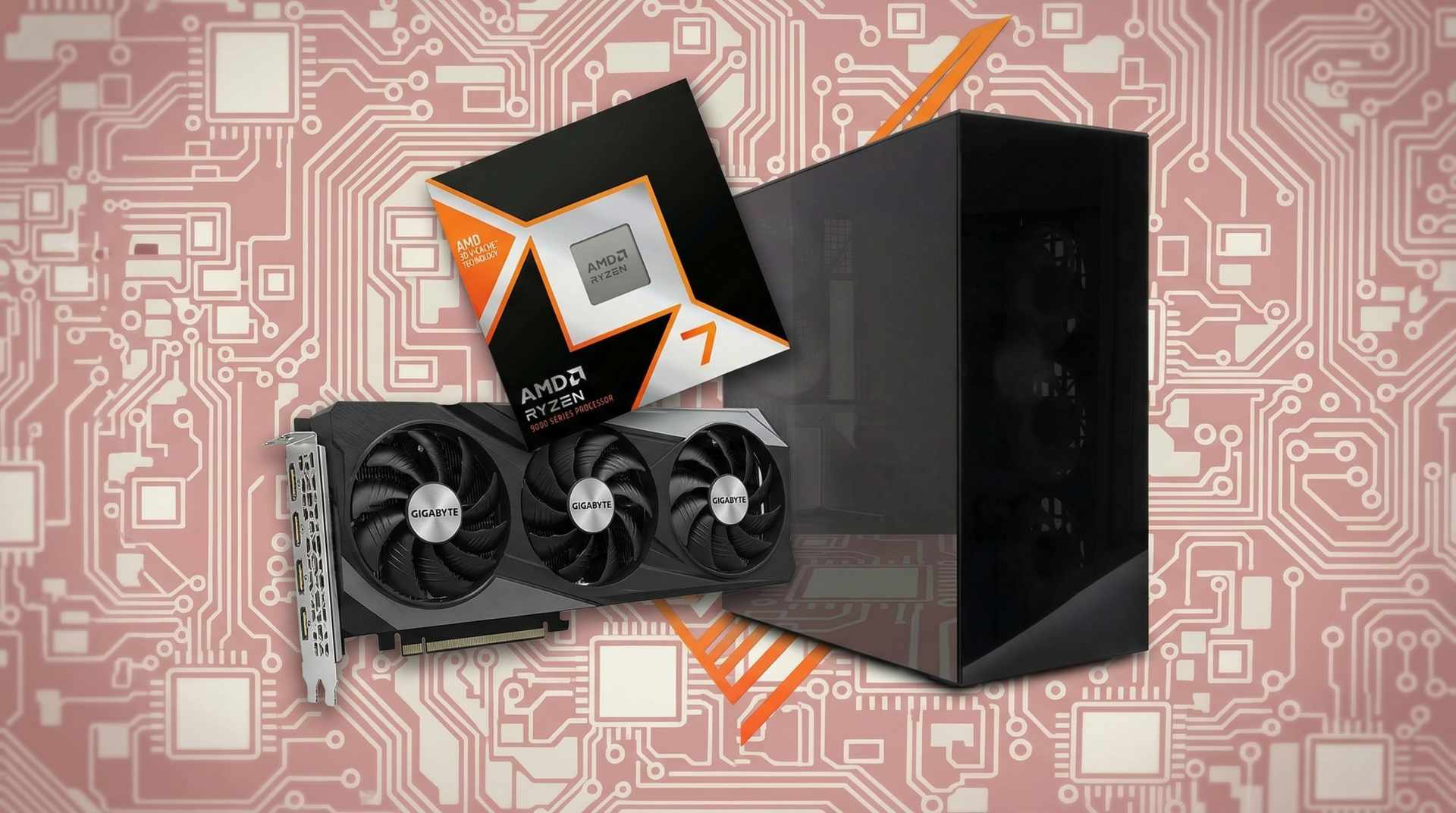
Check your socket before planning any CPU upgrade. AMD's AM5 and AM4 both received years of new chip releases, so an AM5 board bought today will likely accept a much faster CPU in three years without replacing the motherboard or memory. A platform with a dead-end socket forces a full rebuild instead. This single factor does more to determine long-term cost than any individual component choice.
Maintenance That Actually Extends Life
Most "my PC got slower" complaints are thermal, and thermal problems are almost entirely preventable.
| # | Task | Frequency | Why It Matters |
|---|---|---|---|
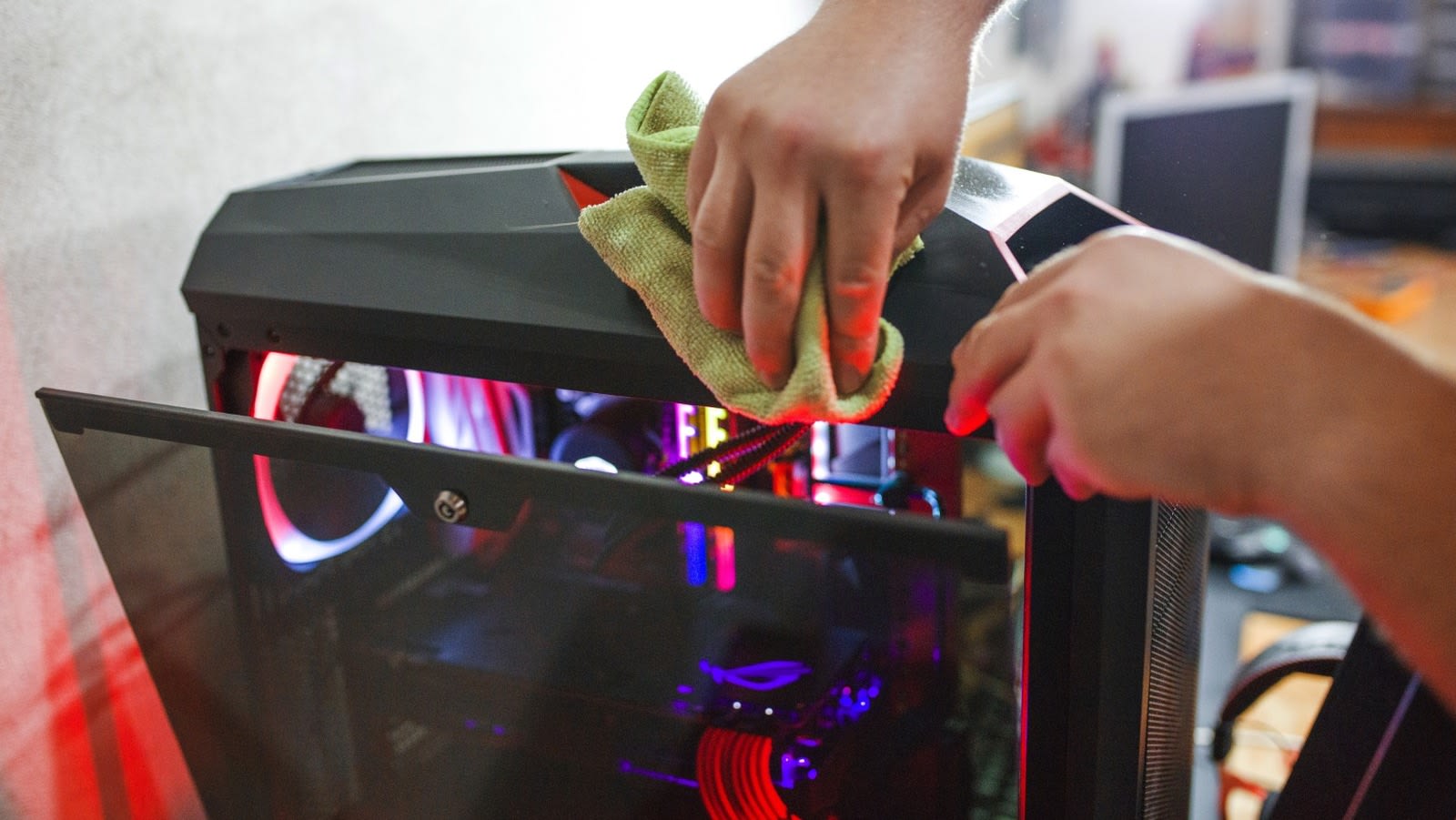
| 1 | Dust out fans and heatsinks | Every 3-6 months | Restores airflow, prevents thermal throttling |
| 2 | Clean intake filters | Monthly | Cheapest task with the biggest effect |
| 3 | Replace thermal paste | Every 3-5 years | Dried paste raises CPU temperatures sharply |
| 4 | Check fan bearings | Annually | Fans are the most common real failure |
| 5 | Update GPU drivers | Quarterly | Performance and stability in new titles |
| 6 | Verify PSU age | At 7 years | Ageing capacitors cause load-dependent faults |
Dust is the main enemy. It blocks heatsink fins, raises temperatures, and makes fans work harder — which wears the bearings that then fail. One cleaning session every few months prevents most of that chain.
Memory capacity is the other quiet ageing factor: a build specced with 16GB five years ago will feel its limits sooner than one with 32GB, as our breakdown of whether 32GB is overkill explains.
When Replacing Beats Upgrading
At some point incremental upgrades stop making sense. Replace the whole platform when three or more of these are true:
- Your socket is dead — no faster CPU is available for the board.
- You are still on DDR4 and would need new memory anyway.
- The PSU is 7+ years old and would need replacing for a new GPU.
- Your storage is SATA rather than NVMe.
- A GPU upgrade would be bottlenecked by the CPU at your resolution.
If you tick three, you are effectively rebuilding piece by piece at a worse price than building fresh.
Warning
2026 is an unusually bad year for a full platform rebuild. The DDR5 shortage has pushed 32GB kits from around $80 to $375 minimum, and relief is not expected until late 2027. If your existing platform can take a GPU upgrade instead, that is by a wide margin the more economical move right now — you skip the most inflated component in the entire build.
A Realistic Ownership Timeline
For a mid-range build bought today, here is roughly how the years play out.
| # | Year | What Happens | Action |
|---|---|---|---|
| 1 | 0-2 | Runs everything at high settings | Clean it, nothing else |
| 2 | 2-3 | New releases need settings turned down a notch | Repaste if temps have risen |
| 3 | 3-5 | Medium settings in new AAA, still fine | Consider a GPU upgrade |
| 4 | 5-7 | GPU upgrade extends life; CPU starts limiting | GPU swap, add RAM if short |
| 5 | 7-10 | PSU ageing, socket dead, platform outdated | Full rebuild |
The jump most people get wrong is between rows 3 and 4. Around year four a machine feels dated, and the instinct is to replace everything. A GPU swap at that point typically buys another two to three years for a fraction of the cost.
Frequently Asked Questions
How long does a gaming PC last before it needs replacing?
Physically, 7 to 10 years with routine maintenance. In terms of gaming performance, most builds start feeling dated around the 5-year mark as new releases raise their baseline requirements. Budget builds fall out of contention in 2 to 3 years, while high-end builds can stay comfortable past 7.
Do gaming PCs get slower over time?
Not inherently — the hardware does not degrade in performance. What changes is that games get more demanding and that dust buildup causes thermal throttling. A machine that feels slower than it did is usually either running hotter than it should or being asked to run heavier software.
What part of a gaming PC fails first?
Case fans, by a wide margin, because they have moving bearings. The power supply is the component that meaningfully degrades with age as its capacitors dry out, which is why an old PSU is the most common cause of shutdowns under gaming load. CPUs and GPUs very rarely fail outright.
Is it better to upgrade or replace a gaming PC?
Upgrade if only one component is limiting you — usually the GPU. Replace when three or more of these apply: dead CPU socket, DDR4 memory, a PSU older than seven years, SATA-only storage, or a CPU that would bottleneck any new GPU. At that point you are rebuilding piecemeal at a worse price.
How often should I upgrade my gaming PC?
A GPU every 4 to 5 years and a full platform every 5 to 7 years suits most people. Chasing maximum settings pushes that to every 2 to 3 years and costs considerably more. In 2026 specifically, delaying a platform rebuild is worth considering given DDR5 pricing.
The Bottom Line
Expect 7 to 10 years of physical life and about 5 years of comfortable gaming from a mid-range build. The number that actually matters is neither of those — it is whether your socket still has an upgrade path, because that determines whether year five costs you a graphics card or an entire machine.
Two habits do most of the work: clean the dust every few months, and replace the GPU rather than the whole system at the four-to-five-year mark. In 2026 the second point carries extra weight, since a rebuild means buying memory at triple its historical price.
If you are pricing a new machine anyway, our 1440p gaming PC build guide works through current costs honestly, and the average cost of a gaming PC covers the prebuilt side.
Component photography courtesy of the respective manufacturers and reviewers, used for editorial coverage.
Sources
- Apex Gaming PCs, How Long Does a Gaming PC Last & When to Upgrade, retrieved 2026-07-27, https://apexgamingpcs.com/blogs/apex-support/how-long-does-a-gaming-pc-last
- Tech4Gamers, How Long Do Gaming PCs Last? Full Guide, retrieved 2026-07-27, https://tech4gamers.com/how-long-do-gaming-pcs-last/
- iBUYPOWER, How Long Does a Gaming PC Last? What to Expect and How to Make It Last Longer, retrieved 2026-07-27, https://www.ibuypower.com/blog/general/how-long-does-a-gaming-pc-last-what-to-expect-and-how-to-make-it-last-longer
- isitBOTTLENECKED, Lifespan of Gaming PC: How Long Parts Last (2026), retrieved 2026-07-27, https://www.isitbottlenecked.com/blog/lifespan-gaming-pc
- Tom's Hardware, 32GB of DDR5 now costs $375 minimum, retrieved 2026-07-27, https://www.tomshardware.com/pc-components/ddr5/32gb-of-ddr5-now-costs-usd375-minimum-ai-shortage-continues-to-squeeze-pc-building