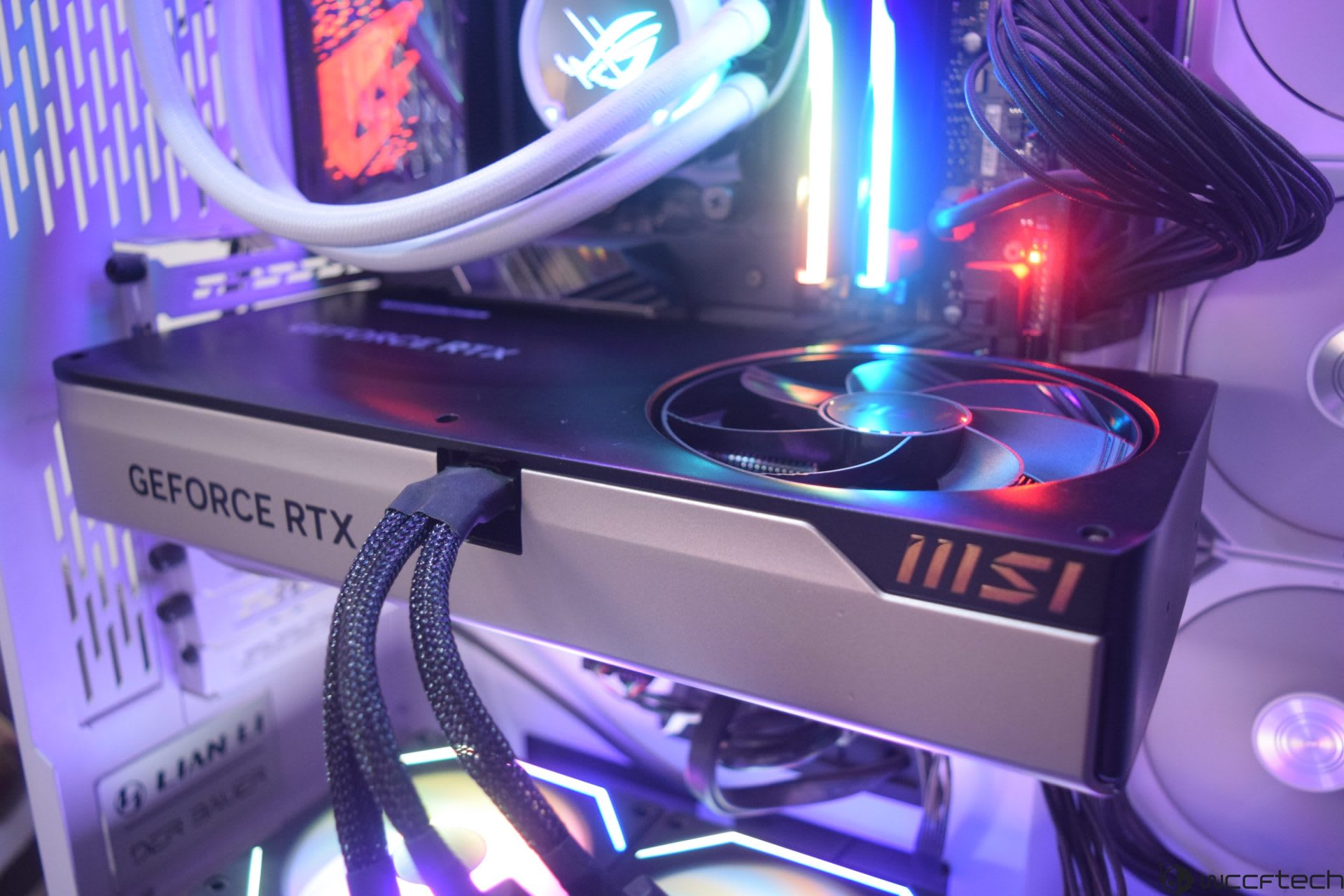
Coil whine is the sound of the inductors on your graphics card's power delivery physically vibrating, and it gets louder as frame rate goes up. That is why the loudest whine most people ever hear comes from a main menu running at 1,200 FPS rather than a demanding game running at 70. It is not a fault, it does not damage anything, and in most cases it is fixable in under a minute with a frame rate cap.
That last point is the one worth leading with, because the internet's default advice for coil whine is "RMA the card." Capping your frame rate resolves the majority of complaints outright, costs nothing, and takes one setting change. It is worth exhausting before you box anything up.
Note
Key Takeaways
- Coil whine comes from inductors (chokes) in the card's voltage regulation vibrating under rapidly changing current — an electrical effect, not a mechanical failure.
- Frame rate is the single biggest driver. Uncapped menus and loading screens at four-figure FPS are where whine peaks.
- A frame cap 2–3 FPS below your refresh rate is the highest-value fix and takes about 30 seconds.
- Dropping the power limit by 5–10% or undervolting cuts whine further, usually for 0–2% performance.
- It does not shorten the life of your card. Loud whine at normal load is a comfort problem, not a reliability problem.
- A cheap or failing power supply can make it worse, but a new PSU is rarely the fix people hope it is.
What Coil Whine Actually Is
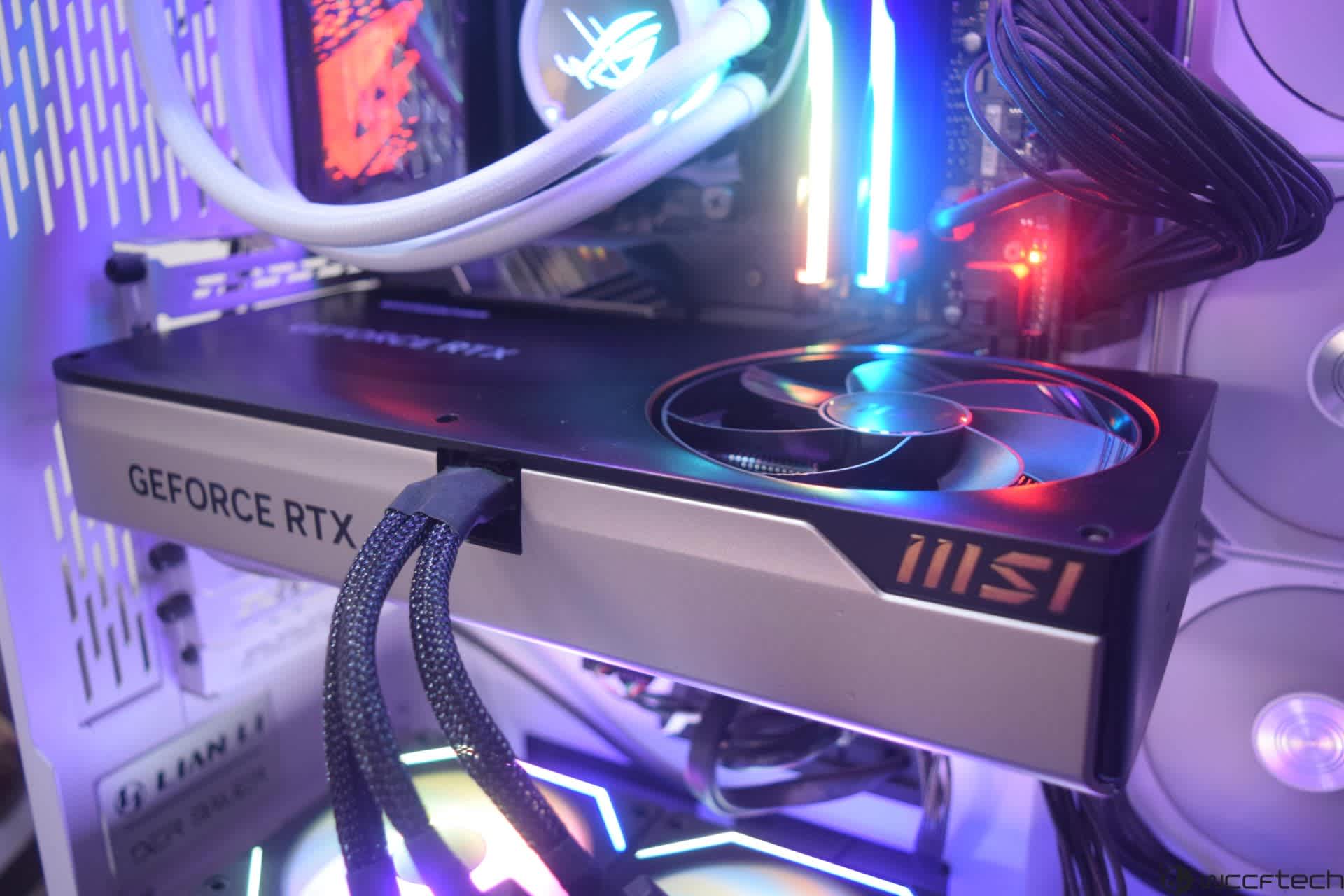
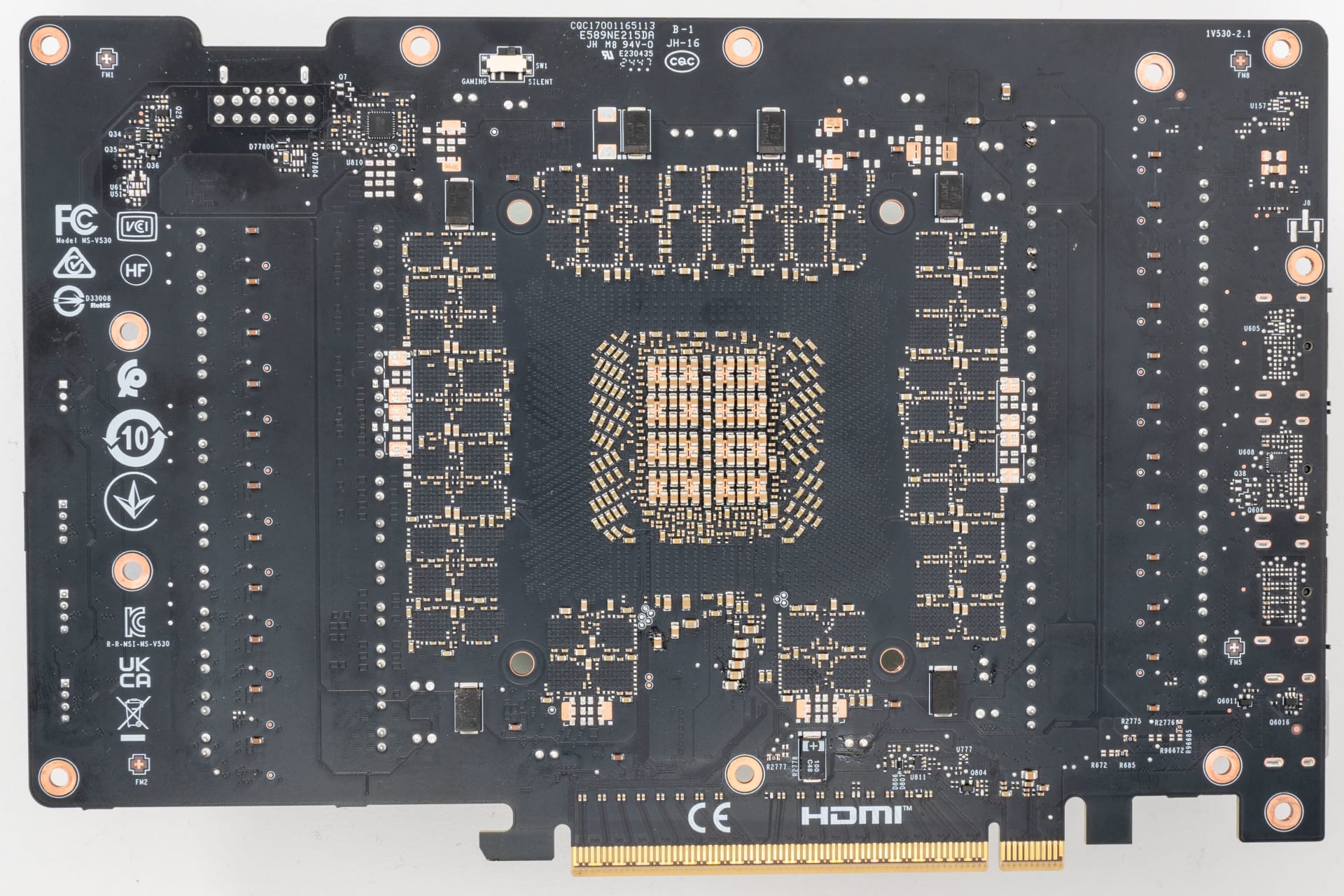
Your graphics card does not run on the 12V it receives from the power supply. It converts that down to roughly 0.7–1.1V for the GPU core, at currents that can exceed 400 amps on a high-end card. That conversion happens in the VRM — the bank of components along the edge of the PCB — and the parts doing the smoothing are inductors, usually called chokes.
An inductor is a coil of wire wrapped around a magnetic core. Push current through it and it generates a magnetic field; change that current and the field changes with it, and the physical windings are pulled and released by that shifting field. Modern VRMs switch hundreds of thousands of times per second. When the frequency and amplitude of those switching events land in the range human hearing is most sensitive to — roughly 2kHz to 8kHz — the coil becomes a very small, very annoying speaker.
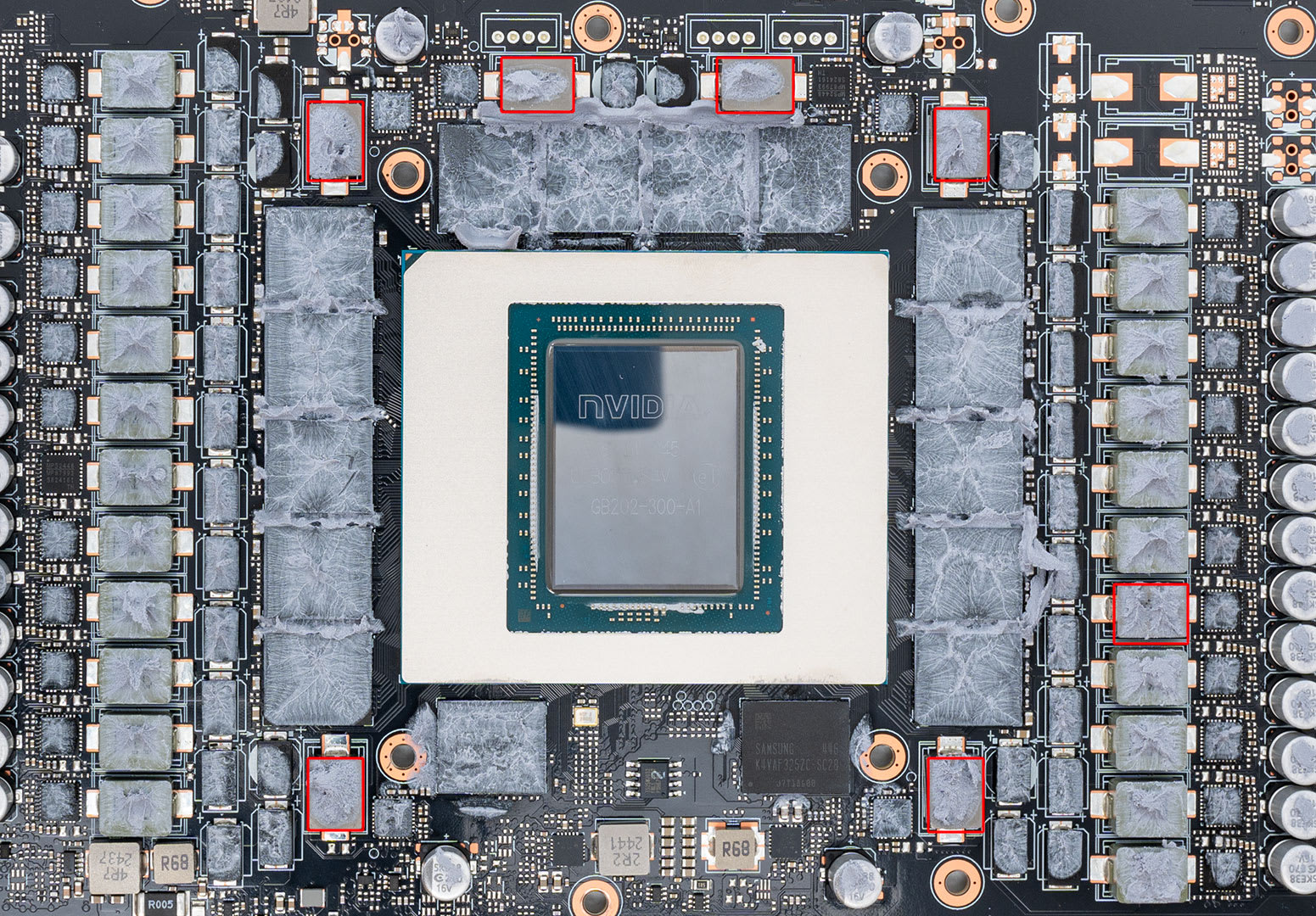
This is why the sound changes pitch with load rather than staying constant like a fan. It is tracking the electrical behaviour of the card in real time. Move the camera in a game and the whine moves with it, because the current draw moved with it.
Info
Coil whine is not unique to graphics cards. Power supplies, motherboard VRMs, laptop chargers and even monitors do it. The GPU gets blamed because it draws the most current and switches it the hardest.
Why It Is Loudest in Menus
Here is the counterintuitive part that trips up most people diagnosing this: coil whine usually peaks when the card is doing the least demanding work.
A game's main menu, a loading screen, or a paused cutscene often has nothing to render but a static background. With no frame rate limit and no V-Sync, the GPU renders that trivial scene as fast as it physically can — 900, 1,400, sometimes 3,000 FPS. Every one of those frames is a burst of current draw. The result is a rapid, high-frequency current oscillation that is close to the worst-case scenario for exciting a choke.
Then you press "Continue," the game loads, frame rate settles at 90, and the whine drops away or disappears entirely. Players interpret this as "the card whines when it is idle, which must mean it is faulty." It is the opposite: the card is working extremely hard to produce frames nobody needed.
If you take one thing from this article, make it this test. Load a game, sit in the menu, and note the noise. Then cap the frame rate at 60 and listen again. If the noise collapses, you have your answer and your fix in the same step.
The Fixes, Ranked
Cap Your Frame Rate Globally
The highest-value fix by a wide margin. Set a global cap 2–3 FPS below your monitor's refresh rate, and a much lower cap for menus if your driver supports it. This alone resolves most complaints.
Enable V-Sync or VRR
Both bound the frame rate to what the display can show, which stops the GPU from sprinting through thousands of pointless frames.
Drop the Power Limit 5–10%
A blunt but effective way to reduce peak current swings. Typically costs 0–2% performance and lowers temperature at the same time.
Undervolt the Card
More work than a power limit slider, but more precise. Same clocks, less voltage, less current, less excitation.
Reseat and Support the Card
Vibration transferred into the case panels can amplify a whine that is barely audible on its own. A support bracket and a firmly seated card sometimes make a real difference.
Rule Out the PSU
A worn or low-quality unit with poor ripple suppression genuinely can make whine worse. Test with a known-good supply before buying one.
Work down that list and stop when the noise reaches a level you can live with. The first two items address the root cause; the rest are refinements.
Setting a Frame Cap Properly
Where you set the cap matters less than that you set one at all, but there is a hierarchy.
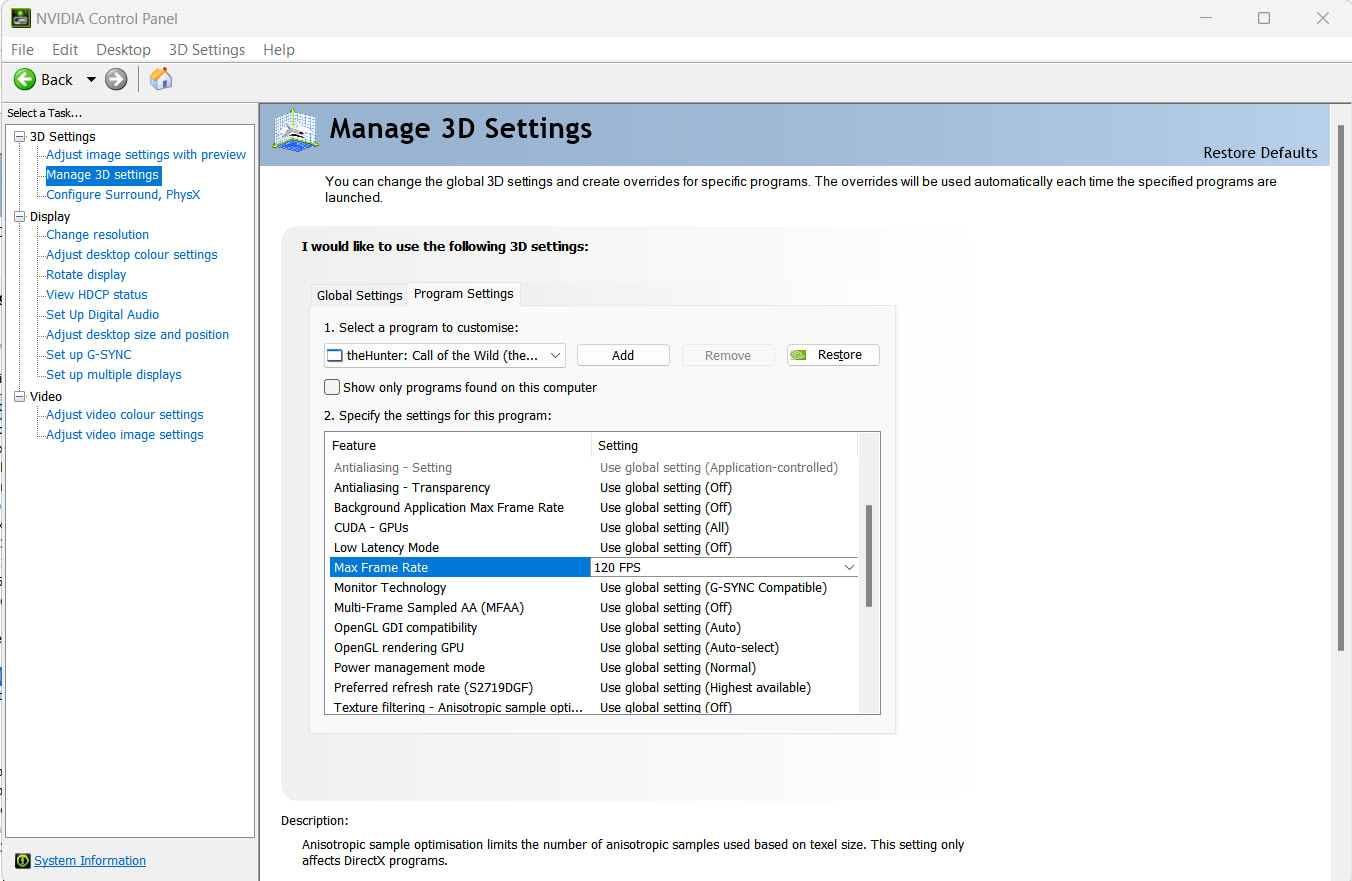
Driver-level caps are the most reliable because they apply everywhere, including menus and launchers that ignore in-game settings. NVIDIA's Control Panel exposes Max Frame Rate under Manage 3D Settings; AMD's driver exposes Radeon Chill and a frame rate target. Set it globally, then override per-game if you need something different.
In-game caps are next best and often have slightly lower input latency, but plenty of games apply them only to gameplay and let the menu run unbounded — which is precisely the case you are trying to fix.
RTSS (RivaTuner Statistics Server) gives the most consistent frame pacing of the three and is what most people measuring frame times use anyway. If you have already installed it while investigating 1% lows and frame pacing, you can cap from there.
| # | Approach | Applies to menus | Effort | Effect on whine |
|---|---|---|---|---|
| 1 | Driver global cap | Yes | Minimal | Large |
| 2 | V-Sync / VRR | Usually | Minimal | Large |
| 3 | RTSS cap | Yes | Low | Large |
| 4 | In-game cap | Often not | Minimal | Moderate |
| 5 | Power limit −10% | Yes | Low | Moderate |
| 6 | Undervolt | Yes | Medium | Moderate |
If you already run VRR, cap 2–3 FPS below the panel's maximum so you stay inside the variable refresh window rather than bouncing off the ceiling. That is the same guidance that keeps VRR flicker on OLED monitors under control, so the two goals line up neatly.
Power Limit and Undervolting
If a frame cap gets you most of the way but a whine persists under sustained load, the next lever is current itself.
The blunt version is the power limit slider in MSI Afterburner or your vendor's tuning tool. Pull it back 5–10%. Modern cards spend most of their time boosting into diminishing returns, so the frame rate cost is usually somewhere between negligible and unmeasurable, while peak current draw — and therefore peak choke excitation — drops meaningfully.
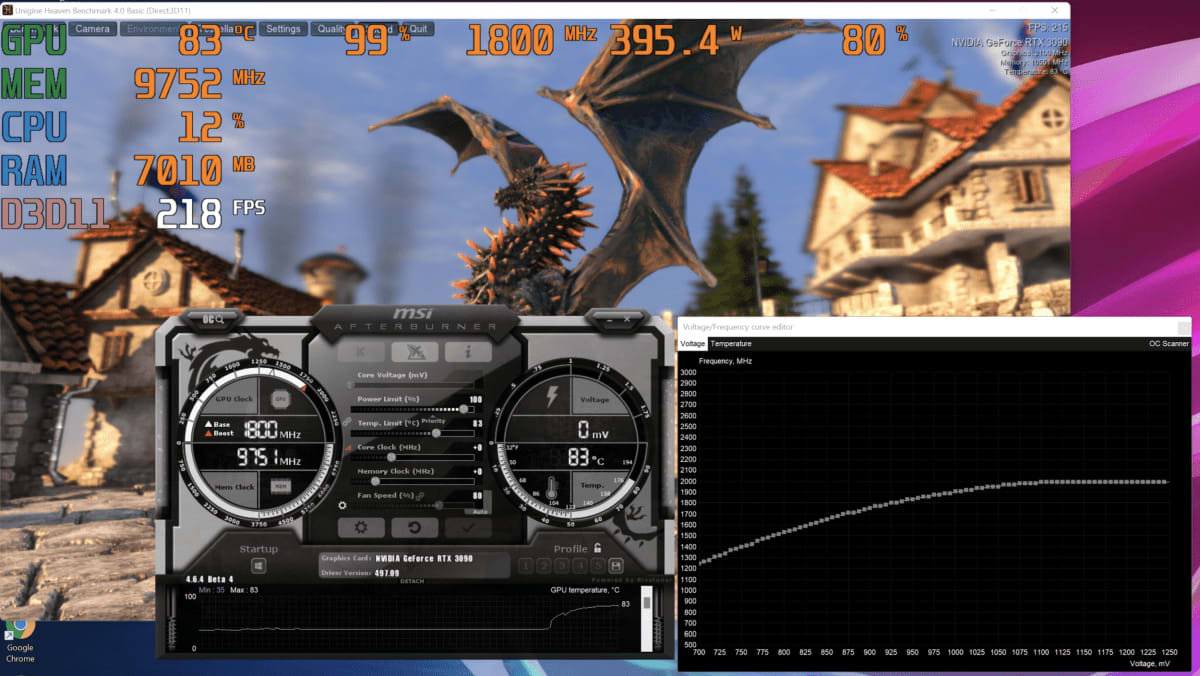
The precise version is an undervolt: hold clocks where they are and lower the voltage the card requests to reach them. Published results for undervolting cluster around 5–15°C lower temperatures and 30–60W less power for a 0–2% performance change, and the current reduction that produces is the same thing that quietens the coils.
Warning
Undervolting cannot damage a card — you are supplying less voltage, not more, and the failure mode is a driver crash you fix by reverting. But it does make instability harder to diagnose later. If you undervolt and then start seeing crashes weeks afterwards, revert the undervolt before you go hunting for anything else.
What Does Not Work
A fair amount of common advice ranges from useless to actively counterproductive.
Buying a new power supply as a first move. A poor-quality unit with weak ripple suppression can worsen whine, and a genuinely failing one can cause other problems too — if your system is also cutting out under load, that belongs in the separate category covered by why a PC shuts down while gaming. But swapping a competent 80+ Gold unit for a different competent 80+ Gold unit usually changes nothing. Borrow before you buy, and if you are shopping anyway, the sizing logic in our mini PC power supply guide applies to full-size builds as well.
Glue, hot glue, or "potting" the chokes. It sometimes works. It also voids your warranty, risks thermal problems on components that need to shed heat, and cannot be cleanly undone. Not worth it on a card still under warranty.
Waiting for it to break in. Whine does frequently get quieter over the first few weeks of use, and that is a real reported effect rather than people acclimatising. But it is not a plan. Fix the frame rate first and treat any further improvement as a bonus.
Assuming it means the card is dying. It does not. Coil whine is normal electrical behaviour in high-current switching hardware and has no established link to failure rates. A card that whines at 1,500 FPS in a menu is a card behaving exactly as designed.
When It Is Worth Returning the Card
There is a threshold, and it is about severity rather than presence.
Return or RMA if the noise is clearly audible over a closed case from a normal seating distance during ordinary gameplay after you have capped the frame rate — not just in menus, not just with the panel off, not just when you go looking for it. Silicon lottery applies to coil whine as much as to overclocking headroom, and some individual cards are genuinely far worse than others of the same model.
Do not RMA if the whine only appears at uncapped frame rates, only during furmark-style stress tests, or only when you press your ear to the case. Retailers and manufacturers see a very high volume of these returns, replacement cards frequently whine too, and you will have spent two weeks without a GPU to arrive back where you started.
Tip
Record it. A 20-second phone video from a normal sitting position, with the case closed and a frame cap applied, is far more persuasive to a support agent than a description — and it also gives you an honest reference to compare against once you have stopped listening for it every day.
Other Noises People Mistake for Coil Whine
Before you chase this at all, make sure you are chasing the right sound.
Fan bearing noise is constant, tracks fan RPM rather than frame rate, and does not change when you cap frames. It gets worse over years, not immediately out of the box.
Pump whine on a liquid-cooled card or AIO is a steady drone unaffected by GPU load.
A high-pitched tone at idle that goes away under load is often the card sitting in a low-power state with an unhappy switching frequency. Mismatched monitor configurations can also pin the memory clock high and change idle behaviour — a side effect covered in why a second monitor costs you frames.
Whine that only appears during stutter is worth separating out entirely, because the stutter is the real problem and the noise is just its signature. Start with how to fix stuttering in PC games instead.
Frequently Asked Questions
Is GPU coil whine dangerous or a sign of a failing card?
No. It is the physical vibration of inductors under changing current, which is normal behaviour for high-current switching power delivery. There is no established link between coil whine and shortened GPU lifespan, and a card that whines on day one will typically still be whining, and working, years later.
Why does my GPU whine in menus but go quiet in the actual game?
Because menus are trivial to render, so with no frame cap the GPU produces frames as fast as it can — often over 1,000 per second. That rapid current oscillation is close to the worst case for exciting the chokes. In gameplay the frame rate drops to something sane and the excitation drops with it.
Does capping FPS really stop coil whine?
It stops or dramatically reduces it in most cases, which is why it is the first thing to try. Set the cap at the driver level so it also applies to menus and launchers, since an in-game cap often does not. Aim 2–3 FPS below your monitor's refresh rate.
Will a better power supply fix coil whine?
Sometimes, but far less often than people expect. A cheap or worn unit with poor ripple suppression can make whine worse, so testing with a known-good supply is worthwhile. Replacing one good 80+ Gold unit with another rarely changes anything, and it is an expensive experiment to run blind.
Does undervolting reduce coil whine?
Yes, usually. Lower voltage means lower current for the same work, and lower current means less force acting on the coils. Undervolting typically costs 0–2% performance while also dropping temperatures, so it is a reasonable step even if the noise is your only motivation.
Can I fix coil whine permanently without touching settings?
Not reliably. Physical remedies like potting the chokes in adhesive exist, but they void warranties and risk thermal issues. Case damping and a support bracket can reduce how much the noise is amplified into the room, but the source itself is electrical and is best addressed electrically.
The Bottom Line
Coil whine is a real, physical noise from real, working hardware, and the reason it feels like a defect is that it shows up loudest in exactly the moment you would expect a card to be quiet — sitting in a menu doing nothing important.
Cap your frame rate at the driver level before you do anything else. If the noise is still bothering you after that, pull the power limit back 10% or undervolt. Those three steps, in that order, resolve the overwhelming majority of cases for free, in a few minutes, with no risk to the hardware.
Keep the return option in reserve for cards that are clearly audible through a closed case during normal gameplay with a cap already applied. That is a genuinely bad sample and worth exchanging. Everything short of that is a settings problem wearing a hardware problem's costume.
Component and software photography courtesy of the respective manufacturers and publications, used for editorial coverage.
Sources
- XDA Developers, Why coil whine isn't always the sign of a bad GPU, retrieved 2026-07-29, https://www.xda-developers.com/why-coil-whine-isnt-always-the-sign-of-a-bad-gpu/
- CyberPowerPC UK, Coil Whine: What Is It, What Causes It & Should You Worry?, retrieved 2026-07-29, https://www.cyberpowersystem.co.uk/blog/core-knowledge/coil-whine/
- XoticPC, What Is Coil Whine? Causes, Fixes, and Gaming PC Solutions, retrieved 2026-07-29, https://xoticpc.com/blogs/news/what-is-coil-whine-and-how-to-fix-it-on-a-pc
- Tom's Hardware Forum, Can PSU cause coil whine in GPU?, retrieved 2026-07-29, https://forums.tomshardware.com/threads/can-psu-cause-coil-whine-in-gpu.3762248/
- PCWorld, How to undervolt your graphics card, retrieved 2026-07-29, https://www.pcworld.com/article/606762/how-to-undervolt-your-graphics-card.html