An Xbox controller that disconnects mid-game is usually telling you its batteries are low, and it will do that long before the console shows a low-battery warning. The wireless radio needs more stable voltage than the buttons do, so the transmitter browns out and drops the link while the controller still appears to be working fine.
That is why swapping in fresh alkaline batteries — not recharging the ones you have, actually swapping them — is the first test worth running. It resolves more disconnection reports than every software fix combined.
Note
Key Takeaways
- Low batteries cause disconnects before they cause a warning. The radio needs steadier voltage than the rest of the controller.
- NiMH rechargeables sit at 1.2V versus 1.5V for alkaline, which puts them close to the dropout threshold for most of their charge.
- Microsoft's firmware 5.23.5.0 in early 2025 caused widespread disconnects and phantom drift; 5.23.6.0 was the fix. Check your firmware version.
- 2.4 GHz interference from routers, wireless headsets and USB 3.0 devices is the second most common cause.
- A USB-C cable turns the controller wired instantly — the fastest way to prove whether the problem is the radio or the controller.
- The console holds a maximum of 8 paired controllers; beyond that, older pairings get pushed out and reconnect unpredictably.
Step 1: Fresh Batteries, Not Recharged Ones
Put in a brand new pair of alkaline AAs and play for an hour. This is not the same as recharging what you have, and the distinction matters.
Standard alkaline cells supply 1.5V. NiMH rechargeables supply 1.2V. The Xbox controller is designed around the alkaline figure, and a fully charged NiMH pack starts its life close to the voltage at which the wireless transmitter becomes unstable under load.
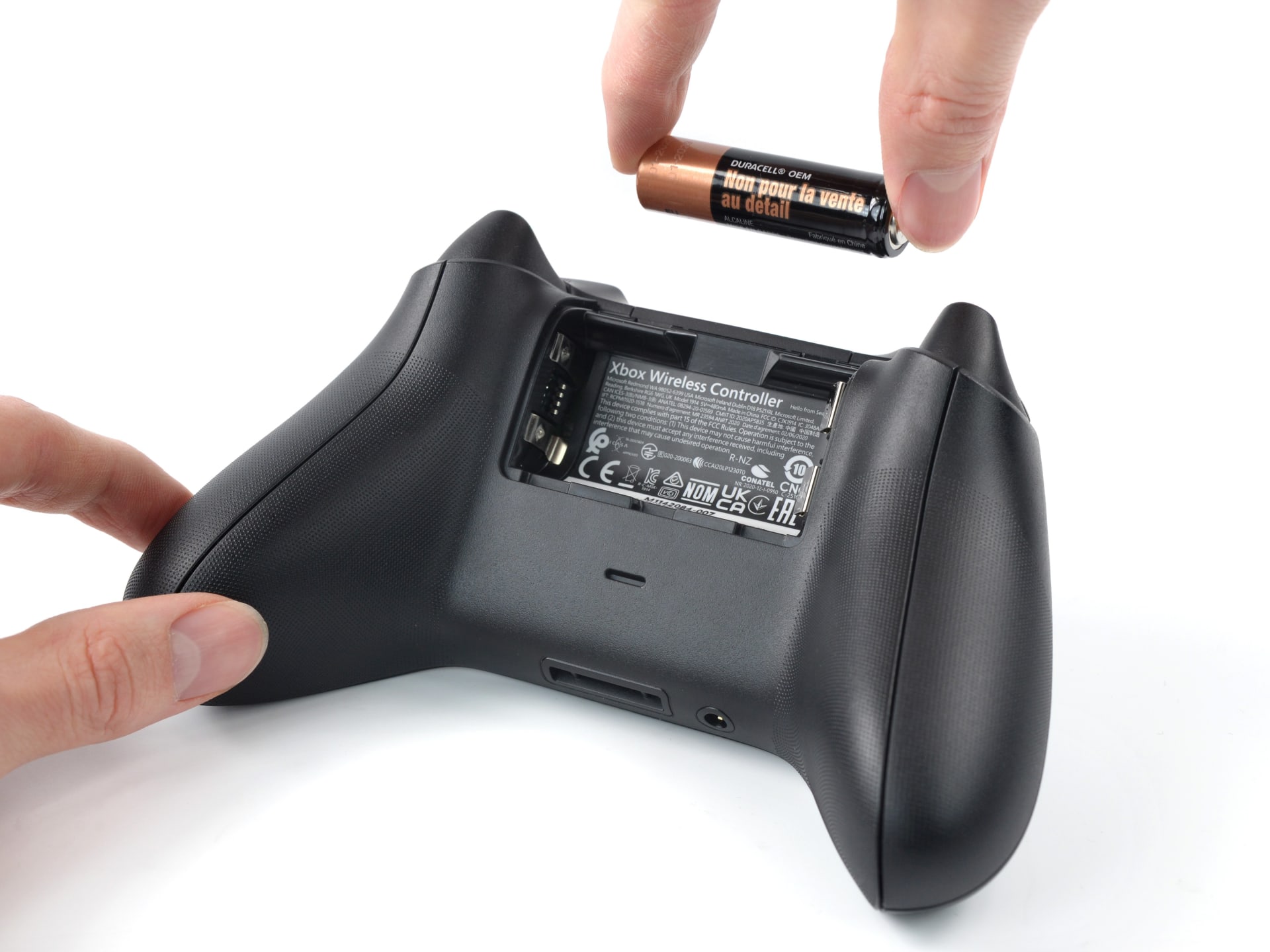
The practical result is that rechargeables often disconnect at what the console reports as 40% or 50% remaining, while alkalines run down to genuinely low charge before the same thing happens. If you use rechargeables and get intermittent dropouts, you have probably found your cause.
Tip
The Xbox battery indicator is coarse and optimistic. It is derived from voltage under light load, which is exactly the condition that hides the problem — the moment rumble fires or the radio transmits hard, voltage sags below what the transmitter needs. Treat "two bars" as "possibly about to disconnect" rather than "half full."
Step 2: Go Wired to Isolate the Fault
Connect the controller to the console with a USB-C cable and play for a session. The controller switches to a wired connection automatically.
If the disconnects stop entirely, the problem is the wireless link — batteries, interference or firmware — and the sections below apply. If they continue while wired, the fault is in the controller or the console's USB port, and no amount of radio troubleshooting will help.
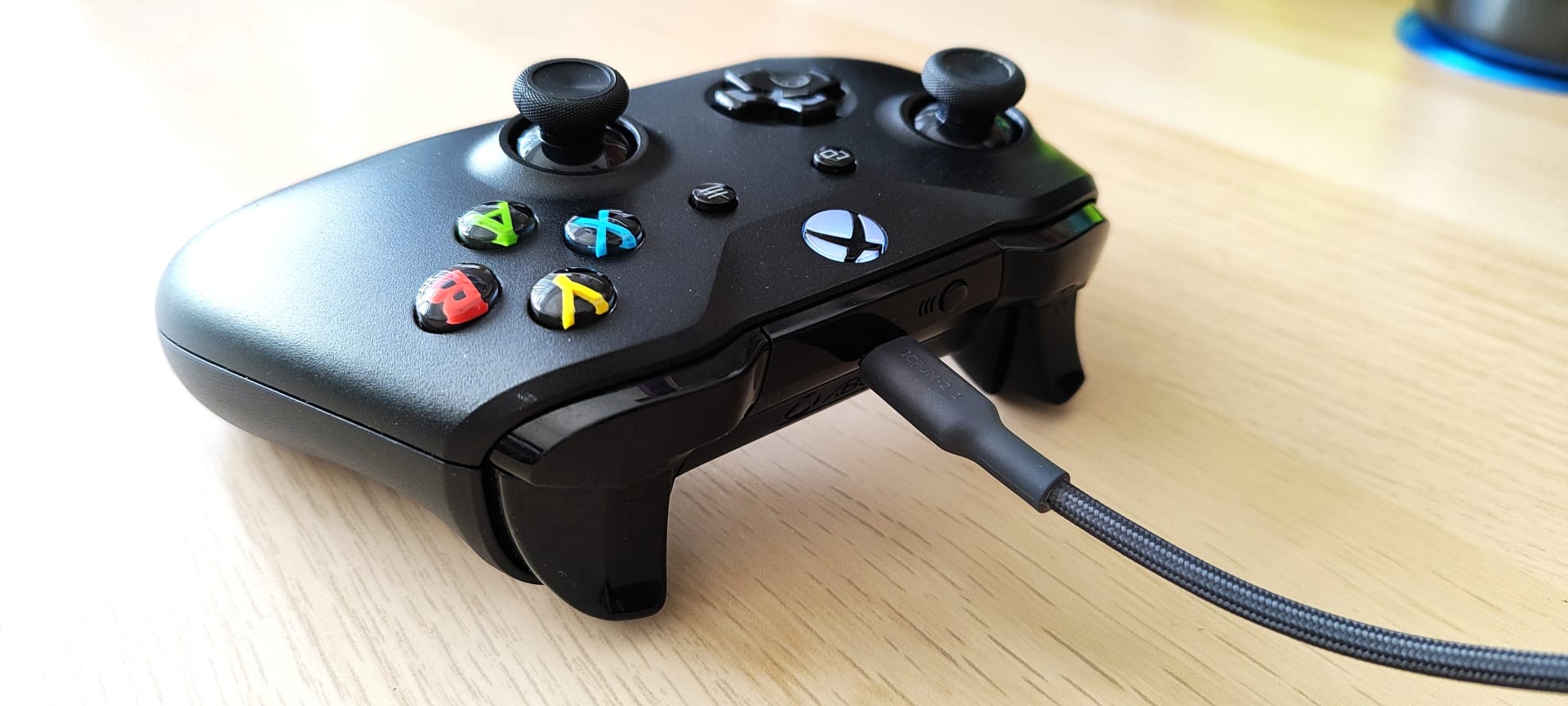
This ten-minute test saves people from an evening of chasing the wrong problem, and it is worth doing before anything else that involves menus.
Step 3: Check the Firmware Version
Microsoft shipped firmware 5.23.5.0 in early 2025 that caused widespread disconnections, phantom thumbstick drift and incorrect button inputs across a large number of controllers. Version 5.23.6.0 was released to fix it.
If your controller is stuck on the earlier build, you are experiencing a known bug rather than a hardware fault.
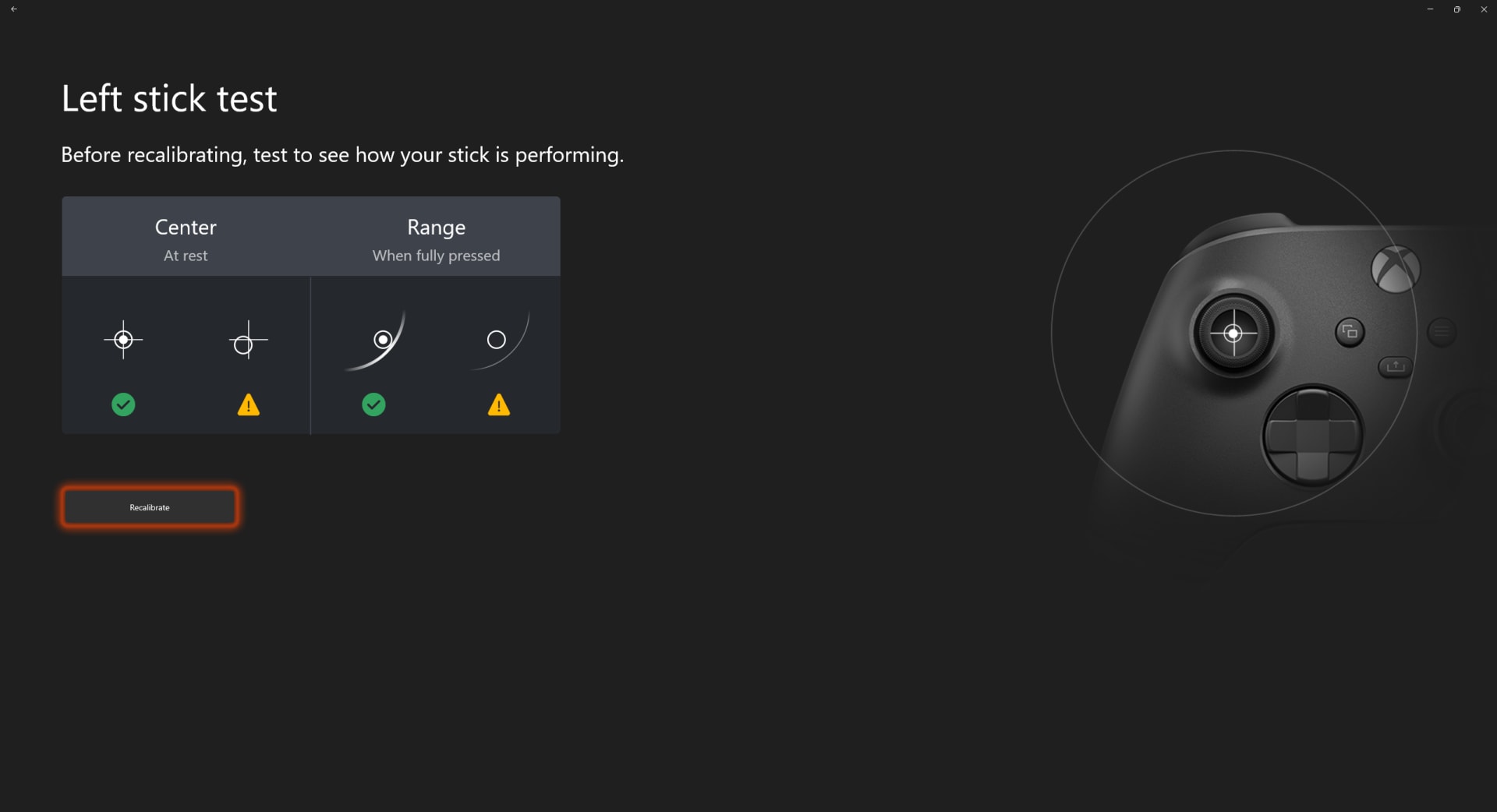
Connect the controller by USB cable, open the Xbox Accessories app on the console or on Windows, and check for an update. Leave the cable connected throughout — a firmware update interrupted by a wireless dropout is exactly the kind of thing that bricks a controller.
Update every controller you own, not just the one that misbehaves. Controllers ship with whatever firmware was current when they were boxed, and a spare that has sat in a drawer since 2025 will still be on the bad build.
Step 4: Deal With 2.4 GHz Interference
Xbox Wireless operates in the 2.4 GHz band, which it shares with Wi-Fi, Bluetooth, wireless headsets, microwaves and — notoriously — poorly shielded USB 3.0 devices.
The signature of an interference problem is disconnects that correlate with something else happening: someone streams in another room, a wireless headset connects, an external drive starts working.
Move the Console Out of the Cabinet
A metal or glass-fronted media unit attenuates 2.4 GHz badly. Line of sight to where you sit matters more than distance.
Separate It From the Router
Put at least a metre between the console and your router. They are transmitting in the same band.
Unplug USB 3.0 Devices While Testing
Poorly shielded USB 3.0 drives and hubs emit broadband noise right across 2.4 GHz. This is a documented interference source, not folklore.
Push Your Wi-Fi to 5 GHz
Moving your own devices off 2.4 GHz frees the band for the controller and improves both.
The console being inside a closed media cabinet is the most common version of this. Xbox Wireless is not a high-power radio, and a pane of glass plus a metal shelf between the console and the player is enough to make the link marginal.
Step 5: Re-Pair and Clear Old Pairings
An Xbox console remembers up to eight controllers. Once you exceed that, older pairings get pushed out and can reconnect unpredictably.
If controllers have come and gone from your household — friends' pads, a replacement, a borrowed one — clearing the list is worthwhile.
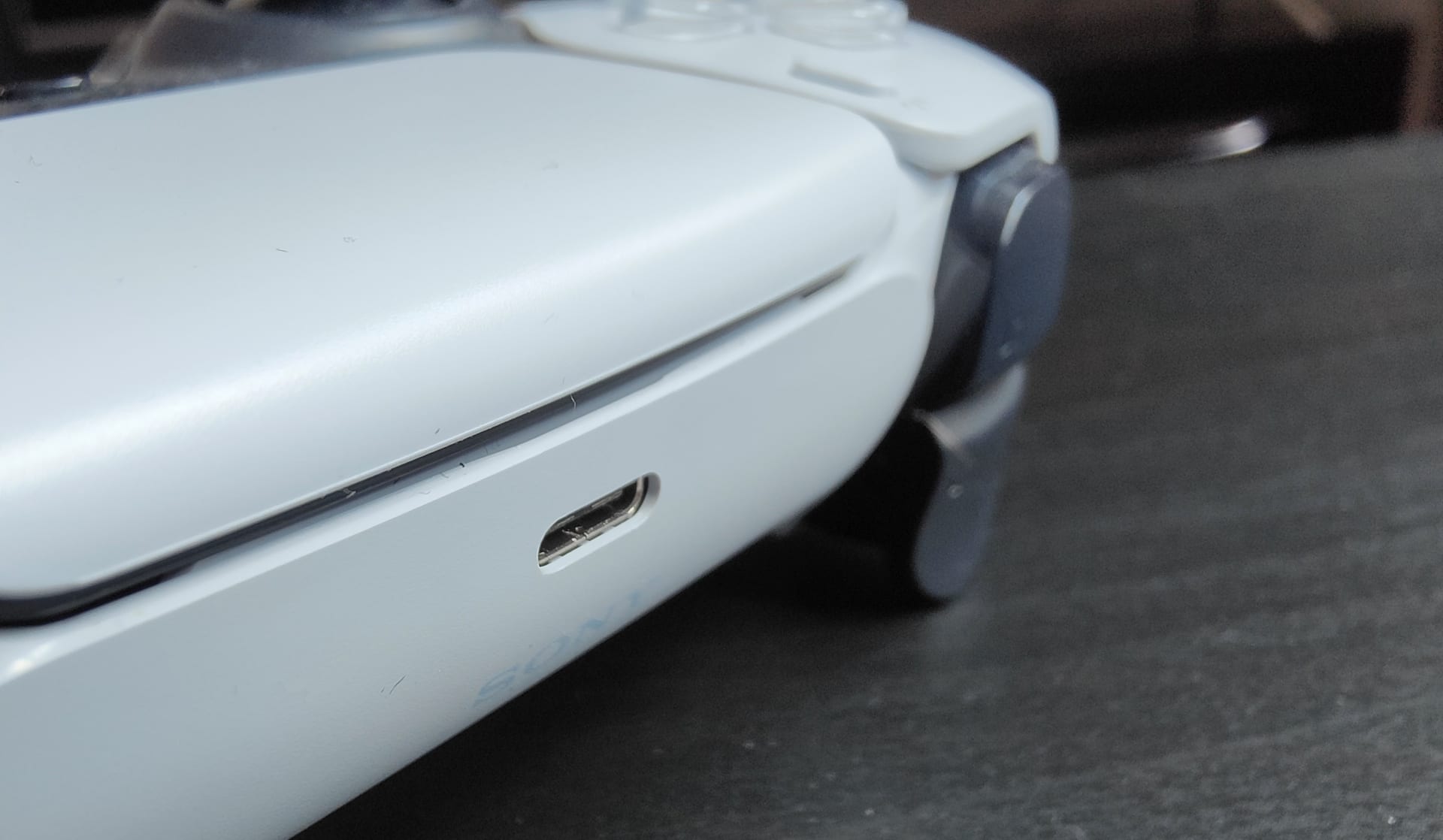
To re-pair: hold the controller's Pair button (top edge, next to the USB-C port) for three seconds until the Xbox button flashes rapidly, then press the console's pair button and wait for both to go solid.
Doing this from a fresh state, rather than on top of an old pairing, is what actually helps. Pairing over an existing entry sometimes preserves whatever was wrong with it.
Step 6: Power Cycle the Console Properly
A standard restart does not clear the console's wireless stack. A full power cycle does.
Hold the console's power button for 10 seconds until it shuts down completely, unplug the power cable, wait 30 seconds, then reconnect and start it. This clears the cached network and accessory state that a normal reboot preserves.
It is the same principle behind clearing a stuck HDMI handshake, covered in our guide to console no-signal problems, and it resolves a similar class of "everything is configured correctly but it still does not work" faults.
What It Is Not
It is not the controller's range if it disconnects at two metres. Xbox Wireless is rated well beyond typical living-room distances. A dropout at close range is a battery, interference or firmware problem, not a distance one.
It is not stick drift, even though the 2025 firmware bug caused both. If the controller stays connected but the cursor or camera moves on its own, that is a separate mechanical issue — see how to fix controller stick drift and, for tuning rather than hardware, controller deadzone settings.
It is not your network. Xbox Wireless is a proprietary protocol that does not touch your router or your internet connection. If your game is disconnecting from its server rather than your controller disconnecting from the console, that is packet loss and an entirely different fix.
It is not the console failing, unless the console itself is also cutting out — in which case start with an Xbox Series X that won't turn on instead. And if you are shopping for a replacement pad, the stick sensor technology inside determines how long it lasts before drifting: see Hall effect vs TMR vs AMR sensors.
| Symptom | Likely cause | Fix |
|---|---|---|
| Drops after ~30 minutes of play | Batteries sagging under load | Fresh alkalines |
| Drops at 40–50% reported charge | NiMH rechargeables at 1.2V | Alkalines or a first-party pack |
| Drops when someone else streams | 2.4 GHz interference | Relocate console, clear the band |
| Drops with phantom inputs too | Firmware 5.23.5.0 bug | Update to 5.23.6.0 or later |
| Drops while wired as well | Controller or USB port fault | Hardware, not radio |
Frequently Asked Questions
Why does my Xbox controller keep disconnecting?
Most often because the batteries are too low to keep the wireless transmitter stable, which happens well before the console shows a low-battery warning. Fit fresh alkaline batteries and play for an hour before troubleshooting anything else. Interference in the 2.4 GHz band and outdated controller firmware are the next two causes.
Do rechargeable batteries cause Xbox controller disconnects?
They can. NiMH rechargeables supply 1.2V against 1.5V for alkalines, which puts them near the voltage at which the controller's radio becomes unstable under load. That is why rechargeables often disconnect at a reported 40–50% charge while alkalines run much lower before doing the same.
How do I update my Xbox controller firmware?
Connect the controller to the console or a Windows PC with a USB-C cable, open the Xbox Accessories app, and check for an update. Keep the cable connected for the whole process. Firmware 5.23.5.0 from early 2025 caused widespread disconnects and drift; 5.23.6.0 fixed it, so check which build you are on.
Can Wi-Fi interfere with an Xbox controller?
Yes. Xbox Wireless uses the 2.4 GHz band, shared with Wi-Fi, Bluetooth, wireless headsets and poorly shielded USB 3.0 devices. Keep at least a metre between the console and your router, avoid closed media cabinets, and move your own Wi-Fi devices to 5 GHz to free up the band.
How many controllers can an Xbox pair with?
Eight. Beyond that, older pairings are pushed out of the list and can reconnect unpredictably. If several controllers have been paired to the console over time, re-pairing from a clean state is worthwhile.
Does going wired fix Xbox controller disconnects?
It eliminates them if the cause is wireless, which is the point of the test. Plug in a USB-C cable and play a session: if the disconnects stop, the problem is batteries, interference or firmware. If they continue while wired, the fault is in the controller or the console's USB port.
The Bottom Line
Run the two tests that cost nothing before touching a menu. Fit brand new alkaline batteries, and separately, play a session wired. Between them they identify the cause in the large majority of cases.
If wired play is stable and fresh alkalines help but do not cure it, check your firmware version — the 2025 build that caused mass disconnections is still sitting on plenty of controllers that have not been connected by cable since.
And get the console out of the closed cabinet. Xbox Wireless is a modest radio in a crowded band, and line of sight does more for connection stability than any setting on the console.
Controller and console photography courtesy of Microsoft, iFixit and the respective publications, used for editorial coverage.
Sources
- Xbox Support, Troubleshoot Xbox Wireless Controller connection issues, retrieved 2026-08-09, https://support.xbox.com/en-US/help/hardware-network/controller/xbox-one-wireless-controller-disconnects
- Xbox Support, Update your Xbox Wireless Controller, retrieved 2026-08-09, https://support.xbox.com/en-US/help/hardware-network/controller/update-xbox-wireless-controller
- TechRadar, Microsoft working on fix for disconnecting Xbox Series X controllers, retrieved 2026-08-09, https://www.techradar.com/news/microsoft-working-on-fix-for-disconnecting-xbox-series-x-controllers
- Turtle Beach, Why Does My Xbox Controller Keep Disconnecting? 7 Fixes, retrieved 2026-08-09, https://www.turtlebeach.com/blog/why-xbox-controller-keeps-disconnecting
- Xbox, Xbox Series X console overview, retrieved 2026-08-09, https://www.xbox.com/en-US/consoles/xbox-series-x