Almost every console overheating warning comes down to one of two things: the console cannot get cool air in, or it is breathing its own exhaust back. Both are placement problems, both are free to fix, and both are far more common than the failing thermal paste people jump to.
The number worth remembering is 10 to 15 cm of clearance on every ventilated side, with nothing above the exhaust. Get that right and the overwhelming majority of thermal warnings disappear without you opening anything.
Note
Key Takeaways
- Placement causes most overheating, specifically enclosed cabinets and consoles pushed against a wall or another device.
- Exhaust recirculation is the hidden killer. A console that re-inhales its own hot air heats up even in a room that feels cool.
- The PS5 exhausts from the rear, the Xbox Series X from the top. Anything sitting on top of a Series X is blocking its only outlet.
- Dust is a slow build. Fan noise rising over months is the early warning, and a thermal warning is the late one.
- Never spin a console fan with compressed air — it can generate voltage back through the motor and damage the board.
- Thermal paste replacement is a last resort, appropriate for consoles years into heavy use and after everything else is ruled out.
Where Each Console Breathes
You cannot fix airflow you do not understand, and the three current consoles move air in completely different directions.
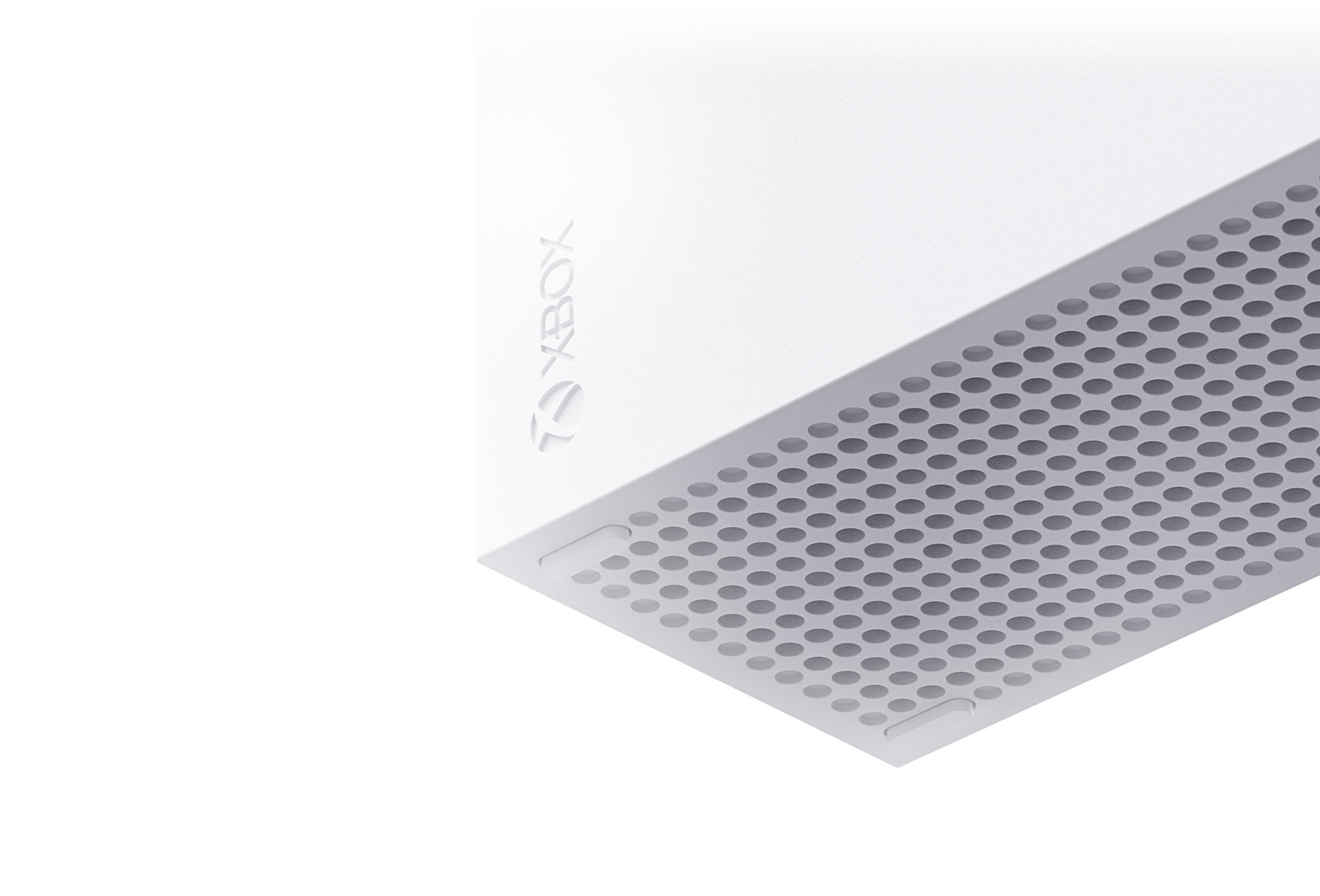
Xbox Series X pulls air in through the bottom and exhausts it straight up through the green-lined grille on top. It is a chimney. Placing anything on top of it — a router, a controller stand, a shelf 5 cm above — blocks the only exit the console has.
PlayStation 5 draws air through side and front vents and exhausts out the back. Push it against a wall and it re-inhales what it just expelled. It needs rear clearance far more than side clearance.
Nintendo Switch 2 vents from the top of the console in handheld mode and from the rear of the dock when docked. A dock crammed into a tight media shelf is the usual failure.
Warning
Vertical vs horizontal orientation does not change how much cooling a PS5 or Series X gets — both are designed for either. What changes is which surfaces you block. A horizontal Series X exhausts out of its side rather than upward, and people stack things against it without realising.
Fix the Placement First
Give the console 10 to 15 cm of free space on every ventilated side, and make sure the exhaust vents into open room air rather than into a wall, a shelf or another device.
The specific situations that cause the most trouble:
Closed media cabinets. A cupboard with a solid back and a glass door is an oven. The console warms the trapped air, then breathes that same air. Remove the back panel, leave the door open, or move the console out.
Directly on top of an AV receiver. Receivers run hot and vent upward. Your console is then drawing pre-heated air. Separate them.
Against a wall. Particularly bad for the PS5, whose exhaust goes straight backward.
On thick carpet. The Series X draws intake air from underneath, and deep pile blocks it entirely. Use a hard flat surface.
In direct sunlight. A console by a south-facing window in summer can be starting 10°C above room temperature before it does any work.
Deal With the Dust
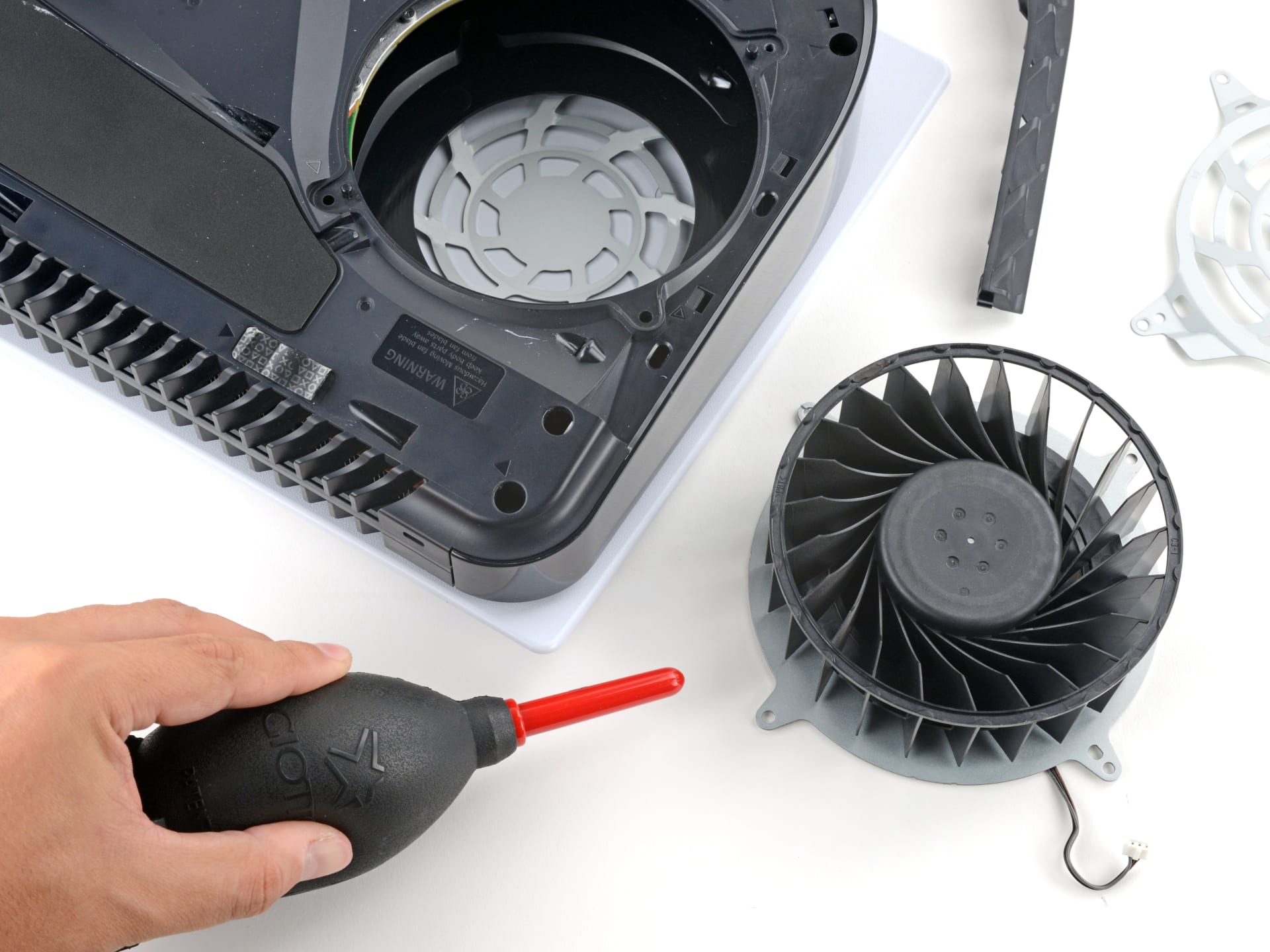
Dust accumulates on the heatsink fins and in the intake vents, and it insulates exactly the surfaces that are supposed to shed heat. The early symptom is a fan that has become noticeably louder over months for the same games.
Hold the Fan Still
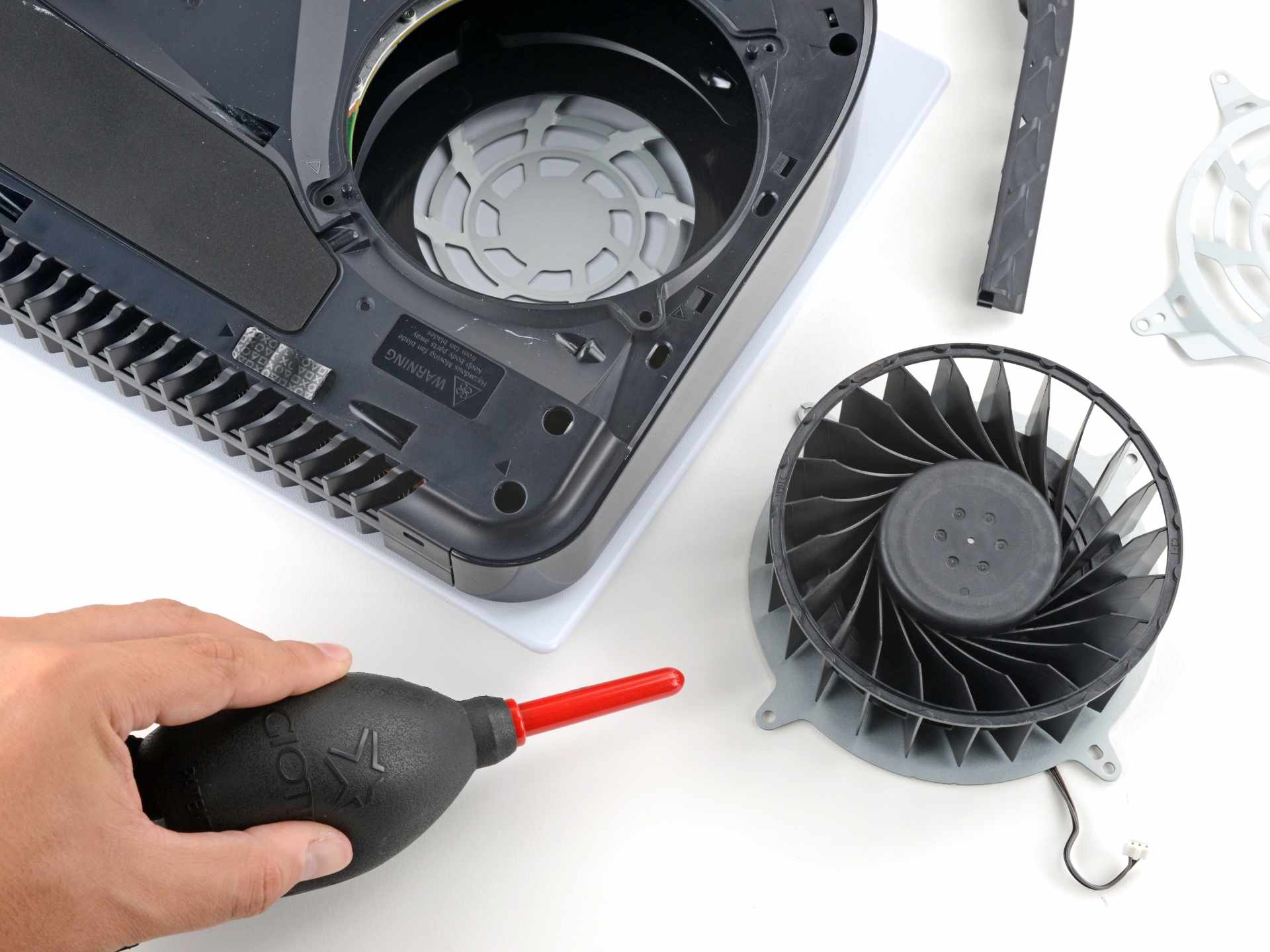
Wedge the blades with a cocktail stick before using any air. A fan spun by compressed air acts as a generator and can push voltage back into the board.
Short Bursts, Upright Can
Tilting a compressed air can sprays liquid propellant. Keep it vertical and use short bursts from 15 cm away.
Vacuum Nearby, Not Into
Hold a vacuum near the vent to catch what you blow out. Never put the nozzle against the console — static discharge is a real risk.
PS5 Dust Catchers
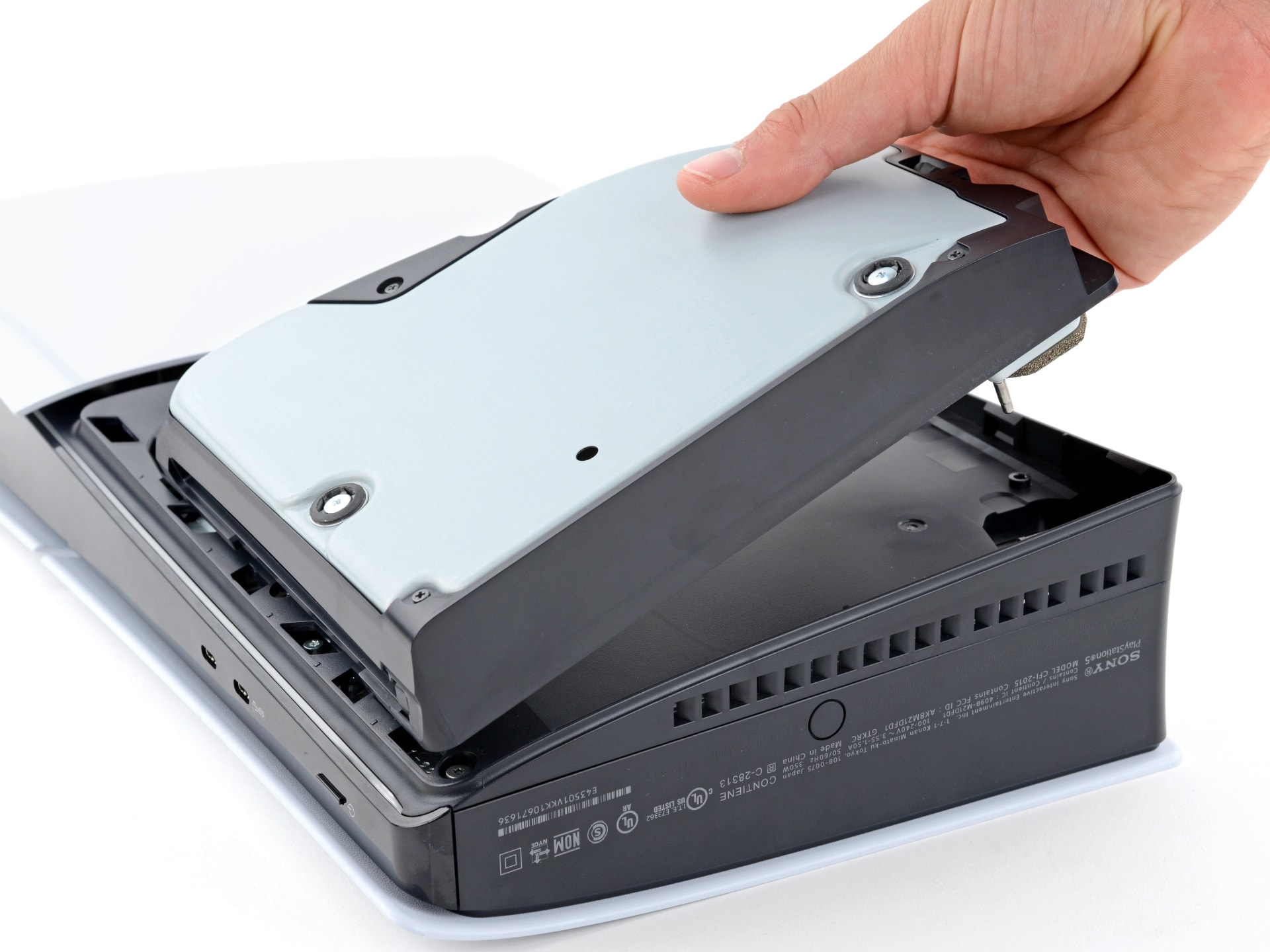
Both PS5 models have accessible dust collection channels under the side panels. Emptying them takes two minutes and needs no tools.
The PS5's removable side panels are designed for this and using them does not affect your warranty. The Series X is a different matter — its cooling assembly is not user-accessible without a full disassembly, so external vent cleaning is as far as most people should go.
What the Warning Actually Means
A console that displays a thermal warning and shuts down has protected itself successfully. That is the safety system doing its job, not evidence of damage.
What matters is the pattern:
A one-off warning during a heatwave is the console responding correctly to genuinely hot ambient air. Improve airflow and move on.
Repeated warnings in normal room temperature means something is wrong — placement, dust, or a failing fan.
Warnings within minutes of turning on point at a fan that has stopped or a heatsink that has lost contact, and that needs a technician.
Shutting Down Is Not Always Heat
A console that cuts out with no warning message is a different problem to one that warns you first. Thermal protection announces itself; power faults do not.
If your console dies silently and instantly under load, that pattern points at power delivery rather than temperature. The equivalent diagnosis on PC is covered in why a PC shuts down while gaming, and the reasoning transfers directly.
If an Xbox specifically boots and then shuts down shortly after, our guide to an Xbox Series X that won't turn on covers where that sits between power and heat.
The Noise Question
Fan noise rising is the first symptom of a cooling problem, and it is worth learning to distinguish it from the other sounds a console makes.
Fan noise is a broadband rush of air that tracks how hard the console is working. If it has grown louder over months for the same games, that is dust or a wearing bearing.
A mechanical buzz or rattle that appears at one specific fan speed is resonance rather than cooling — on PS5 that is frequently the disc drive bracket, covered in PS5 disc drive grinding noise.
A high-pitched electrical whine that tracks what is on screen rather than temperature is coil whine from the power delivery. It is harmless and unrelated to heat, and the mechanism is the same one explained in GPU coil whine.
| Sound | Tracks | Meaning |
|---|---|---|
| Air rush, rising over months | Game load | Dust buildup |
| Air rush at maximum constantly | Nothing | Blocked intake or failing sensor |
| Buzz at one specific speed | Fan RPM | Component resonance |
| High electrical whine | On-screen activity | Coil whine, harmless |
| Grinding or clicking | Fan RPM | Failing fan bearing |
Cooling Stands and Fans: Mostly Not Worth It
Third-party cooling stands with extra fans are largely solving a problem that clearance already solves, and some make things worse.
A stand that adds fans blowing across the outside of the case does very little, because the console's own fan is already moving far more air through the actual heatsink. A stand that raises the console off a surface and improves intake clearance does help — but so does putting it on a shelf edge for free.
The genuine exceptions are docks and stands that keep a console upright and away from a wall in a cramped setup. There the benefit is geometry, not the fan.
Skip anything that requires powering from the console's own USB ports. You are adding load to the console's power budget to cool a problem you could fix by moving it 10 cm forward.
When Thermal Paste Is the Answer
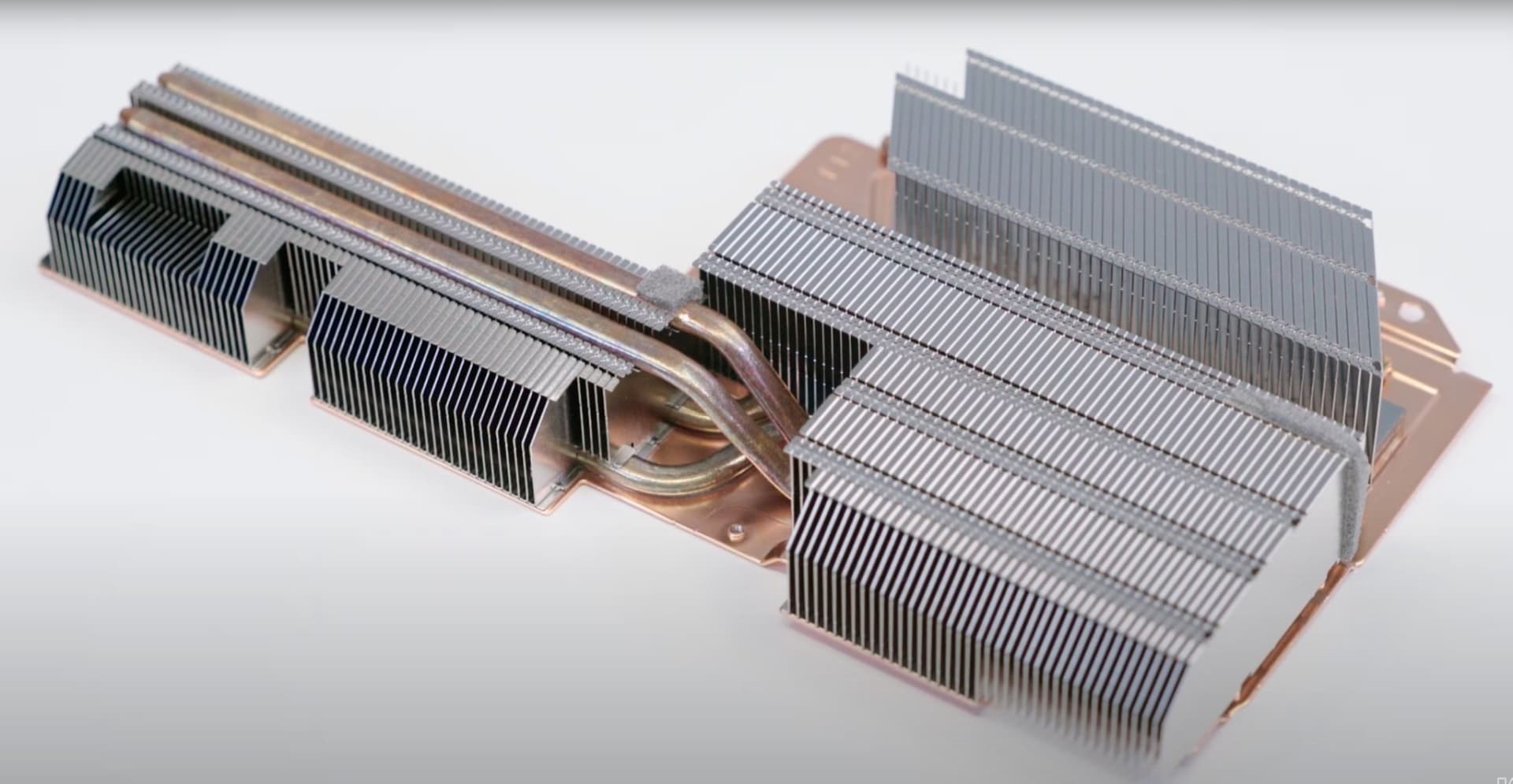
Replacing thermal paste or liquid metal is a legitimate repair for a console several years into heavy daily use where placement and dust have already been ruled out.
It is not a first step, and it is not a maintenance item on a console that is two years old and lives in an open space.
Both the PS5 and Series X use liquid metal thermal interface material rather than conventional paste, which is significantly less forgiving to work with — it is electrically conductive, and a spill onto surrounding components will destroy the board. This is a job for someone who has done it before, on hardware already out of warranty.
If the console is under warranty, or the warnings started suddenly rather than developing gradually, a manufacturer repair is the better route.
Two adjacent symptoms often get filed under overheating incorrectly. A console that will not download overnight is following a power-saving setting rather than throttling — see PS5 not downloading in rest mode. And a handheld that drains while plugged in is a charger supply problem, not a thermal one, covered in Switch 2 not charging.
Frequently Asked Questions
Why does my console keep overheating?
Almost always placement or dust. The console either cannot draw in cool air — because it is in a closed cabinet, on carpet, or pressed against a wall — or it is re-inhaling its own exhaust. Give it 10 to 15 cm of clearance on every ventilated side with nothing above the exhaust, and clean the intake vents.
How much clearance does a PS5 or Xbox Series X need?
Ten to fifteen centimetres of free space on every ventilated side. The Series X exhausts upward through its top grille, so nothing may sit above it. The PS5 exhausts rearward, so it needs space behind rather than beside. Neither should be in a closed cabinet with a solid back.
Is it safe to use compressed air on a console?
Only if you hold the fan blades still first. A fan spun rapidly by compressed air acts as a generator and can push voltage back through its motor into the board. Wedge the blades with a cocktail stick, keep the can upright to avoid spraying liquid propellant, and use short bursts from about 15 cm.
Does an overheating warning mean my console is damaged?
No. A thermal warning and shutdown means the protection system worked correctly. A one-off during hot weather is normal. Repeated warnings at ordinary room temperature mean something needs fixing, and warnings within minutes of switching on suggest a stopped fan or a heatsink problem that needs a technician.
Are console cooling stands worth buying?
Mostly not. Extra fans blowing across the outside of the case do little, because the console's internal fan already moves far more air through the heatsink. A stand that improves clearance genuinely helps, but so does moving the console forward on a shelf. Avoid anything powered from the console's own USB ports.
Should I replace the thermal paste in my console?
Only as a last resort on an out-of-warranty console several years into heavy use, after placement and dust have been ruled out. Both the PS5 and Series X use liquid metal rather than conventional paste, which is electrically conductive and will destroy the board if it spills. It is not a routine maintenance task.
The Bottom Line
Before you buy a cooling stand or watch a thermal paste tutorial, measure the gap around your console. Ten to fifteen centimetres on every vented side, nothing above an Xbox Series X, nothing behind a PS5, and no closed cabinet with a solid back.
Then clean the intake vents — carefully, with the fan blades held still — and empty the PS5's dust catchers if you have one. Between placement and dust you have covered the cause of nearly every overheating warning that is not a hardware fault.
Save the liquid metal repair for a console that is genuinely old, genuinely out of warranty, and still overheating in open air with clean vents. Everything before that point is free.
Console and teardown photography courtesy of Sony Interactive Entertainment, Microsoft, iFixit and the respective publications, used for editorial coverage.
Sources
- Xbox Support, How to position and ventilate your Xbox console, retrieved 2026-08-09, https://support.xbox.com/en-US/help/hardware-network/console/position-ventilate-console
- Xbox Support, Xbox console overheats, retrieved 2026-08-09, https://support.xbox.com/en-US/help/hardware-network/console/console-overheats
- iFixit, Xbox Series X Overheating troubleshooting, retrieved 2026-08-09, https://www.ifixit.com/Troubleshooting/Xbox_Series_X/Overheating/518912
- iFixit, PlayStation 5 cleaning and fan access guides, retrieved 2026-08-09, https://www.ifixit.com/Device/PlayStation_5
- Nintendo Support, Nintendo Switch 2: Power and Charging topic hub, retrieved 2026-08-09, https://en-americas-support.nintendo.com/app/topics/detail/p/1095/c/208