If your PS5 grinds while playing a digital game with no disc in the console, the drive is not reading anything — something is vibrating. That single observation separates the two very different problems people lump together under "noisy PS5 disc drive," and it changes what you should do about it entirely.
The most common cause is a metal bracket inside the drive assembly touching the plastic housing at certain fan speeds. It sounds alarming, it is not damaging anything, and it is fixable. A drive that grinds only when a disc is spinning is a different and more serious matter.
Note
Key Takeaways
- Noise with no disc inserted is almost never the drive reading. It is usually the drive assembly's metal bracket resonating against its plastic housing.
- Noise only while a disc spins points at a warped or dirty disc, or at genuine drive wear.
- Rule out the fan first. The PS5's cooling fan changes speed with load and is frequently mistaken for the drive.
- Console orientation matters — several owners report the noise appearing only in vertical or only in horizontal placement.
- Rebuilding the database in Safe Mode resolves noise caused by the console repeatedly polling a drive it cannot index.
- The bracket fix requires opening the side panel, which is user-serviceable on the PS5 but will complicate a warranty claim.
First: Is It Actually the Disc Drive?
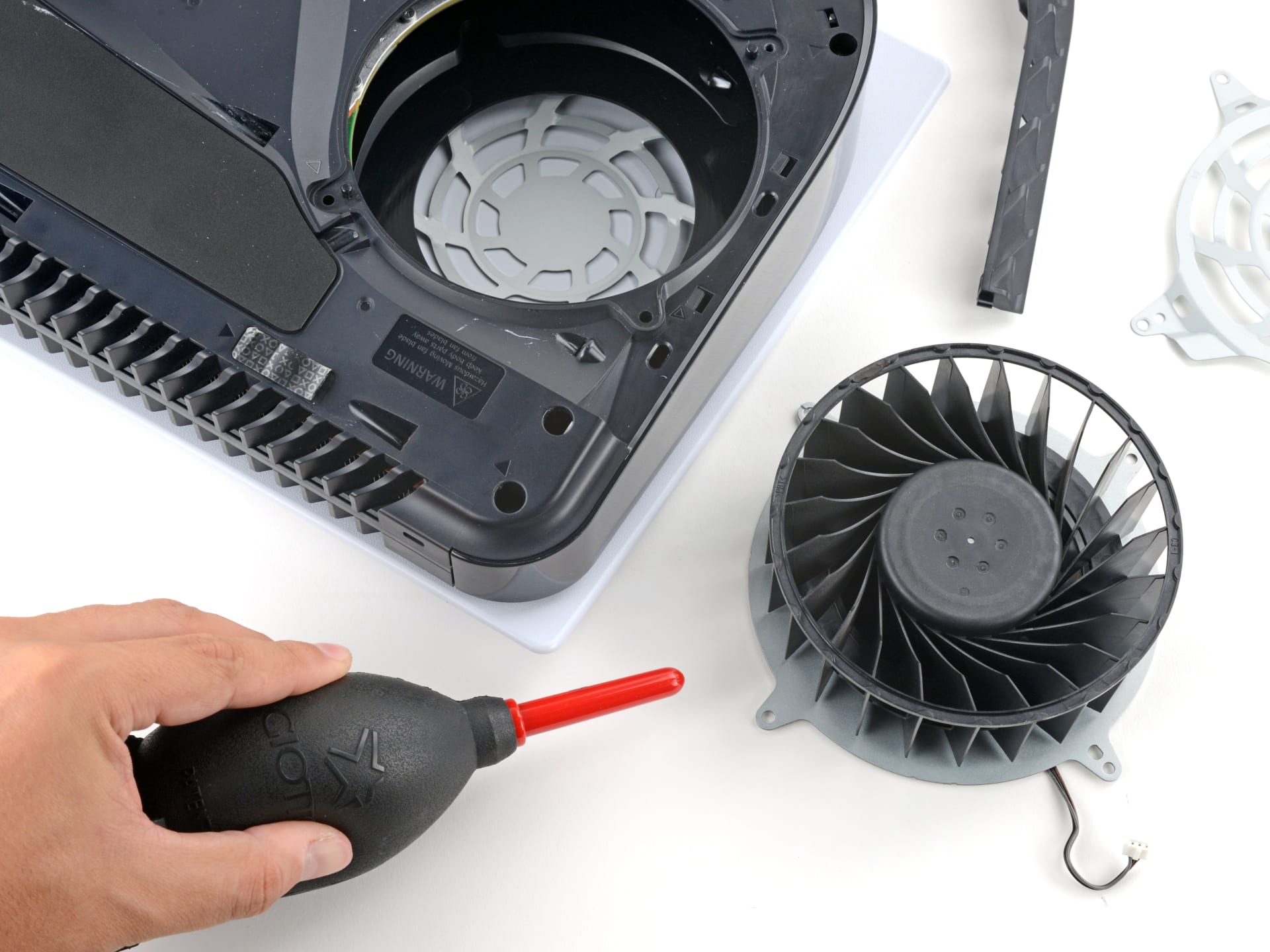
The PS5 has three things inside it that make noise — a 120 mm cooling fan, the disc drive, and the drive's mechanical loading assembly — and people misattribute the first as the second constantly.
Run this two-minute test before anything else.
Eject any disc, then play a digital game for ten minutes. If the noise appears, the disc drive is not reading anything and cannot be the source of a read noise. You are hearing either the fan or a vibrating component.
Now listen to how the noise tracks load. Fan noise rises and falls smoothly with what the console is doing — it gets louder in a demanding scene, quieter in a menu. Bracket resonance is different: it appears abruptly at one particular fan speed, sounds like a buzz or rattle rather than a rush of air, and disappears just as abruptly when the fan speeds up or slows down past that point.
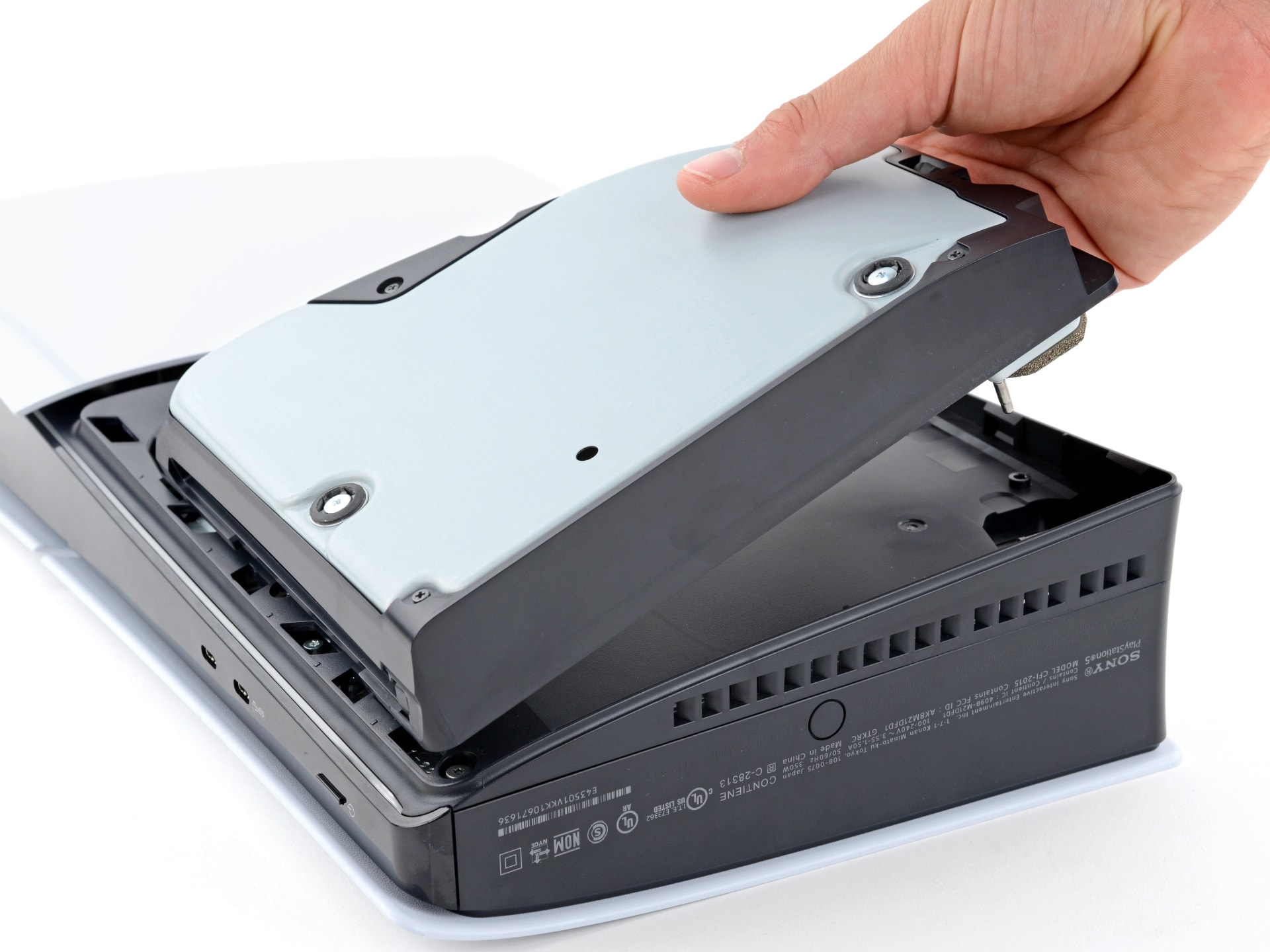
Finally, press gently on the disc-drive side of the console while the noise is happening. If it changes or stops, you have confirmed a resonance problem rather than a bearing or motor problem.
The Bracket Resonance Problem
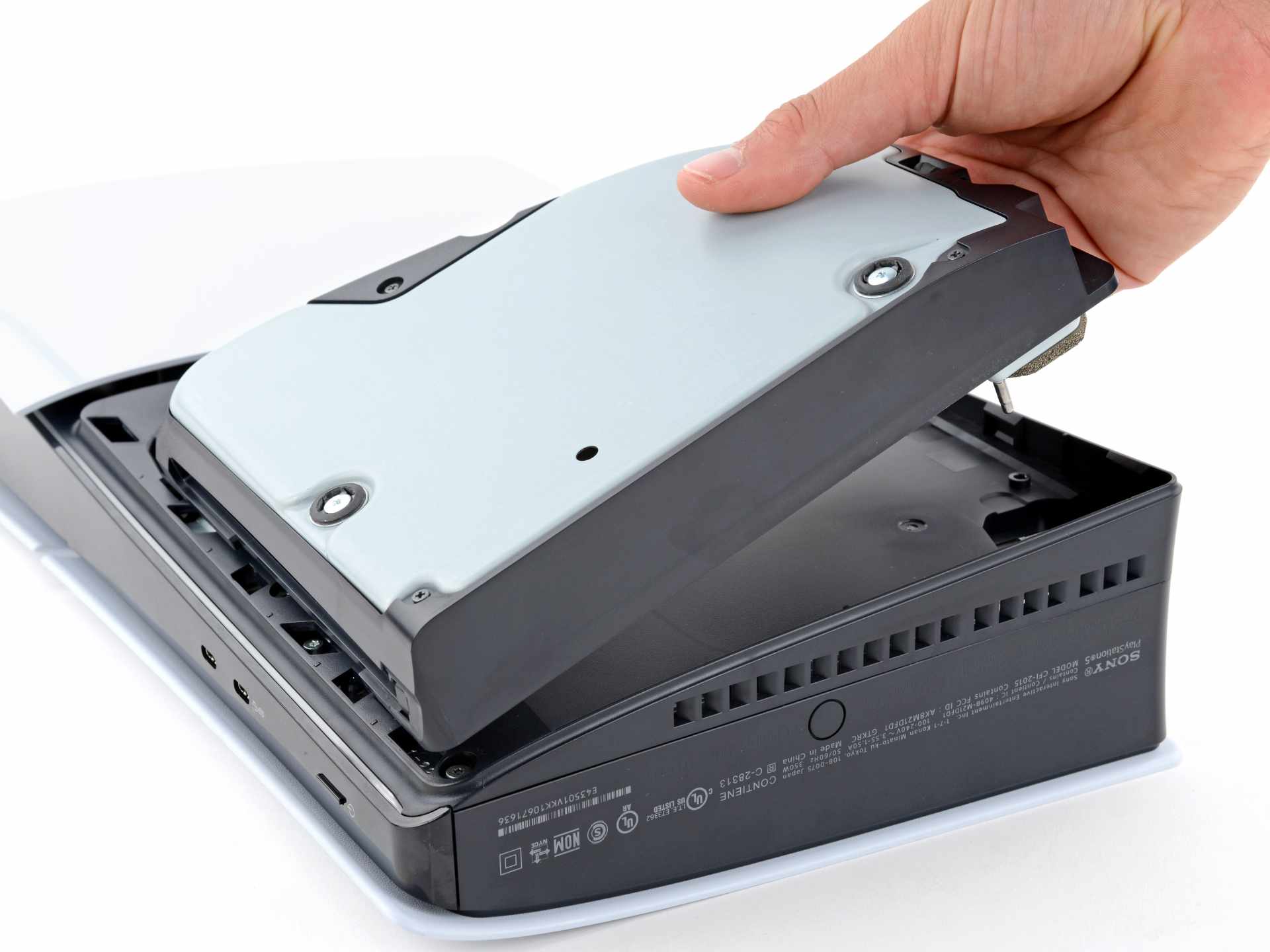
Inside the drive assembly there is a metal bracket that sits very close to the plastic housing, and manufacturing tolerance means that on some consoles it makes contact once vibration reaches a certain frequency.
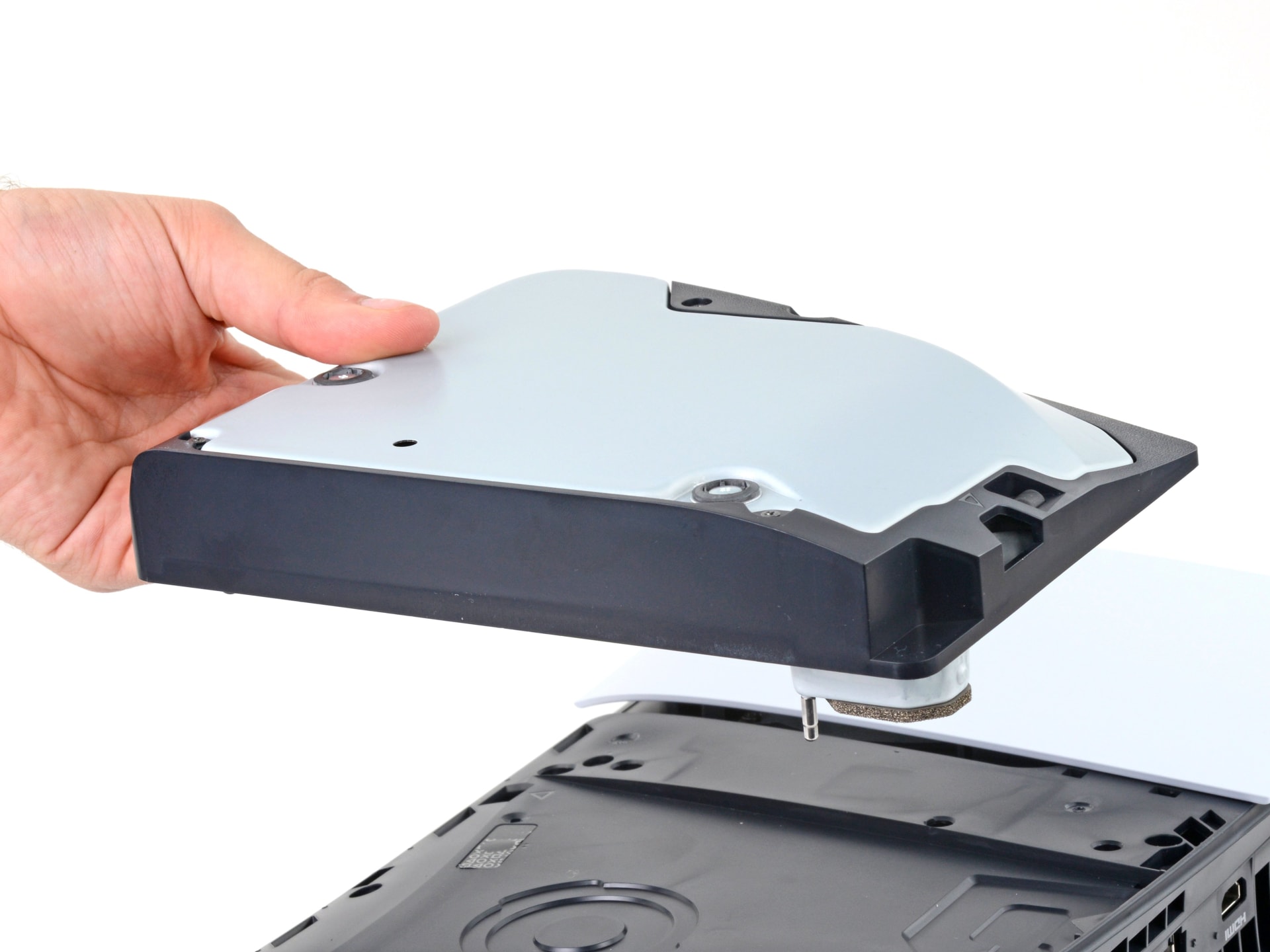
The result is a buzzing or grinding tone that has nothing to do with reading a disc. It often develops over months as the assembly settles, which is why owners describe a console that was silent for a year and then started grinding.
Owners who have opened the console report that bending the bracket roughly a millimetre away from the housing eliminates it permanently. That is genuinely the fix, and it is why so many PS5s that get sent for repair come back with no parts replaced.
Warning
The PS5's side panels are designed to be removed and that alone does not void your warranty in most regions. Removing the drive module and bending internal components is a different matter and will very likely end any claim. If the console is under warranty, contact PlayStation Support before opening anything beyond the side panel.
Try the Free Fixes First
Work through these before considering anything that involves a screwdriver.
Change the Orientation
Switch between vertical and horizontal. Gravity changes how the drive assembly sits, and a surprising number of resonance cases disappear entirely with the console the other way up.
Move It Off the Resonant Surface
A hollow shelf or thin cabinet panel amplifies a buzz that is nearly inaudible on a solid surface. Try the console on the floor for five minutes as a test.
Reseat the Side Panels
A panel that is not fully clipped in can buzz against the chassis. Pop both off and click them firmly back on.
Rebuild the Database
Safe Mode option 5. Fixes noise caused by the console repeatedly polling a drive it cannot index cleanly.
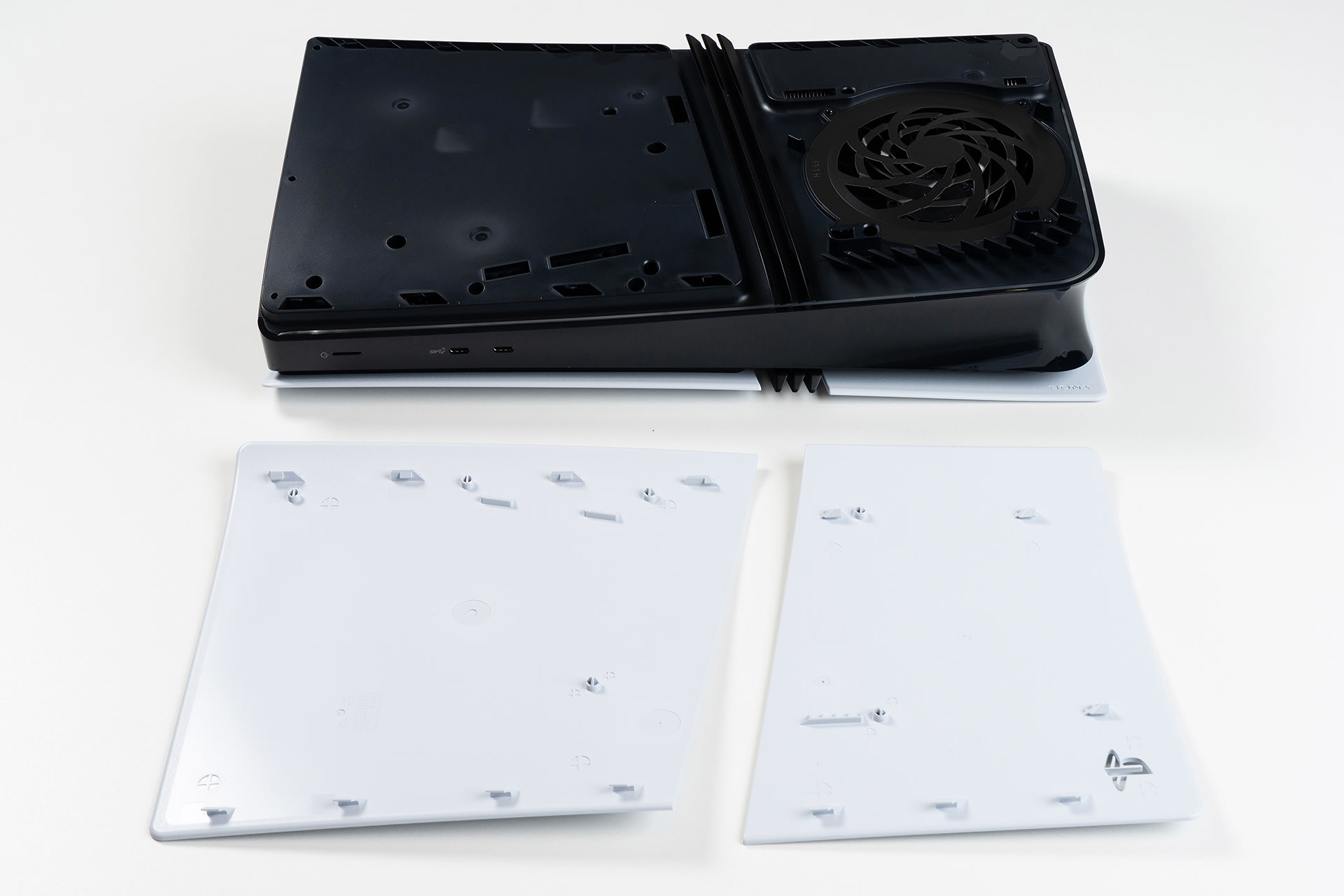
The orientation change is the one worth trying first because it costs nothing and works more often than it should. The drive assembly hangs differently depending on which way the console stands, and that is sometimes enough to break contact between the bracket and the housing.
When the Noise Only Happens With a Disc
A console that is silent on digital games and grinds when a disc spins has a different problem, and the disc itself is the first suspect.
Check the disc for scratches, fingerprints and warping. Clean it with a microfibre cloth wiping straight out from the centre to the edge — never in circles, which follows the data track and can turn a light smudge into an unreadable arc.
Then test with two or three other discs, ideally including one you know is in perfect condition. If only one disc grinds, the disc is the problem. If every disc grinds, the drive is.
A drive that struggles with all discs is usually failing to focus its laser or has a worn spindle motor, and both of those are repair-shop territory rather than DIY.
Rebuilding the Database
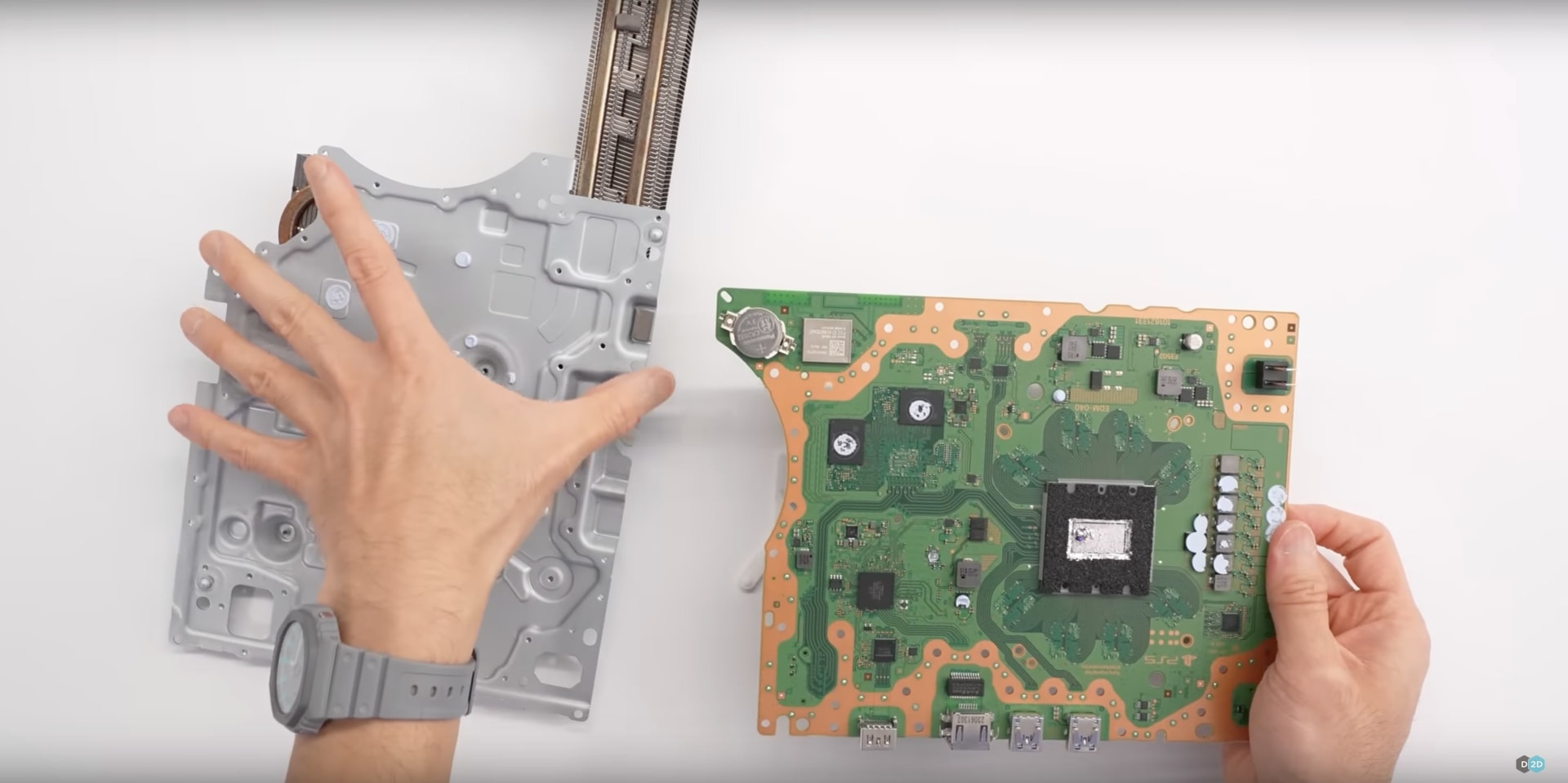
If the console makes intermittent drive noise while idle at the dashboard, it may be repeatedly trying to index content it cannot read cleanly.
Hold the power button until you hear the second beep to enter Safe Mode, connect a controller by USB cable, and choose Option 5: Clear Cache and Rebuild Database. It leaves games and saves alone.
This is a long shot for pure mechanical noise, but it costs nothing and it does resolve the specific case where the console keeps waking the drive.
Ruling Out the Fan
PS5 fan noise gets misdiagnosed as drive noise constantly, and the distinguishing feature is that fan noise is broadband air rush rather than a mechanical tone.
The PS5's fan speed responds to internal temperature, so it climbs during demanding games and drops in menus. If your noise follows that pattern, you are listening to cooling working normally — and if it has got louder over time, dust is the likely cause. Our guide to console overheating and dust buildup covers cleaning it safely.
A high-pitched electrical whine that changes with what is on screen rather than with temperature is something else again: coil whine from the power delivery. It is harmless, it behaves identically on consoles and PCs, and the mechanism is explained in our piece on GPU coil whine.
| What you hear | When it happens | Likely source |
|---|---|---|
| Broadband air rush | Rises and falls with game load | Cooling fan, normal |
| Buzz or rattle at one speed | Abruptly appears and disappears | Bracket resonance |
| Grinding while disc spins | Only with a disc inserted | Disc condition or drive wear |
| High electrical whine | Tracks on-screen activity, not heat | Coil whine, harmless |
| Clunk on insert or eject | Only during loading | Loading mechanism |
When to Get It Repaired
Book a repair if the drive refuses to read discs, ejects them unprompted, makes a repeated clunking noise while attempting to load, or grinds with every disc you own after cleaning.
Do not book a repair for noise that occurs with no disc inserted and changes when you press on the case. That is resonance, a technician will find nothing wrong with the drive, and you will be without the console for two weeks.
If you are on a PS5 model with the detachable drive, the drive unit itself can be replaced independently of the console, which makes a genuine drive failure considerably cheaper to resolve than it used to be.
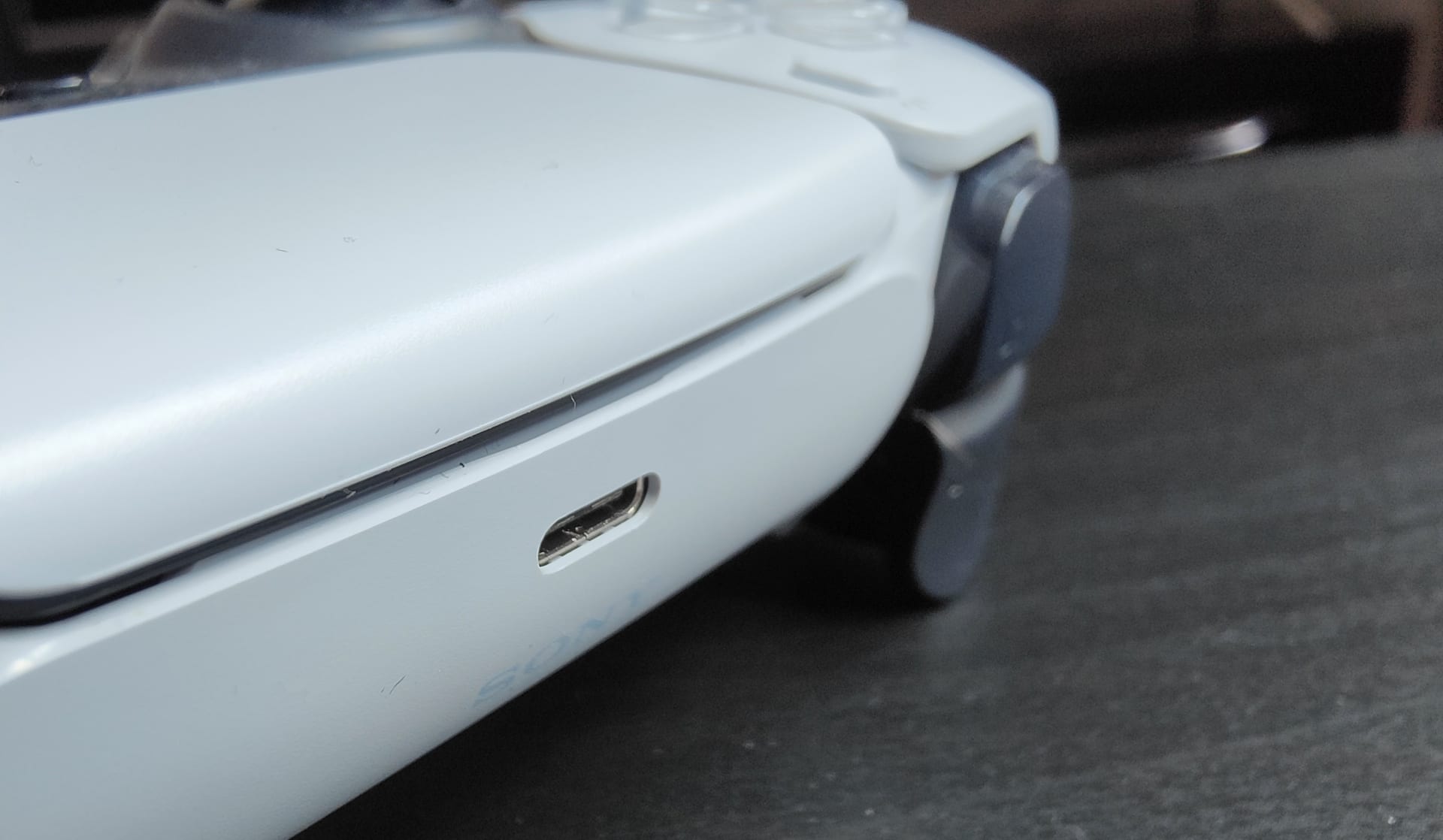
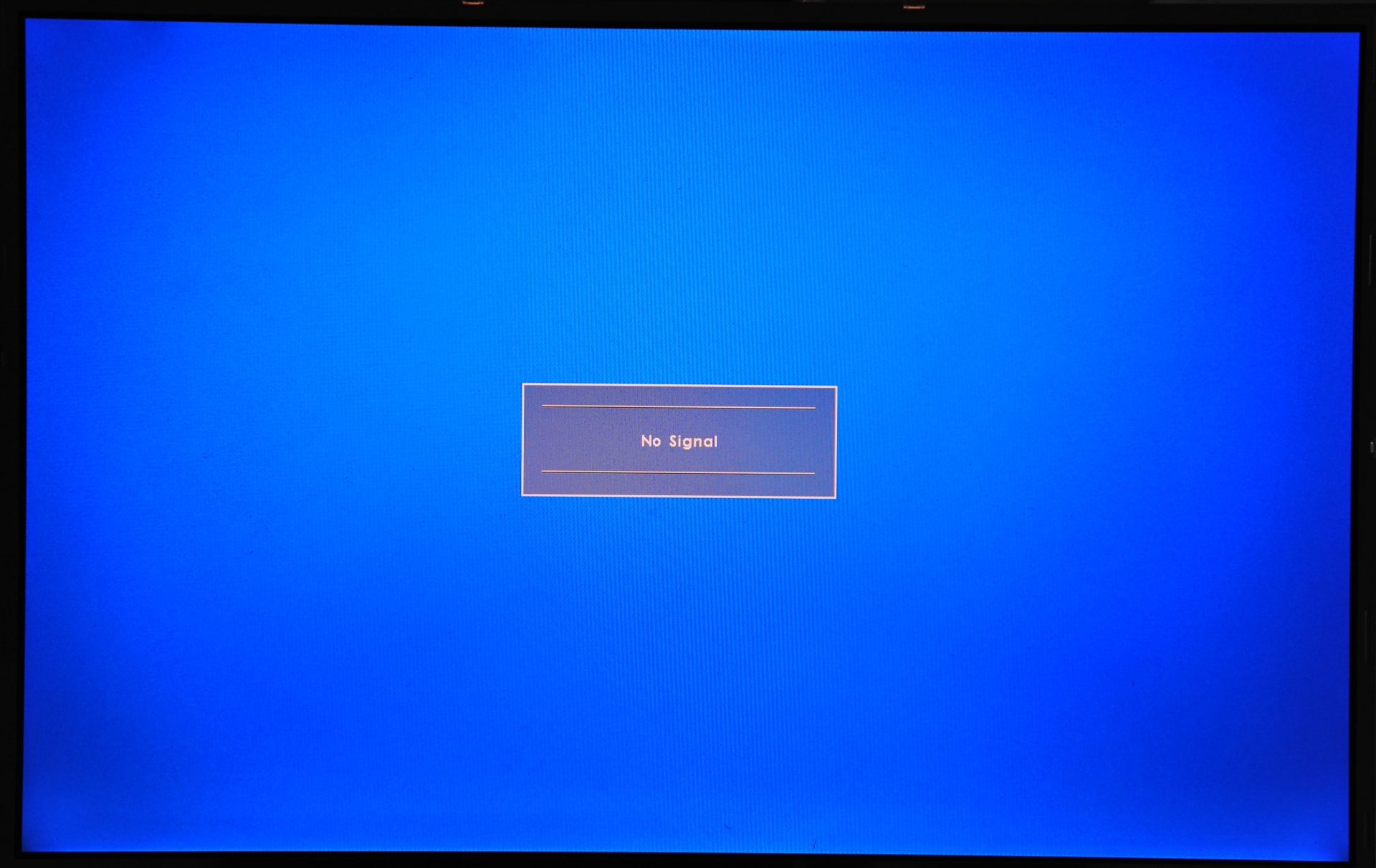
Two neighbouring problems worth separating while you are here. A controller that has stopped charging from the console is a USB power setting rather than a drive fault — see PS5 controller not charging. A console that wakes from sleep with an unfinished download is a power-saving setting rather than a drive fault — see PS5 not downloading in rest mode. And a console that boots to a black screen is a display negotiation failure, covered in console no-signal problems.
Frequently Asked Questions
Why does my PS5 make a grinding noise with no disc in it?
Because the noise is not the drive reading. It is usually a metal bracket in the drive assembly vibrating against its plastic housing at certain fan speeds. Confirm it by pressing gently on that side of the console while the noise happens — if the sound changes or stops, it is resonance rather than a mechanical fault.
Is PS5 disc drive noise dangerous for the console?
Bracket resonance is not damaging anything; it is a comfort problem rather than a reliability one. Grinding that only occurs while a disc is spinning is different and should be investigated, because a drive struggling to read every disc will eventually stop reading them at all.
Will changing my PS5 from vertical to horizontal stop the noise?
Often, yes. The drive assembly hangs differently depending on orientation, and that is sometimes enough to break the contact causing the buzz. It costs nothing to test and is the first thing to try before opening anything.
How do I tell the fan from the disc drive on a PS5?
Fan noise is a broadband rush of air that rises and falls smoothly with how hard the console is working. Drive resonance is a mechanical buzz or rattle that appears abruptly at one particular fan speed and stops just as abruptly. Play a digital game with no disc inserted to isolate them.
Does rebuilding the PS5 database stop disc drive noise?
Only in one specific case: when the console is repeatedly waking the drive to index content it cannot read cleanly. It will not affect purely mechanical resonance. It takes a few minutes, leaves games and saves intact, and is worth trying because it costs nothing.
When should I get my PS5 disc drive repaired?
When it refuses to read discs, ejects them without being asked, clunks repeatedly while loading, or grinds with every disc you own after cleaning them. Noise with no disc inserted almost never justifies a repair, because a technician will test the drive, find it reads perfectly, and return it unchanged.
The Bottom Line
Start by removing every disc and playing something digital. If the noise is still there, you are not listening to a disc drive problem — you are listening to a fan, a resonating bracket, or a panel that is not clipped in properly.
Change the console's orientation, move it off any hollow surface, and reseat both side panels. Those three cost nothing and resolve a large share of cases outright.
Save the repair booking for a drive that actually fails to read discs. A PS5 that grinds while playing a digital download has a vibration problem, and no amount of drive servicing will fix a vibration.
Console photography courtesy of Sony Interactive Entertainment, iFixit and the respective publications, used for editorial coverage.
Sources
- PlayStation Support, How to use Safe Mode on PS5 consoles and PS4 consoles, retrieved 2026-08-09, https://www.playstation.com/en-us/support/hardware/safe-mode-playstation/
- iFixit, PlayStation 5 device page and disc drive guides, retrieved 2026-08-09, https://www.ifixit.com/Device/PlayStation_5
- Ars Technica, PS5 Slim detachable disc drive coverage, retrieved 2026-08-09, https://arstechnica.com/gaming/2023/11/
- Xbox Support, How to position and ventilate your console, retrieved 2026-08-09, https://support.xbox.com/en-US/help/hardware-network/console/position-ventilate-console
- Sony Interactive Entertainment, PlayStation 5 hardware overview, retrieved 2026-08-09, https://www.playstation.com/en-us/ps5/