Before you troubleshoot anything, answer one question: does the console make a sound when you press the power button? A beep with no picture and total silence are two completely different faults, and confusing them sends people down the wrong path for hours.
A beep means the console has power and is booting — your problem is display output, and it is usually fixable in minutes. Silence means power is not reaching the board, which points at the cable, the outlet or the internal supply.
Note
Key Takeaways
- A beep with no picture is a display problem, not a power problem. Skip straight to the HDMI section.
- A 10-second hold on the power button followed by a 30-second mains disconnect performs a full power reset. This alone fixes a large share of no-boot cases.
- The Xbox Series X has an internal power supply, so there is no external brick to swap — but the mains cable itself is a standard IEC lead you can test with any spare.
- Hold power and eject together to boot into the Startup Troubleshooter, which works even when the dashboard will not load.
- A solid white or flashing light with no boot usually indicates the console is stuck in a low-power state and needs the full reset above.
- Repeated shutdowns shortly after boot point at heat or power delivery rather than a failure to start.
First: Beep or No Beep?
Press the power button once and listen carefully in a quiet room.
If you hear the startup chime, the power supply is working, the board is alive and the console is booting. Nothing below about power applies to you — go to the display section.
If you hear nothing at all and no light appears, the console is not receiving or not accepting power. Work through the power section.
If a light appears but there is no chime and no boot, the console has partial power and is stuck. The full power reset below is aimed squarely at this case.
The Full Power Reset
Hold the console's power button for 10 seconds until it fully shuts down. Unplug the power cable from the wall. Wait 30 seconds. Plug it back in and press power.
The 30-second wait is not superstition. It gives the capacitors in the internal power supply time to discharge, which clears the latched state that keeps a console stuck in a partial-power condition. Ten seconds is not long enough on this hardware.
This is the highest-value single step on the page and it resolves a genuinely large share of "my Xbox won't turn on" reports, particularly ones that appear after a power cut or a surge.
Tip
If the console has been unplugged and replugged several times already with no result, try once more but leave it disconnected for a full five minutes. Some units hold enough charge to keep the fault latched through a short disconnect, and a longer wait clears what a 30-second one does not.
When There Is No Power at All
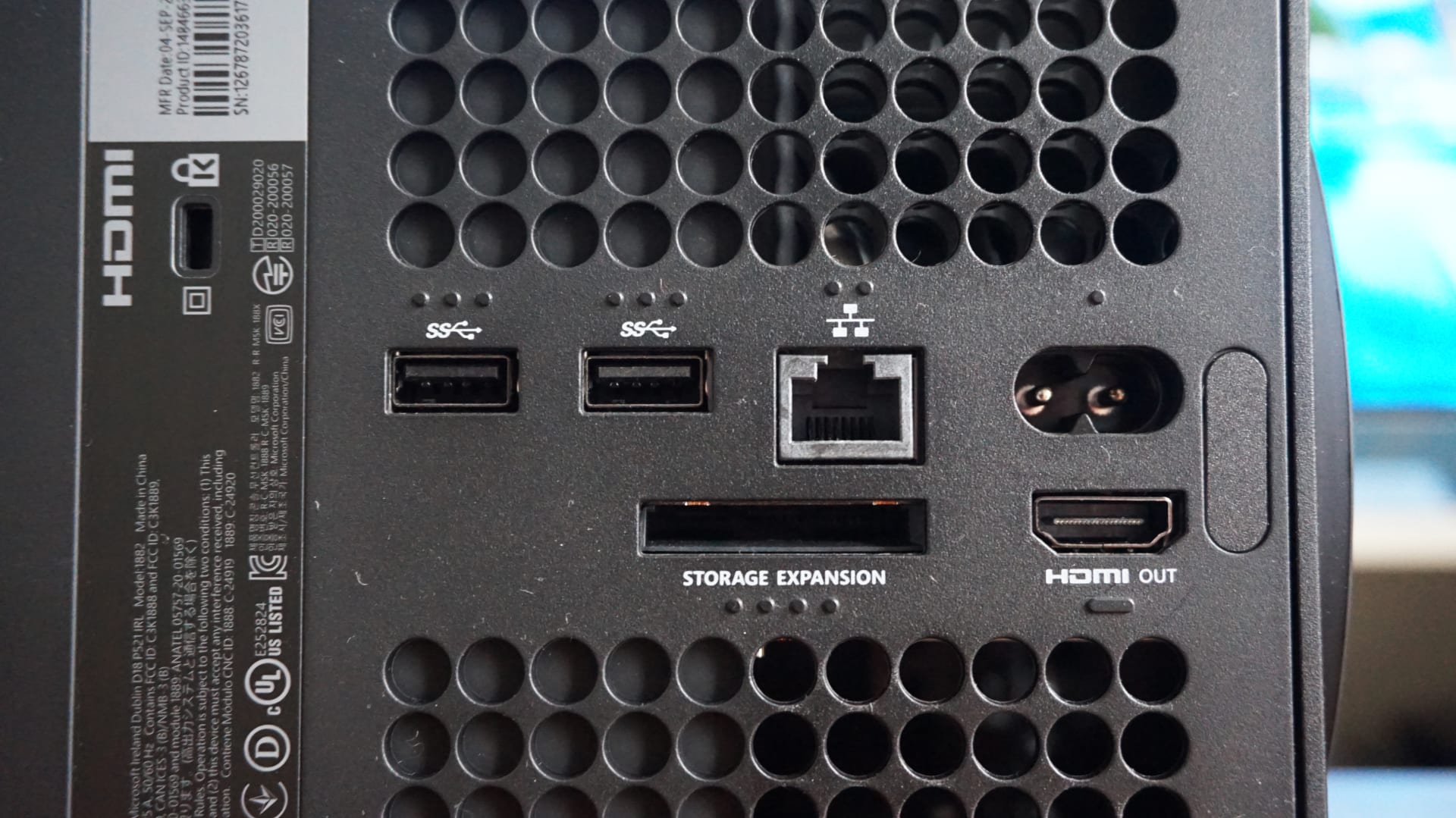
The Xbox Series X has its power supply built in, so there is no external brick to replace — but the mains lead is a standard removable IEC cable, and those fail.
Work through these in order:
Swap the mains cable. Any spare IEC "kettle lead" from a PC, monitor or printer will fit. This is a two-minute test that eliminates the single most likely failed component.
Test the wall socket with something else — a lamp, a phone charger. Then plug the console directly into the wall rather than through a surge protector, extension or smart plug. Surge protectors do fail, and they usually fail silently.
Check the cable is fully seated at both ends. The IEC socket on the console sits recessed, and a lead that looks connected can be a couple of millimetres short of contact.
Look for physical damage to the inlet — a bent pin or scorching around the socket is a clear answer and a repair job.
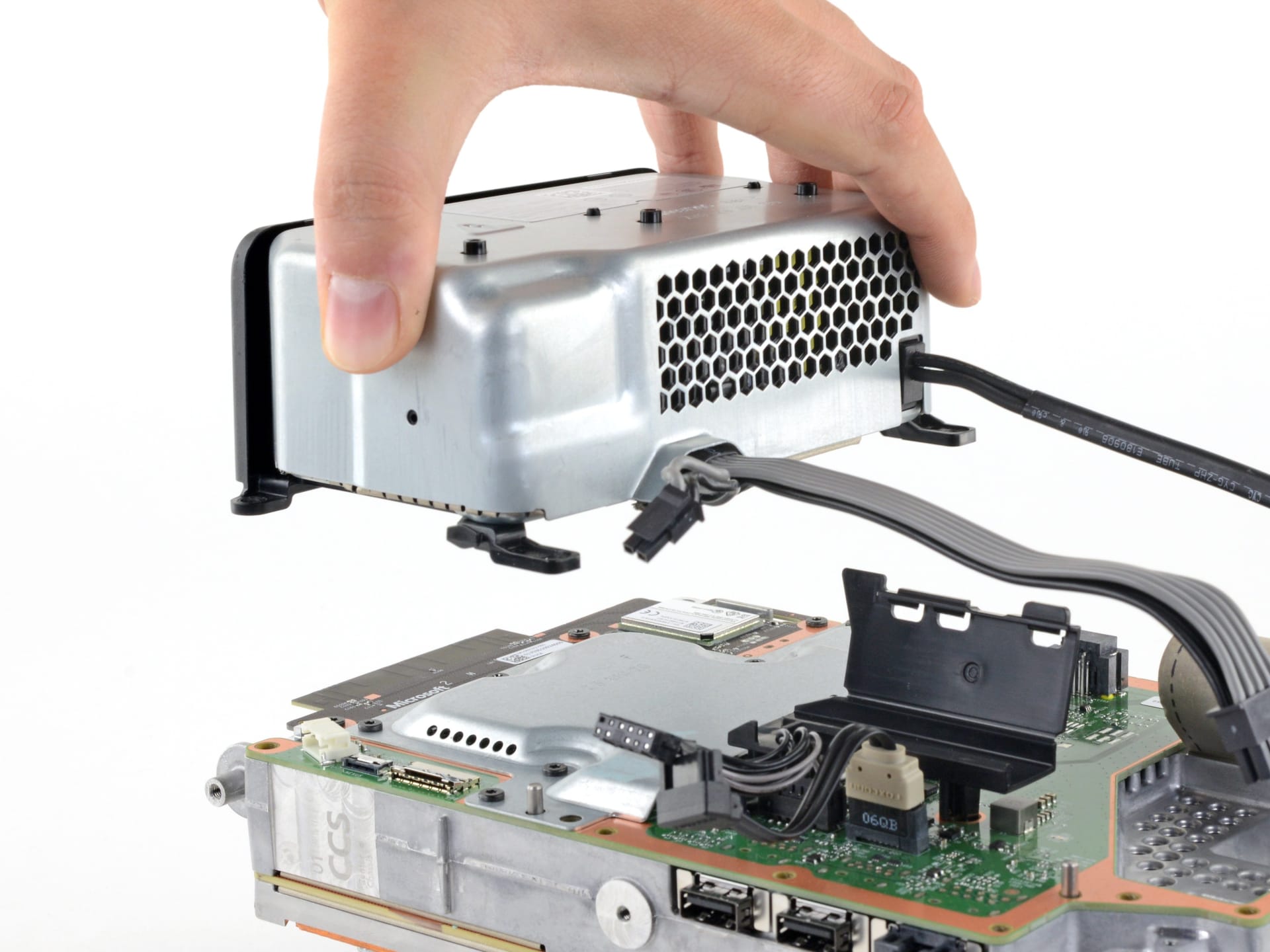
If a known-good cable in a known-good socket produces nothing at all, the internal power supply has likely failed. That is a repair rather than a settings problem, and on a console out of warranty it is worth pricing against a replacement.
When It Beeps But Shows Nothing
A chiming console with a black screen has a display negotiation problem, and the console is fine.
The fastest fix is to boot into low-resolution mode, which forces the console to output a signal any display can show:
- Hold the power button for 10 seconds to fully shut down.
- Hold the power button and the eject button together.
- Keep holding until you hear a second chime, roughly ten seconds in.
- Release. The console boots at 640×480 into the Startup Troubleshooter.
From there you can see the screen again and raise the resolution in settings.
Info
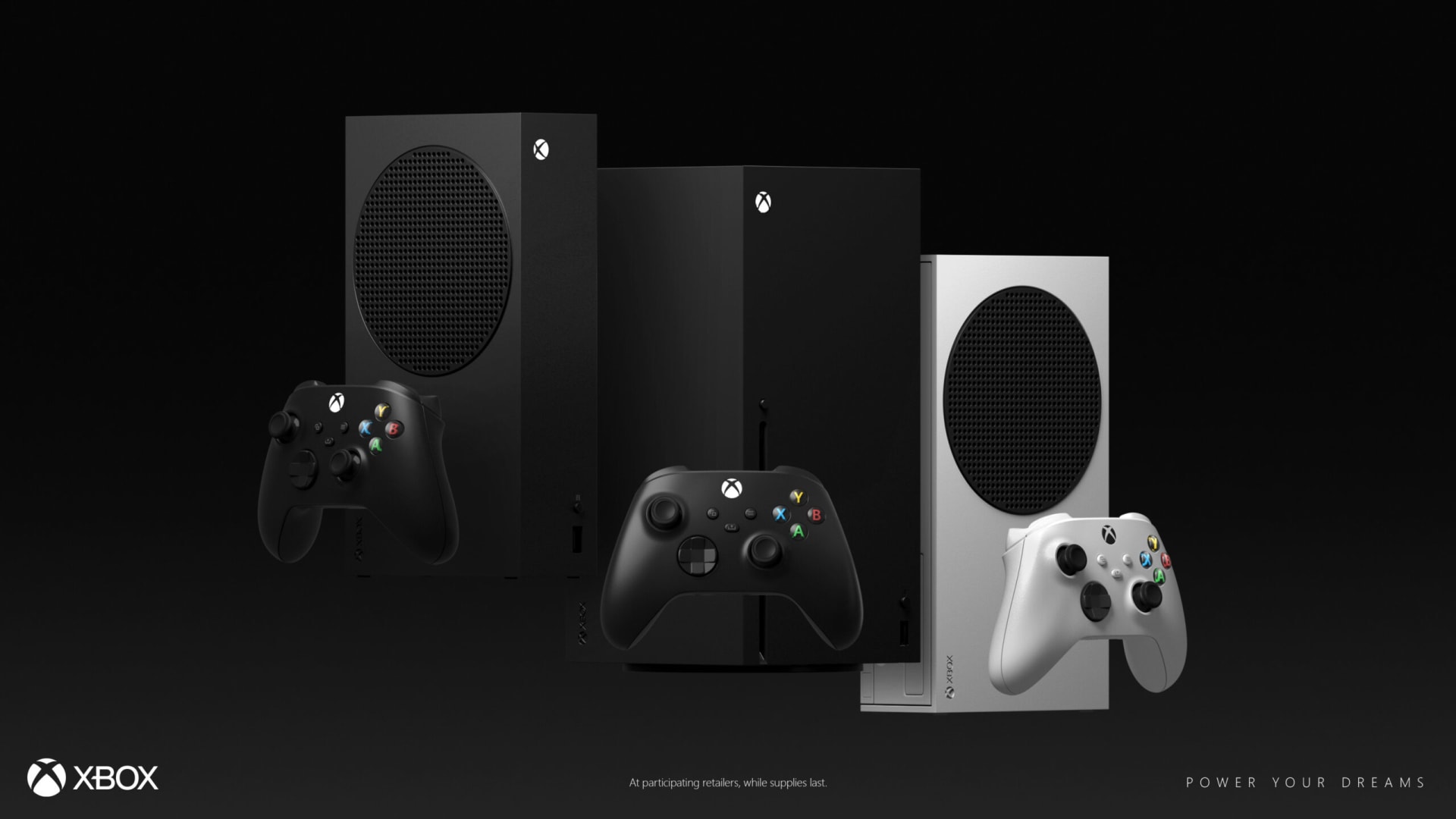
The all-digital Xbox Series S and the disc-less Series X have no eject button. On those consoles, hold power and the pair (bind) button together instead — the same second-chime cue applies.
If low-resolution mode also produces nothing, the problem is further along the chain than the console. Our guide to console no-signal and HDMI handshake failures covers the full sequence — remove soundbars and switches, try a different port, use the original cable — and it applies identically to Xbox.
The Startup Troubleshooter
Booting with power and eject held also gives you access to the Startup Troubleshooter, which works when the dashboard will not load.
Continue
Attempts a normal boot. Try this first — sometimes reaching the menu is enough to clear the condition.
Offline System Update
Installs a system update from a USB drive. Use when a failed update left the console unable to boot.
Reset This Xbox — Keep My Games & Apps
Rebuilds the operating system while preserving installed games and local saves. The right choice in almost every case.
Reset This Xbox — Remove Everything
Full factory wipe. Only when the option above has already failed, and only after you have accepted the redownload.
Always try "Keep my games and apps" before "Remove everything." It rebuilds the OS layer while leaving your installed library alone, and on a console with a full 1 TB drive that is the difference between a ten-minute fix and a two-day redownload.
If It Turns On Then Shuts Down
A console that boots and then powers off after a few seconds or a few minutes is not failing to start — it is shutting down deliberately, and that is a different diagnosis.
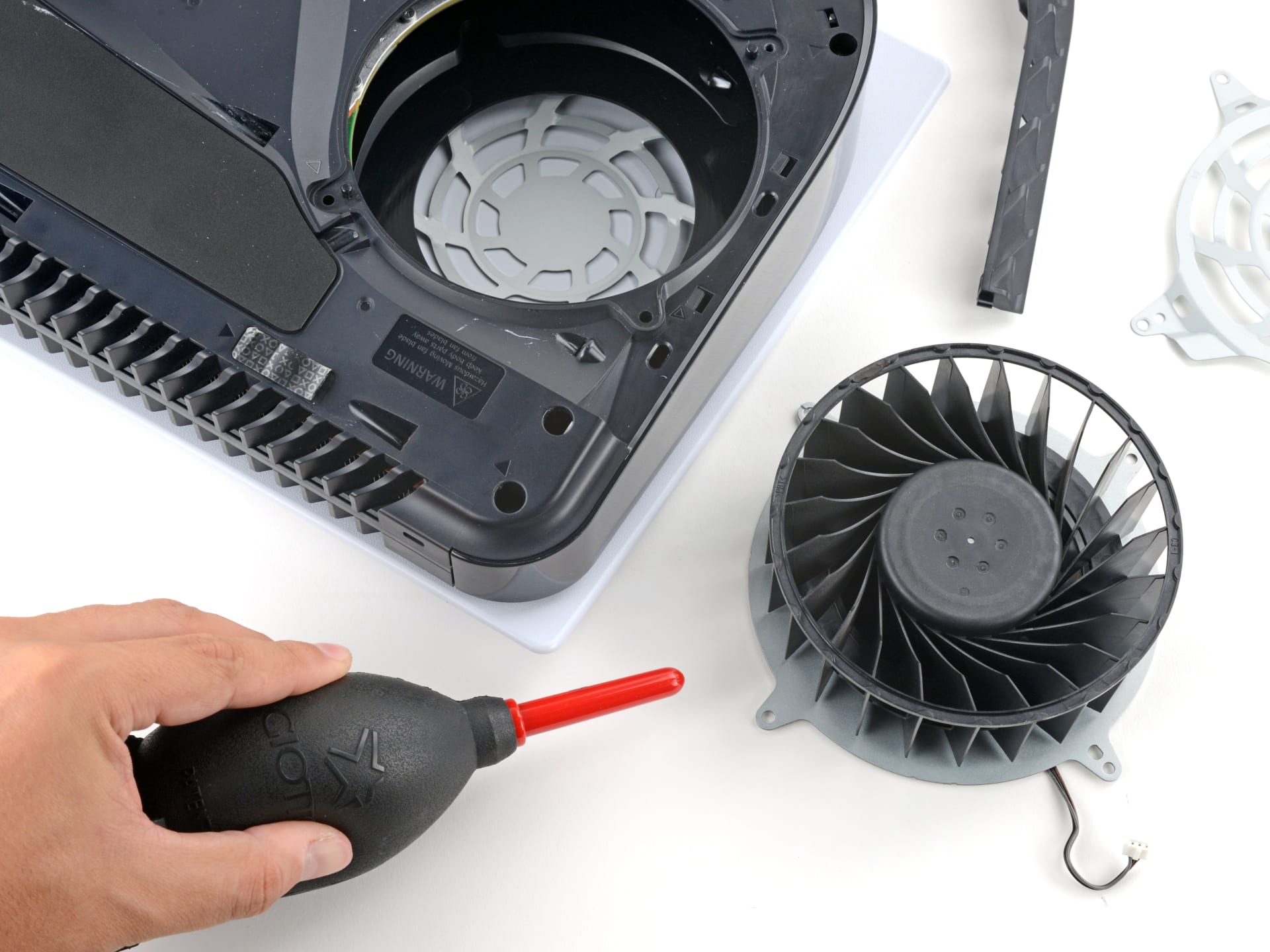
Almost always it is thermal or power protection. Check that the top exhaust vent is completely unobstructed, that the console has clearance on all sides, and that dust has not accumulated in the intake. Our guide to console overheating covers the cleaning and placement side properly.
The same pattern on a PC has the same root causes, and the diagnostic logic transfers directly — see why a PC shuts down while gaming for the power-delivery half of it.
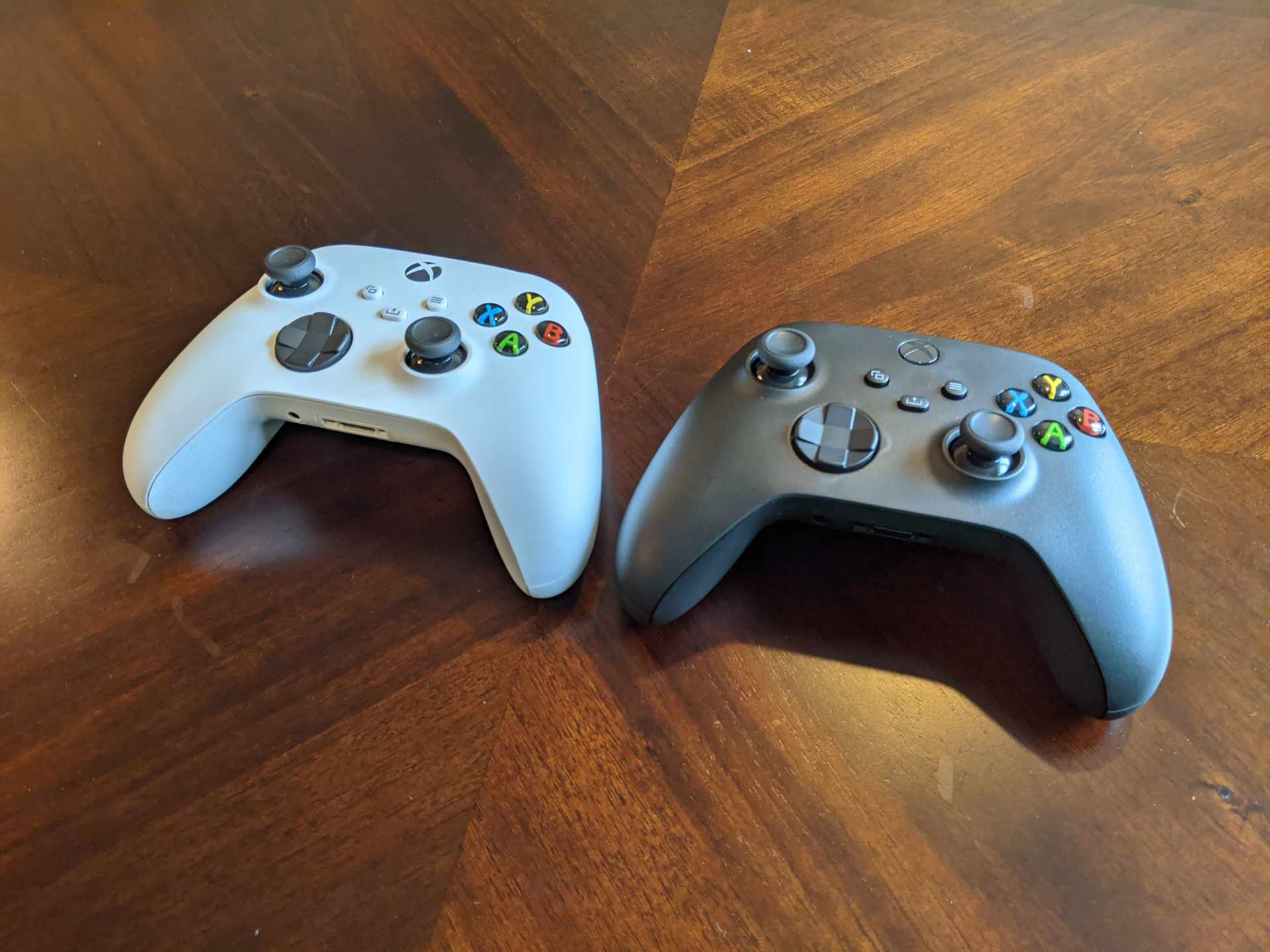
A related case worth ruling out: if the console boots normally but your controller keeps dropping, that is a wireless problem rather than a power one — see Xbox controller keeps disconnecting. And if the console fails to boot after you fitted new storage, remove it and try again, because an unlicensed card in the expansion slot can prevent startup entirely — Xbox storage expansion covers what is actually supported.
| What happens | What it means | Where to start |
|---|---|---|
| No light, no sound | No power reaching the board | Swap the mains cable, test the socket |
| Light, no chime, no boot | Stuck in partial power | 10-second hold, 30-second mains disconnect |
| Chime, black screen | Display negotiation failure | Power + eject for low-resolution boot |
| Boots then shuts off | Thermal or power protection | Vents, dust, placement |
| Boots to an error code | OS or storage fault | Startup Troubleshooter |
Frequently Asked Questions
Why won't my Xbox Series X turn on?
Start by listening for the startup chime. A chime with no picture means the console is booting fine and the fault is display output. Silence and no light means power is not reaching the board — swap the IEC mains cable, test the wall socket directly, and perform a full power reset by holding power for 10 seconds and unplugging for 30.
How do I do a full power reset on an Xbox Series X?
Hold the console's power button for 10 seconds until it shuts down completely, unplug the power cable from the wall, wait at least 30 seconds, then reconnect and press power. The wait allows the internal power supply's capacitors to discharge, which clears the latched state that keeps a console stuck.
How do I boot an Xbox Series X in low resolution?
Fully shut down the console, then hold the power button and the eject button together until you hear a second chime around ten seconds in. The console boots at 640×480 into the Startup Troubleshooter. On Series S and disc-less consoles, hold power and the pair button instead.
Does the Xbox Series X have an external power brick?
No. Unlike the Xbox One, the Series X and Series S have the power supply built into the console, so there is no brick to replace. The removable part is the standard IEC mains lead, which you can test with any spare from a PC or monitor.
What does it mean if my Xbox turns on then immediately shuts off?
That is a deliberate shutdown rather than a failure to start, and it usually means thermal or power protection has triggered. Check that the top exhaust vent is unobstructed, that the console has clearance on every side, and that dust has not built up in the intake.
Will resetting my Xbox delete my games?
Not if you choose "Reset this Xbox and keep my games and apps" in the Startup Troubleshooter. That rebuilds the operating system while leaving your installed library and local saves in place. Only "Remove everything" performs a full wipe requiring a complete redownload.
The Bottom Line
The diagnosis splits cleanly on one observation. Beep means the console works and your display chain does not. Silence means no power is reaching the board.
For silence, swap the mains lead and do the full 10-second-hold, 30-second-unplug reset. For a beep with no picture, boot with power and eject held to force 640×480 and get your screen back.
Use the Startup Troubleshooter's "keep my games and apps" option before anything more drastic — it fixes OS-level faults without costing you a full library redownload, and most people who factory-wipe their console never needed to.
Console photography courtesy of Microsoft, iFixit and the respective publications, used for editorial coverage.
Sources
- Xbox Support, Xbox console won't turn on, retrieved 2026-08-09, https://support.xbox.com/en-US/help/hardware-network/power/xbox-one-console-wont-turn-on
- Xbox Support, How to use the Xbox Startup Troubleshooter, retrieved 2026-08-09, https://support.xbox.com/en-US/help/hardware-network/warranty-service/xbox-startup-troubleshooter
- Xbox Support, Troubleshoot a blank TV or monitor screen on Xbox, retrieved 2026-08-09, https://support.xbox.com/en-US/help/hardware-network/display-sound/troubleshoot-tv-monitor-issues
- iFixit, Xbox Series X device page and repair guides, retrieved 2026-08-09, https://www.ifixit.com/Device/Xbox_Series_X
- Xbox, Xbox Series X console overview, retrieved 2026-08-09, https://www.xbox.com/en-US/consoles/xbox-series-x