Almost nothing in a modern PC dies of old age — parts get replaced because they became too slow, not because they broke. The measured exception is anything with moving parts or wearing components: fans, mechanical drives, and power supplies.
That distinction matters when you are planning upgrades. Budgeting for failure and budgeting for obsolescence produce very different build plans, and most guides conflate the two.
Note
Key Takeaways
- Silicon does not wear out in normal use. CPUs, GPUs and RAM routinely outlive their own relevance by years.
- Puget Systems' 2025 fleet data puts NVIDIA Founders Edition GPU failures at 0.25% and Kingston desktop RAM at 0.15% — vanishingly low.
- PSUs are the one non-mechanical part that genuinely degrades, because their electrolytic capacitors age. Plan on 7-10 years.
- Fans and mechanical hard drives are the real failure points. Both are cheap and replaceable.
- Replace on performance, not on a calendar. A GPU is "done" when it stops hitting your target frame rate, not at a set age.
Lifespan by Component
| # | Component | Typical Service Life | Usually Replaced Because |
|---|---|---|---|
| 1 | CPU | 10+ years | Too slow / new socket |
| 2 | GPU | 5-8 years | Too slow for target FPS |
| 3 | RAM | 10+ years | Capacity or new standard |
| 4 | SSD (NVMe/SATA) | 7-10 years | Capacity |
| 5 | Hard drive (HDD) | 4-6 years | Failure |
| 6 | Power supply | 7-10 years | Degradation |
| 7 | Motherboard | 8-10 years | New socket |
| 8 | Case fans | 3-6 years | Bearing failure |
Rows 5, 6 and 8 are the only ones where the part is likely to actually break. Everything else gets retired while still working.
What the Failure Data Shows
Puget Systems publishes annual reliability figures from its own fleet, which is one of the few sources of real failure statistics rather than forum anecdote. Their 2025 numbers:
- NVIDIA Founders Edition GeForce RTX: 0.25% failure rate
- ASUS GeForce RTX: 0.40%
- Kingston RAM overall: 0.19% (desktop UDIMMs just 0.15%)
- Micron RAM: 0.27%
- Combined SSD average: 0.74%, with the Samsung 870 QVO 8TB at 0.19%
- Super Flower LEADEX PSUs: 0.47% overall, 0.24% once in the field
Those are rates low enough that, for a single machine, component failure is not the thing you should be planning around.
The Parts That Actually Fail
Power Supplies
A PSU is the one component that genuinely wears out through normal operation. Its electrolytic capacitors dry out over time, and heat accelerates that process. Capacity fades gradually rather than failing outright, so an ageing unit shows up as instability under load long before it dies.
This is why an old PSU is a common cause of a PC that shuts down mid-game — see why your PC shuts down while gaming. Manufacturer warranties are a reasonable proxy for expected life: budget units carry 3-5 years, quality units 10-12.
Buy for the wattage your build actually needs rather than an inflated figure — our PSU wattage guide walks through the calculation.
Mechanical Hard Drives
Spinning drives have motors, bearings and heads, and they fail accordingly. Five years is a reasonable planning figure, with failure rates rising sharply beyond that.
The practical response is not to replace drives on schedule but to keep backups, because HDD failure is usually sudden rather than gradual.
Fans
Sleeve-bearing fans typically manage 3-4 years of continuous use; fluid-dynamic and magnetic-levitation bearings last considerably longer. A fan that has started ticking or grinding is on its way out.
Fans are the cheapest part in the machine, and a failed CPU or GPU fan can cause thermal damage to a component worth hundreds. Replace them the moment they get noisy — though note that not every noise is a fan; coil whine is electrical and comes from the card itself.
The Parts That Just Get Old
CPUs
Processors effectively do not fail. Electromigration exists as a physical degradation mechanism, but at stock voltages the timescale is measured in decades.
What ends a CPU's life is the socket. When you want a current-generation processor you usually need a new motherboard too, which turns a CPU upgrade into a platform upgrade. Ten years of service is realistic; ten years of competitive service is not.
GPUs
Graphics cards last physically far longer than they last usefully. The five-to-eight-year figure is about frame rates, not hardware health — a card retires when it can no longer hit your target at your resolution.
VRAM capacity often forces the issue before raw performance does, which is why how much VRAM you need for gaming is worth reading before buying.
RAM and SSDs
RAM has no meaningful wear mechanism and Puget's sub-0.2% figures reflect that. You will replace it for capacity or because you moved to a new memory standard, not because it broke. Whether you need more is covered in is 32GB of RAM overkill for gaming.
SSDs do have finite write endurance, but consumer drives are rated in the hundreds of terabytes written. Normal gaming use will not approach that in a decade.
Tip
Check your SSD's remaining endurance with CrystalDiskInfo — it reads the drive's own health percentage. Most gaming systems show well above 90% after several years, which is the clearest evidence that write wear is not the constraint people assume.
What Actually Extends Component Life
Heat and dust are the two variables you control. Everything else is largely determined at purchase.
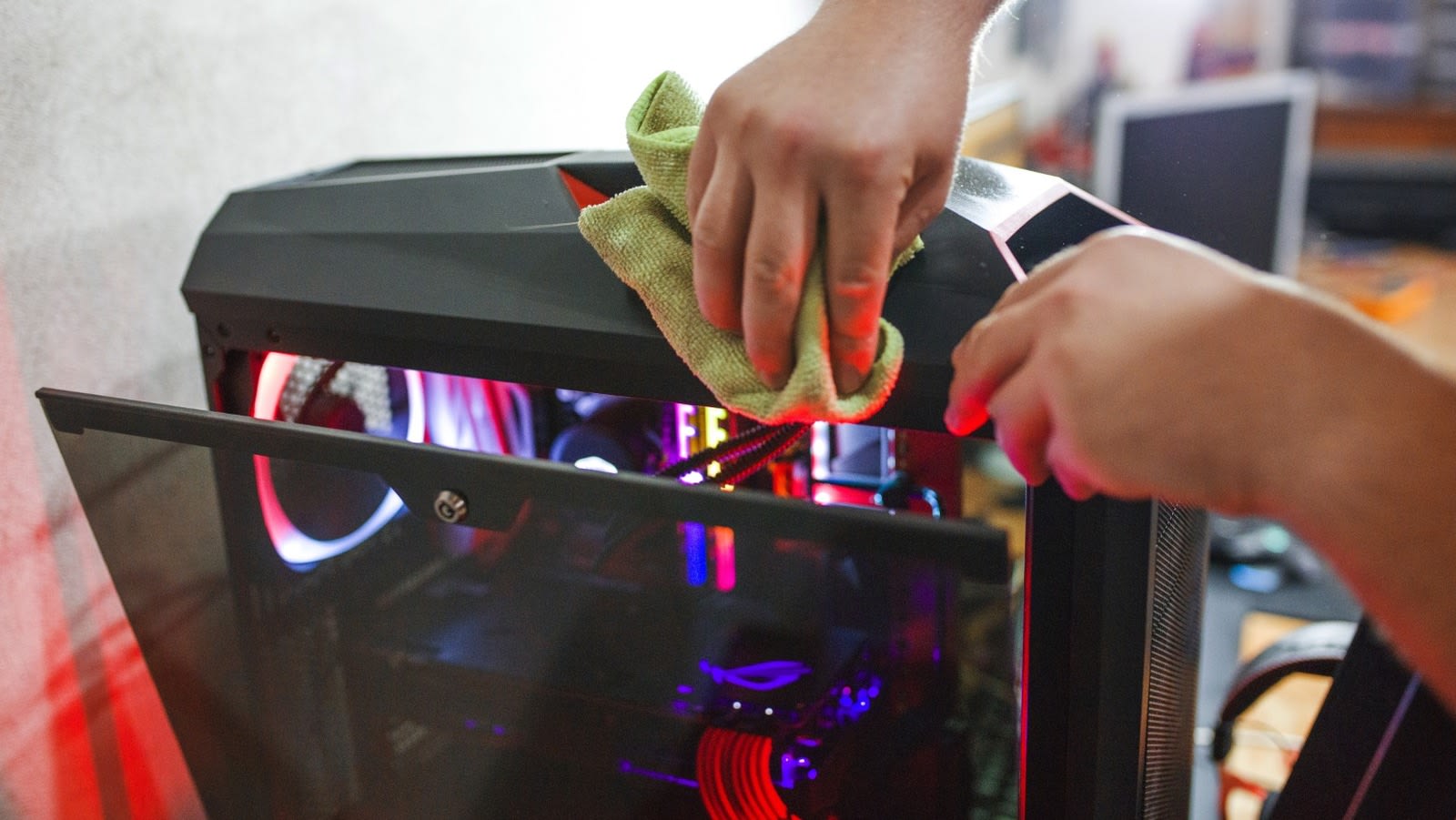
- Clean dust filters every few months. Dust insulates, temperatures climb, and fans work harder.
- Keep the case airflow sane — intake at the front, exhaust at the rear and top.
- Do not run aggressive overclocks permanently if longevity matters. Undervolting achieves most of the performance at lower temperatures.
- Use a surge protector. Power events kill PSUs and motherboards outright.
- Buy a quality PSU. It is the one part whose failure can damage other parts.
For deciding what to replace first when the machine starts feeling slow, see what to upgrade first in a gaming PC, and for the whole-system view, how long a gaming PC lasts.
Frequently Asked Questions
How long does a CPU last for gaming?
Physically, well over a decade. Competitively, four to six years before it starts limiting frame rates in new titles. The socket usually forces a motherboard replacement at the same time.
Do GPUs wear out over time?
Not meaningfully. Thermal paste and pads dry out, and fan bearings wear, but both are serviceable. A card that no longer performs adequately has been outpaced by software, not degraded by use.
How long should a motherboard last?
Eight to ten years is typical, and failures are uncommon. Motherboards are almost always replaced because a new CPU requires a different socket rather than because they stopped working.
Is it worth replacing a PSU preventatively?
After roughly eight years in a system you intend to keep, yes. Capacitor ageing is gradual, and an old PSU under load causes crashes and shutdowns that are difficult to diagnose as power problems.
Does leaving a PC on all the time shorten its life?
Not significantly for solid-state components, and it avoids the thermal cycling of repeated power-ups. It does add running hours to fans and mechanical drives, and it costs electricity — see what it costs to run a gaming PC.
Which component fails most often?
Fans, followed by mechanical hard drives and power supplies. All three have either moving parts or components that degrade chemically. Silicon-based parts fail at rates well under 1%.
The Bottom Line
Plan your upgrades around performance targets, not failure risk. Puget's fleet data shows sub-1% failure rates across every solid-state component category, which means the odds of your GPU or RAM breaking before it becomes too slow are negligible.
Budget instead for the three things that genuinely wear: replace noisy fans immediately, keep backups against hard drive failure, and treat a PSU older than eight years as a suspect the moment your system starts behaving oddly under load.
Component photography courtesy of the respective manufacturers and publications, used for editorial coverage.
Sources
- Puget Systems Labs, Puget Systems Most Reliable Hardware of 2025, retrieved 2026-08-20, https://www.pugetsystems.com/labs/articles/puget-systems-most-reliable-hardware-of-2025/
- Puget Systems Labs, What is the most reliable hardware in our workstations?, retrieved 2026-08-20, https://www.pugetsystems.com/labs/articles/what-is-the-most-reliable-hardware-in-our-puget-systems-workstations-1550/
- Backblaze, Hard Drive Failure Rates, retrieved 2026-08-20, https://www.backblaze.com/cloud-storage/resources/hard-drive-test-data
- Tom's Hardware Forum, How long can a power supply unit last?, retrieved 2026-08-20, https://forums.tomshardware.com/threads/how-long-can-a-power-supply-unit-last.3676916/
- Tom's Hardware Forum, How long do the different PC components last?, retrieved 2026-08-20, https://forums.tomshardware.com/threads/how-long-do-the-different-pc-components-last.1976409/