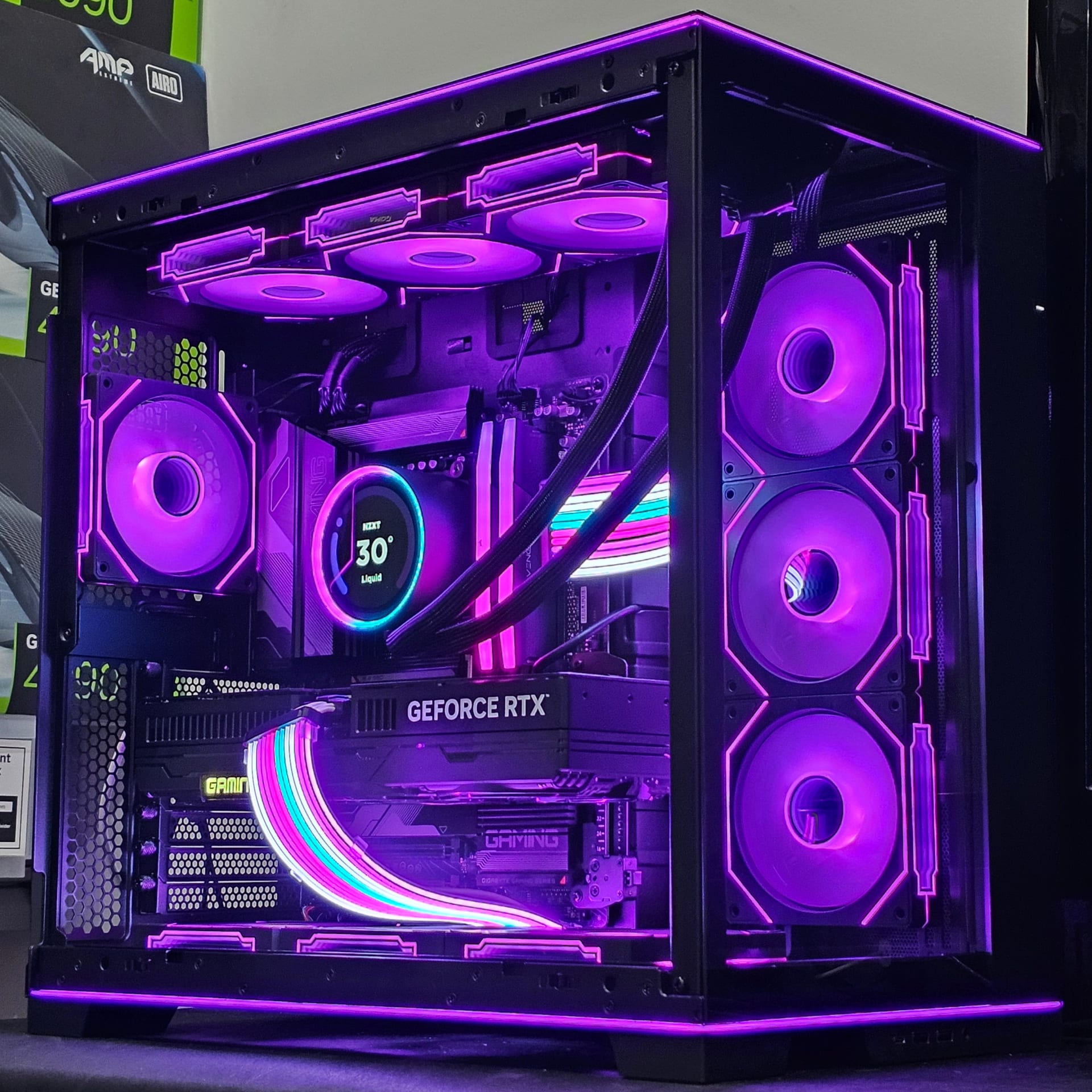
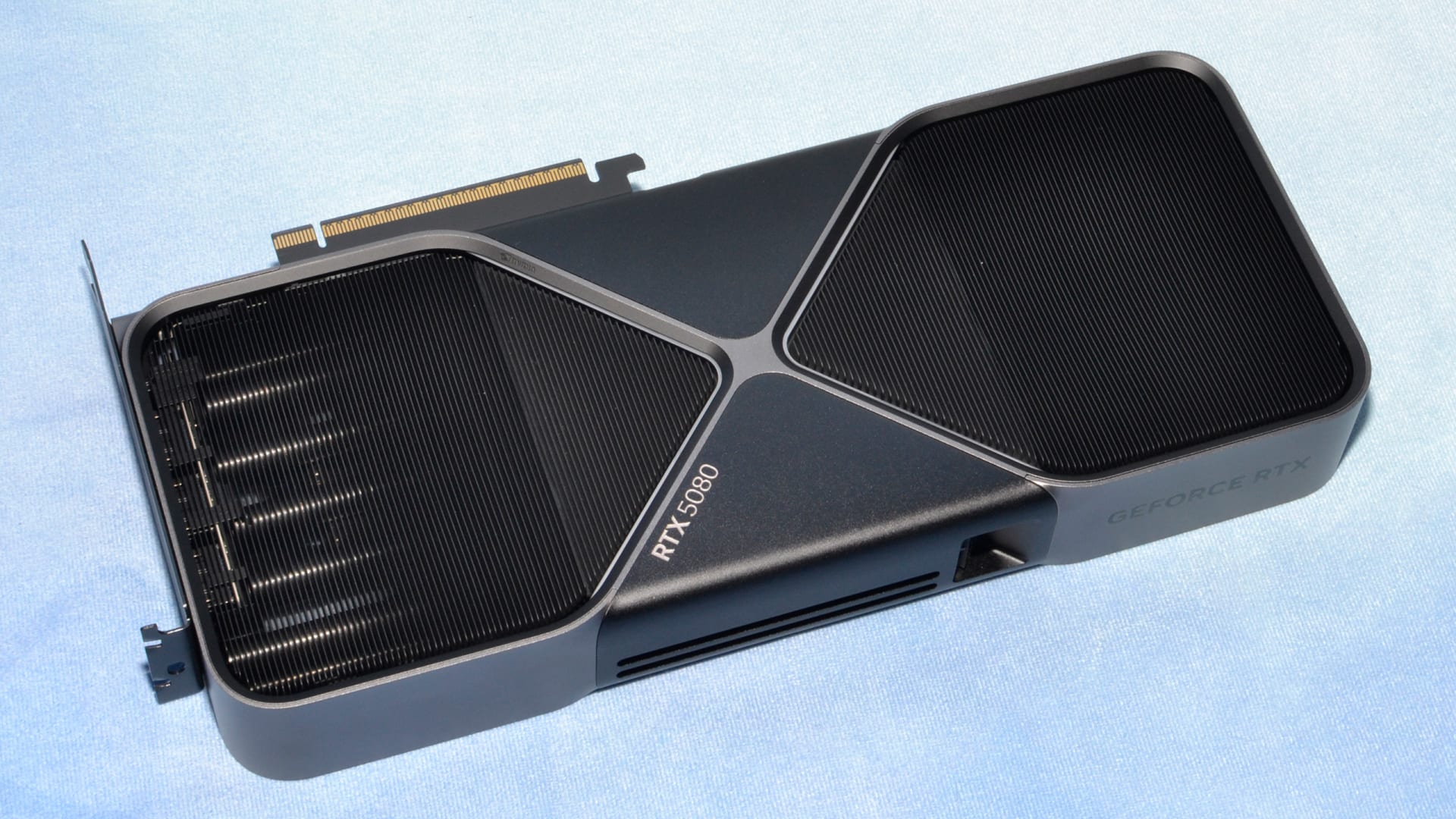
Size your power supply for what your graphics card spikes to, not what it averages. On current high-end cards those two numbers are nearly a factor of two apart: an RTX 5090 has a 575W board power rating and has been measured spiking past 1,100W over sub-millisecond intervals. A PSU chosen against the 575W figure can hit its overcurrent protection and shut the system down while its wattage rating says it has plenty of headroom.
This is the single biggest change in PSU selection over the last few years, and it is why the old "add up your components and add 100W" advice now produces builds that trip under load. The right approach is sustained system draw plus 20–30% headroom, on a unit built to ride out excursions.
Note
Key Takeaways
- Transient spikes, not sustained draw, are what trip a marginal PSU. Spikes can approach double the rated board power for microseconds.
- Target 20–30% headroom over your measured sustained system load, not over the GPU's TDP alone.
- ATX 3.1 units are specified to survive defined excursion levels. This matters more than an extra 200W of nameplate rating.
- The 12V-2x6 connector supersedes 12VHPWR with a revised design; seating it fully is not optional.
- Efficiency peaks near 50% load, so a modestly oversized unit is quieter and cooler, not wasteful.
- Overbuying past 30% headroom buys almost nothing except a larger, more expensive box.
Why the Old Method Stopped Working
The traditional approach was arithmetic: CPU TDP plus GPU TDP plus 100W for everything else, round up to the nearest common size. That worked for a decade because graphics cards drew power in a reasonably smooth way.
Modern GPUs do not. Their boost algorithms respond to workload in microseconds, and the resulting current draw is a series of sharp spikes rather than a plateau. A card rated at 575W can pull well over 1,100W for a fraction of a millisecond, and while that excursion carries almost no energy — it is far too brief to matter thermally — it is a real electrical event that the power supply has to survive.
A protection circuit does not average. It sees current cross a threshold and it acts. This is why builds with a nominally adequate PSU shut off abruptly during a loading screen or the first seconds of a benchmark: the unit did exactly what it was designed to do, in response to an event the wattage rating never described.

Info
If your system cuts out entirely — no crash to desktop, no blue screen, just an abrupt power-off under load — that is the signature of a protection trip rather than a software fault. Our guide to why your PC shuts down while gaming covers how to distinguish it from thermal shutdown.
What ATX 3.1 Actually Changes
ATX 3.0 introduced formal requirements for handling power excursions; ATX 3.1 refined them along with the connector specification. The practical meaning for a buyer is straightforward.
An ATX 3.1 unit is specified to tolerate defined overshoot levels for defined durations without shutting down. A well-built older unit may handle the same excursions perfectly well — plenty of high-quality ATX 2.x supplies do — but there is no specification guaranteeing it, so you are relying on the manufacturer's engineering rather than on a standard.
The other change is the connector. 12V-2x6 replaces 12VHPWR with revised terminal geometry: the sense pins are shortened and the conductor pins lengthened, so a partially inserted plug fails to power on rather than running at high current through poor contact. That was the failure mode behind the melted-connector reports, and the revision addresses it directly.
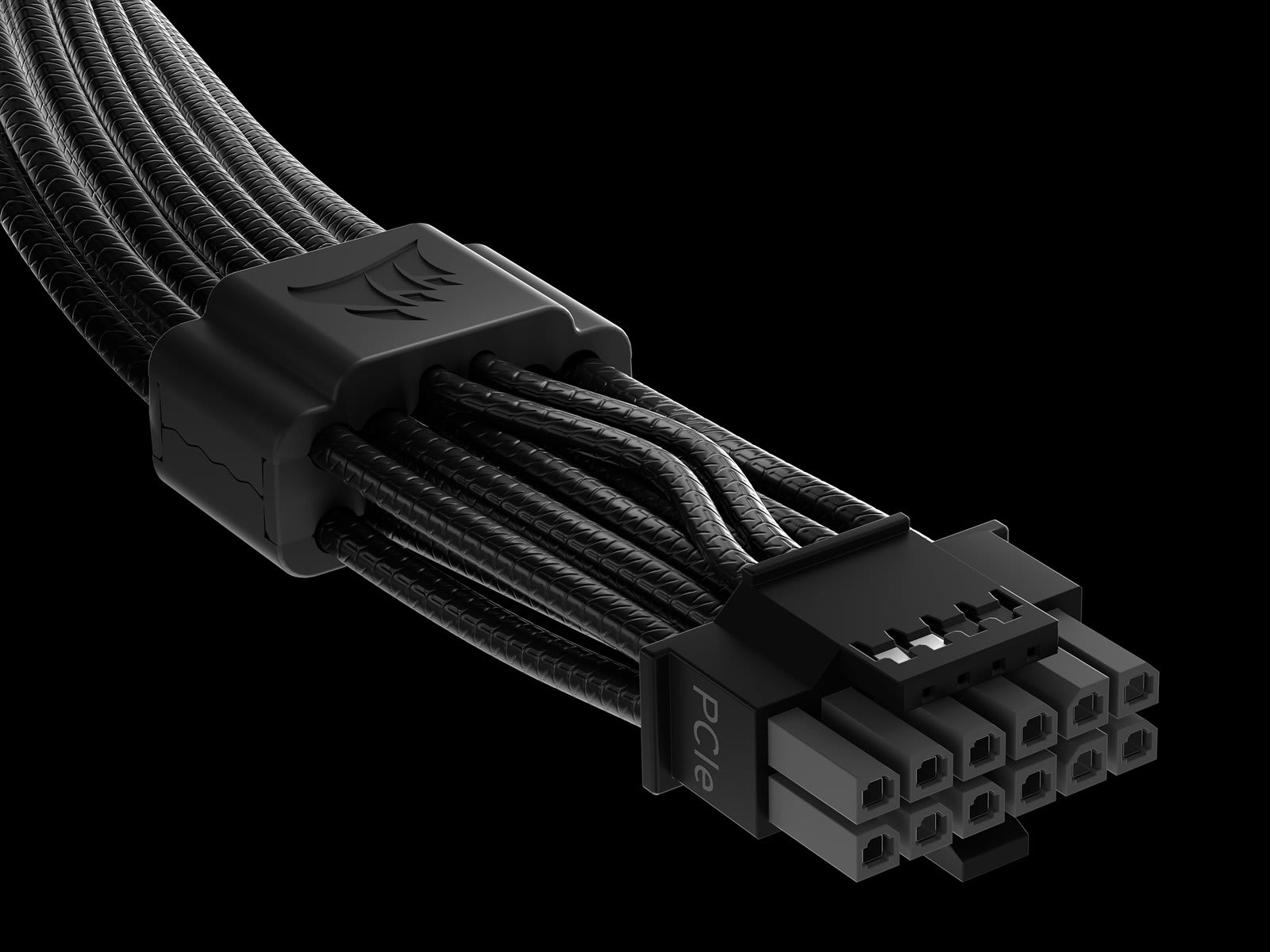
The connector carries up to 600W on a single cable, with the H++ variant rated to 675W, against roughly 150W for a conventional 8-pin PCIe. That consolidation is genuinely convenient, and it also means a single bad contact carries far more current than a bad contact used to.
Warning
Seat the 12V-2x6 plug until it clicks and no gap is visible at the shroud, and route the cable so it is not under lateral strain within about 35mm of the connector. Use the cable that shipped with your PSU rather than a third-party one — several of the reported melting incidents involved aftermarket cables and adapters.
The Numbers for 2026 Builds
Sustained system draw is what you size against, then add headroom. These figures assume a mainstream 6–8 core CPU; add roughly 50–100W for a high-core-count or heavily boosted chip.
| # | Graphics card class | GPU sustained | System sustained | Recommended PSU |
|---|---|---|---|---|
| 1 | RTX 5060 / RX 9060 class | ~150W | ~300W | 550–650W |
| 2 | RTX 5070 class | ~220W | ~380W | 650–750W |
| 3 | RTX 5070 Ti / RX 9070 XT class | ~300W | ~470W | 750–850W |
| 4 | RTX 5080 class | ~360–400W | ~560W | 850–1000W |
| 5 | RTX 5090 class | ~575W | ~750–850W | 1000–1200W |
| 6 | Dual-purpose workstation build | Varies | Add 100W | One tier up |
Row 5 is where the transient argument bites hardest. A 5090 system pulling 750–850W sustained is nowhere near a 1000W unit's limit on paper, and yet 1000W is the sensible floor precisely because of the excursions — with 1200W the comfortable choice if you also run a high-power CPU.
If you are building around a more modest card, the sizing question is much less fraught. Our budget GPU picks for 2026 mostly land in rows 1 and 2, where a good 650W unit covers you with room to spare.
Choosing Headroom Sensibly
Start From Sustained System Draw
Not GPU TDP alone. Add the CPU's real package power under a gaming load, plus 50–75W for drives, fans, memory and the board.
Add 20–30%
This is the transient buffer. Below 20% you are relying on the unit's excursion tolerance; above 30% you are paying for capacity you will never approach.
Prefer ATX 3.1 at the High End
For anything in rows 4–6, the specification guarantee is worth more than an extra 150W of nameplate rating on an older unit.
Aim for ~50% Typical Load
Efficiency peaks near half load and fan curves are gentlest there. A 850W unit in a 450W system runs cooler and quieter than a 650W one.
Do Not Chase 80+ Titanium
The gain over Gold is a few percent. Spend the difference on capacity or build quality instead.
Buy Once
A PSU outlasts two or three GPU upgrades. Sizing for your next card rather than only your current one is the cheapest futureproofing in a build.
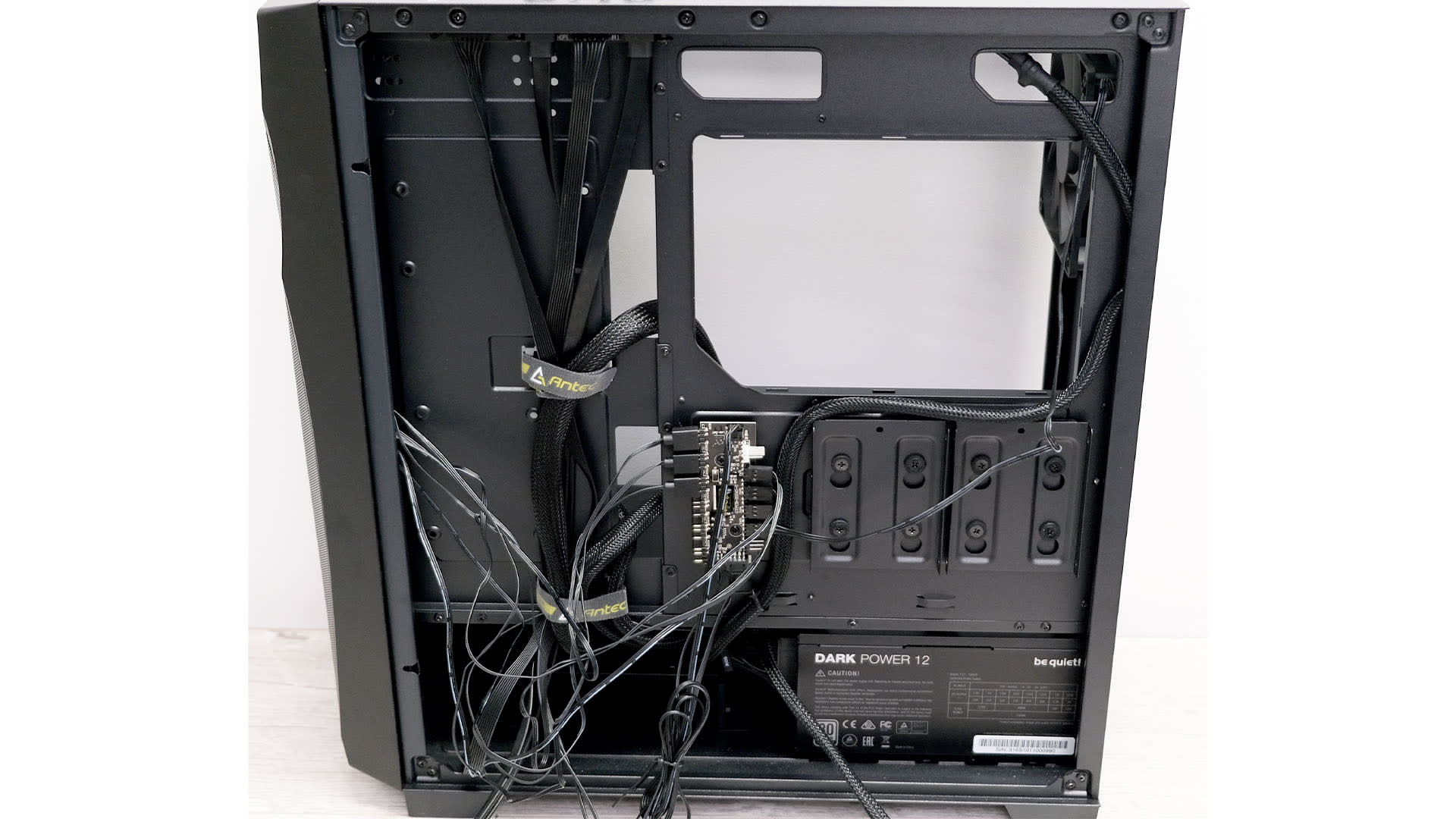
The one thing not worth doing is buying enormously more capacity than you need. A 1600W unit in a 400W system is not safer in any meaningful way — it is larger, more expensive, and running well below its efficiency sweet spot.
Efficiency Ratings, Honestly
80 PLUS ratings describe how much wall power reaches your components rather than how good a unit is. The differences are real but small in absolute terms.
At 50% load, Bronze is roughly 85% efficient, Gold around 90%, and Platinum around 92%. On a system drawing 400W, moving from Gold to Platinum saves about 10W — a few dollars a year, and a rounding error against the price difference.
Gold is the sensible default. What actually varies between good and bad units is ripple suppression, voltage regulation under transient load, protection circuit design, capacitor quality, and fan behaviour — none of which the 80 PLUS badge measures. A Gold unit from a reputable manufacturer will outperform a Platinum unit from an unknown one on every metric that affects your system's stability.
Ripple quality is worth a specific mention because it has knock-on effects. Poor voltage regulation can make GPU coil whine noticeably worse, and it puts more stress on the downstream voltage regulation of every component in the system.
Small Form Factor and Mini PCs
The calculation changes when you cannot fit a standard ATX unit.
SFX and SFX-L supplies now reach 1000W and higher, so capacity is rarely the constraint it once was — but they achieve it in a much smaller volume with a smaller, faster fan, which usually means more noise at the same load. Headroom is worth more in SFF than in a full tower, because a unit running at 40% load keeps its fan slow and a unit running at 80% will not. Our mini-ITX gaming PC build shows what an SFX unit adds to the bill over an ATX one.
Mini PCs and external bricks are a different problem entirely, where the supply is often barely matched to the system and has no meaningful margin. If that is your build, the sizing and replacement considerations in our mini PC power supply guide apply more directly than anything here.
For a conventional build, the practical constraints are physical length against your case's clearance, and cable length against your routing. Both are easy to check before ordering and annoying to discover afterwards.
Common Sizing Mistakes
Sizing from GPU TDP alone. The card is the largest single draw but rarely more than two-thirds of the system total. A 300W card in a 470W system needs a PSU chosen for 470W plus headroom.
Trusting a manufacturer's minimum recommendation as a target. Those figures are conservative floors designed to keep support tickets down, calculated against a generic system. Treat them as a lower bound, not a recommendation.
Reusing a five-year-old unit with a new high-end card. Capacitors age and a supply's real-world capability degrades. A 750W unit from 2019 is not a 750W unit today, and it certainly was not designed with sub-millisecond 1,100W excursions in mind.
Ignoring the CPU's transient behaviour. Modern CPUs spike too, and a CPU spike coinciding with a GPU spike is the worst case your PSU will ever see. It is also, unhelpfully, quite common — both tend to peak at the same moment when a scene loads.
Forgetting everything else. Drives, fans, RGB, AIO pumps, and USB devices add up to 50–100W in a typical build and more in an enthusiast one. The full cost picture, including where PSU spending fits against other components, is covered in our breakdown of the average cost of a gaming PC.
Tip
If you are building rather than upgrading, our 1440p gaming PC build and 4K gaming PC build guides both specify a PSU sized against the transient behaviour of the cards they recommend, which saves you doing this arithmetic yourself.
Frequently Asked Questions
How many watts do I need for a gaming PC in 2026?
Take your system's sustained draw under a gaming load and add 20–30%. In practice that means 650W for a mid-range build, 850W for a high-end one, and 1000–1200W for an RTX 5090 class system. Sizing against the GPU's TDP alone will leave you short.
What are transient power spikes and why do they matter?
They are sub-millisecond surges in current draw, well above a component's rated power, produced by modern boost algorithms. Measurements have recorded an RTX 5090 spiking past 1,100W against a 575W rating. They carry almost no energy, but a PSU's protection circuit reacts to peak current, not to averages, so a marginal unit shuts the system down.
Is ATX 3.1 worth paying for?
For a high-end build, yes. It guarantees defined excursion tolerance rather than leaving you to hope the manufacturer engineered for it, and it brings the revised 12V-2x6 connector. For a mid-range build with a 200W card, a good ATX 2.x Gold unit is still perfectly adequate.
Is a bigger power supply always safer?
Only up to a point. Headroom past about 30% buys nothing except size and cost, and a heavily oversized unit runs below its efficiency sweet spot. The useful target is a unit that sits near 50% load during gaming.
Does a better PSU improve gaming performance?
Not directly — it will not add frames. What it does is prevent instability, protection trips, and shutdowns under transient load, and cleaner voltage regulation reduces stress on every downstream component. Performance is unchanged; reliability is not.
Can I use my old PSU with a new graphics card?
Check three things: whether it has the required connectors natively rather than through an adapter, whether its capacity covers your new sustained draw plus 20–30%, and how old it is. Anything past about five years with a high-end card is worth replacing regardless of the number on the label.
The Bottom Line
The wattage on the box describes what a power supply can deliver continuously. What actually determines whether your system stays on is how it behaves during events lasting less than a millisecond, and that is not printed anywhere.
Add up your real sustained draw, add 20–30%, and buy from a manufacturer with a track record. For anything at the top end, make it an ATX 3.1 unit and seat the 12V-2x6 connector properly. That is the whole method, and it costs less than the tier of over-purchasing most people talk themselves into.
A power supply is also the component you will keep longest — it will outlive two or three graphics cards. Sizing for the card you expect to buy next, rather than only the one in the case today, is the least glamorous and most reliably useful decision in a build.
Component photography courtesy of the respective manufacturers and publications, used for editorial coverage.
Sources
- Tom's Hardware, Corsair expects Nvidia's RTX 50 series will retain the 12V-2x6 power connector, retrieved 2026-07-30, https://www.tomshardware.com/pc-components/gpus/corsair-expects-nvidias-rtx-50-series-will-retain-the-12v-2x6-power-connector-next-gen-gpus-could-consume-well-over-450w-of-power
- Cooler Master, What is ATX 3.1?, retrieved 2026-07-30, https://www.coolermaster.com/en-us/guide-and-resources/what-is-atx-3-1/
- Newegg Insider, Power Supply Technology in 2026: ATX 3.1, PCIe 5.0 and the Future of PC Power Delivery, retrieved 2026-07-30, https://www.newegg.com/insider/power-supply-technology-in-2026-atx-3-1-pcie-5-0-and-the-future-of-pc-power-delivery/
- Seasonic, How Much Power Supply Wattage Does a Gaming PC Need in 2026?, retrieved 2026-07-30, https://seasonic.com/insights/psu-wattage-for-gaming-pc-2026/
- Notebookcheck, Nvidia GeForce RTX 5090 flexes with a massive 575 watt TDP while RTX 5080 opts for a leaner 360 watts, retrieved 2026-07-30, https://www.notebookcheck.net/Nvidia-GeForce-RTX-5090-flexes-with-a-massive-575-watt-TDP-while-RTX-5080-opts-for-a-leaner-360-watts.940607.0.html