No, you do not need wired Ethernet for mini PCs, but it can significantly improve performance in certain situations. If you are using a mini PC for tasks that require a fast, stable, and low latency internet connection such as gaming, video conferencing, or large file transfers, a wired Ethernet connection is highly recommended. However, for general web browsing, media streaming, or office work, built-in WiFi is usually sufficient.
This guide breaks the answer down in clear terms: where the latency difference actually comes from, when a wired connection is worth the cable, and when Wi-Fi will do just fine.
Note
Key Takeaways
- Ethernet is not required, but it removes the latency variance that makes Wi-Fi feel inconsistent even when speed tests look fine.
- Jitter matters more than raw speed for gaming and calls. A wired link is stable; a wireless one competes with every other device and signal nearby.
- Wi-Fi 6 narrowed the gap considerably, with roughly 2-3ms round-trip in ideal single-client conditions — but real homes are not ideal conditions.
- Wi-Fi is genuinely fine for browsing, streaming and office work. The cable earns its place under load and under latency pressure.
- Powerline or MoCA adapters are the practical middle ground when running a cable is impractical.
Mini PCs Internet Connectivity Methods
When it comes to getting online on mini computers, you’ve got choices. Here are some options:
Via Wired Internet
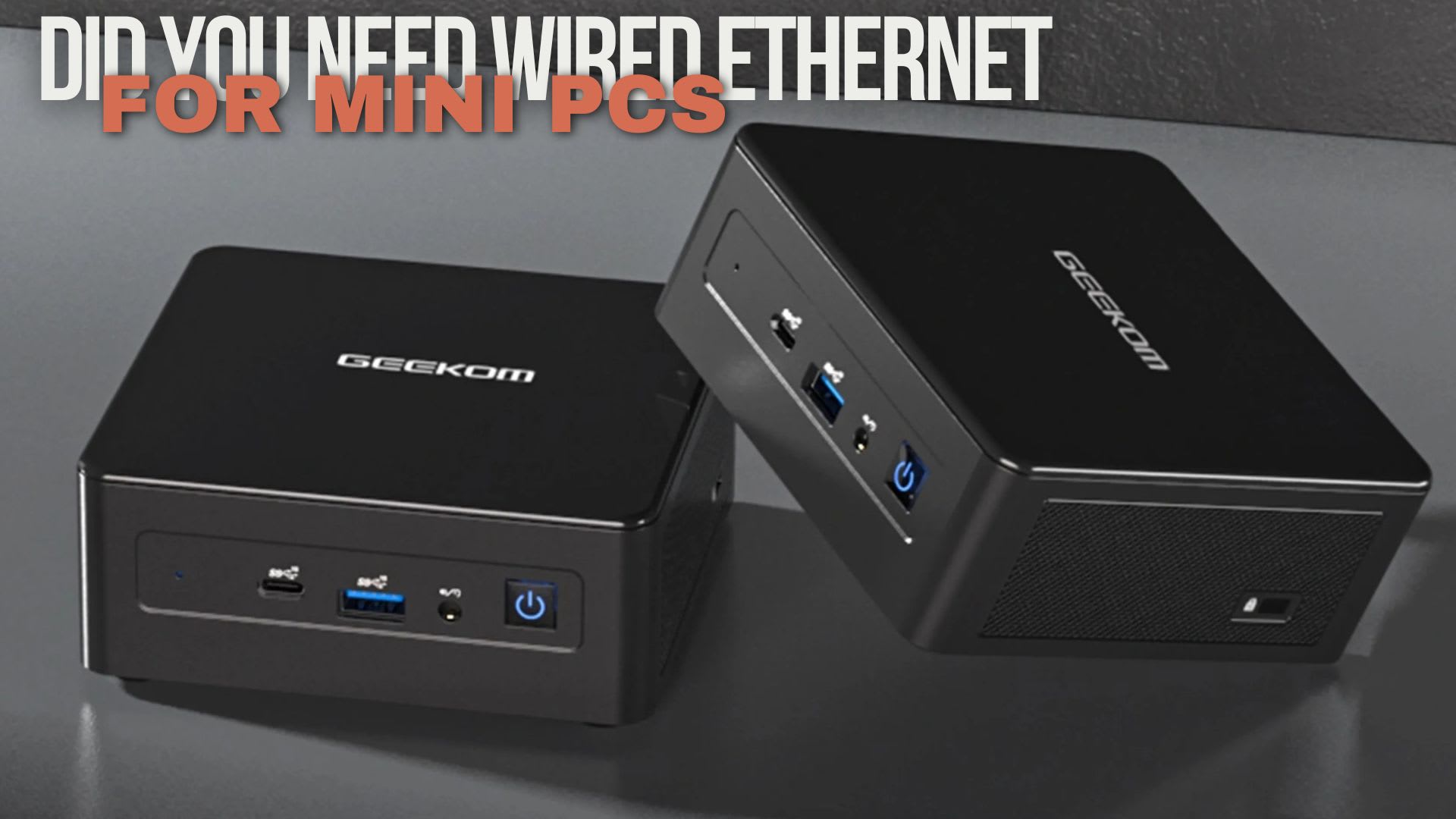
Mini PCs can get internet accessibility via Wired Ethernet connected through RJ-45 port, which offers a stable and fast connection.
Via Wi-Fi
You can get an internet connection on your Mini PC via Wi-Fi, which offers wireless connectivity and is convenient for various applications.
Via USB Ethernet Adapters
You can connect your Mini PC to the internet via USB Ethernet Adapters which enable devices to connect to wired networks via USB port
Via Mobile Hotspot Tethering
You can also access the internet on your Mini PC via Mobile Hotspot Tethering. It shares cellular data with other devices and can be useful when Wi-Fi or Ethernet isn't available.
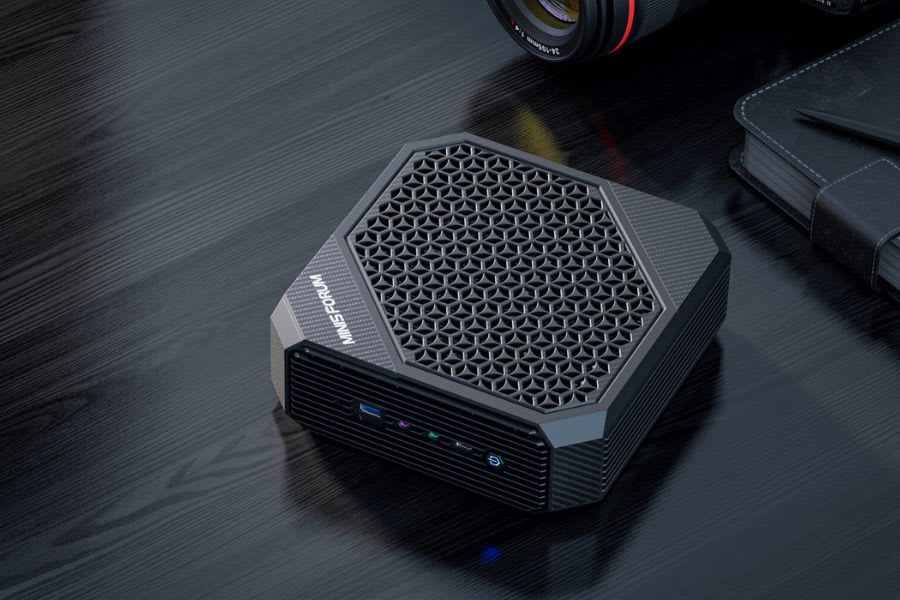
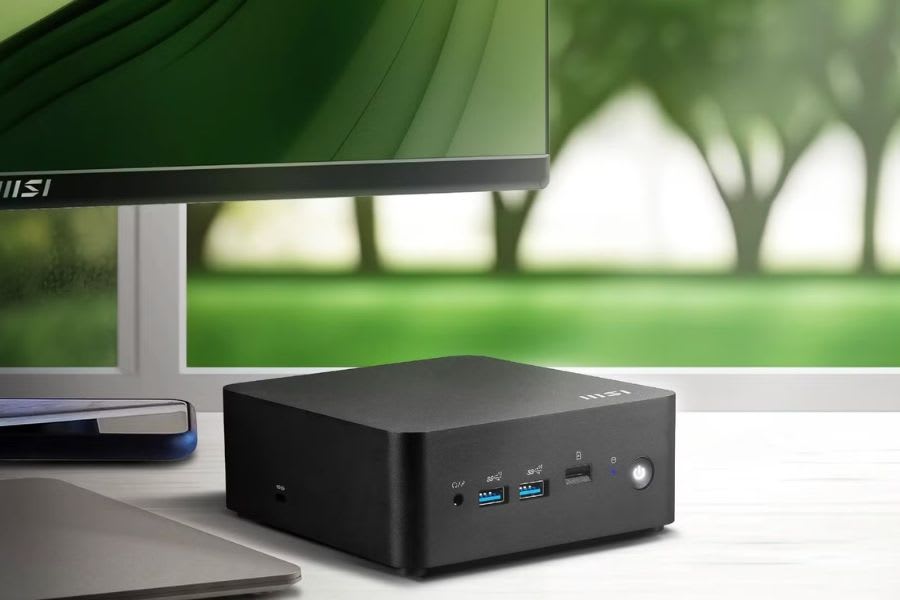
Mini PC Ethernet vs Wi-Fi Comparison
| # | Key Features | Ethernet Connection | Wi-Fi Connection |
|---|---|---|---|
| 1 | Connection Type | Wired | Wireless |
| 2 | Speed | Faster, stable (up to 10 Gbps) | Slower, variable (up to 9.6 Gbps) |
| 3 | Stability | Very stable (low interference) | Signal drops (prone to interference) |
| 4 | Security | More Secure (encrypted) | Less Secure (susceptible to hacking) |
| 5 | Installation Hassle | Simple (Just need to plug cables) | Requires Network Setup |
| 6 | Purposes | Ideal for streaming, gaming, downloads | Great for general use and web browsing |
Based on physical testing, Ethernet connection is perfect for gaming and enhances the performance.
Reasons to Choose Wired Ethernet
Wired Ethernet can be extremely useful on Mini PCs over other connectivity methods for various reasons. With its reliable and fast connection, Wired Ethernet is well-suited for demanding tasks such as streaming, gaming, and file transfers, ensuring stable performance, making it perfect for applications requiring high bandwidth and low latency. Here are some key benefits that strengthen the case for choosing Wired Ethernet.
Faster Speeds
It offers the fastest and more stable internet speed over wireless connectivity method. Moreover, it provides direct connection which is less prone to interfere and hence enhances the network speed which is beneficial for streaming and large file transfers.
Consistency
Wired Ethernet provides a consistent internet connection for various critical tasks such as video conferencing, online backups and cloud computing. Users can expect a steady online experience.
Low Latency
Wired Ethernet typically offers lower latency compared to wireless connections suitable for applications requiring instant responses. Furthermore, it is ideal for smooth and uninterrupted communication and ensures a responsive and seamless online experience.
Reliability
Wired Ethernet delivers a reliable internet connection for consistent performance which is less likely to drop or lose connection. Additionally, reliability ensures a stable and trustworthy online experience for non-stop internet connectivity without interruptions.
Gaming Advantages
Wired Ethernet is preferred for gaming because it ensures seamless gameplay with others. It reduces lag and disconnections and offers fast reflexes and quick responses. You can enjoy uninterrupted gaming sessions via Wired Ethernet connection on Mini PC.

Concluding This Topic
Your Mini PC doesn't necessarily need an Ethernet connection for Internet access. In this article, you’ll discover the benefits of using Ethernet over Wi-Fi and learn how to set it up on your computer. This article covers installation, troubleshooting, and comparison tips to help you optimize your internet connection.
Frequently Asked Questions
Does a mini PC actually need Ethernet, or is Wi-Fi enough?
Wi-Fi is enough for browsing, streaming and general desktop work. Ethernet becomes worth the cable when you need consistency rather than peak speed: online gaming, video calls, large file transfers and anything where an occasional latency spike is more damaging than a lower average throughput.
How much latency does Ethernet actually save?
On a well-configured network the average difference is small, often only a few milliseconds. The real gain is in the tail. Wi-Fi latency varies with interference and congestion, so the occasional 100ms spike is what ruins an online match, and a wired link removes that variance. This is the same distinction we cover in what 1% lows are in gaming, where the average number hides the problem.
My mini PC has no Ethernet port. What are the options?
A USB-to-Ethernet adapter is the straightforward fix and gigabit models are inexpensive. Use a USB 3.0 port rather than USB 2.0, since USB 2.0 cannot sustain gigabit throughput. Thunderbolt docks are the tidier option if the machine supports them, though they draw more power — worth checking against our guide to how many watts a system actually needs.
Will Ethernet fix in-game stuttering?
Only if the stutter is network-related, which is less common than people assume. Frame-time stutter caused by shader compilation, storage or GPU behaviour will not change at all. Work through how to fix stuttering in PC games before blaming the connection.
Can the power supply affect network stability?
Indirectly, yes. Under-powered mini PCs can throttle or reset under sustained load, which takes the network interface down with them. If the machine drops connection under load rather than at idle, check the supply first — our guide to mini PC power supplies covers what each type can actually deliver.
Does the display connection matter for a mini PC?
It matters for bandwidth rather than networking. Mini PCs frequently ship with a mix of HDMI and DisplayPort outputs at different revisions, and the wrong one caps your resolution or refresh rate. Our DisplayPort 1.4 versus HDMI 2.1 comparison explains which to use.
Sources
- Intel, What to Know About Gaming on Wired or Wireless Internet, retrieved 2026-08-20, https://www.intel.com/content/www/us/en/gaming/resources/wired-vs-wifi-gaming.html
- Intel, What Is Wi-Fi 6?, retrieved 2026-08-20, https://www.intel.com/content/www/us/en/gaming/resources/wifi-6.html
- Wi-Fi Alliance, Reduced latency benefits of Wi-Fi 6 OFDMA, retrieved 2026-08-20, https://www.wi-fi.org/beacon/rolf-de-vegt/reduced-latency-benefits-of-wi-fi-6-ofdma
- RTINGS, Wi-Fi Latency: Not All Routers Are Equal, retrieved 2026-08-20, https://www.rtings.com/router/learn/research/wireless-latency
- PCWorld, How to lower your ping and latency in competitive online games, retrieved 2026-08-20, https://www.pcworld.com/article/2466416/how-to-lower-ping-latency-in-online-games.html