For roughly a decade the answer was simple: building your own was cheaper, and prebuilts charged a convenience tax. In 2026 that has genuinely reversed at the mid-range. The reason is not that prebuilt makers got generous. It is that they bought their memory on long-term contracts before the DRAM market caught fire, and you have to buy yours at today's retail price.
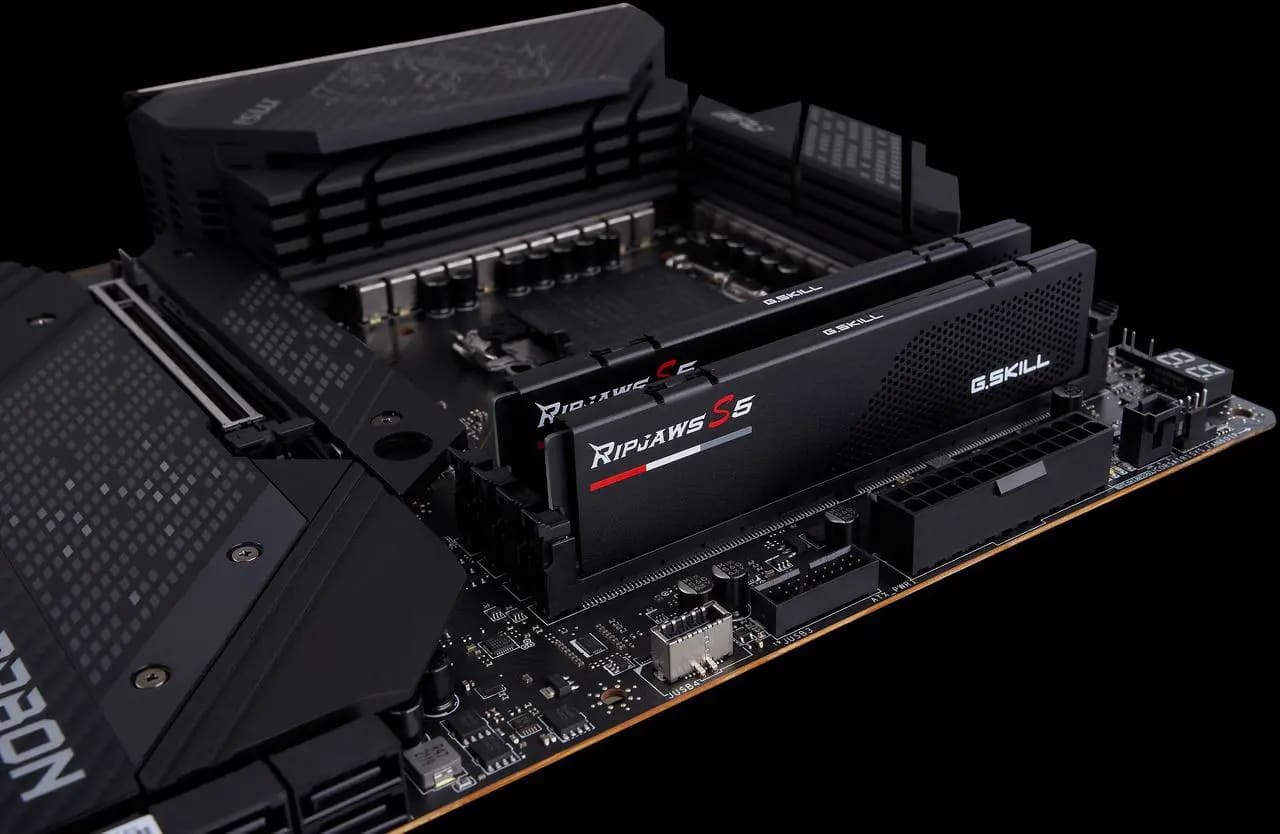
The size of the swing is what makes this worth reconsidering rather than assuming. A 32GB DDR5 kit that sold near $100 now lists around $400, and that single component can erase the entire margin a self-build used to enjoy.
Note
Key Takeaways
- DDR5 rose close to 89% in a single quarter, driven by AI datacentre demand for the same wafer capacity.
- Prebuilt makers buy on bulk contracts signed before the spike. Retail buyers cannot.
- Below roughly $2,500, prebuilts frequently now win on price outright.
- Above that, self-building still wins — the contract advantage fades and part selection matters more.
- Prebuilts still cut corners on PSU, motherboard, and cooling. Check those three specifically.
- Building still wins on repairability, upgrade path, and no bloatware, which price does not capture.
What Actually Happened to Memory Prices
This is not ordinary price fluctuation, and understanding the cause tells you how long it is likely to last.
Training and running large AI models consumes enormous quantities of high-bandwidth memory, and HBM is produced on the same wafer capacity that would otherwise make consumer DDR5. Faced with a choice between selling to datacentre customers at high margins or to consumers at low ones, manufacturers moved production. Consumer DDR5 became the leftover.
The result has been sharp. Retail DDR5 prices climbed roughly 89% in one quarter, and 32GB kits that were commodity items near $100 now sit around the $400 mark. Analysts broadly expect supply to stay constrained until new fabrication capacity comes online, which is a 2027 story rather than a 2026 one.
Crucially, this hit retail far harder than it hit contract pricing. A system integrator buying tens of thousands of modules on a negotiated agreement is still paying close to what they agreed months ago. You, buying two modules from a retailer, are paying spot price.
Where the Line Falls
The advantage is not uniform. It depends almost entirely on how much of the total build cost is memory and storage.
| # | Budget | Who wins | Why |
|---|---|---|---|
| 1 | Under $800 | Prebuilt, clearly | RAM is a large share of a small budget |
| 2 | $800 - $1,500 | Prebuilt, usually | Contract pricing outweighs part selection |
| 3 | $1,500 - $2,500 | Close, check both | Depends on the specific configuration |
| 4 | Above $2,500 | Self-build | GPU dominates; contract advantage shrinks |
| 5 | Any, with parts on hand | Self-build | Reusing RAM sidesteps the problem entirely |
Row 1 is where the reversal is most stark. On a budget build, memory and storage can be a quarter of the total, so a doubling in their price is devastating to a parts list and merely awkward to a system integrator.
Row 4 is why the old advice still holds at the top. In a build where a single graphics card is half the cost, memory is a smaller fraction, and the ability to choose exactly the parts you want reclaims the advantage.
Row 5 is the one people forget. If you already own a working DDR5 kit, the entire calculation reverts to normal. Upgrading around existing memory is the cheapest route available right now, which is why our guide to what to upgrade first in a gaming PC is worth reading before committing to a whole new machine.
What Prebuilts Still Get Wrong
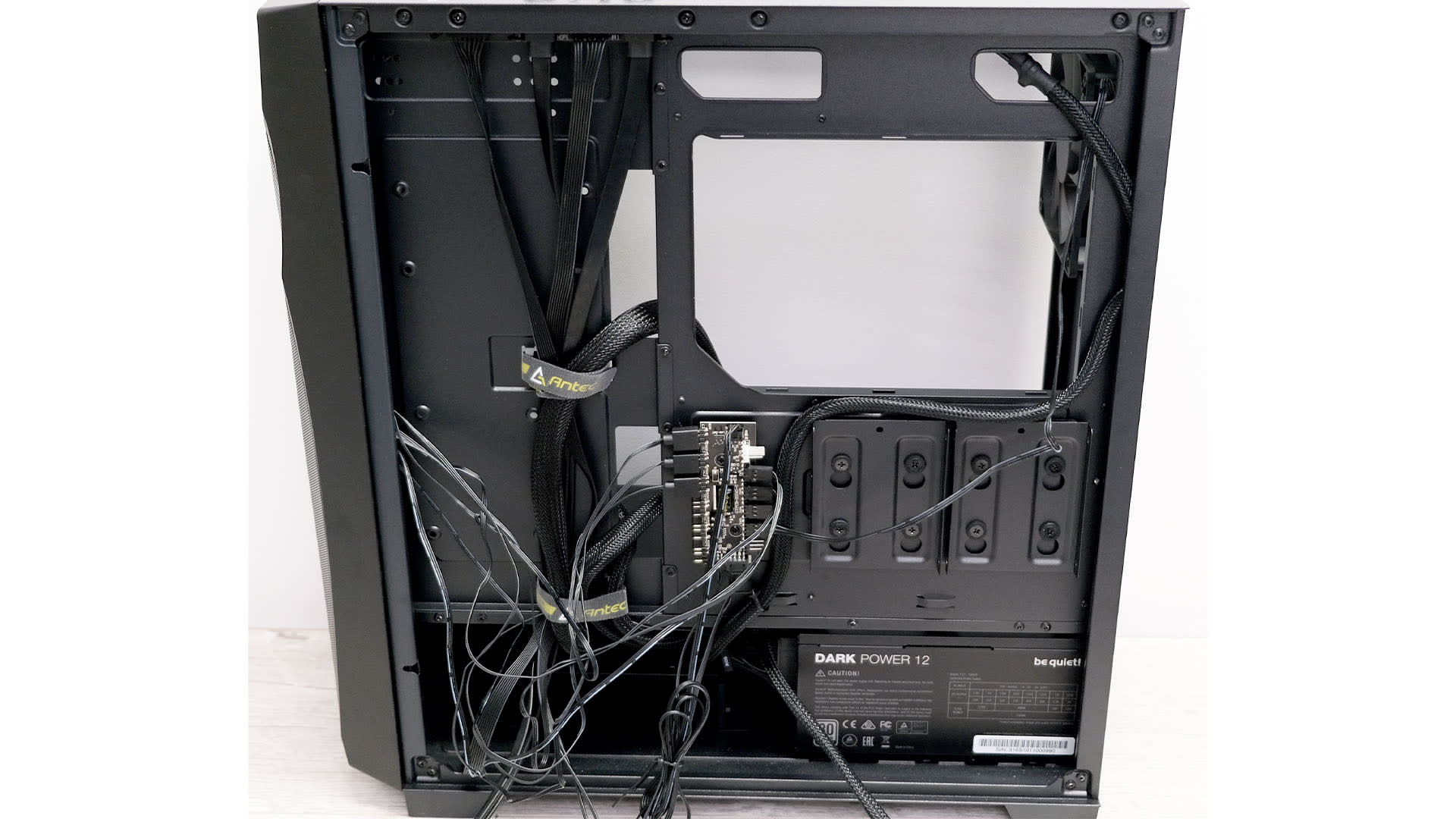
A price advantage does not make every prebuilt a good buy. The industry's long-standing cost-cutting habits have not gone anywhere, and they concentrate in three components.
The power supply is where corners get cut hardest, because buyers do not read the spec and the machine boots regardless. An underrated or low-quality unit is the single most common cause of instability in a cheap prebuilt, and it is the component most likely to damage others when it fails. Our guide to what PSU wattage a gaming PC needs covers what the number should be, and why a PC shuts down while gaming covers what an inadequate one feels like in practice.
The motherboard is frequently the cheapest board that supports the chipset, sometimes with proprietary form factors or connectors that make future upgrades awkward. Check whether it has the M.2 slots and RAM slots you will want later.
Cooling and airflow are the third. A capable CPU in a case with one exhaust fan will throttle, and the machine will be loud while doing it.
Ask for the specific model of all three before buying. A seller who lists "600W PSU" without a brand is telling you something.
What Building Still Wins
Price is the argument that flipped. The other arguments did not.
You know what is in it. Every component is chosen, which means no surprise power supply and no motherboard that blocks your next upgrade.
No bloatware, and a clean Windows install. Some prebuilts ship with trialware and vendor utilities that run at startup.
Repairability and upgrade path. Standard parts in a standard case can be replaced individually for years. Proprietary designs cannot.
You learn the machine. When something goes wrong later, having assembled it yourself makes diagnosis dramatically easier — which matters more than it sounds when you are working through something like why games crash after twenty minutes.
Warranty is per component rather than whole-system, which cuts both ways: no single point of contact, but a failed part does not mean shipping the entire machine away.
How to Compare Honestly
Most prebuilt-versus-build comparisons cheat, in both directions. To get a real answer:
Price the parts today, in your currency, in stock. Not at last year's prices and not at out-of-stock listings. RAM and SSD prices in particular have moved enough that a six-month-old parts list is fiction.
Include everything. Windows, a CPU cooler if the chip has none, case fans, and thermal paste all cost money that comparisons routinely omit.
Match the specs properly. A prebuilt with 16GB against a build with 32GB is not a comparison. Given current pricing, whether you need 32GB at all is a live question — our look at whether 32GB of RAM is overkill for gaming covers where the real threshold sits.
Value your time. A first build takes an afternoon plus troubleshooting. That is fine if you want to do it and a genuine cost if you do not.
For reference points on what a sensible configuration costs right now, our 1440p gaming PC build guide and the budget build under $1000 both carry current pricing, and the average cost of a gaming PC covers the broader picture.
Should You Just Wait?
Tempting, and mostly not advisable.
Analyst consensus puts meaningful relief in 2027, when new fabrication capacity is expected to come online. That is a long time to not have a computer, and forecasts of memory pricing have a poor track record in both directions.
The more useful version of waiting is buying less memory now. A 16GB kit today with a second added when prices normalise is a legitimate strategy, provided your motherboard has four slots and you accept that mixing kits later can prevent both running at rated speed. If you go this route, our guide to why DDR5 does not run at its rated speed covers what happens when you populate all four slots.
The other genuine option is buying used, where prices reflect what people paid before the spike rather than what replacements cost.
Frequently Asked Questions
Is it cheaper to build a PC in 2026?
Below roughly $2,500, usually not — which reverses the long-standing answer. Prebuilt makers buy memory and storage on bulk contracts agreed before the DRAM spike, while retail buyers pay current prices. Above $2,500, where the GPU dominates the budget and the contract advantage matters less, building your own still tends to win.
Why did RAM get so expensive?
AI datacentre demand and consumer PCs compete for the same manufacturing capacity. High-bandwidth memory for AI accelerators is far more profitable per wafer than consumer DDR5, so manufacturers shifted production. Retail DDR5 rose close to 89% in a single quarter, with 32GB kits moving from around $100 to roughly $400.
Should I wait for RAM prices to drop?
Probably not if you need a machine now. Analysts expect relief when new fabrication capacity arrives in 2027, which is a long wait and not a certainty. Buying 16GB now and adding more later is a more practical hedge, as is buying used memory priced closer to pre-spike levels.
What should I check before buying a prebuilt?
The power supply brand and wattage, the motherboard model, and the cooling setup. Those three are where cost is cut most often and where the spec sheet is most likely to be vague. A listing that says "600W PSU" without naming a manufacturer is hiding something worth knowing.
Is a prebuilt harder to upgrade?
Sometimes, and it depends on the maker. Large OEMs occasionally use proprietary motherboard form factors, power connectors, or cases that limit what fits later. Smaller system integrators generally use standard parts, which upgrade exactly like a self-build. Check the motherboard form factor and PSU standard before buying.
Does building your own still make sense at all?
Yes, for everything except raw price at the mid-range. You control every component, avoid bloatware, keep a clean upgrade path, and understand the machine well enough to diagnose it later. Those advantages are unchanged. It is specifically the cost argument that current memory pricing has undermined.
The Bottom Line
Price both, today, with real stock and matched specifications. The habit of assuming a self-build is cheaper is now wrong often enough at the mid-range that it is worth actually checking — and the reason is one component whose price roughly quadrupled for reasons that have nothing to do with gaming.
If you already own DDR5, none of this applies to you and building remains the better path. If you are starting from nothing under about $2,500, get a prebuilt quote before you commit to a parts list, then interrogate its power supply, motherboard, and cooling. That is where the savings were found, and it is where you decide whether they were worth it.
Sources
- Tom's Hardware, RAM price index 2026 — lowest prices on DDR5 and DDR4 memory, retrieved 2026-08-13, https://www.tomshardware.com/pc-components/ram/ram-price-index-2026-lowest-price-on-ddr5-and-ddr4-memory-of-all-capacities
- Tom's Guide, It is now cheaper to buy a prebuilt gaming PC than building one yourself, retrieved 2026-08-13, https://www.tomsguide.com/computing/gaming-desktops/it-is-now-cheaper-to-buy-a-pre-built-gaming-pc-than-building-one-yourself-this-ram-price-crisis-is-only-going-to-get-worse-from-here
- Newegg Insider, DDR5 Price Crisis 2026: How to Buy RAM Smart, retrieved 2026-08-13, https://www.newegg.com/insider/ddr5-price-crisis-buying-guide-2026/
- SlashGear, Is Building Your Own PC Still The Cheaper Option In 2026?, retrieved 2026-08-13, https://www.slashgear.com/2130789/building-vs-buying-pc-cheaper-option-in-2026/
- BGR, Is It Still Cheaper To Build Your Own PC In 2026?, retrieved 2026-08-13, https://www.bgr.com/2115159/cheap-diy-pc-vs-prebuilt-whats-better/