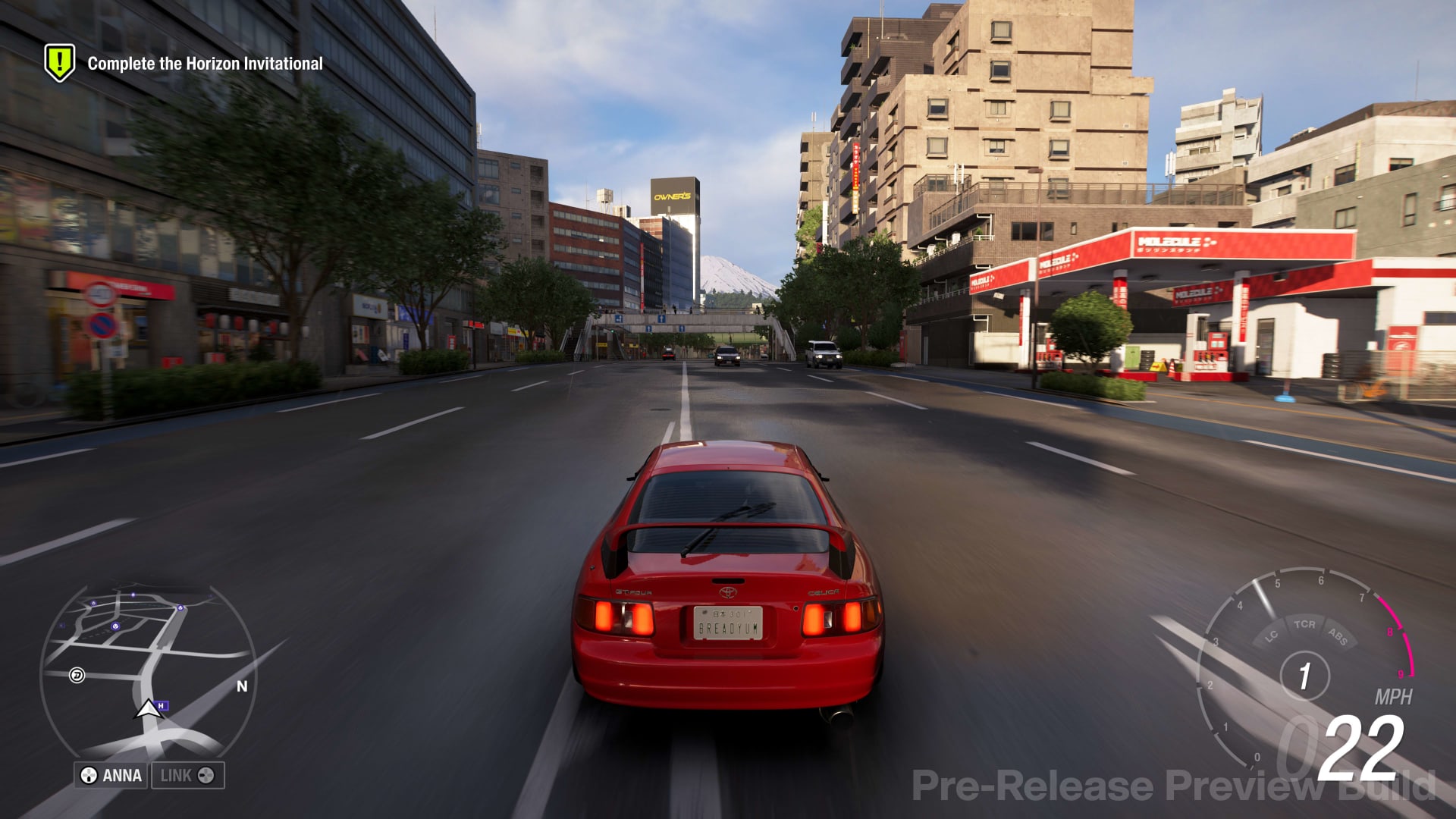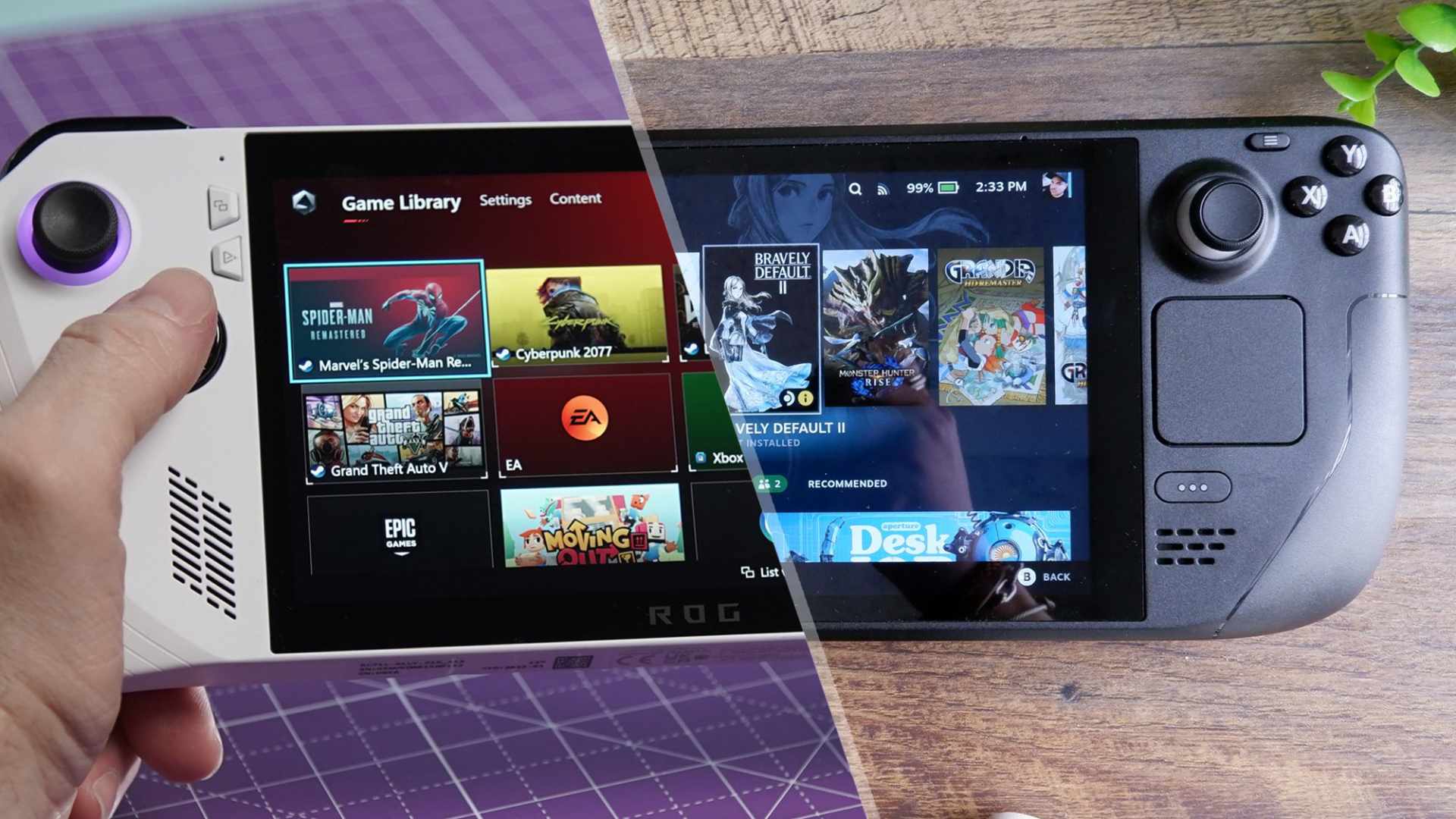
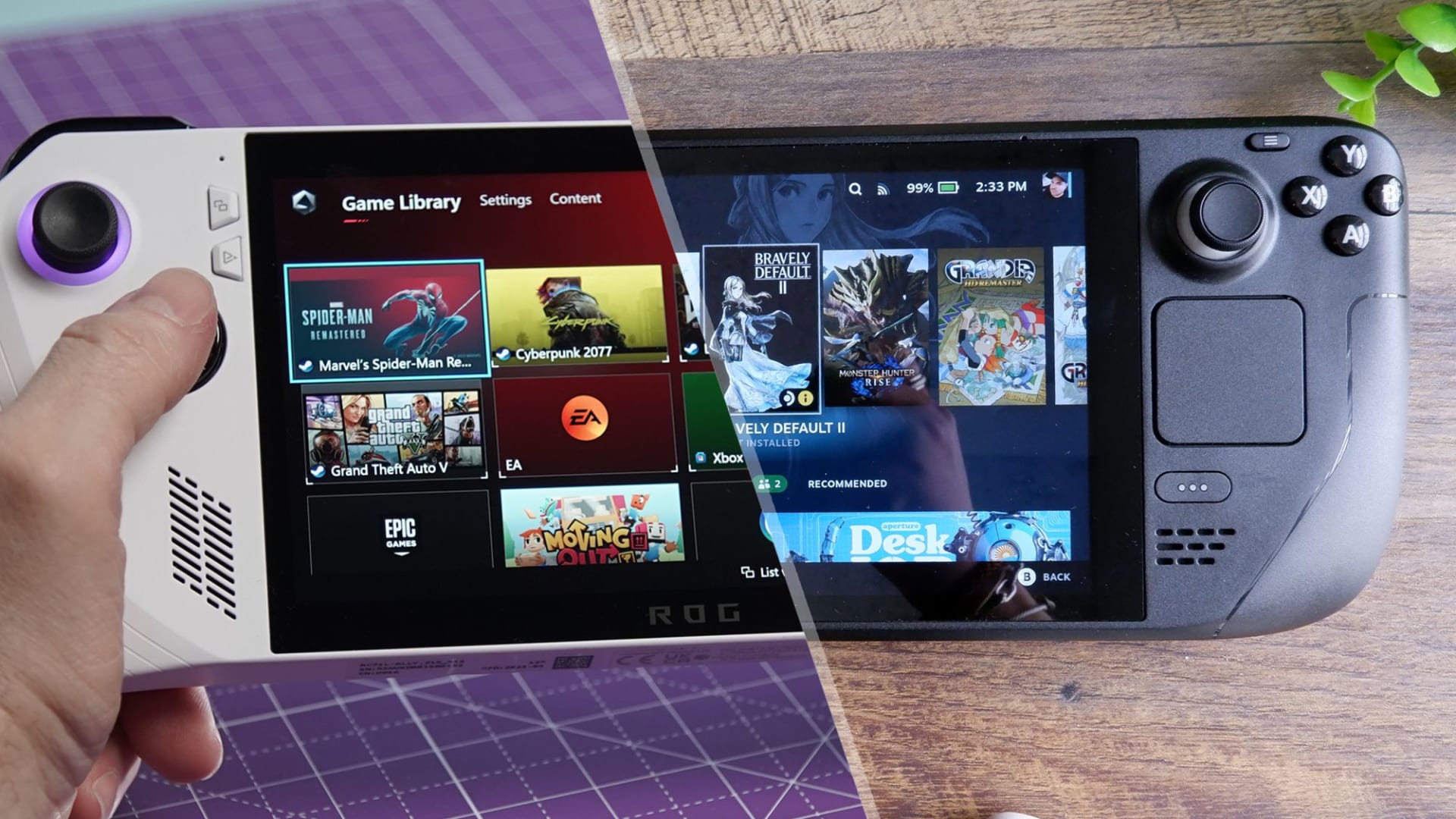
Integrated graphics stopped being a punchline somewhere around the Radeon 780M, and most people have not updated their expectations. A current iGPU plays competitive shooters at 1080p, handles the entire indie catalogue comfortably, and runs a surprising number of full-price releases if you accept 720p and upscaling.
What it will not do is brute-force a modern AAA title at native resolution, and no amount of setting-tweaking changes that. The skill is knowing which category a game falls into before you buy it — and the dividing line is not the game's release date.
Note
Key Takeaways
- Modern iGPUs — Radeon 890M, Intel Arc 140V — are close enough in practice that either is fine.
- Competitive shooters run well. CS2, Valorant, Apex, Dota 2, Rocket League are all comfortable at 1080p.
- The whole indie and 2D catalogue runs without compromise. This is the largest category by far.
- Shadows and post-processing cost more than texture quality. Cut those first.
- System memory is your VRAM. Dual-channel RAM is not optional on an iGPU.
- Upscaling — XeSS and FSR — is what makes borderline titles playable.
Know What You Have
Integrated graphics is not one thing, and the gap between generations is larger than the gap between vendors.
| # | iGPU | Rough capability |
|---|---|---|
| 1 | Intel UHD (11th gen and older) | Indies, 2D, older titles at 720p |
| 2 | Intel Iris Xe | Esports at 720-1080p low |
| 3 | AMD Radeon 680M / 780M | Esports at 1080p, AAA at 720p upscaled |
| 4 | Intel Arc 140V | Comparable to 780M/890M in practice |
| 5 | AMD Radeon 890M | Strongest mainstream iGPU, 1080p viable |
| 6 | AMD Strix Halo variants | Approaches entry discrete territory |
Rows 3 through 5 are where gaming genuinely works. The Radeon 890M and Intel Arc 140V trade wins depending on the title and are close enough that neither is a wrong choice. Row 6 is a different class of machine: Strix Halo pairs its Radeon 8060S with up to 128GB of shared memory, and our guide to unified memory PCs for local AI covers who should buy one.
Rows 1 and 2 still play a great deal — just weight the recommendations below toward the lighter end, and expect 720p rather than 1080p on anything demanding.
Two Things to Fix Before Any Game
These matter more than any in-game setting, and both are frequently wrong out of the box.
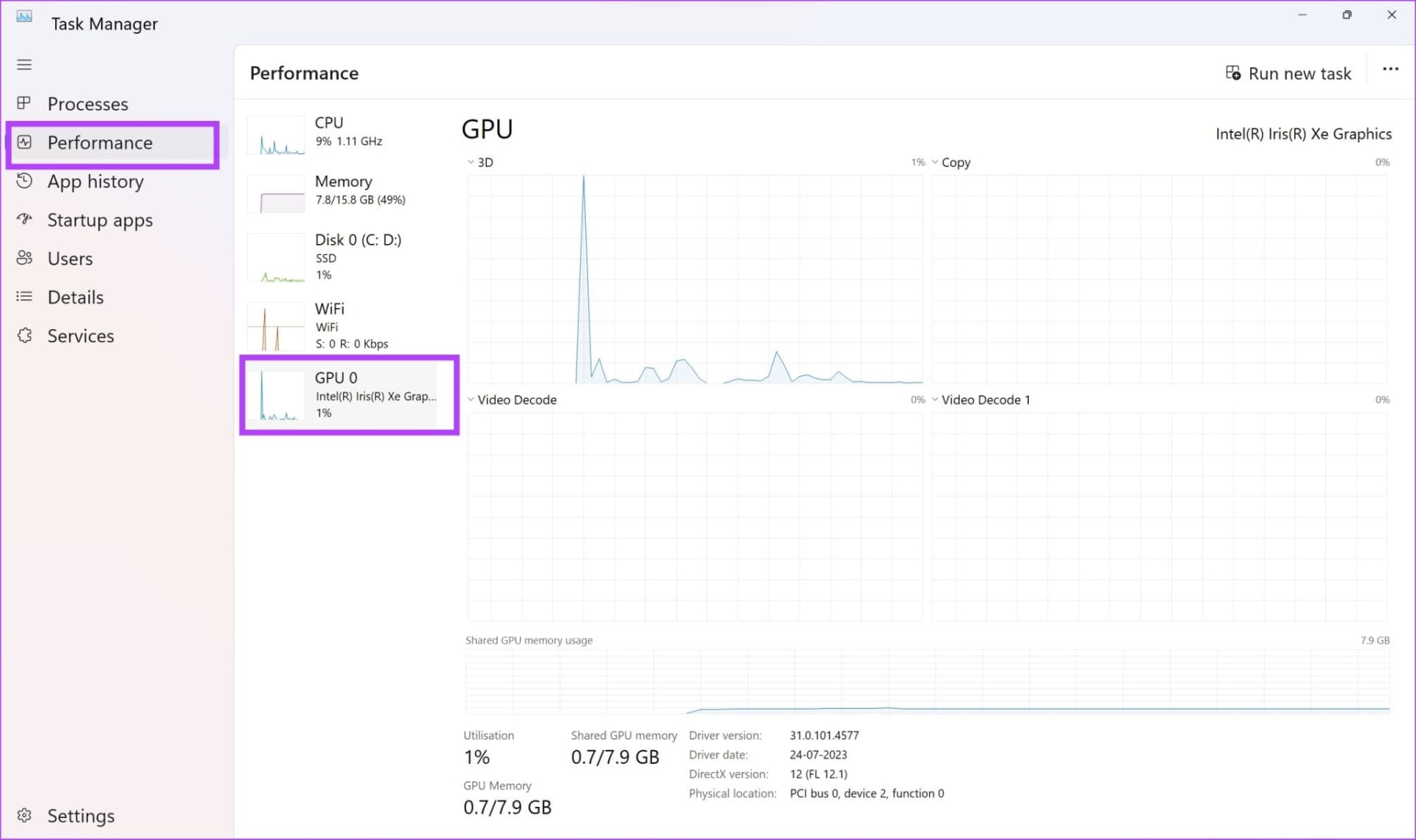
Run dual-channel memory. An integrated GPU has no dedicated VRAM — it borrows system memory and shares its bandwidth with the CPU. A laptop with a single memory module runs at half the available bandwidth, and iGPU performance is bandwidth-starved to begin with. Adding a second matching module can improve frame rates by 20-40%, which is a larger gain than any settings change. Check Task Manager's memory page for "Channels: 2" before anything else.
Give it enough memory to work with. iGPUs allocate a portion of system RAM as graphics memory, and on many systems that allocation is adjustable in BIOS. On a 16GB machine, allocating too little starves the GPU while too much starves Windows. Our guide to how much VRAM to allocate to an iGPU covers where the sensible balance sits.
Tip
If your laptop has one memory module and an empty slot, buying a second matching module is the single most cost-effective gaming upgrade available to you. Note that current DDR5 pricing makes this less cheap than it used to be — see our look at why RAM got so expensive.

Tier 1: Runs Without Thinking About It
The competitive and esports catalogue is built to run on everything, because that is where its audience is.
Counter-Strike 2, Valorant, Dota 2, League of Legends, Rocket League, and Overwatch 2 all reach comfortable frame rates at 1080p on a 780M or better, and remain playable on older Iris Xe hardware at reduced settings. These games are optimised for low-end hardware as a design requirement rather than an afterthought.
Apex Legends and Fortnite are heavier but manageable — expect to run low settings at 1080p, or 720p upscaled on weaker parts. Fortnite's Performance mode in particular is built for exactly this hardware.
The one caveat is that competitive games benefit from high frame rates more than most, and an iGPU delivering 60 FPS is a different experience from a discrete card delivering 200. If frame rate is what you care about, this is the ceiling. Our look at 144Hz versus 240Hz covers why that matters less than the marketing suggests.
Tier 2: The Entire Indie Catalogue
This is the largest and most overlooked category, and it is where integrated graphics is not a compromise at all.
Hades and Hades II, Stardew Valley, Dead Cells, Hollow Knight, Balatro, Vampire Survivors, Slay the Spire, Into the Breach, Terraria, and effectively every 2D or stylised title run at full settings without difficulty. Disco Elysium, Papers Please, and the point-and-click catalogue are similarly unconcerned.
Civilization VI deserves specific mention because it is a large, long-lived game that runs well on integrated graphics — its visuals are not demanding and it does not need much video memory. Late-game turn times are CPU-bound rather than GPU-bound, so an iGPU is not the constraint.
Minecraft runs well vanilla and becomes demanding quickly with shaders. Keep render distance modest and skip the shader packs.
If you are working through this catalogue, our roundup of games similar to Gears of War covers heavier territory for when you do get a discrete card.
Tier 3: Playable With Compromises
Full-price 3D releases that work if you accept 720p, low settings, and upscaling.
The Witcher 3, Skyrim, GTA V, Doom (2016), Resident Evil 2 Remake, and most of the 2015-2019 AAA catalogue land here on a 780M or better. These games were built for hardware roughly comparable to a modern iGPU, which is exactly why they work.
Elden Ring and Dark Souls III run at 720p low with upscaling on the strongest iGPUs, helped by their 60 FPS caps — you are not chasing a high frame rate, you are chasing a stable one.
Cyberpunk 2077 is genuinely borderline. It runs on an 890M at 720p with FSR set to performance and everything low, at around 30 FPS. Whether that qualifies as playable is a personal judgement.
Tier 4: Do Not Bother
Current-generation AAA titles designed around discrete hardware. Anything requiring hardware ray tracing, anything targeting an RTX 3060 as its minimum, and most 2024-onward releases at any settings.
The tell is the stated minimum specification. If the minimum names a discrete card, an iGPU will not deliver a good experience regardless of what you turn down — the game's memory footprint and geometry load are fixed costs that settings do not remove.
Frame generation does not rescue these either. It multiplies an existing frame rate rather than creating one, so applying it to 20 FPS produces a smoother-looking but still unresponsive game. Our guide to frame generation and input lag covers why.
The Settings That Actually Matter
Not all graphics options cost the same, and the ranking on integrated graphics differs from discrete hardware.
Cut these first: shadow quality, ambient occlusion, post-processing effects, volumetric lighting, and anti-aliasing. These are disproportionately expensive on an iGPU and often the least visually important. Shadows in particular frequently cost more than everything else combined.
Cut these last: texture quality, which is nearly free until you exceed available memory, and draw distance, which is often more CPU-bound than GPU-bound.
Then use upscaling. Intel's XeSS on Arc iGPUs and AMD's FSR on Radeon are what move a borderline title into playable territory, by rendering at a lower internal resolution and reconstructing. On integrated graphics this is not a nice-to-have — it is frequently the difference between 25 and 45 FPS.
Resolution is the biggest single lever. Dropping from 1080p to 720p cuts the pixels being rendered by more than half. On an iGPU this is usually the correct trade, because the alternative is a game that does not run.
When It Is Not Running on the iGPU at All
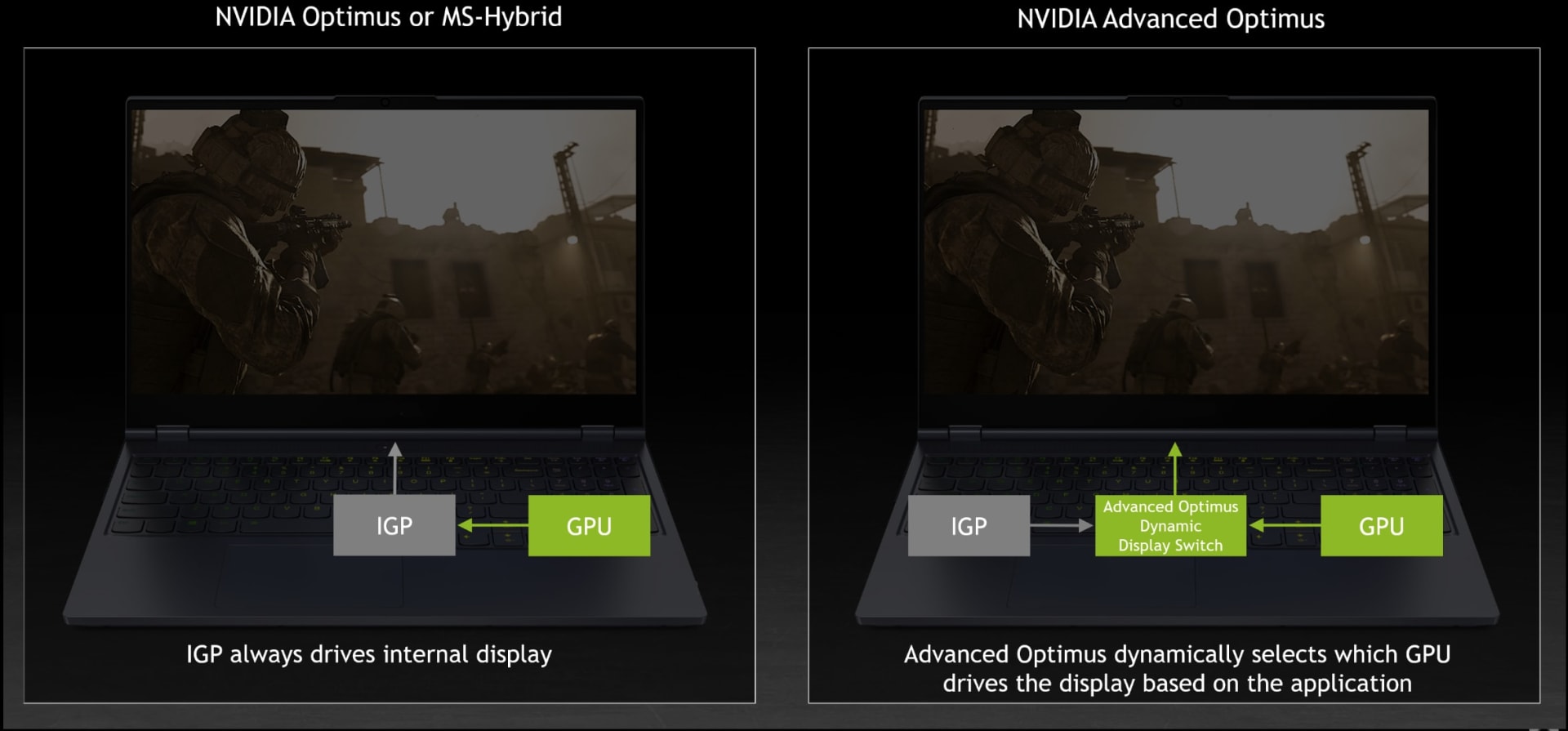
Worth ruling out before you conclude a game is too demanding: on a machine with both integrated and discrete graphics, the game may be running on the wrong one.
The signature is a laptop with a dedicated GPU performing like it has none. Windows picks the adapter per application and gets it wrong regularly, particularly after driver updates. Our guide to games running on integrated graphics instead of your GPU covers how to check and how to force the right choice, and diagnosing low GPU usage covers confirming which processor is actually doing the work.
Frequently Asked Questions
Can integrated graphics run modern games?
Some, with compromises. Competitive shooters and the indie catalogue run well at 1080p on a Radeon 780M or better. Older AAA titles from roughly 2015 to 2019 run at 720p with low settings and upscaling. Current-generation AAA releases that name a discrete card as their minimum will not deliver a good experience at any settings.
Which is better for gaming, Radeon 890M or Intel Arc 140V?
They are close enough in practice that either is fine. The Radeon 890M generally leads in raw performance across a range of titles, while Intel's Arc parts have stronger upscaling in XeSS and better media encoding. Neither choice is a mistake, and the specific laptop's cooling and memory configuration will matter more than the badge. Both chips also include an NPU, which does nothing for frame rate in games, as our explainer on whether you need an NPU for gaming sets out.
Does adding more RAM improve integrated graphics performance?
Adding a second matching module does, substantially. iGPUs share system memory bandwidth, and a single-module laptop runs in single-channel mode at half the available bandwidth. Moving to dual-channel commonly improves frame rates by 20-40%, which exceeds any in-game settings change.
What settings should I lower first on an iGPU?
Shadow quality, ambient occlusion, post-processing, and anti-aliasing — these cost far more than they contribute visually. Leave texture quality high until you run out of memory, since it is nearly free. Then enable XeSS or FSR upscaling, and drop to 720p if you are still short.
Is 720p acceptable for gaming?
On a 13 to 15 inch laptop screen, more acceptable than most people expect, particularly with modern upscaling reconstructing the image. It is the single most effective performance lever available, cutting rendered pixels by more than half. The alternative on borderline titles is usually not playing them.
Will frame generation help on integrated graphics?
Not meaningfully. Frame generation multiplies an existing frame rate rather than creating playable performance from nothing, and it adds input latency. Applied to a game already running at 20 FPS it produces a smoother-looking image that still feels unresponsive. Fix the base frame rate first.
The Bottom Line
Sort the game before you sort the settings. Competitive shooters and the indie catalogue run properly, older AAA runs at 720p with upscaling, and anything naming a discrete card as its minimum is not going to work — that triage saves more frustration than any optimisation guide.
Then do the two things that matter most, both of which sit outside the game: run dual-channel memory, and enable XeSS or FSR. Those two changes together move more titles across the playable line than every graphics slider combined.
Sources
- PCWorld, Integrated laptop graphics: Does Intel, AMD, or Qualcomm have more game?, retrieved 2026-08-13, https://www.pcworld.com/article/2429428/amd-radeon-vs-intel-arc-vs-qualcomm-adreno-integrated-graphics-who-wins.html
- Intel Community, Best Games to Play on Intel Integrated Graphics in 2026, retrieved 2026-08-13, https://community.intel.com/t5/Gaming-on-Intel-Processors-with/Best-Games-to-Play-on-Intel-Integrated-Graphics-in-2026/m-p/1751169
- Intel, Intel XeSS Technology, retrieved 2026-08-13, https://game.intel.com/us/stories/intel-xess/
- AMD, AMD FidelityFX Super Resolution, retrieved 2026-08-13, https://www.amd.com/en/products/graphics/technologies/fidelityfx/super-resolution.html
- Deltia's Gaming, AMD Radeon 890M vs Intel Arc 140V: Integrated GPU Comparison, retrieved 2026-08-13, https://deltiasgaming.com/amd-radeon-890m-vs-intel-arc-140v-integrated-gpu-comparison-and-performance/